Get 10% back in Relic Coins on every order
Drive! Drive! Drive! cover

SteamUnited States· Key

Drive! Drive! Drive!

€1.23

+€0.12 cashback eligibility in Relic Coins

Check before you play

Platform
Steam
Region
United States
Product type
Key
Developer
Different Cloth
Publisher
Choice Provisions
Supplier release date
2016-12-13
Genres
Action, Racing, Indie

About this product

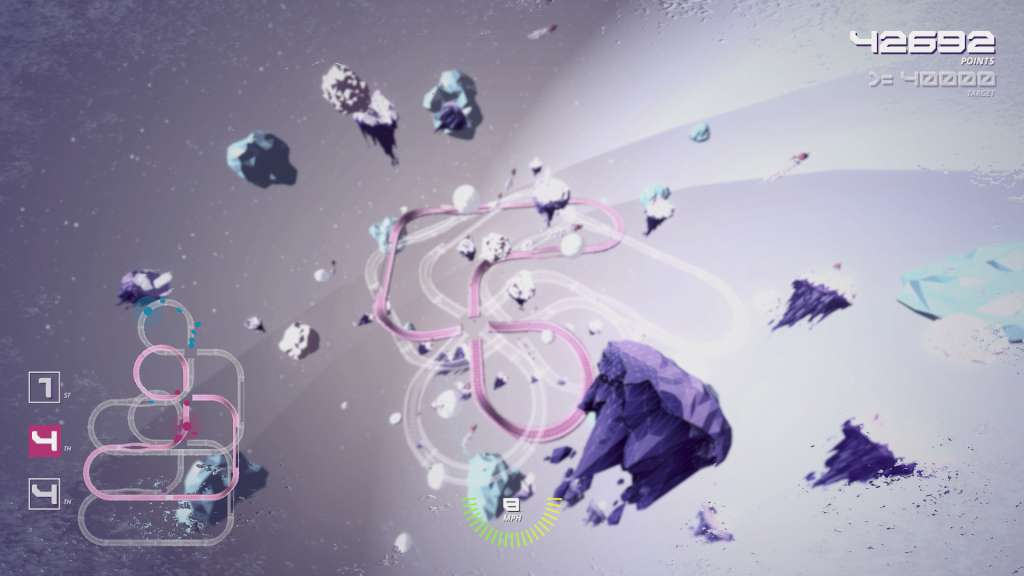
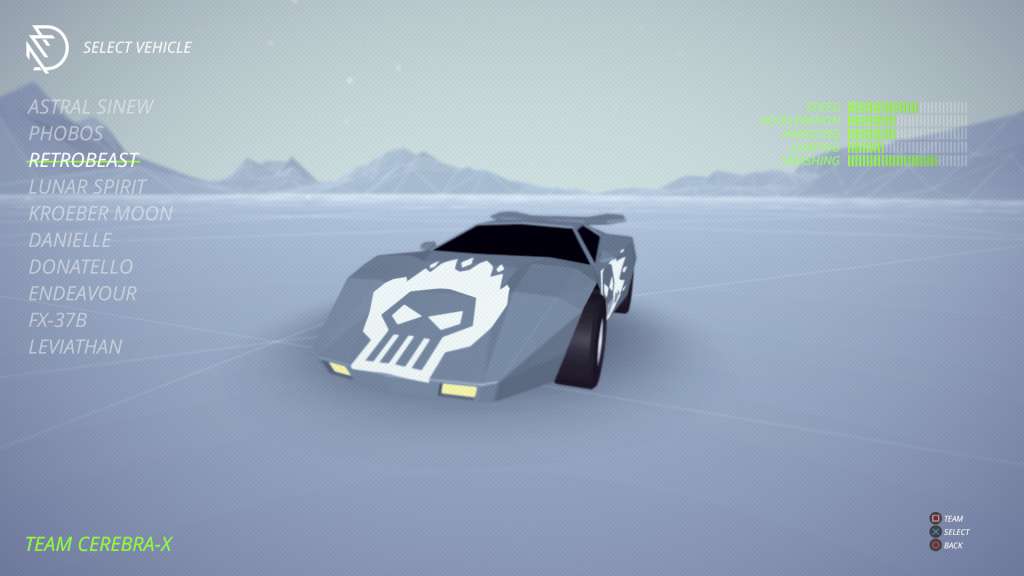
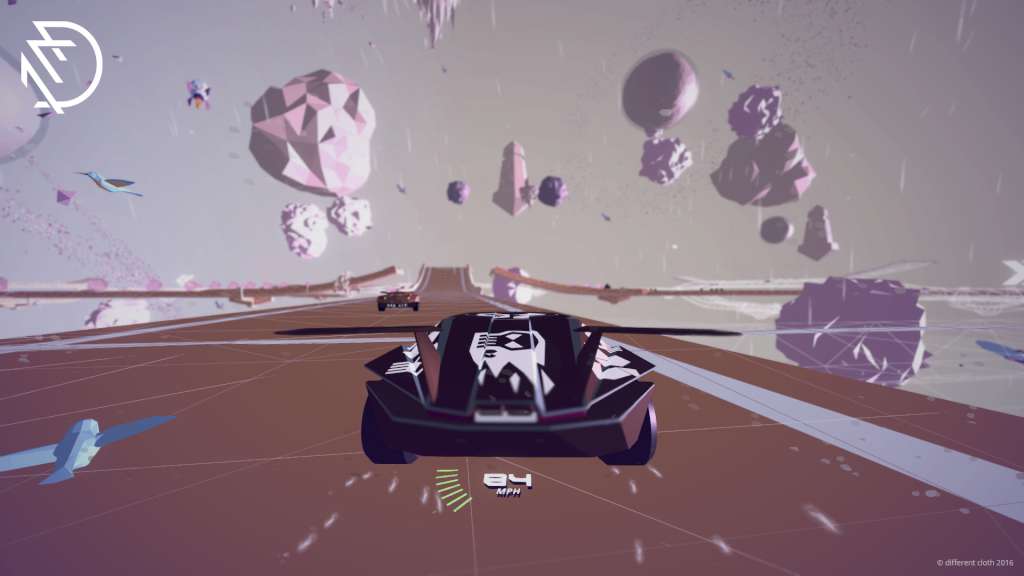
Drive! Drive! Drive! is a racing game unlike any other, where players must drive their cars to victory across multiple tracks at the same time. Let us try to explain how this brain-melting idea works: You are able to switch between the different tracks of a race any time you like. When you switch away from a track, a computer racer takes over driving on that track for you. Unfortunately, the AI racers aren't what you'd call competent. They are what you'd call incompetent. In other words, to place well in every track you're racing on, you're going to have to hop track-to-track on a regular basis to account for the subversively cretinous computer cars. Features Online multiplayer! Compete against friends and/or total strangers! Create your own racing calamities with the track creator. Then punish the rest of the world by sharing them online! Four different styles of gameplay, including: purist mode, arcade mode, collection mode, and time trial! A campaign mode featuring 50 tracks. A bonus campaign mode featuring 50 additional (and harder!) tracks. An amazing soundtrack by the world's state-of-the art synth/prog/post-rock band ZOMBI. Those trippy retro/future visuals all the kids are hallucinating over, set across different galaxies and multiple gravities.

Drive! Drive! Drive! screenshotDrive! Drive! Drive! screenshotDrive! Drive! Drive! screenshotDrive! Drive! Drive! screenshotDrive! Drive! Drive! screenshotDrive! Drive! Drive! screenshot

How to redeem

  1. 1Check your Steam account and the listed region before purchasing.
  2. 2Find your code and supplier activation instructions in your confirmed order.
  3. 3Open the redeem-code section on Steam, enter the code and follow the platform’s prompts.

Supplier instructions

Go to: http://store.steampowered.com/ and download STEAM client Click "Install Steam" (from the upper right corner) Install and start application, login with your Account name and Password (create one if you don't have). Please follow these instructions to activate a new retail purchase on Steam: Launch Steam and log into your Steam account. Click the Games Menu. Choose Activate a Product on Steam... Follow the onscreen instructions to complete the process. After successful code verification go to the "MY GAMES" tab and start downloading.

You might also like