Get 10% back in Relic Coins on every order
The Typing of the Dead: Overkill - Dancing with the Dead DLC cover

SteamRest of the world· DLC

The Typing of the Dead: Overkill - Dancing with the Dead DLC

€2.25

+€0.23 cashback eligibility in Relic Coins

Check before you play

Platform
Steam
Region
Rest of the world
Product type
DLC

Check the required base game and edition before purchasing this add-on.

Developer
Modern Dream
Publisher
Sega
Genres
Action

About this product

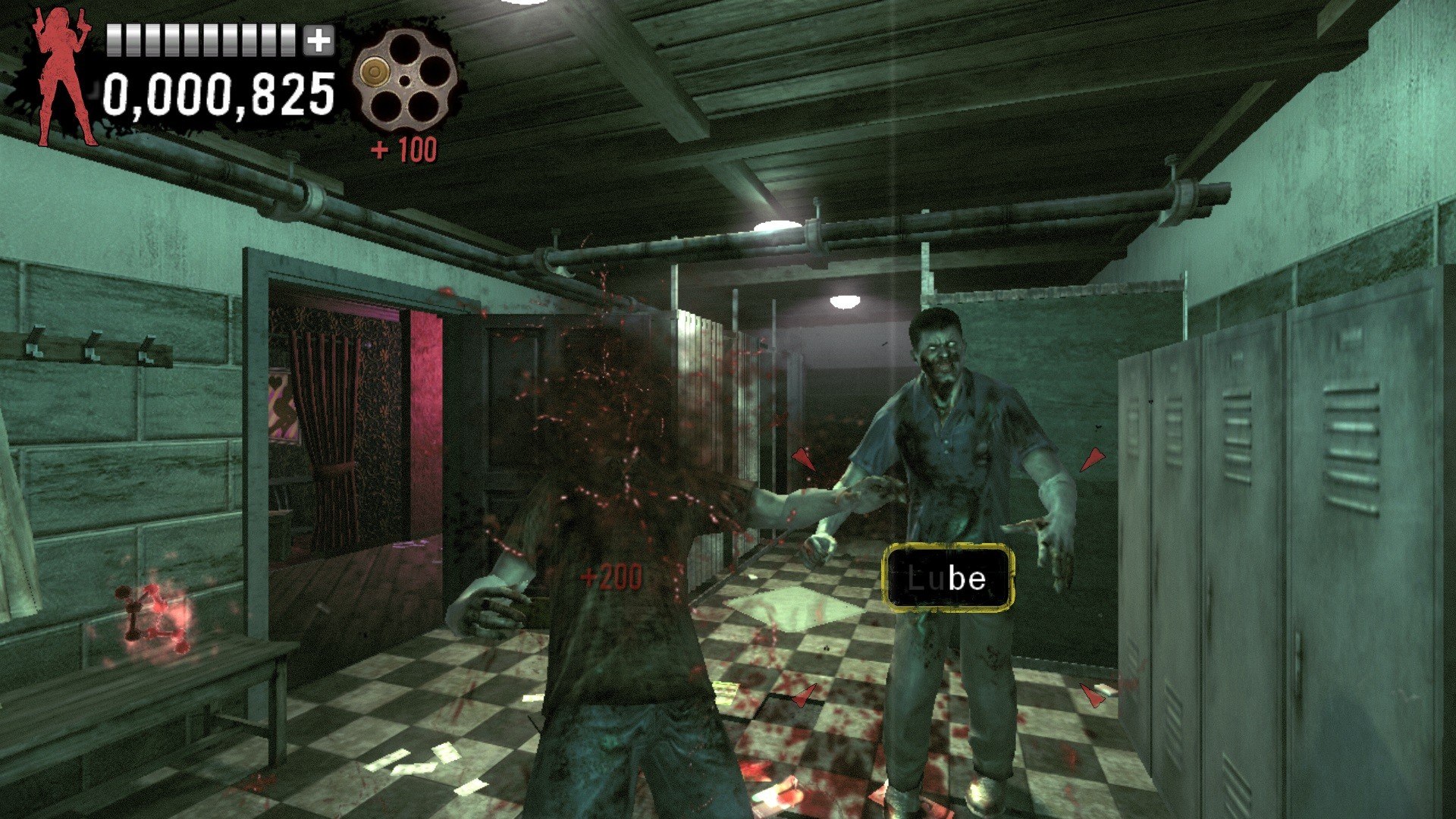
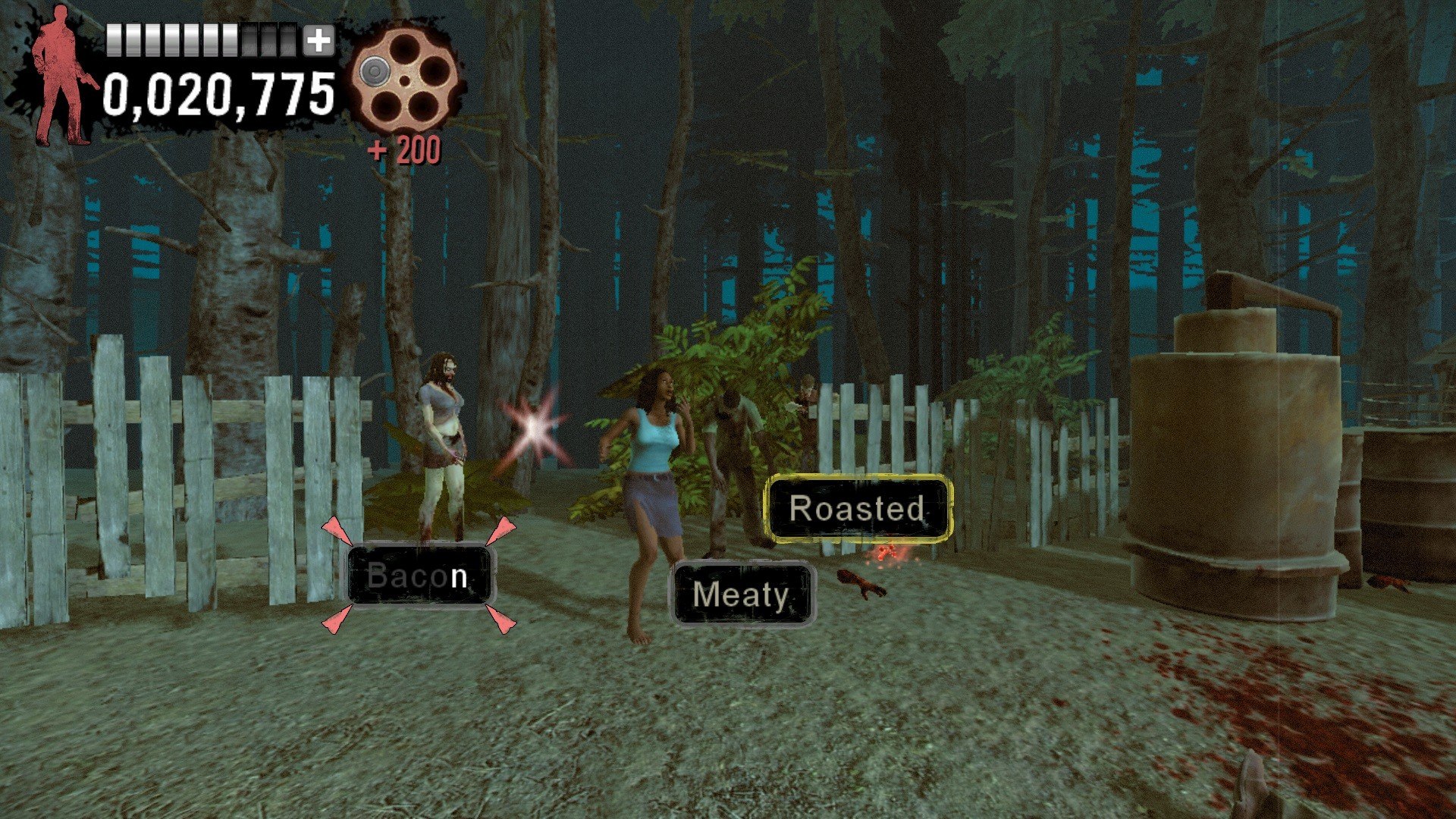
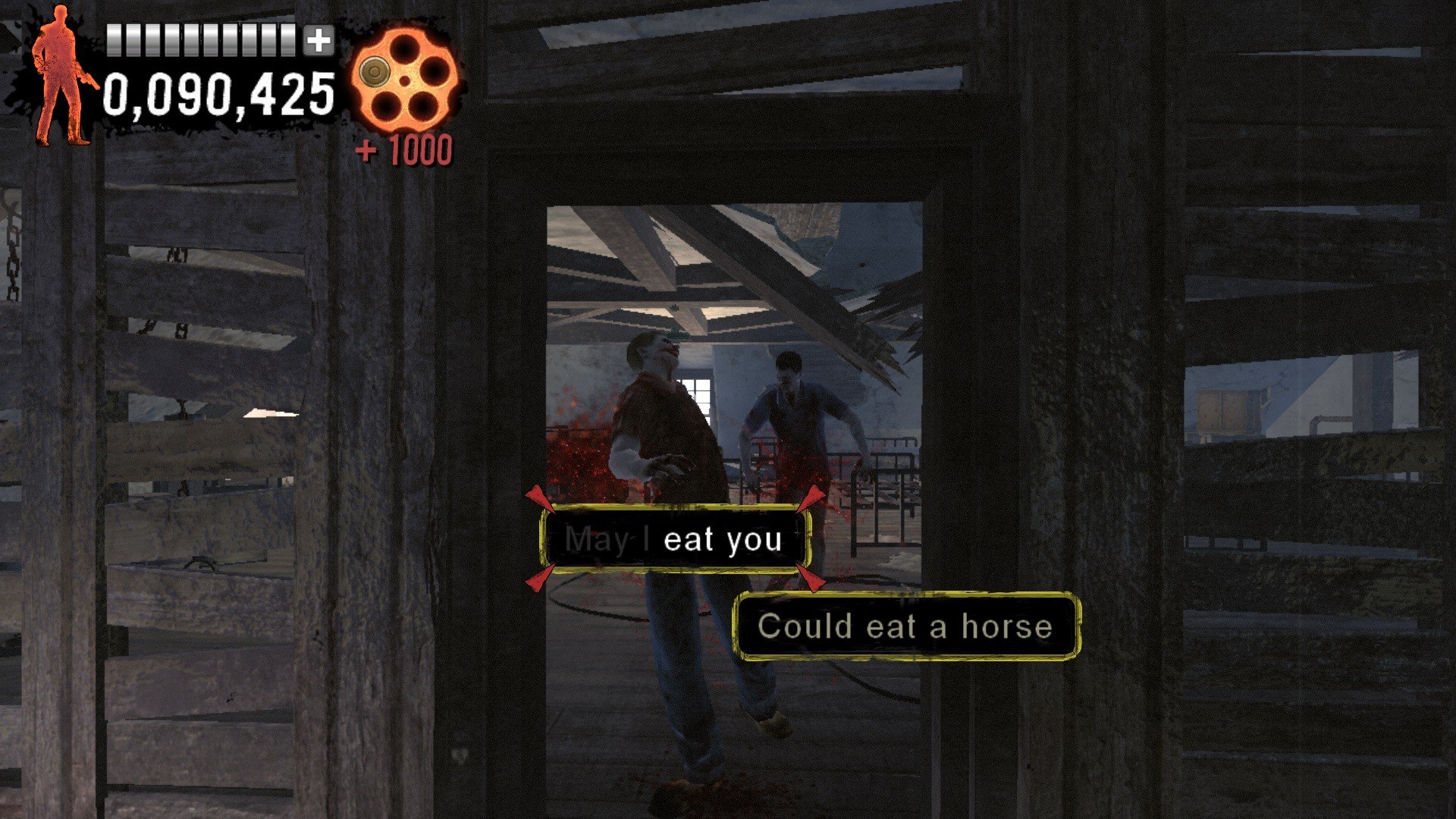
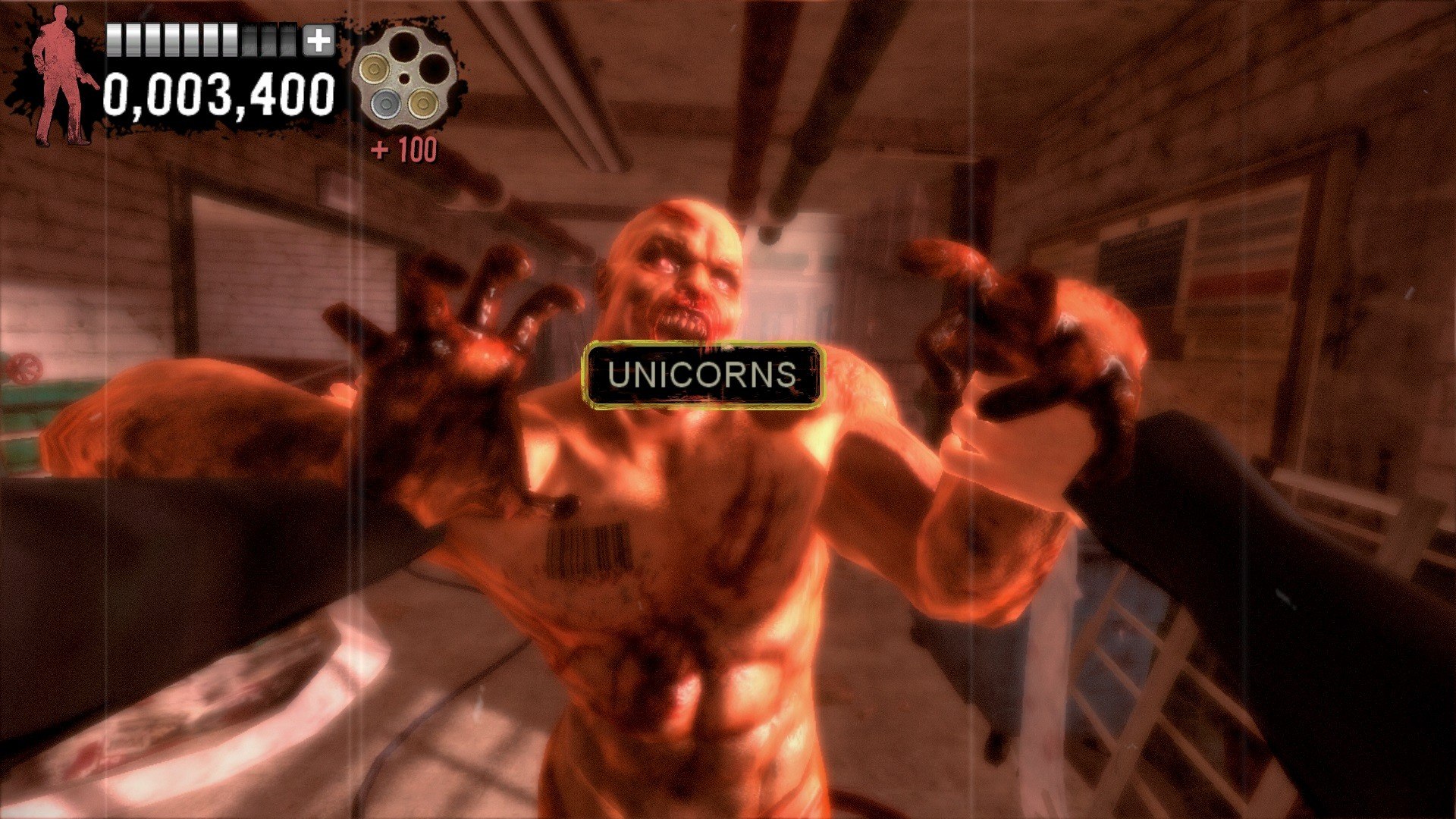
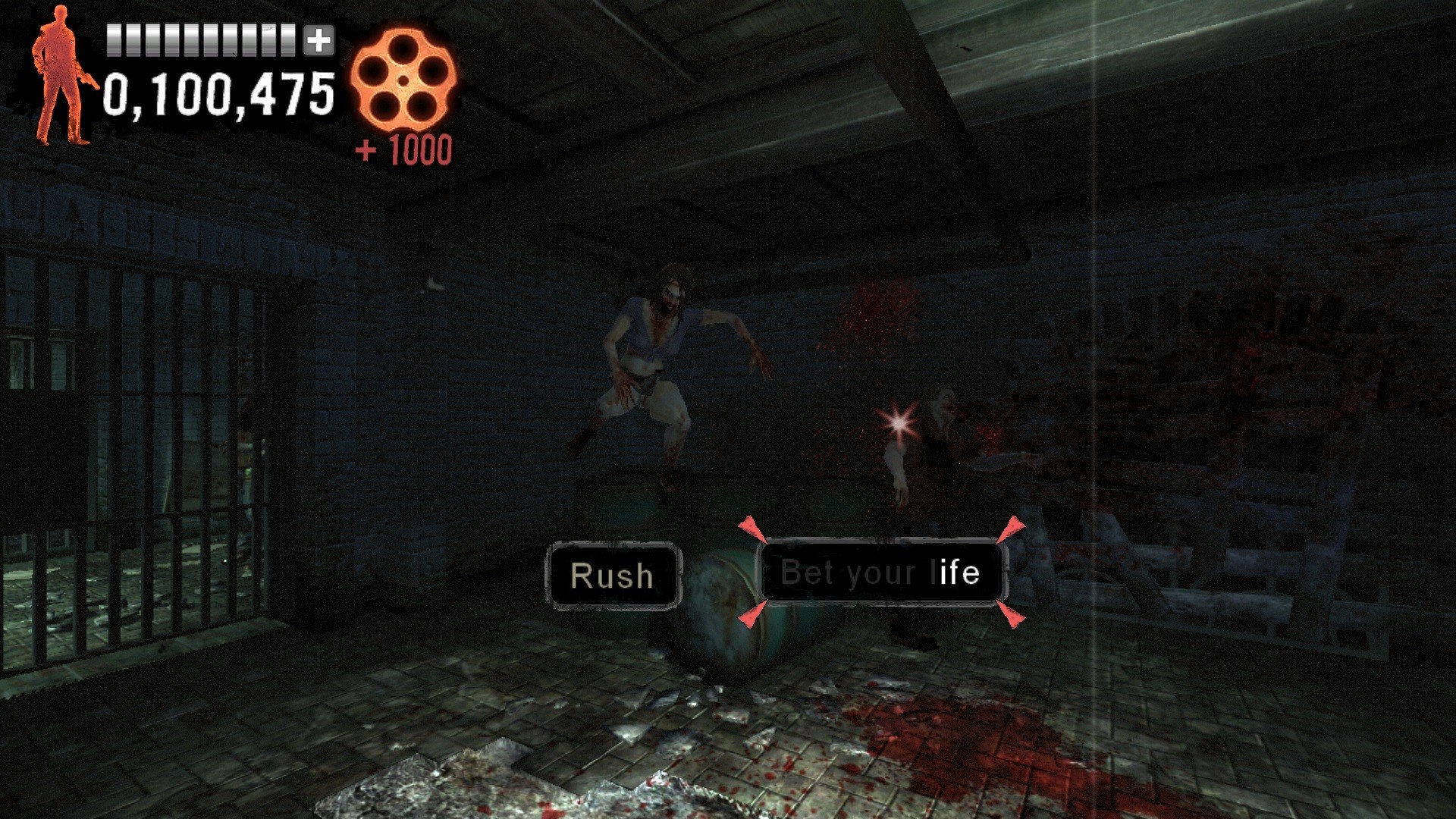
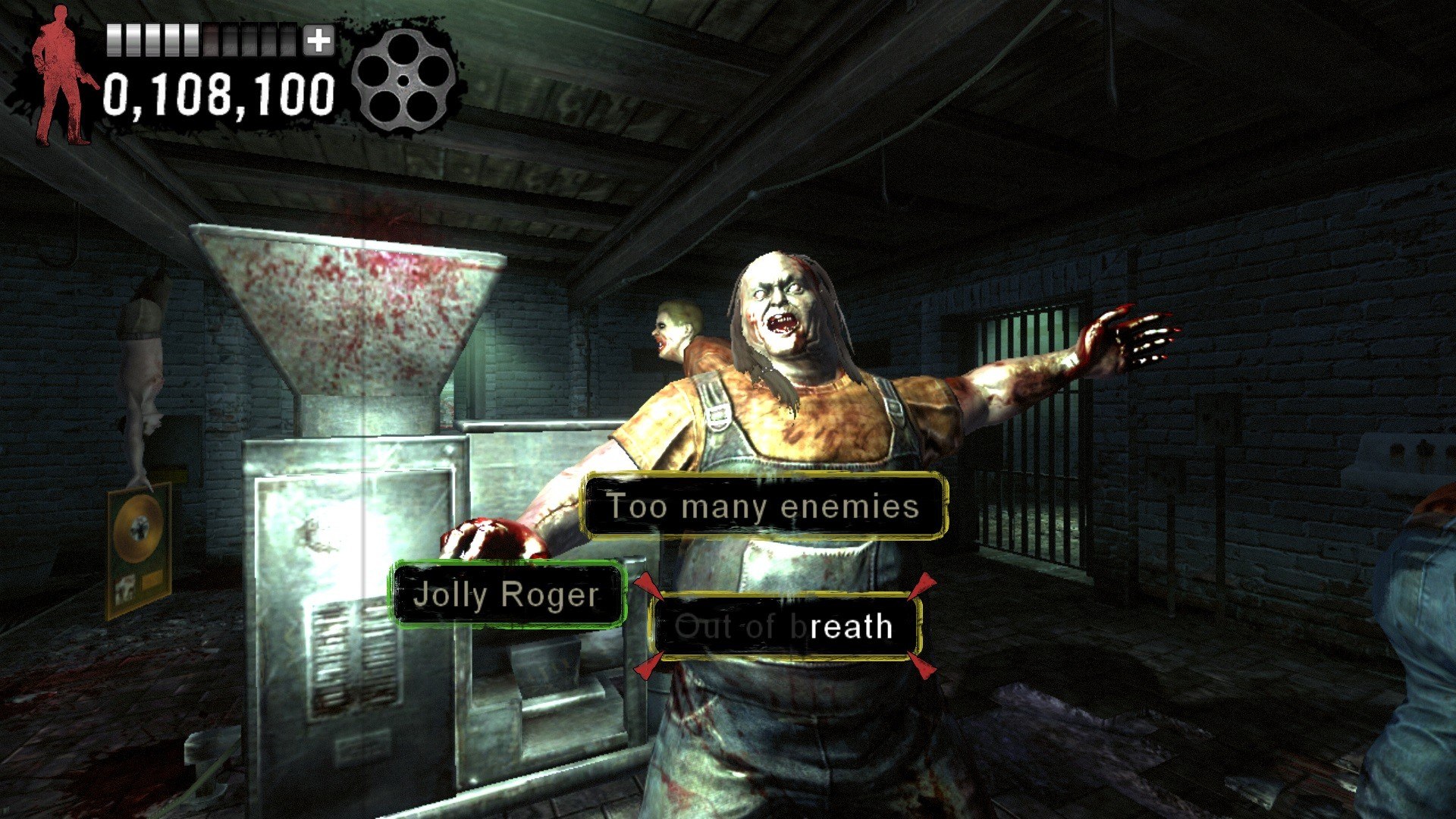
The Typing of the Dead: Overkill - Dancing with the Dead DLC Steam Key Platform: Steam Languages: EN/FR/IT/ES Release Date: 20 Mar 2014 Product Description This product requires base game category/3667/the-typing-of-the-dead-overkill-steam-key/ in order to play. There will be blood on the dance floor with Typing of the Dead: Overkill’s latest DLC - ‘Dancing with the Dead’. This DLC pack replaces all the words and phrases in the game with song lyrics, famous artists, and various musical instruments and terms. System Requirements OS: Windows 7 / Windows 8 Processor: 2.0 GHz Dual Core processor Memory: 2 GB RAM Graphics: ATI Radeon HD 6450, NVIDIA GeForce GT 220 or Intel Integrated Graphics HD 3000 DirectX: Version 10 Network: Broadband Internet connection Hard Drive: 10 GB available space

The Typing of the Dead: Overkill - Dancing with the Dead DLC screenshotThe Typing of the Dead: Overkill - Dancing with the Dead DLC screenshotThe Typing of the Dead: Overkill - Dancing with the Dead DLC screenshotThe Typing of the Dead: Overkill - Dancing with the Dead DLC screenshotThe Typing of the Dead: Overkill - Dancing with the Dead DLC screenshotThe Typing of the Dead: Overkill - Dancing with the Dead DLC screenshot

How to redeem

  1. 1Check the required base game, platform and edition before purchasing.
  2. 2Find the code or supplier activation instructions in your confirmed order.
  3. 3Redeem on Steam using the supplied instructions, then install the add-on with the compatible base game.

Supplier instructions

Go to: http://store.steampowered.com/ and download STEAM client Click "Install Steam" (from the upper right corner) Install and start application, login with your Account name and Password (create one if you don't have). Please follow these instructions to activate a new retail purchase on Steam: Launch Steam and log into your Steam account. Click the Games Menu. Choose Activate a Product on Steam... Follow the onscreen instructions to complete the process. After successful code verification go to the "MY GAMES" tab and start downloading.

You might also like