Get 10% back in Relic Coins on every order
Fairy Fencer F Advent Dark Force cover

Steam Europe - All Countries· Key

Fairy Fencer F Advent Dark Force

€7.07

+€0.71 cashback eligibility in Relic Coins

Check before you play

Platform
Steam
Region
Europe - All Countries
Product type
Key
Developer
Compile Heart
Publisher
NIS America
Supplier release date
2017-02-14
Genres
Action, Adventure, RPG, Casual, Story rich, Visual Novel

About this product

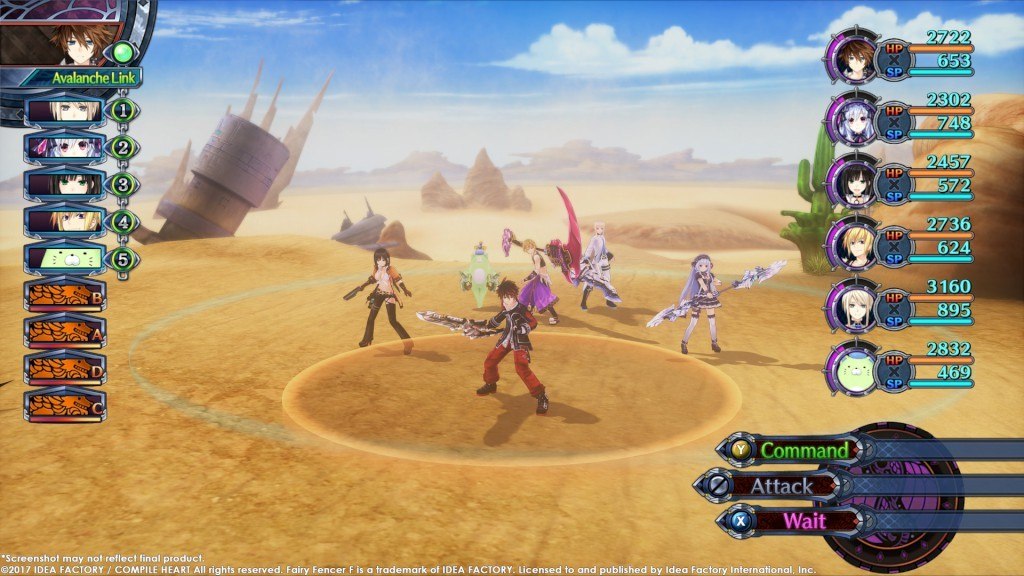
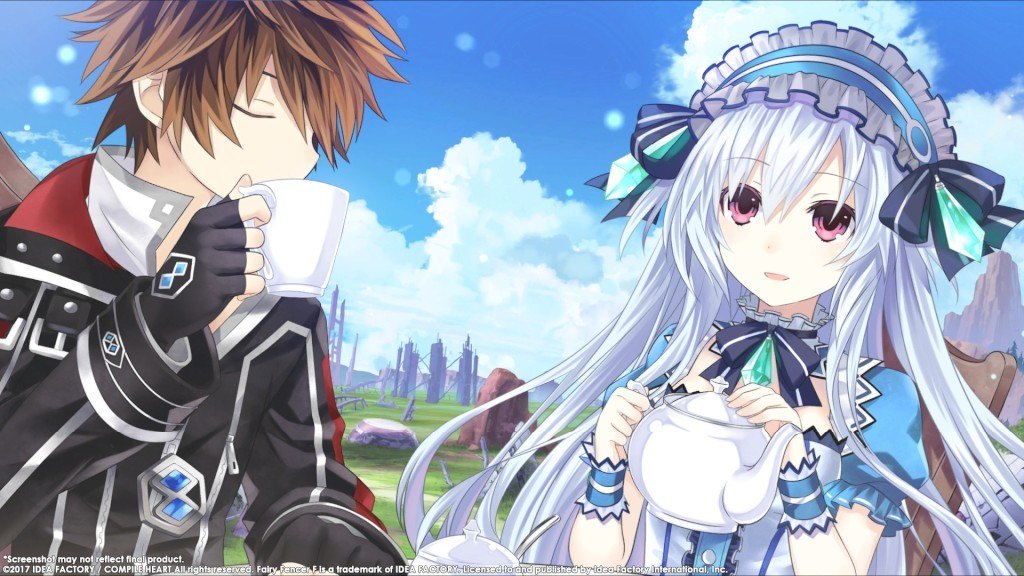
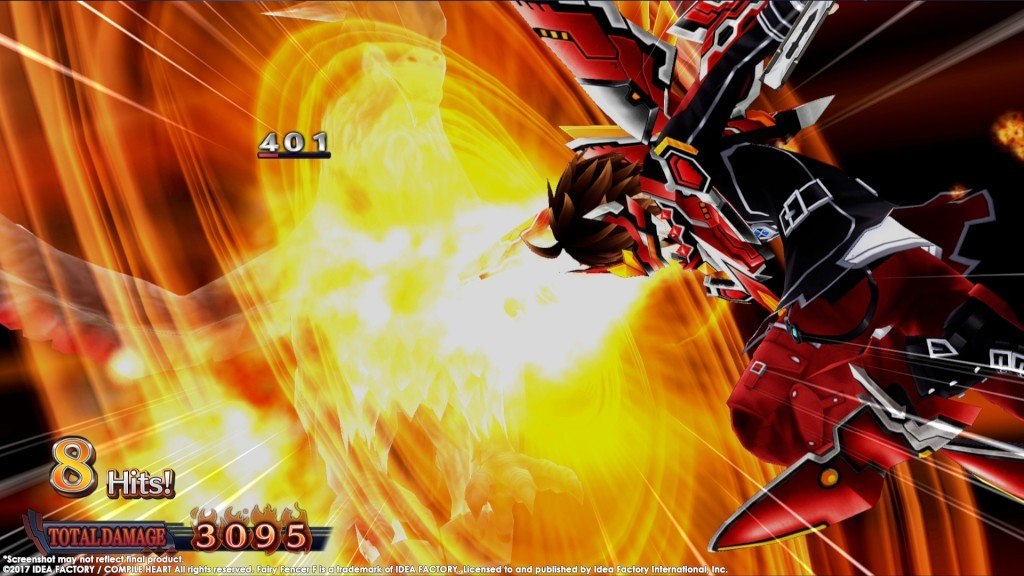
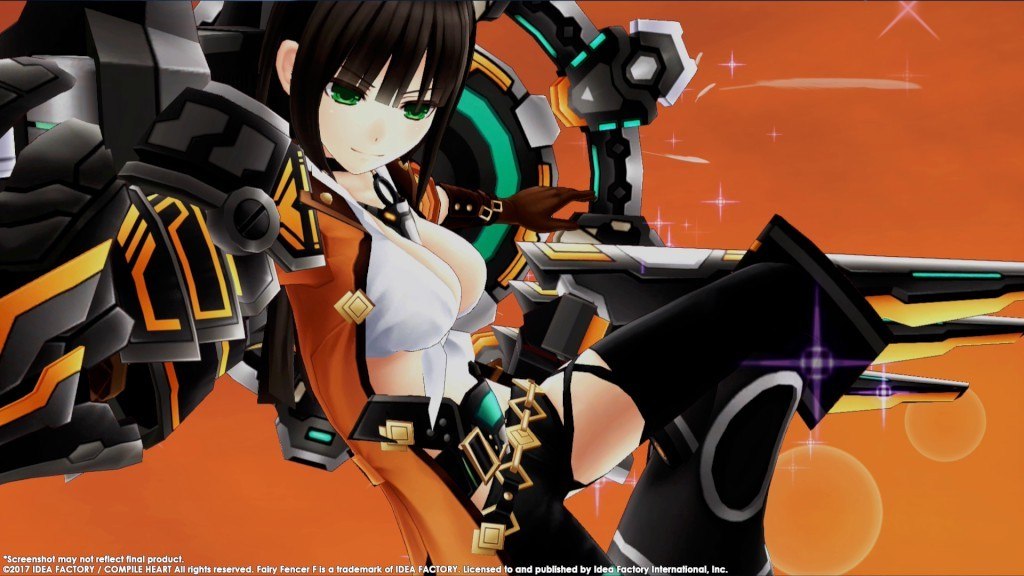
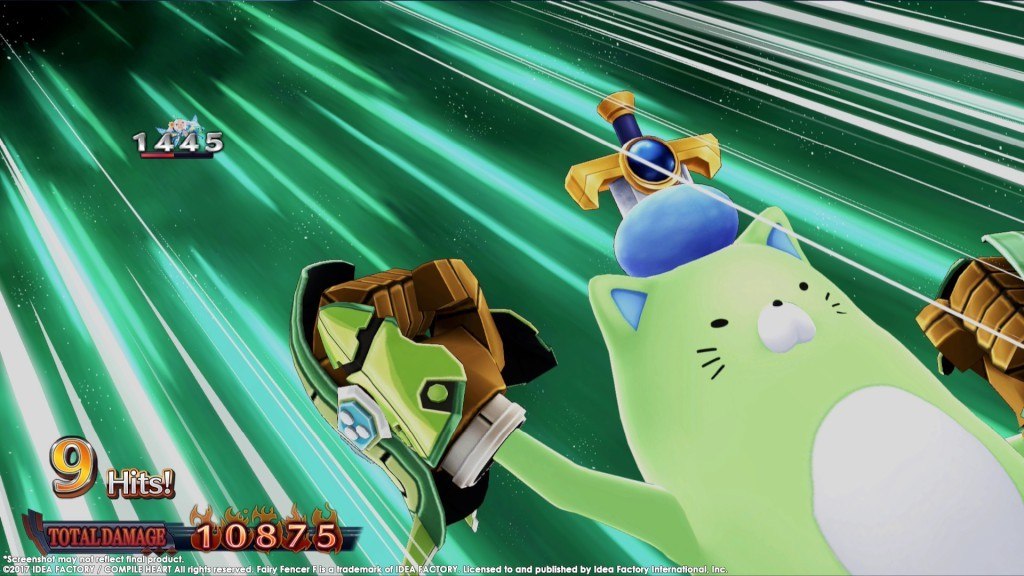
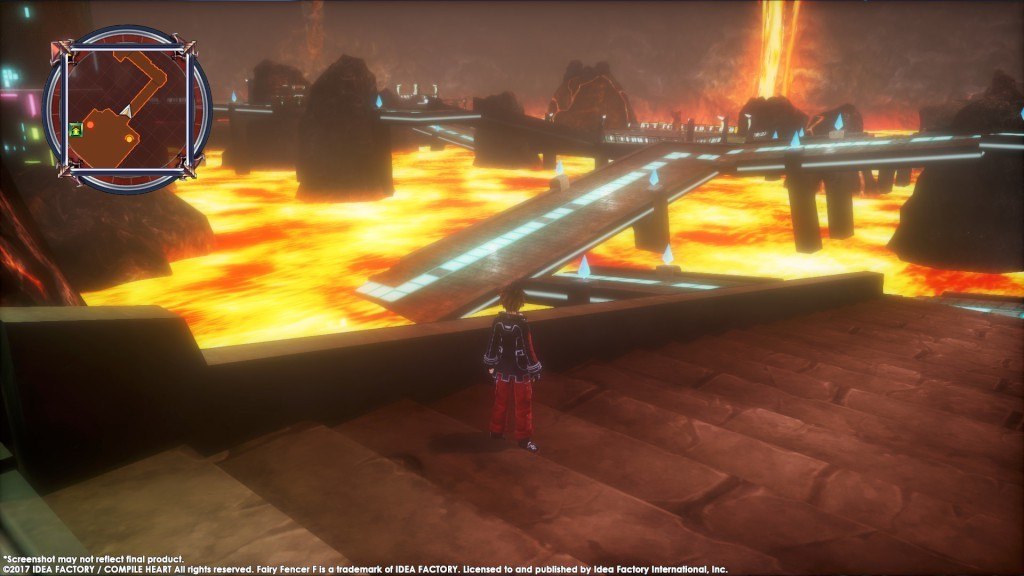
Long ago, a war raged between two powerful deities. Each was sealed away, their weapons scattered throughout the world. Our hero in this RPG, Fang, happens upon one such weapon and now he alone must choose which deity will awaken again! Features In the three stories to play, friends become foes, foes become friends, and, based on your choices, multiple endings can be unlocked! Customize weapons by fusing them with fairies and change dungeons stats through World-Shaping. Even transform with the "Fairize" skill and become stronger in battle! With up to six party members on the battlefield at a time, you can play as all your favorite Fencers! From Amateur to Hell, choose the difficulty level that suits your style!

Fairy Fencer F Advent Dark Force screenshotFairy Fencer F Advent Dark Force screenshotFairy Fencer F Advent Dark Force screenshotFairy Fencer F Advent Dark Force screenshotFairy Fencer F Advent Dark Force screenshotFairy Fencer F Advent Dark Force screenshot

How to redeem

  1. 1Check your Steam account and the listed region before purchasing.
  2. 2Find your code and supplier activation instructions in your confirmed order.
  3. 3Open the redeem-code section on Steam, enter the code and follow the platform’s prompts.

Supplier instructions

Go to: http://store.steampowered.com/ and download STEAM client Click "Install Steam" (from the upper right corner) Install and start application, login with your Account name and Password (create one if you don't have). Please follow these instructions to activate a new retail purchase on Steam: Launch Steam and log into your Steam account. Click the Games Menu. Choose Activate a Product on Steam... Follow the onscreen instructions to complete the process. After successful code verification go to the "MY GAMES" tab and start downloading.

You might also like