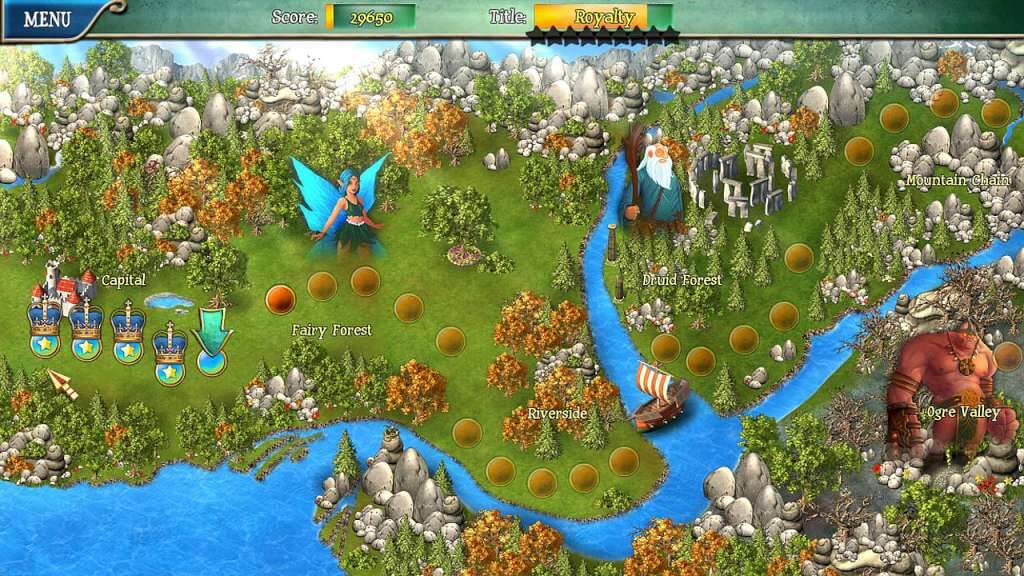
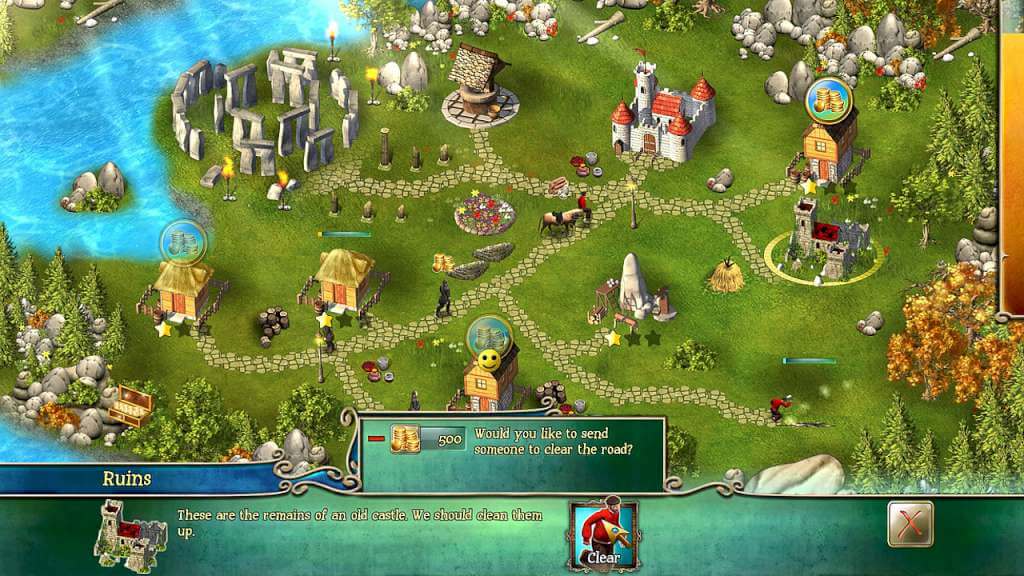
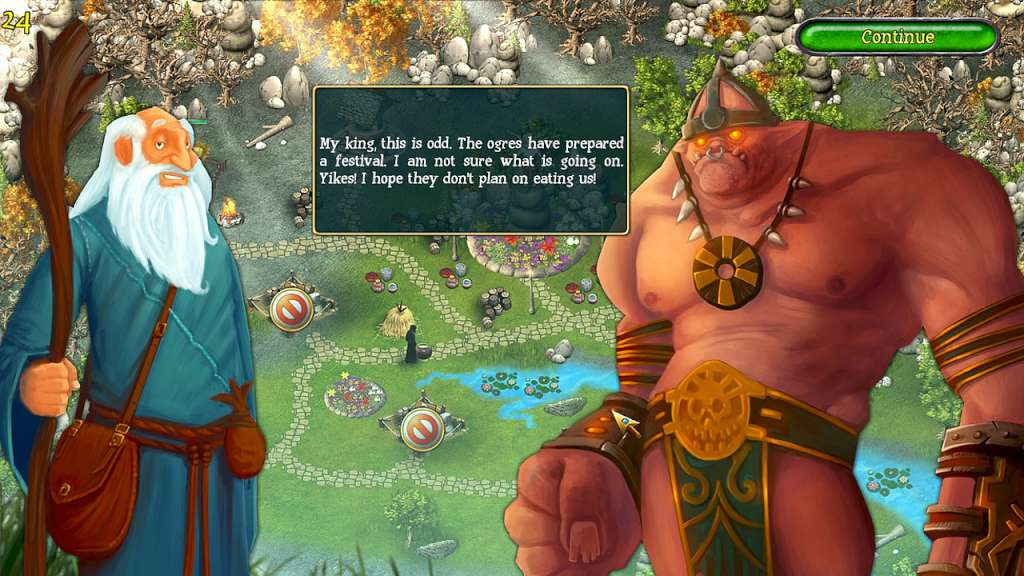
Kingdom Tales Steam Key Platform: Steam Release Date: 13/02/2014 Product Description An ancient prophecy proclaims… One day, the mighty dragons will seek new territory to claim as their own! The day has come! The prophecy has been fulfilled! Now, only the most courageous and just of leaders will be able forge a friendship between mankind and dragons! Step into the role of the steadfast and altruistic leader who's quests is to ensure the safety and prosperity of all people and creatures in the kingdom! In Kingdom Tales you will explore the land, gather, produce and trade resources, build and repair subjects’ homes and community structures, and work to increase your subjects’ level of happiness! Along your journey, you will meet druids, forest fairies, trolls, dragons and other exciting creatures while racing against the clock to complete tasks in this gorgeous and fun time management / strategy game!. Features Explore 45 extraordinary levels Ensure the welfare of your subjects Earn different achievements Assist Kingdom inhabitants in the rebuilding of their community Enjoy exceptional HD graphics with widescreen support System Requirements PC System Requirements OS: Windows Xp, Vista, 7 Processor: 1, 6 GHz Memory: 1 GB RAM Graphics: 128 MB Hard Drive: 500 MB available space Mac System Requirements OS: Mac OS X 10.5 or higher (Intel) Processor: 1, 6 GHz Memory: 1 GB RAM Hard Drive: 500 MB available space Sound Card: 128 MB