Get 10% back in Relic Coins on every order
STAR WARS Battlefront (2004) cover

SteamGlobal· Key

STAR WARS Battlefront (2004)

€6.67

+€0.67 cashback eligibility in Relic Coins

Check before you play

Platform
Steam
Region
Global
Product type
Key
Developer
Pandemic Studios
Publisher
LucasArts
Supplier release date
2004-09-21
Genres
Action

About this product

Live the battles star wars

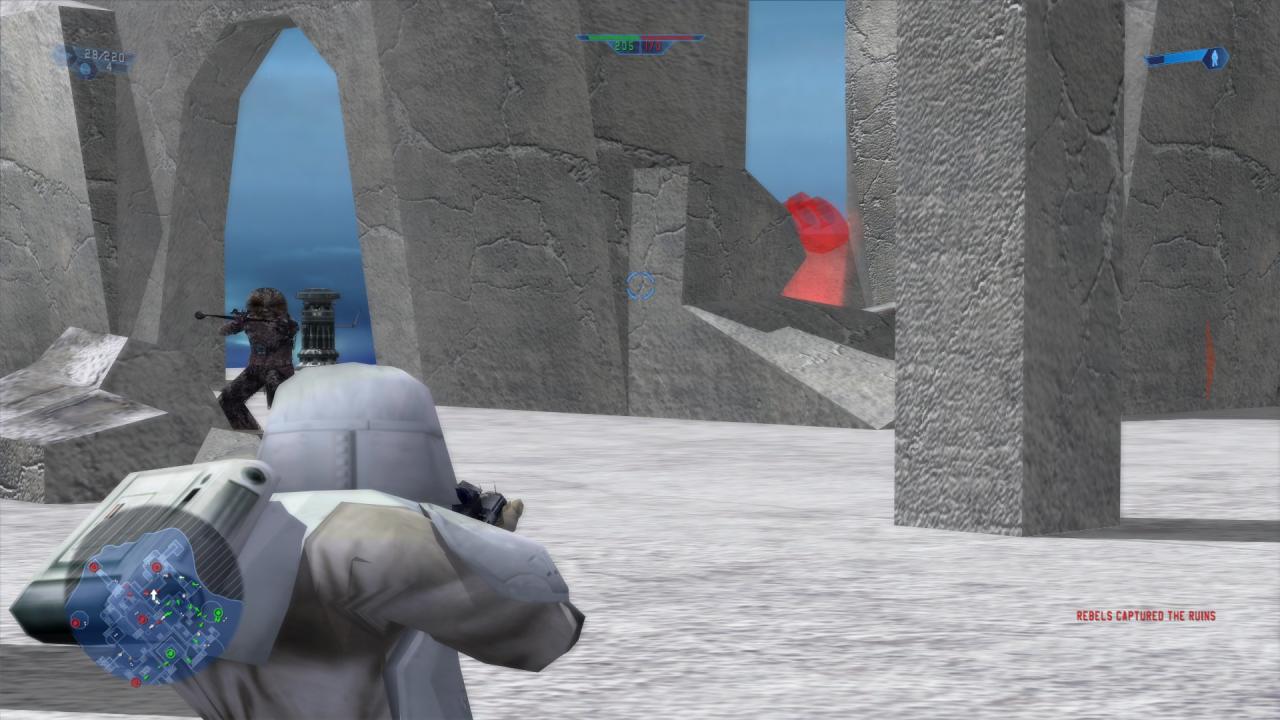
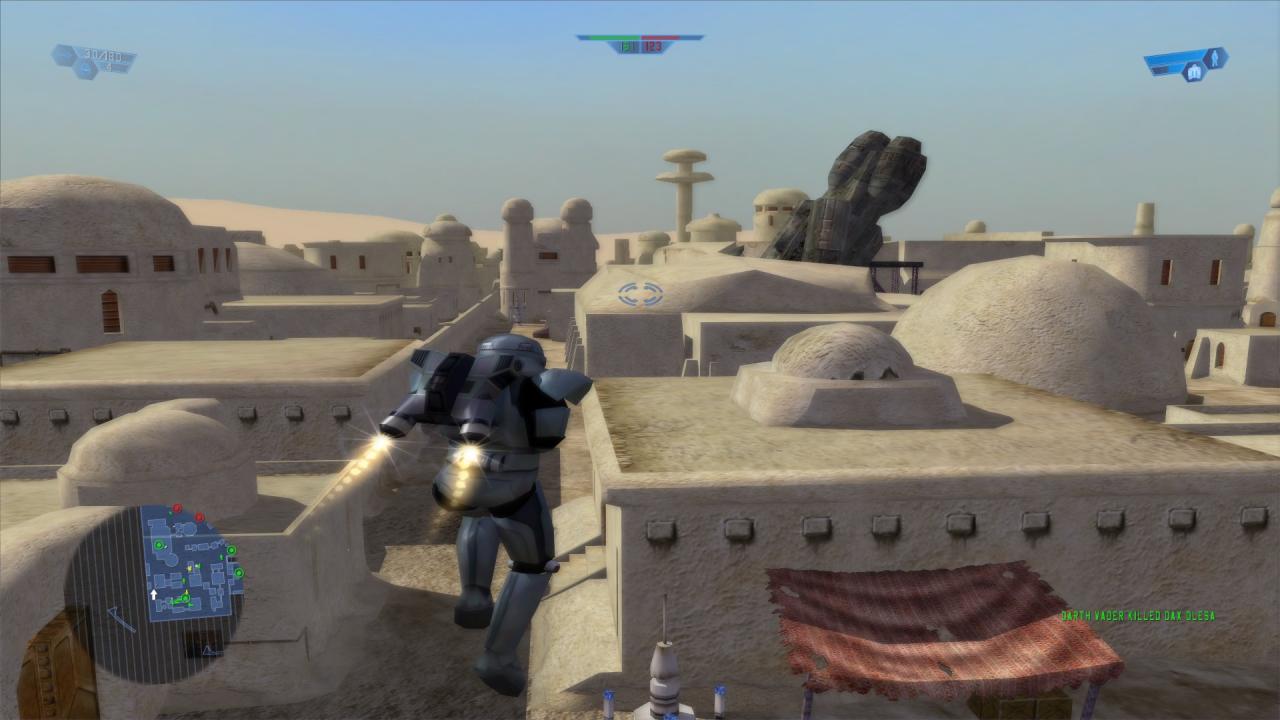
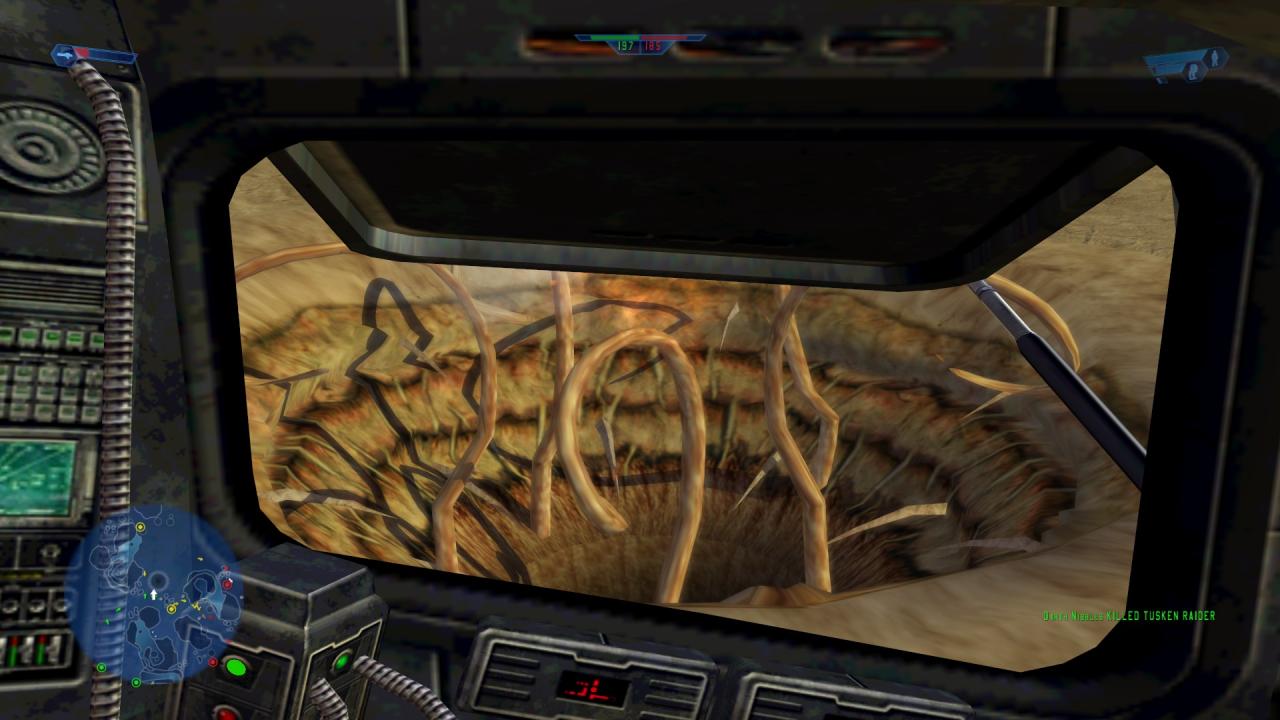
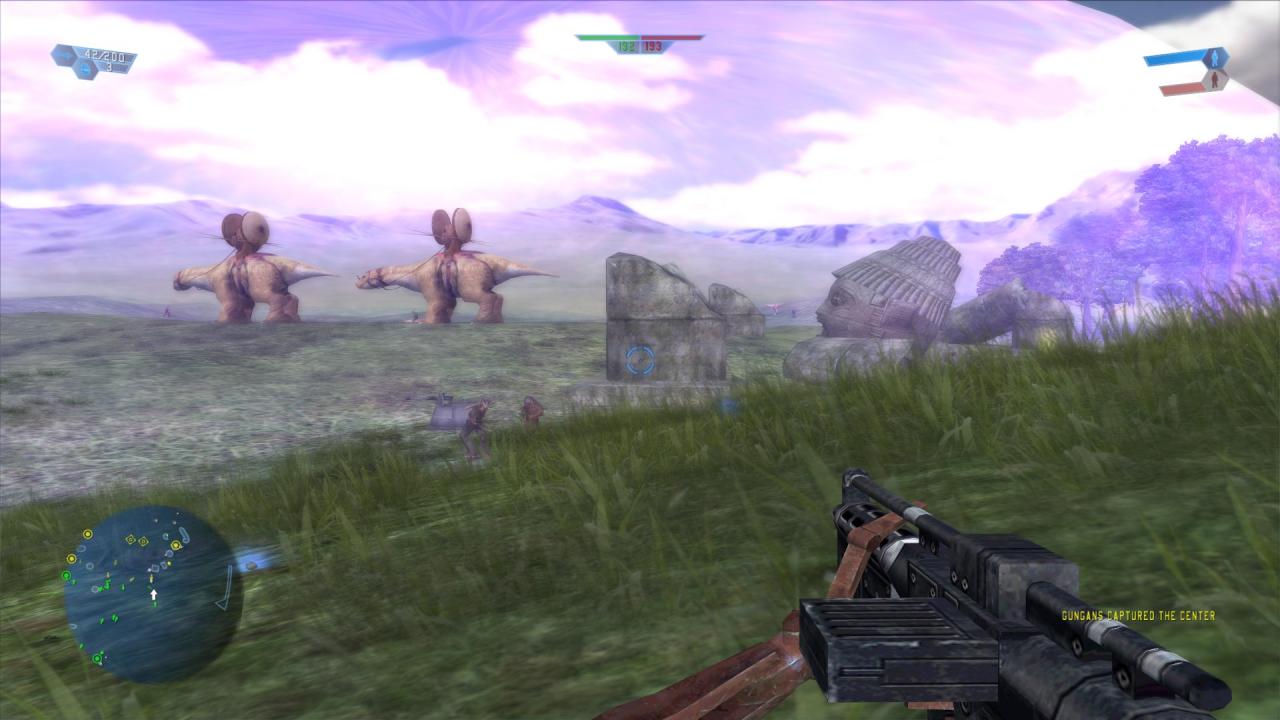
Battlefront is an action/shooter game that gives fans and gamers the opportunity to re-live and participate in all of the classic Star Wars battles like never before. Players can select one of a number of different soldier types, jump into any vehicle, man any turret on the battlefront and conquer the galaxy planet-by-planet online with their friends or offline in a variety of single player modes. Single player modes include "Instant Action", "Galactic Conquest" and the story-based "Historical Campaigns" mode that lets gamers experience all of the epic Star Wars battles from Episodes I-VI, fighting from the perspective of each of the four factions within the game. Fight as a soldier on the front lines where every weapon and vehicle you see is yours. Take the Empire head on or crush the Rebellion - by yourself or with an army behind you. Pick your side - Rebels, Imperials, clone troopers or battle droids. Choose your weapons wisely - each soldier has different weapons and capabilities. Battle on unique planets from the entire Star Wars saga. Pilot over 30 vehicles including AT-ATs, X-Wings and Snowspeeders. Fight up to 32 players in massive online battles!

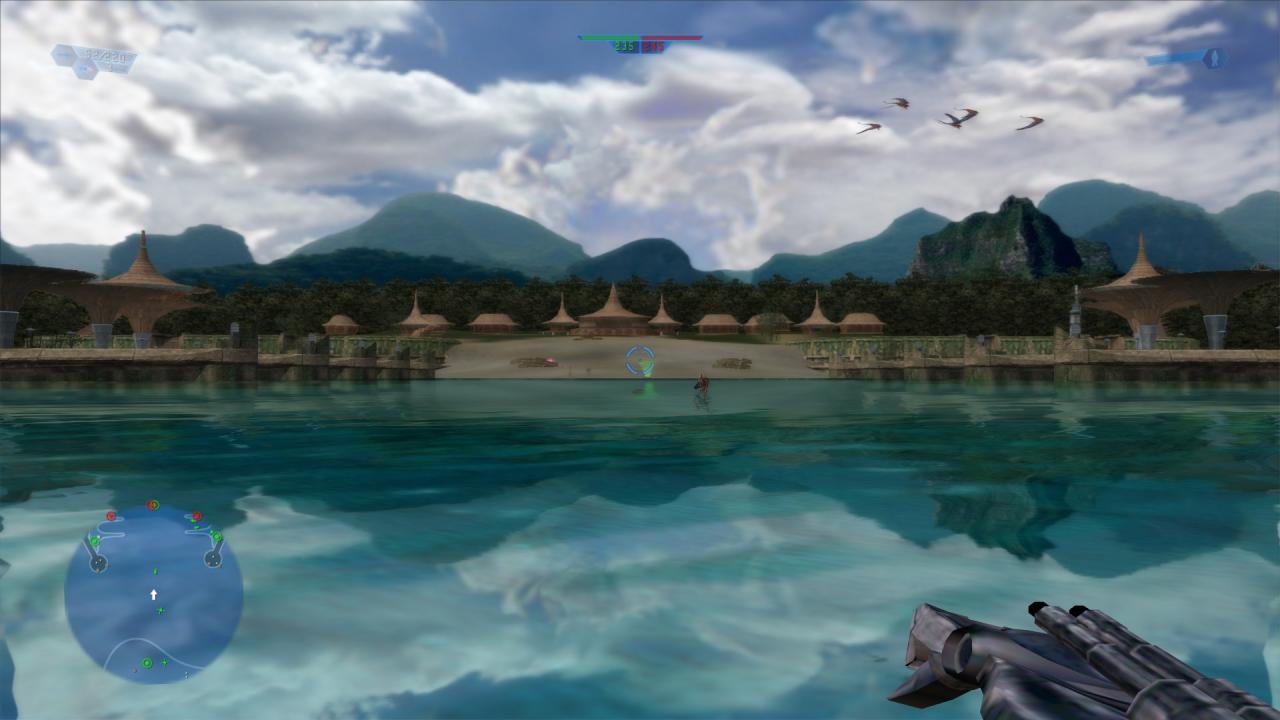
STAR WARS Battlefront (2004) screenshotSTAR WARS Battlefront (2004) screenshotSTAR WARS Battlefront (2004) screenshotSTAR WARS Battlefront (2004) screenshotSTAR WARS Battlefront (2004) screenshotSTAR WARS Battlefront (2004) screenshot

How to redeem

  1. 1Check your Steam account and the listed region before purchasing.
  2. 2Find your code and supplier activation instructions in your confirmed order.
  3. 3Open the redeem-code section on Steam, enter the code and follow the platform’s prompts.

Supplier instructions

Go to: http://store.steampowered.com/ and download STEAM client Click "Install Steam" (from the upper right corner) Install and start application, login with your Account name and Password (create one if you don't have). Please follow these instructions to activate a new retail purchase on Steam: Launch Steam and log into your Steam account. Click the Games Menu. Choose Activate a Product on Steam... Follow the onscreen instructions to complete the process. After successful code verification go to the "MY GAMES" tab and start downloading.

You might also like