

SteamGlobal· Key
The Witch's Yarn
€2.48
+€0.25 cashback eligibility in Relic Coins
Check before you play
- Platform
- Steam
- Region
- Global
- Product type
- Key
- Developer
- Mousechief
- Publisher
- Mousechief
- Genres
- Adventure, Indie, Casual
SteamGlobal· Key
€2.48
+€0.25 cashback eligibility in Relic Coins
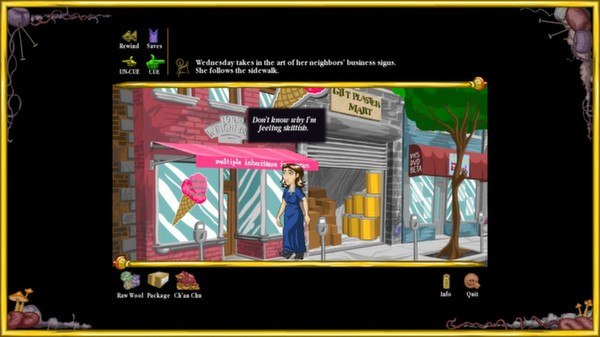
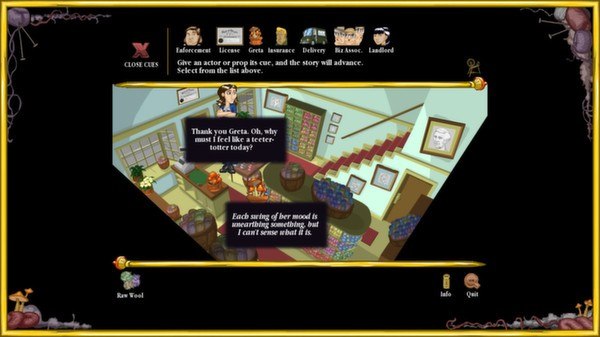
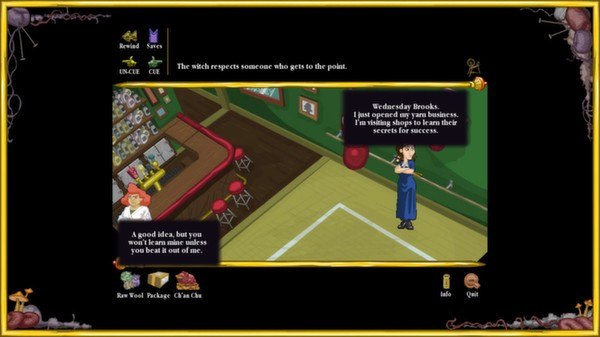
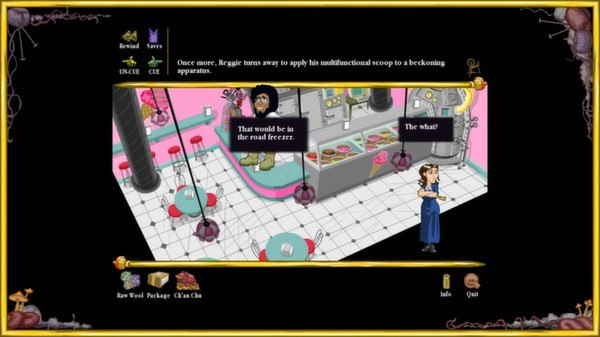
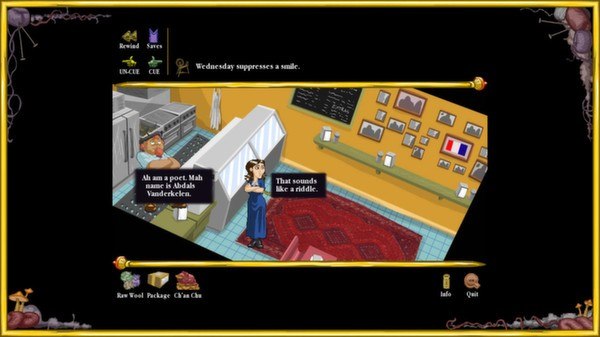
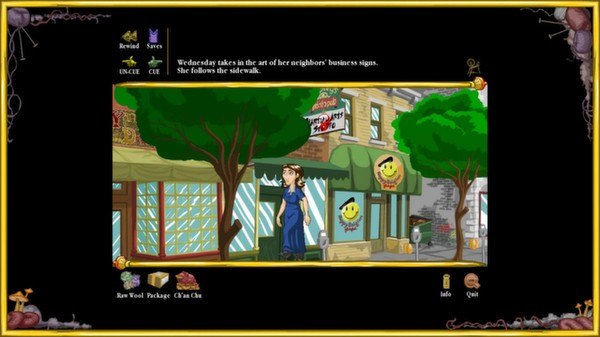
The Witch's Yarn Steam Key Platform: Steam Languages: English Release Date: 3 Apr 2014 Product Description Wednesday is a witch who foreswore magic for the love a mortal, now passed away. Urged by her family to resume her natural talents, she instead opens a little shop, spinning and selling yarn, intent on a quiet life. Unfortunately, the crazy world of small business will spin her, until Wednesday reclaims her personal power. Weave the threads of her life, by simply clicking on who and what will progress the story, scene by scene of crafted text, handsome art, and instrumental jazz. If by some chance (or as you intended) disaster falls, you can rewind the story to try again. How much trouble can you cause with a spinning wheel and a pot of mushrooms? Features Foil Angelica's real plan to ruin Wednesday's yarn shop! Survive eight rampaging witches. Rebuild the bonds between Wednesday's family, including her weird, distant relatives. Lay the foundation for a thriving business environment on Cherokee Ave. Earn $1 for Wednesday before the end of the day. System Requirements PC System Requirements OS: XP Processor: 1GHz Memory: 1 GB RAM Graphics: 256MB DirectX: Version 9.0 Hard Drive: 40 MB available space Mac System Requirements OS: 10.5.8 Processor: 1GHz Memory: 1 GB RAM Graphics: 256MB Hard Drive: 40 MB available space
Go to: http://store.steampowered.com/ and download STEAM client Click "Install Steam" (from the upper right corner) Install and start application, login with your Account name and Password (create one if you don't have). Please follow these instructions to activate a new retail purchase on Steam: Launch Steam and log into your Steam account. Click the Games Menu. Choose Activate a Product on Steam... Follow the onscreen instructions to complete the process. After successful code verification go to the "MY GAMES" tab and start downloading.