Get 10% back in Relic Coins on every order
Persona 4 Golden Digital Deluxe Edition cover

Steam Europe - All Countries· Key

Persona 4 Golden Digital Deluxe Edition

€11.97

+€1.20 cashback eligibility in Relic Coins

Check before you play

Platform
Steam
Region
Europe - All Countries
Product type
Key
Developer
ATLUS
Publisher
SEGA
Supplier release date
2020-06-13
Genres
RPG

About this product

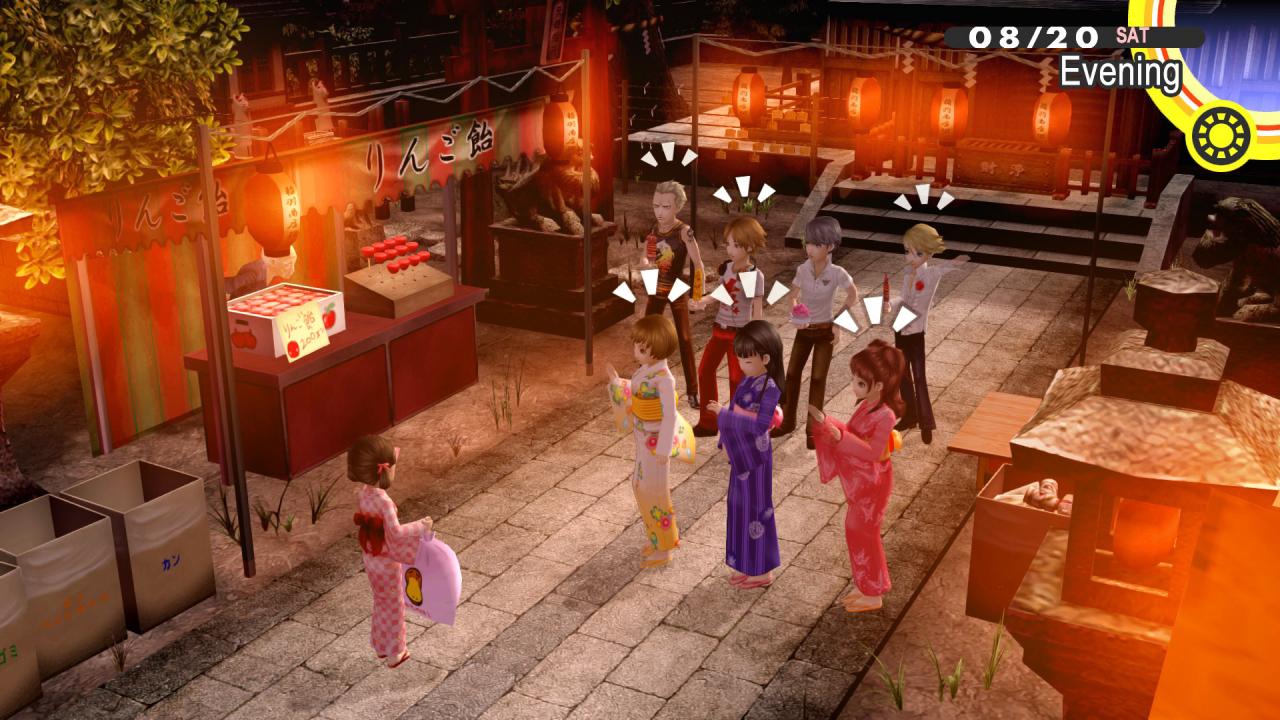
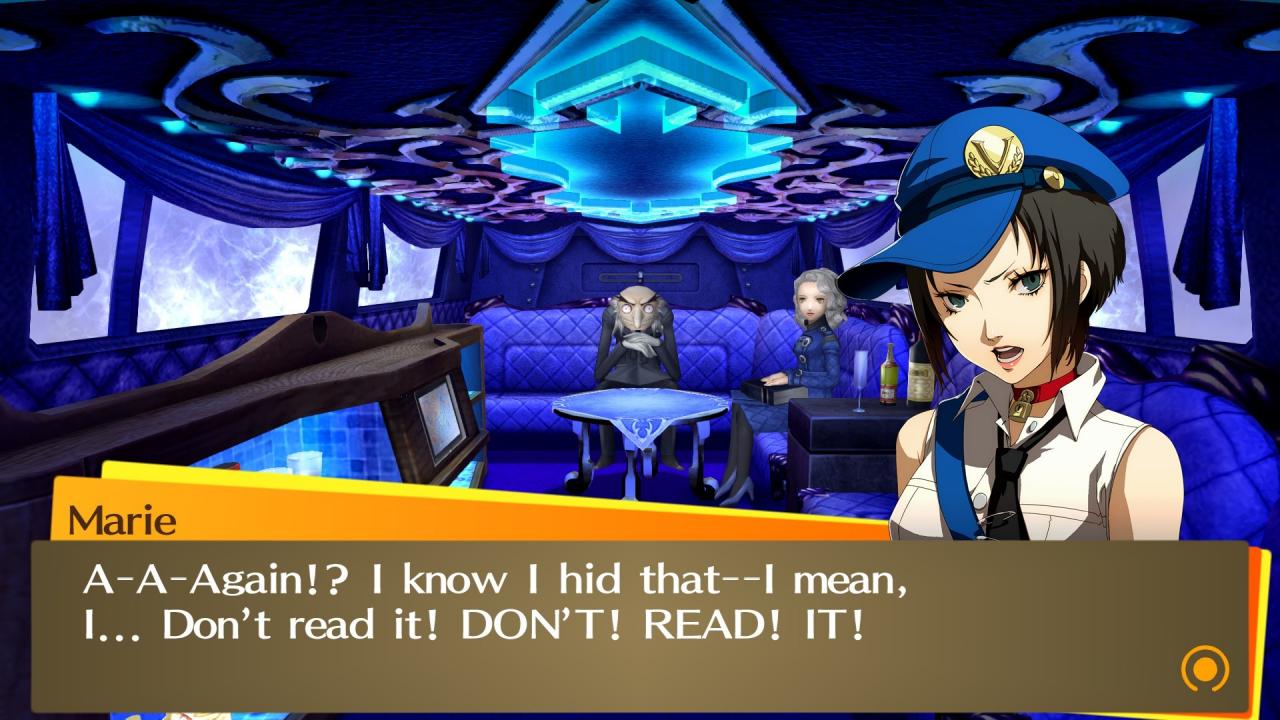
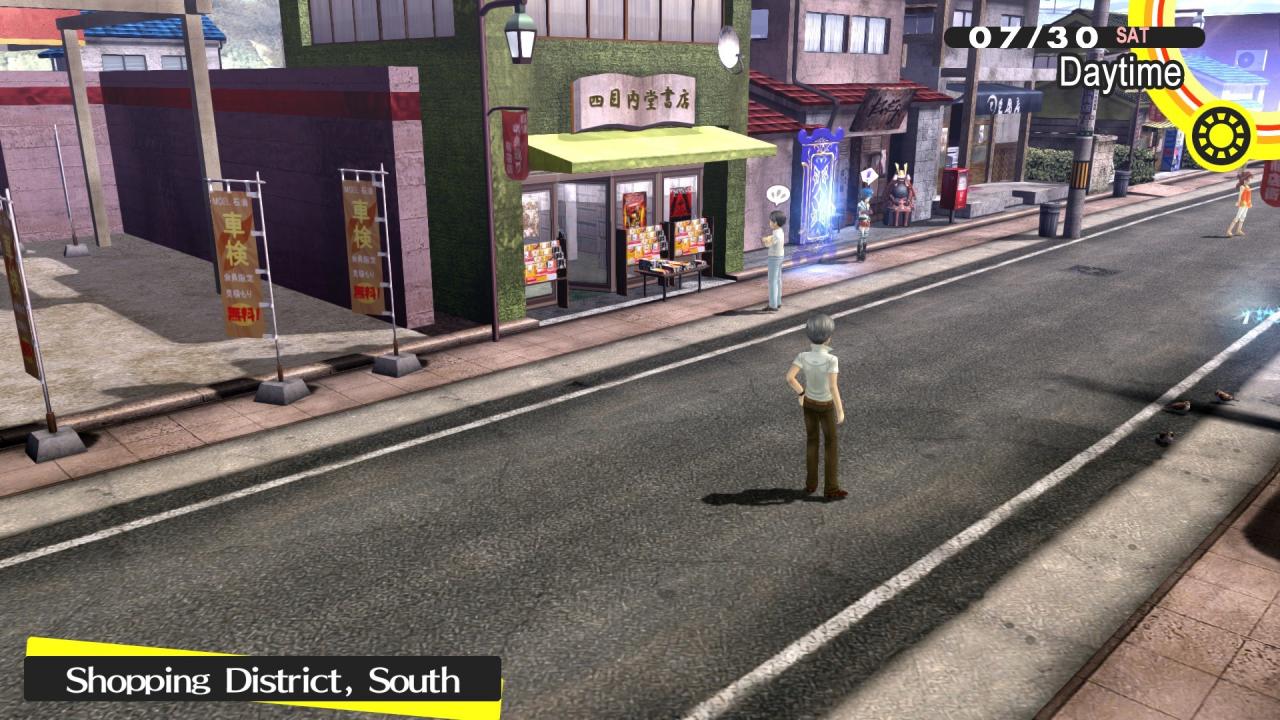
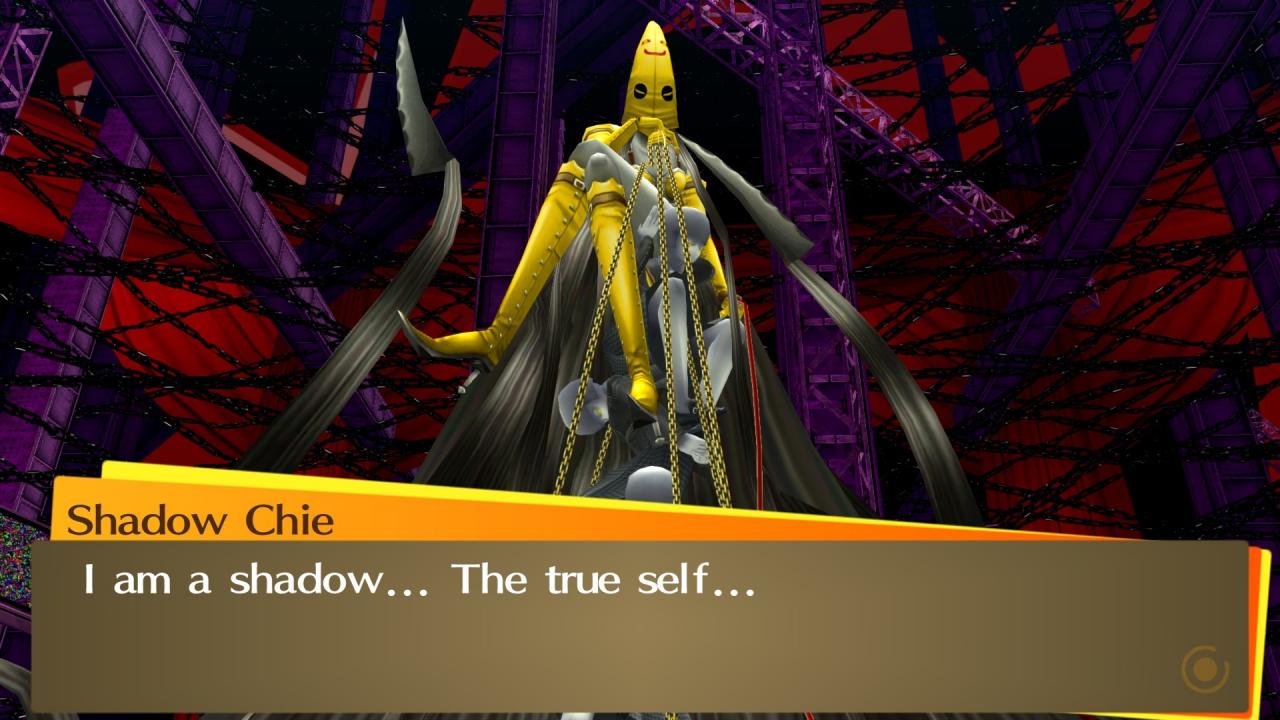
Includes: base game, digital artbook, digital soundtrack Inaba—a quiet town in rural Japan sets the scene for budding adolescence in Persona 4 Golden. A coming of age story that sets the protagonist and his friends on a journey kickstarted by a chain of serial murders. Explore meeting kindred spirits, feelings of belonging, and even confronting the darker sides of one’s self.Persona 4 Golden promises meaningful bonds and experiences shared together with friends.With an overall Metacritic score of 93 and a multitude of awards, fan-adored Persona 4 Golden stands as one of the finest RPGs ever made, delivering on enthralling storytelling and quintessential Persona gameplay.Persona 4 Golden on Steam is best experienced with a game controller. Features Enjoy gameplay with variable framerates Experience the world of Persona on PC in Full HD Steam Achievements and Trading Cards Choose between Japanese and English VO

Persona 4 Golden Digital Deluxe Edition screenshotPersona 4 Golden Digital Deluxe Edition screenshotPersona 4 Golden Digital Deluxe Edition screenshotPersona 4 Golden Digital Deluxe Edition screenshotPersona 4 Golden Digital Deluxe Edition screenshotPersona 4 Golden Digital Deluxe Edition screenshot

How to redeem

  1. 1Check your Steam account and the listed region before purchasing.
  2. 2Find your code and supplier activation instructions in your confirmed order.
  3. 3Open the redeem-code section on Steam, enter the code and follow the platform’s prompts.

Supplier instructions

Go to: http://store.steampowered.com/ and download STEAM client Click "Install Steam" (from the upper right corner) Install and start application, login with your Account name and Password (create one if you don't have). Please follow these instructions to activate a new retail purchase on Steam: Launch Steam and log into your Steam account. Click the Games Menu. Choose Activate a Product on Steam... Follow the onscreen instructions to complete the process. After successful code verification go to the "MY GAMES" tab and start downloading.

You might also like