Get 10% back in Relic Coins on every order
Plunge cover

SteamGlobal· Key

Plunge

€0.27

+€0.03 cashback eligibility in Relic Coins

Check before you play

Platform
Steam
Region
Global
Product type
Key
Developer
Spooky Buns
Publisher
Spooky Buns
Supplier release date
2019-09-28
Genres
Action, Adventure, Strategy, Indie

About this product

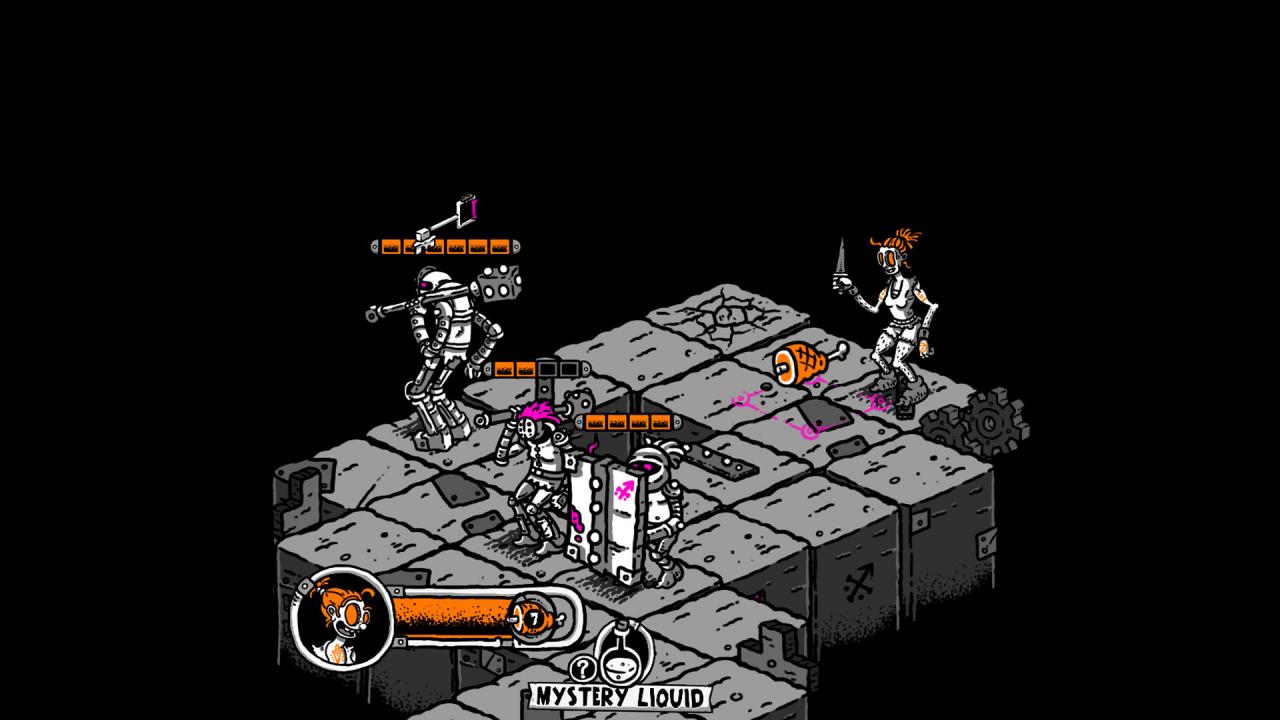
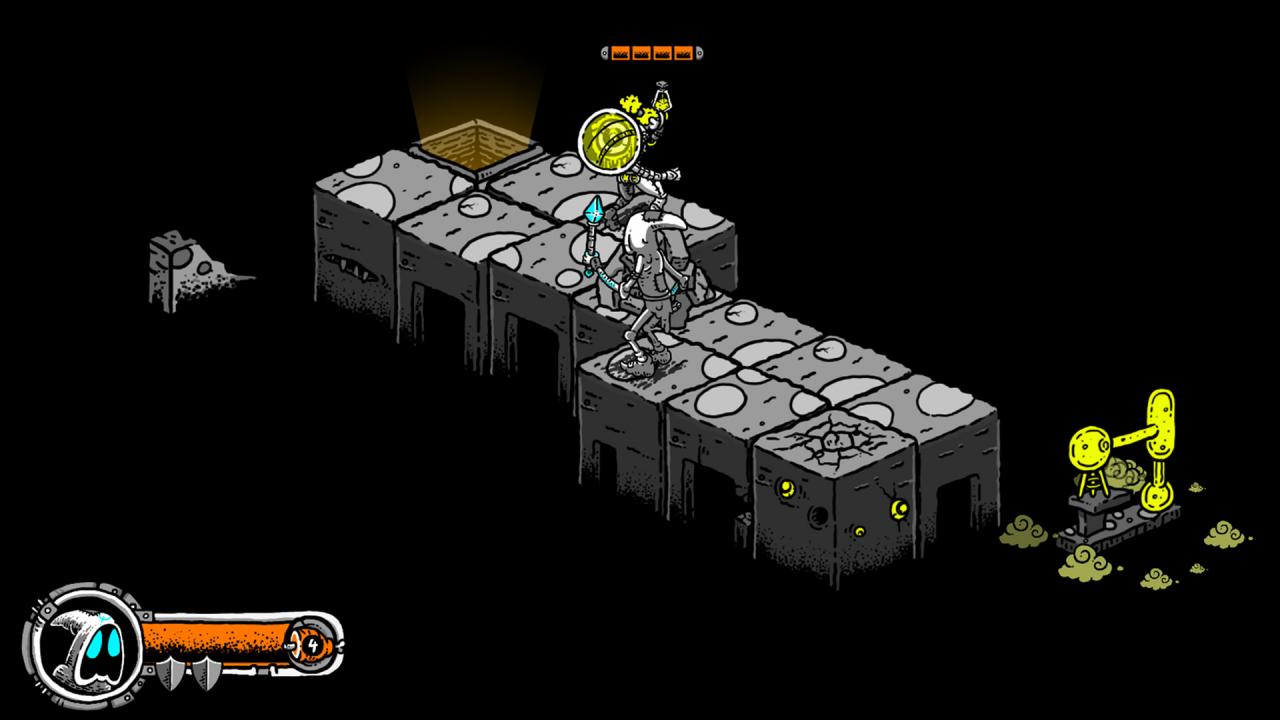
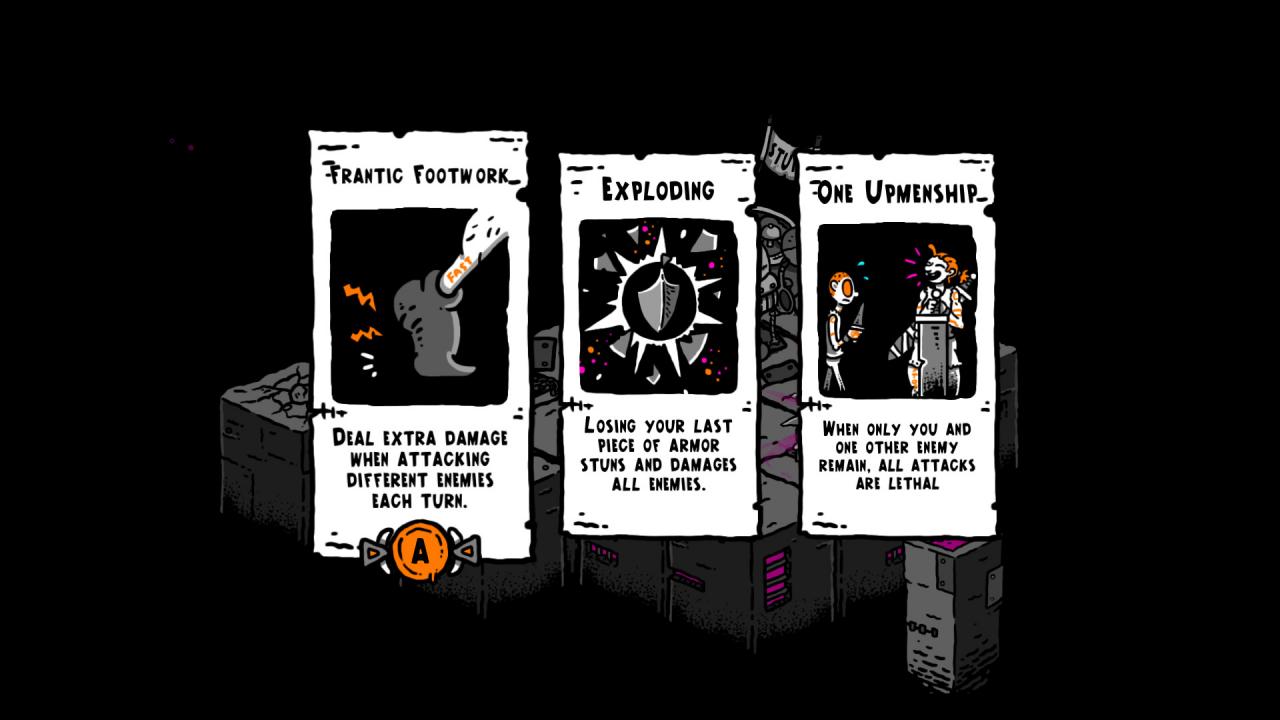
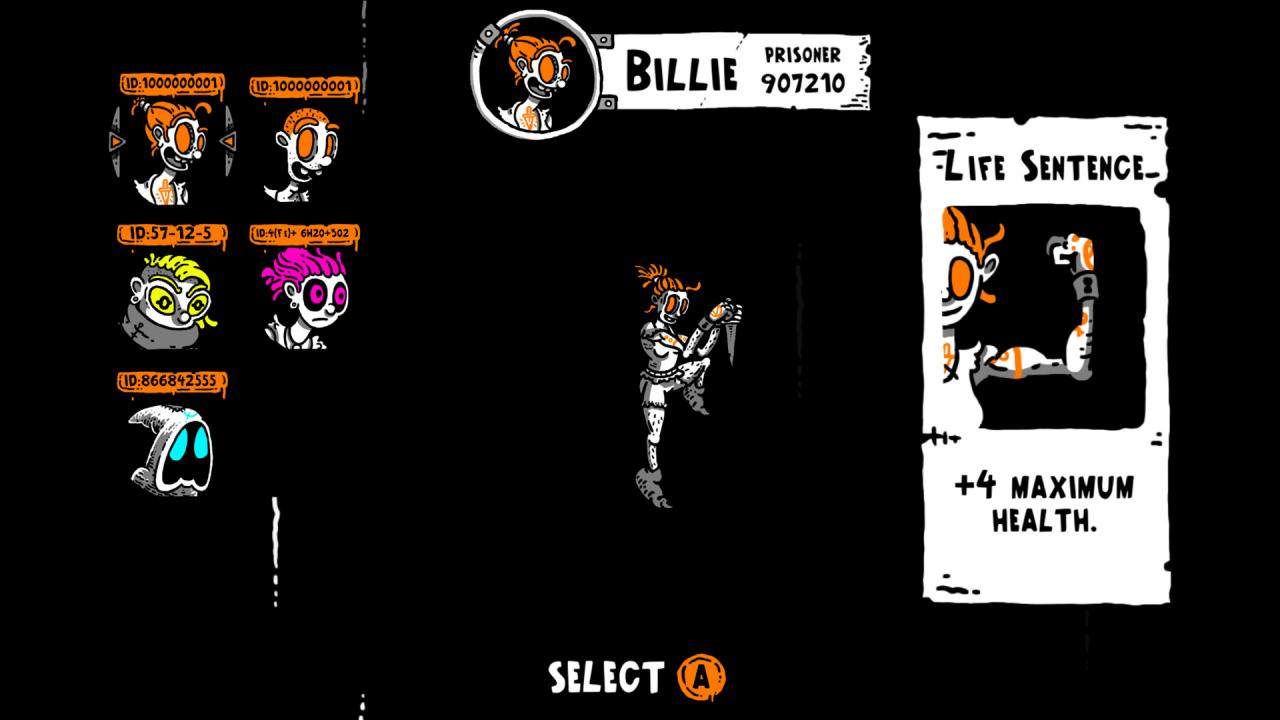
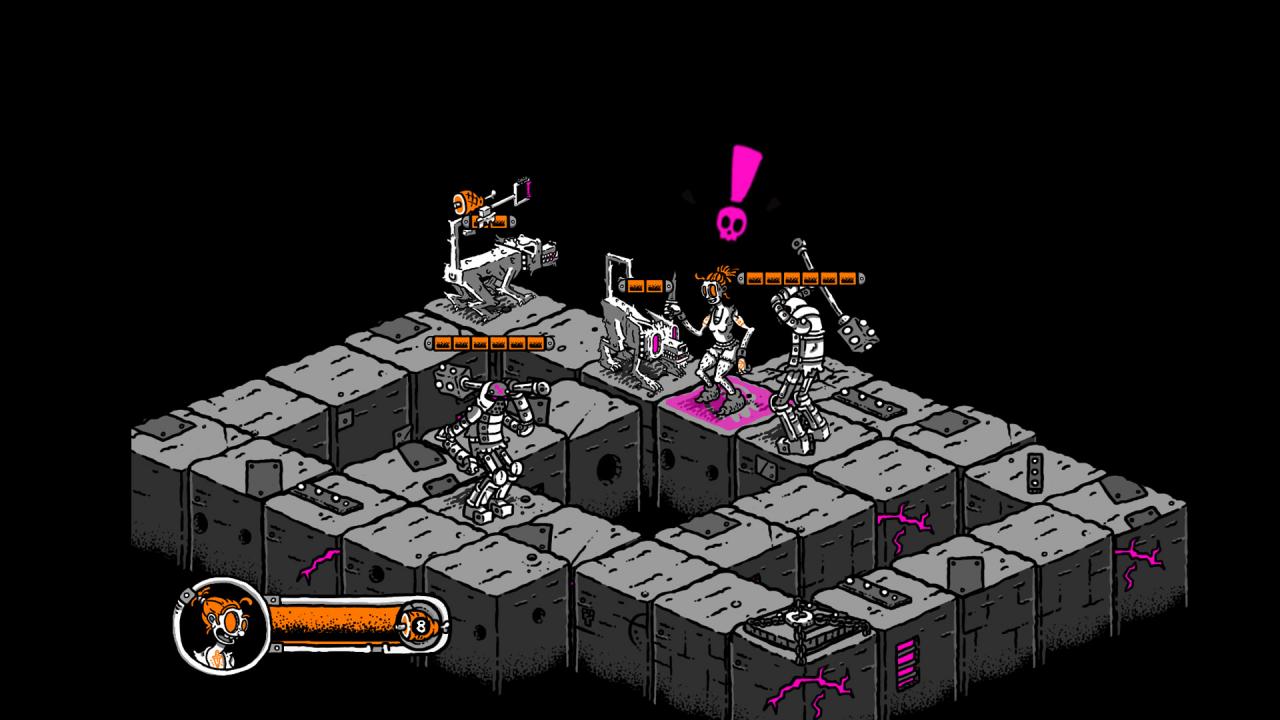
It's time to take the Plunge! Enter the adventure of Billie, the billionth prisoner of a wacky medieval mega-prison, who longs to find freedom on the other side. Rather than try to climb her way out, Billie realizes the only way to freedom is to escape further into the depths below! Dodge, dash, and defeat a wide variety of guards, creatures, and otherworldly beings bent on preventing passage in this exciting turn-based dungeon plunger!In Plunge, players will find a new and unique experience, especially for those familiar with the puzzle and roguelike genres. Each floor is an individual challenge meant to test the very best in a battle of brawn and wits. Don't miss this opportunity to find out why Plunge was nominated for the 2017 PAX Rising showcase, the 2016 and 2017 Portland Retro Gaming Expo showcases, the 2019 PAX 10 Selection and multiple showcases with Indie Mega Booth at PAX West and GDC! Features: Play as Billie or a variety of other cartoony characters with charming criminal charges! Turn-based roguelike action! Movement with sliding ice physics against enemies with unique and peculiar patterns! Over 400 randomly selected levels across three separate challenging sections! Plunge and Plunge again with fast pick-up-and-play experiences!

Plunge screenshotPlunge screenshotPlunge screenshotPlunge screenshotPlunge screenshot

How to redeem

  1. 1Check your Steam account and the listed region before purchasing.
  2. 2Find your code and supplier activation instructions in your confirmed order.
  3. 3Open the redeem-code section on Steam, enter the code and follow the platform’s prompts.

Supplier instructions

Go to: http://store.steampowered.com/ and download STEAM client Click "Install Steam" (from the upper right corner) Install and start application, login with your Account name and Password (create one if you don't have). Please follow these instructions to activate a new retail purchase on Steam: Launch Steam and log into your Steam account. Click the Games Menu. Choose Activate a Product on Steam... Follow the onscreen instructions to complete the process. After successful code verification go to the "MY GAMES" tab and start downloading.

You might also like