Get 10% back in Relic Coins on every order
Destiny 2: Forsaken DLC cover

SteamRest of the world· DLC

Destiny 2: Forsaken DLC

€0.81

+€0.08 cashback eligibility in Relic Coins

Check before you play

Platform
Steam
Region
Rest of the world
Product type
DLC

Check the required base game and edition before purchasing this add-on.

Developer
Bungie
Publisher
Activision
Supplier release date
2018-09-04
Genres
Action, FPS

About this product

Destiny 2: Forsaken UpgradeIn a high-stakes prison escape, Uldren and his eight Barons took out legendary Hunter, Cayde-6, and unleashed chaos across the Reef.- Hunt Down Uldren Sov and avenge Cayde-6- Enhances your Guardian with Nine Additional Supers*- Exotic quests to unlock powerful gear- Story Missions, Adventures, Destination Activities, and access to the Annual Pass including three seasons: Season of the Forge: Discover weapons of Light and Fury. Add long-forgotten treasure to your legend. Season of the Drifter: Gambit was only the beginning, and the Drifter is ready to deal you another deadly hand. Season of Opulence: Emperor Calus beckons Guardians to prove their worth by pitting them against foes in his Menagerie.

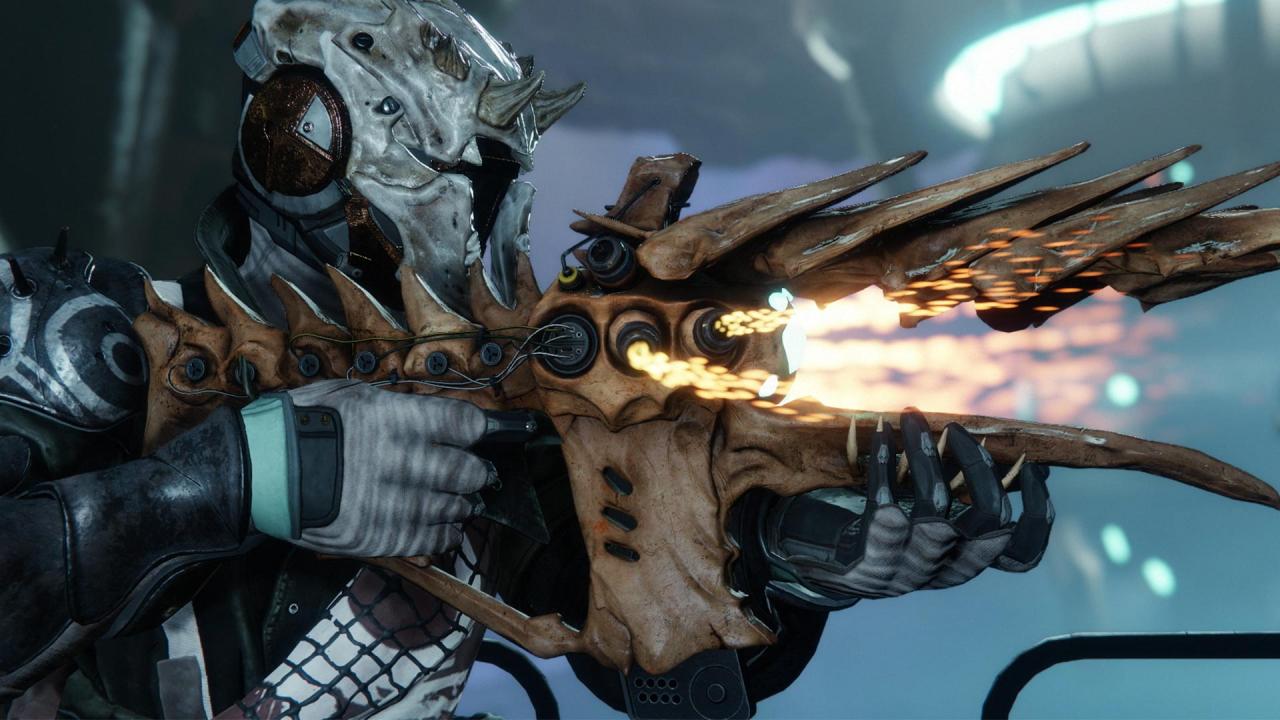
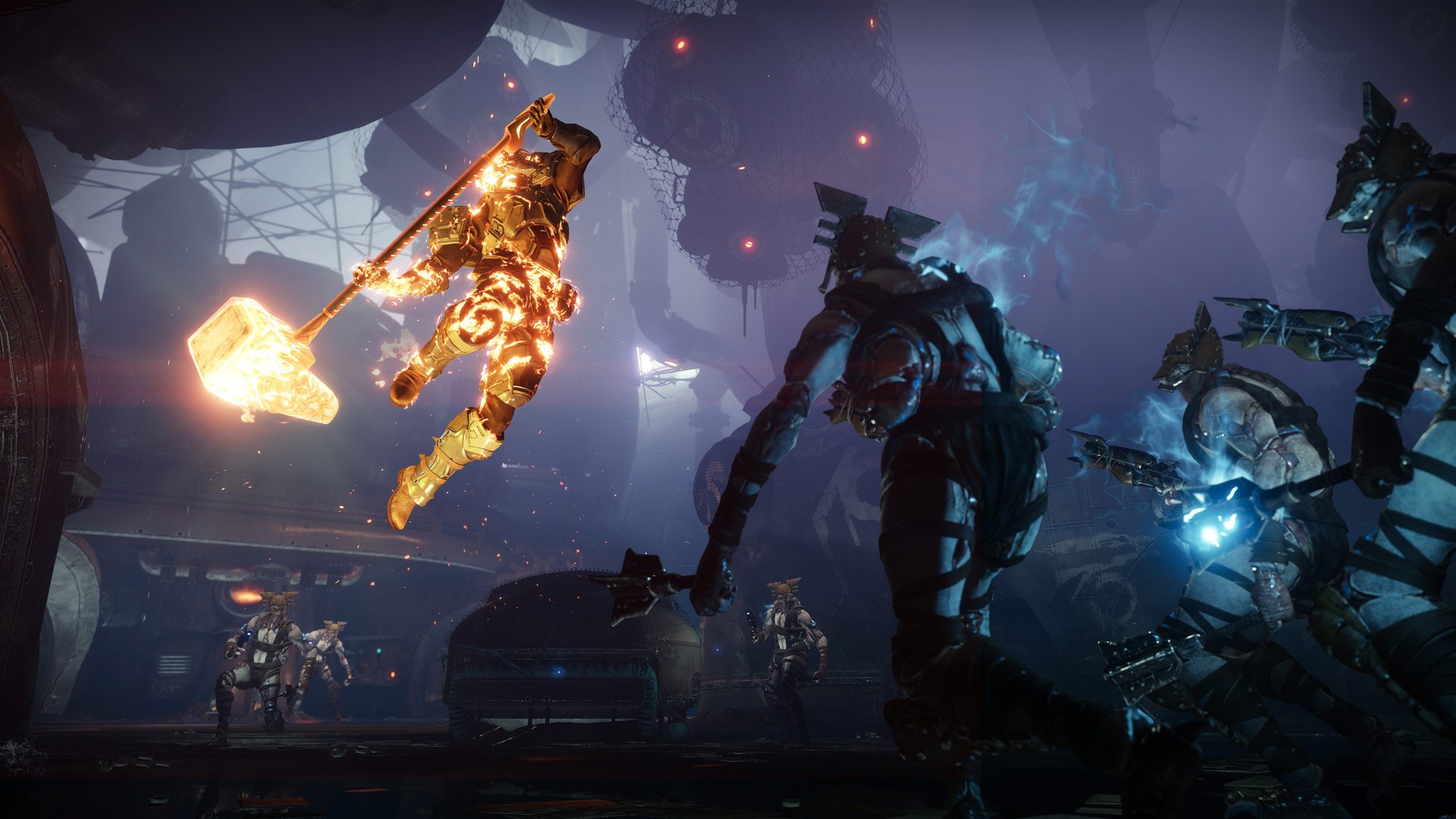
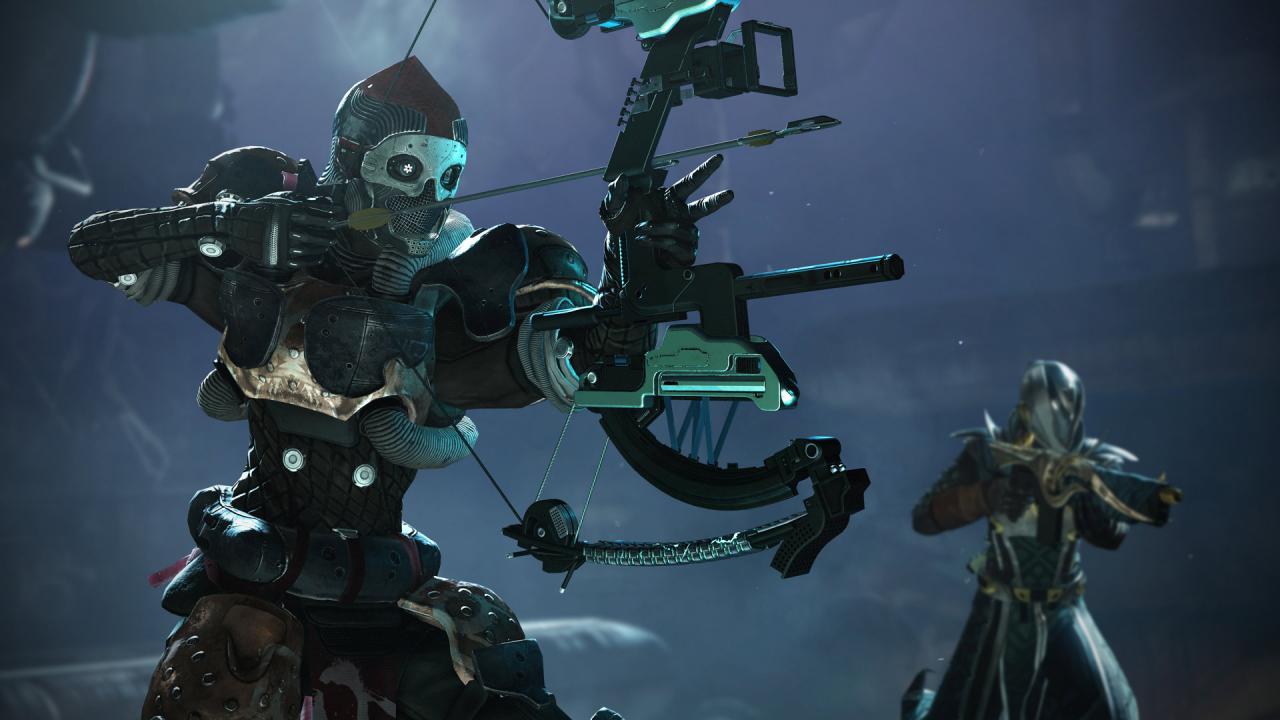
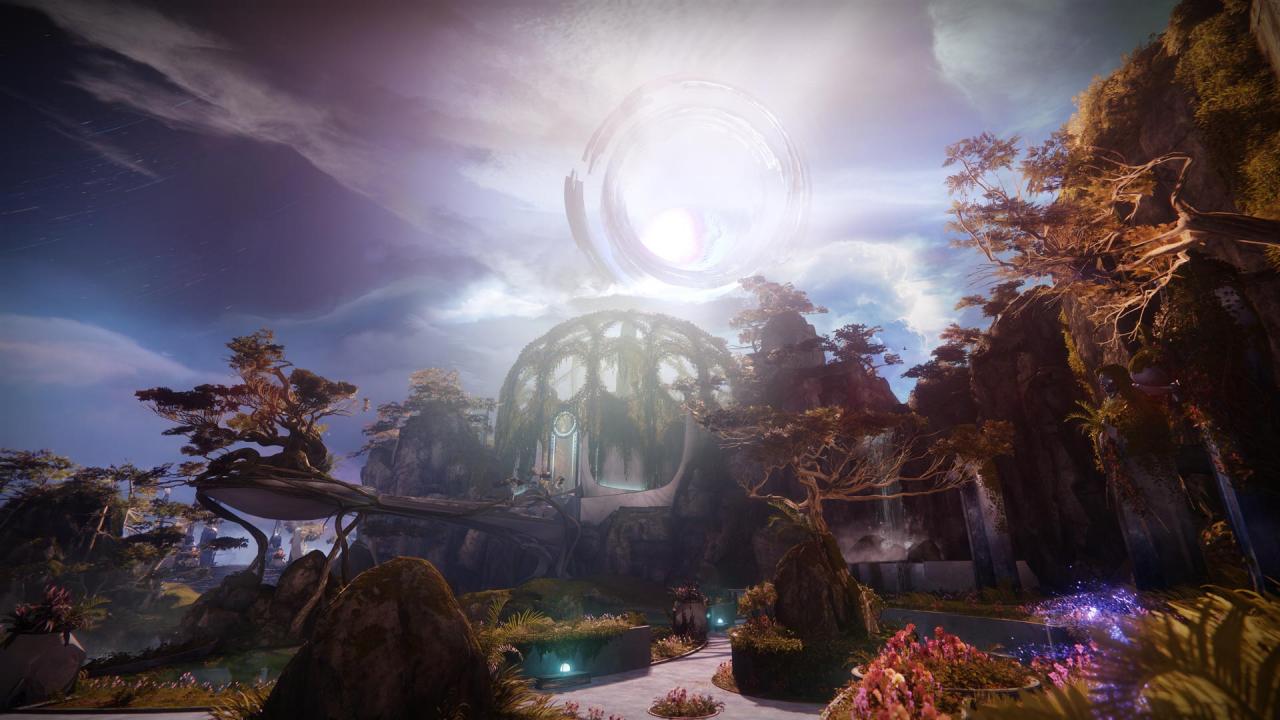
Destiny 2: Forsaken DLC screenshotDestiny 2: Forsaken DLC screenshotDestiny 2: Forsaken DLC screenshotDestiny 2: Forsaken DLC screenshotDestiny 2: Forsaken DLC screenshotDestiny 2: Forsaken DLC screenshot

How to redeem

  1. 1Check the required base game, platform and edition before purchasing.
  2. 2Find the code or supplier activation instructions in your confirmed order.
  3. 3Redeem on Steam using the supplied instructions, then install the add-on with the compatible base game.

Supplier instructions

Go to: http://store.steampowered.com/ and download STEAM client Click "Install Steam" (from the upper right corner) Install and start application, login with your Account name and Password (create one if you don't have). Please follow these instructions to activate a new retail purchase on Steam: Launch Steam and log into your Steam account. Click the Games Menu. Choose Activate a Product on Steam... Follow the onscreen instructions to complete the process. After successful code verification go to the "MY GAMES" tab and start downloading.

You might also like