Get 10% back in Relic Coins on every order
Metal Gunner cover

SteamGlobal· Key

Metal Gunner

€4.50

+€0.45 cashback eligibility in Relic Coins

Check before you play

Platform
Steam
Region
Global
Product type
Key
Developer
KIMYS STUDIOS
Publisher
KIMYS STUDIOS
Supplier release date
2020-06-16
Genres
Action, Indie, VR Games

About this product

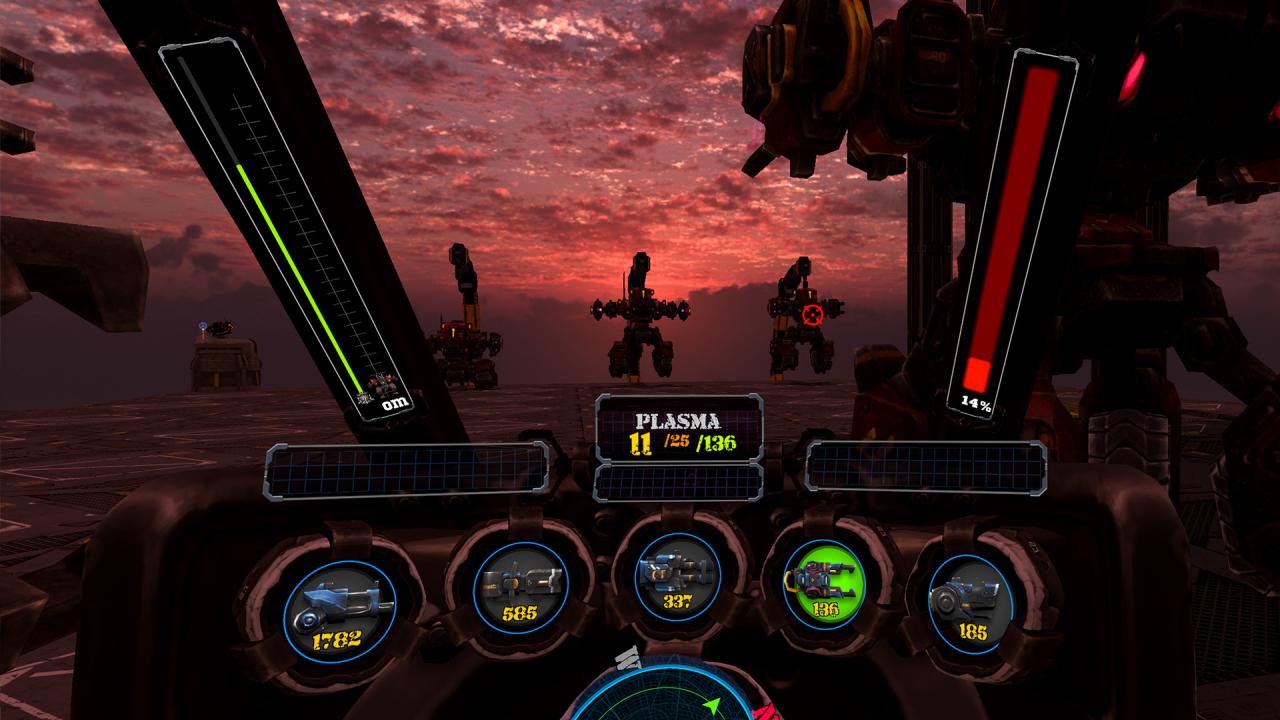
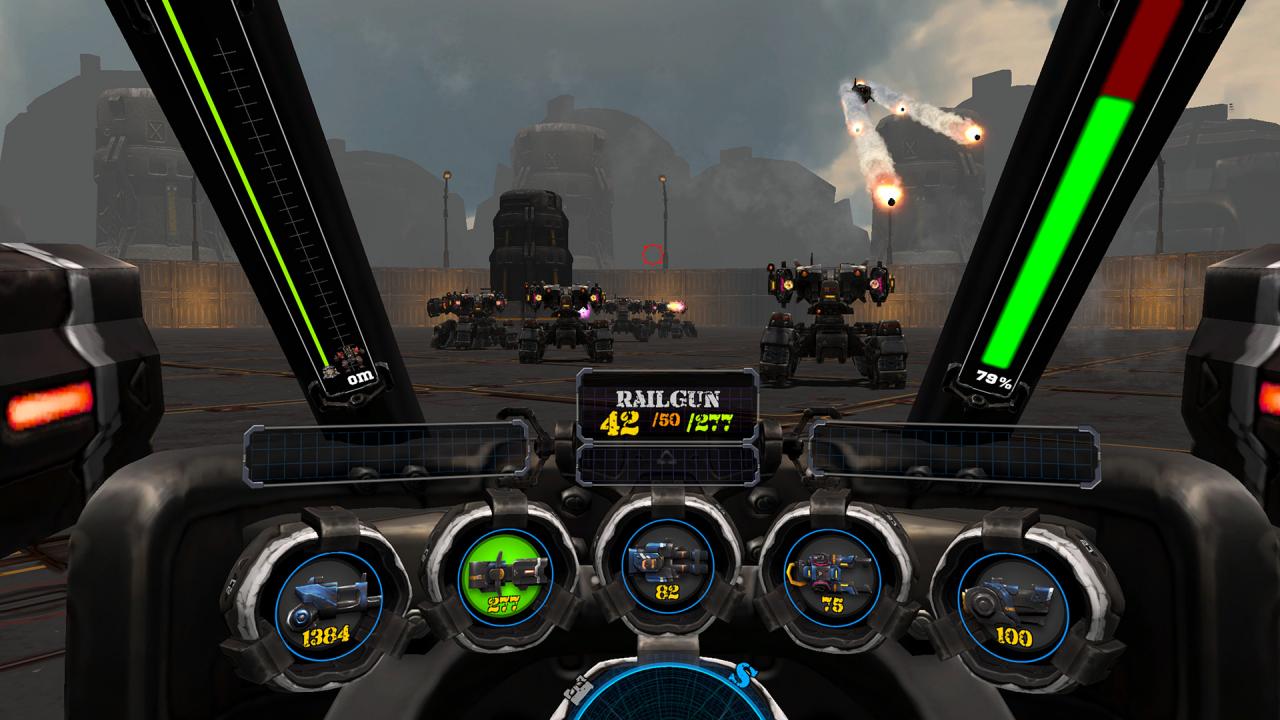
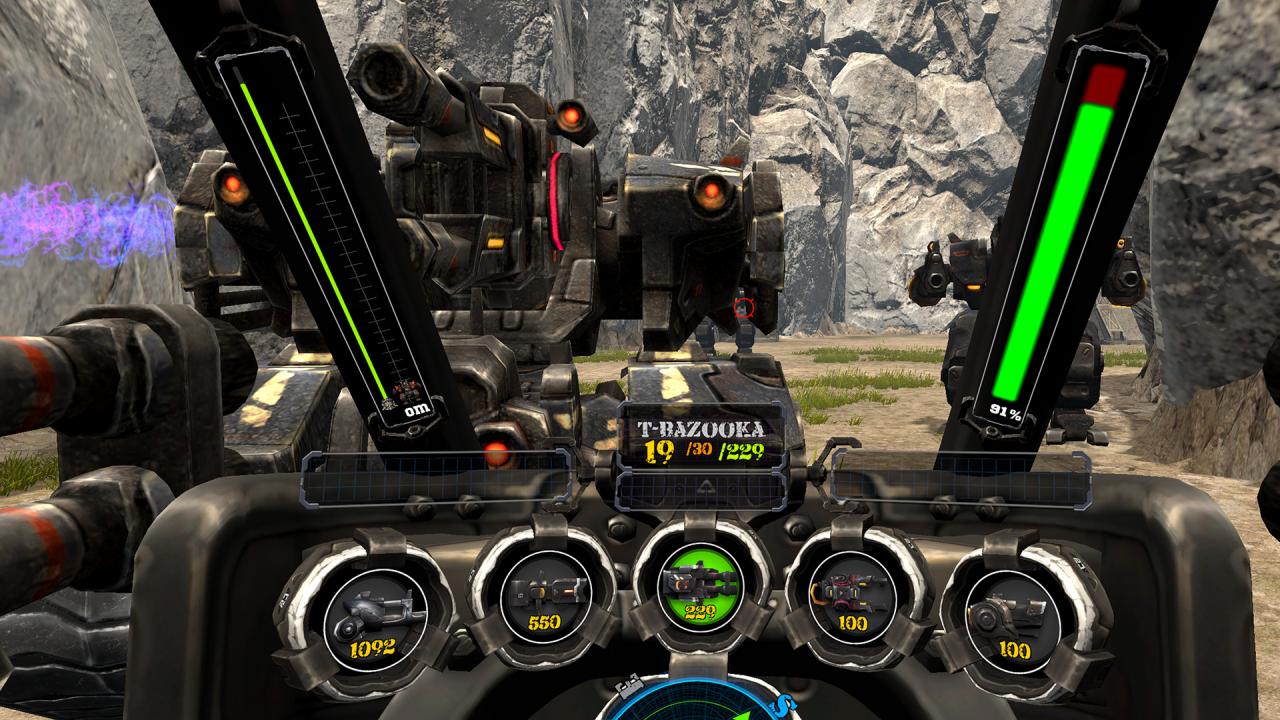
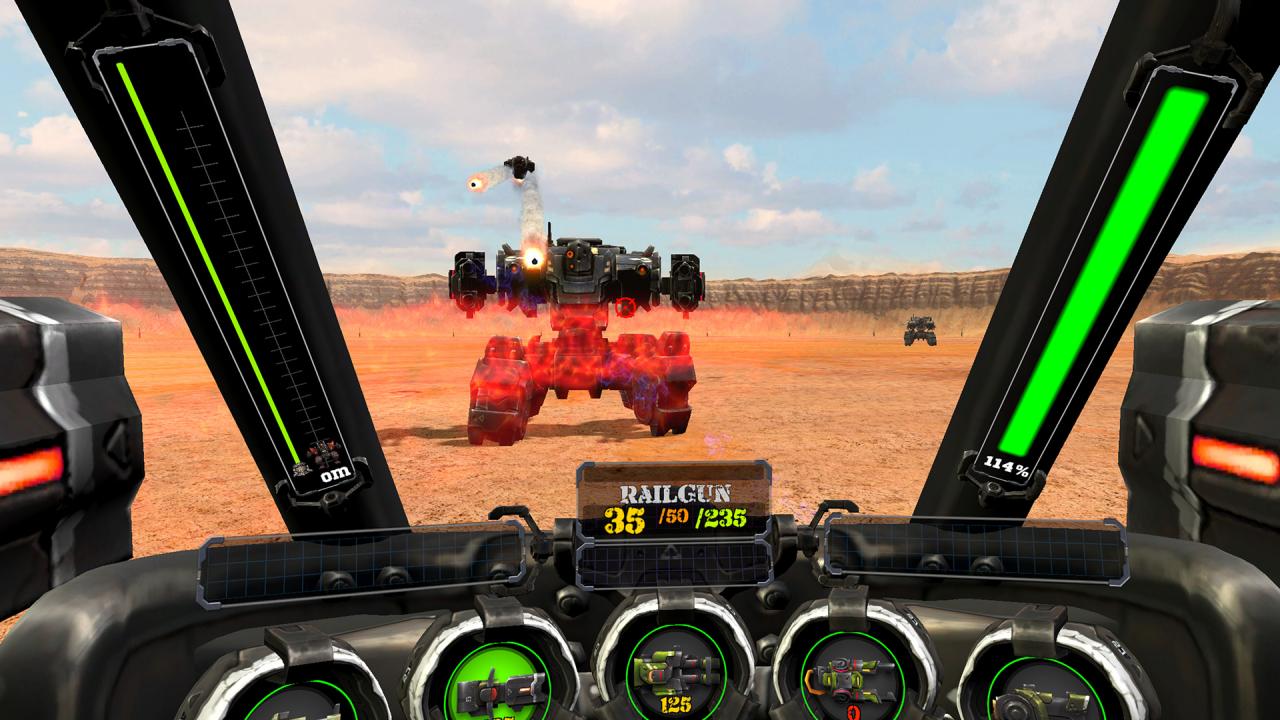
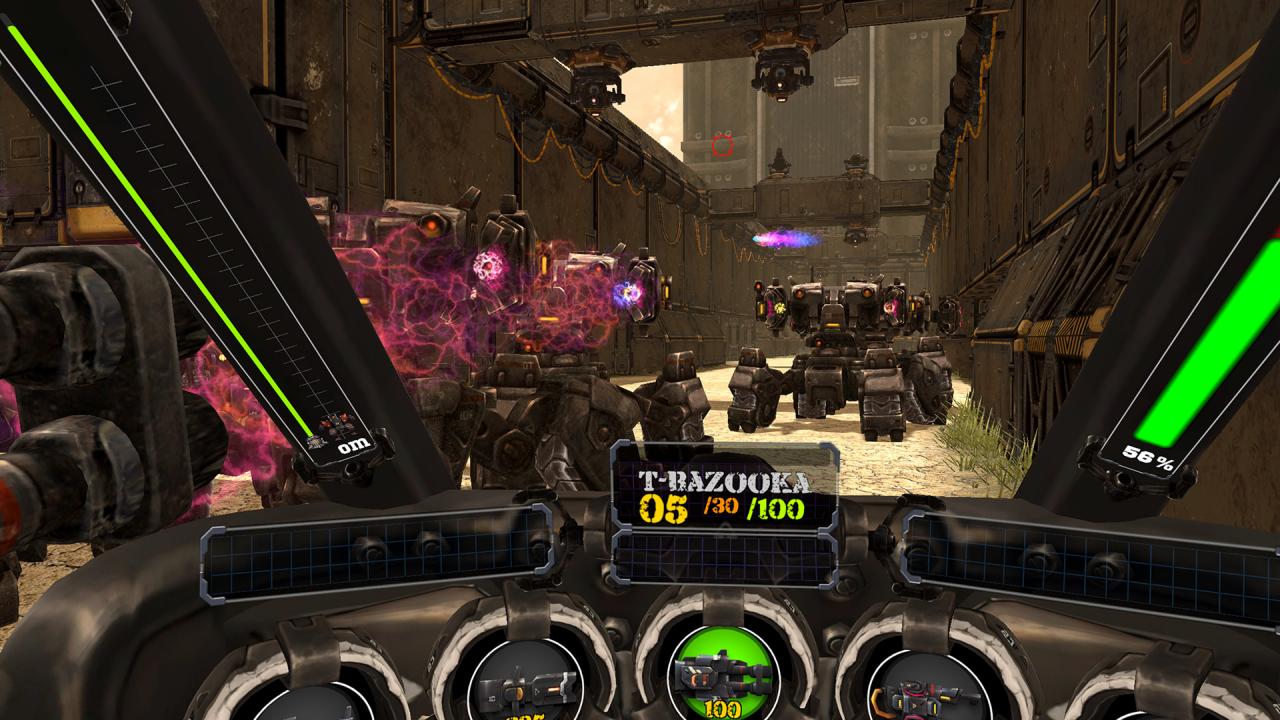
Action game without motion sickness even in extreme movements! Battle with various enemy robots and enjoy thrill and action. Features Single player modeSingle-player mode eliminates enemy robots in 5 mission planets and removes the final boss robot.Remove and recapture the planets and bases. Defense modeIn defense mode, when you complete a single-player mode mission, the defense mode will open in that mission.The enemy robots are attacking from all sides, and you have to defend your base. The mission is completed when all enemies are removed. Practice modeThis is a place to practice the basic operation of the robot and the use of weapons. Practice moves, jumps and weapon attacks. You can select 4 levels of difficulty depending on your skill level, and the enemy lots become stronger, so the battle becomes more realistic. You can enjoy the game comfortably with thorough VR development technology for prolonged intense action and play. Dozens of different robots appear and attack the player without rest. Easy robot control and hitting feeling give satisfaction to the best of the robot games. During the game, various weapons are replaced and battled. There are 5 types of weapons, and each weapon has a different power and rate of fire.

Metal Gunner screenshotMetal Gunner screenshotMetal Gunner screenshotMetal Gunner screenshotMetal Gunner screenshotMetal Gunner screenshot

How to redeem

  1. 1Check your Steam account and the listed region before purchasing.
  2. 2Find your code and supplier activation instructions in your confirmed order.
  3. 3Open the redeem-code section on Steam, enter the code and follow the platform’s prompts.

Supplier instructions

Go to: http://store.steampowered.com/ and download STEAM client Click "Install Steam" (from the upper right corner) Install and start application, login with your Account name and Password (create one if you don't have). Please follow these instructions to activate a new retail purchase on Steam: Launch Steam and log into your Steam account. Click the Games Menu. Choose Activate a Product on Steam... Follow the onscreen instructions to complete the process. After successful code verification go to the "MY GAMES" tab and start downloading.

You might also like