Get 10% back in Relic Coins on every order
D&D Stronghold: Kingdom Simulator cover

GOG.comGlobal· Key

D&D Stronghold: Kingdom Simulator

€5.24

+€0.52 cashback eligibility in Relic Coins

Check before you play

Platform
GOG.com
Region
Global
Product type
Key
Developer
Stormfront Studios
Publisher
GOG
Supplier release date
1993-01-01
Genres
Strategy

About this product

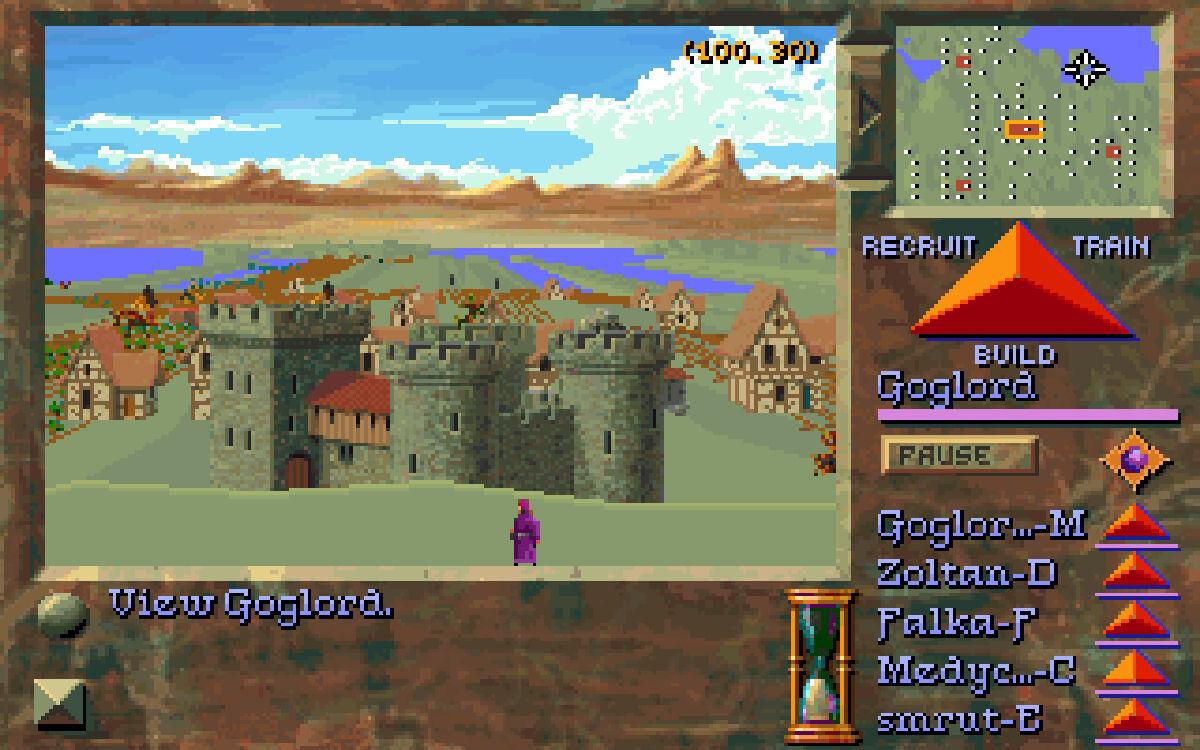
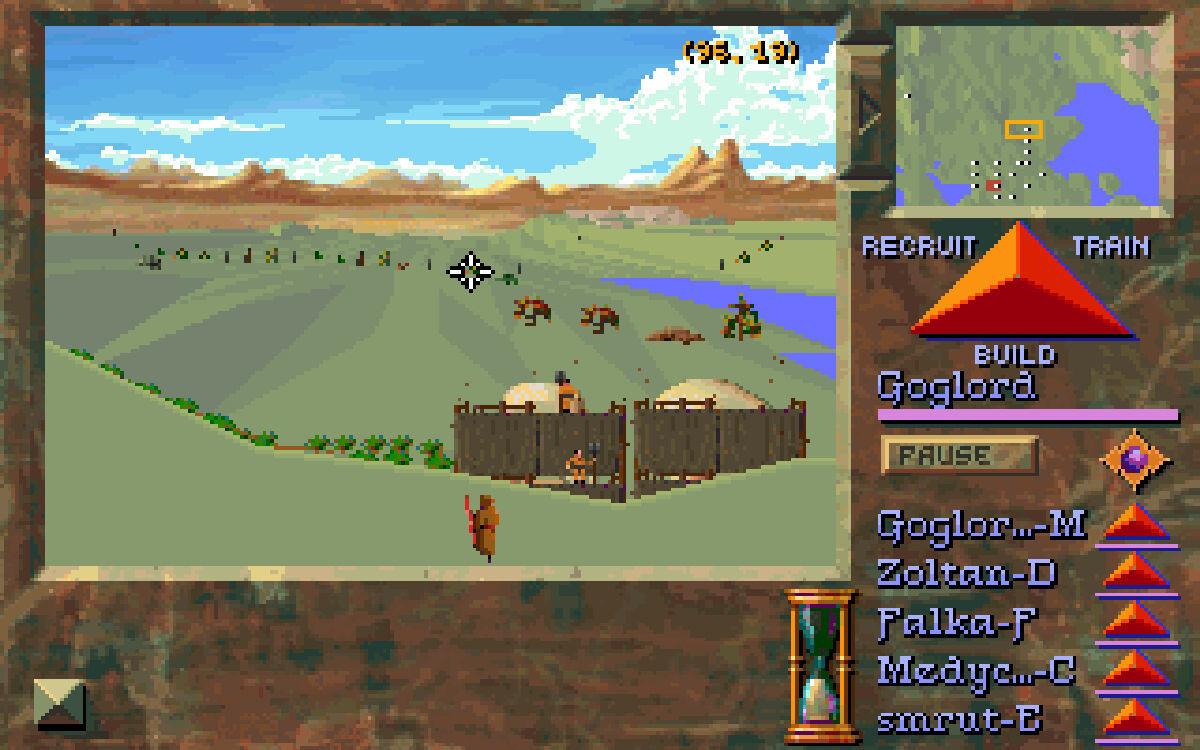
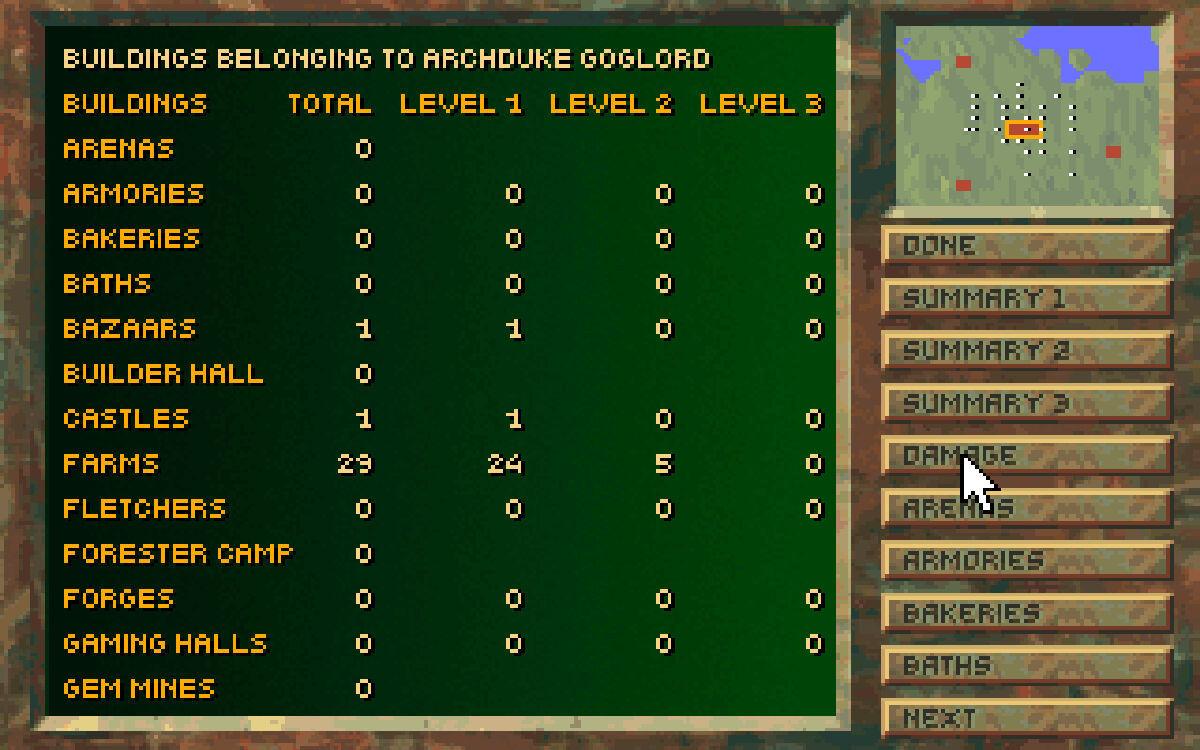
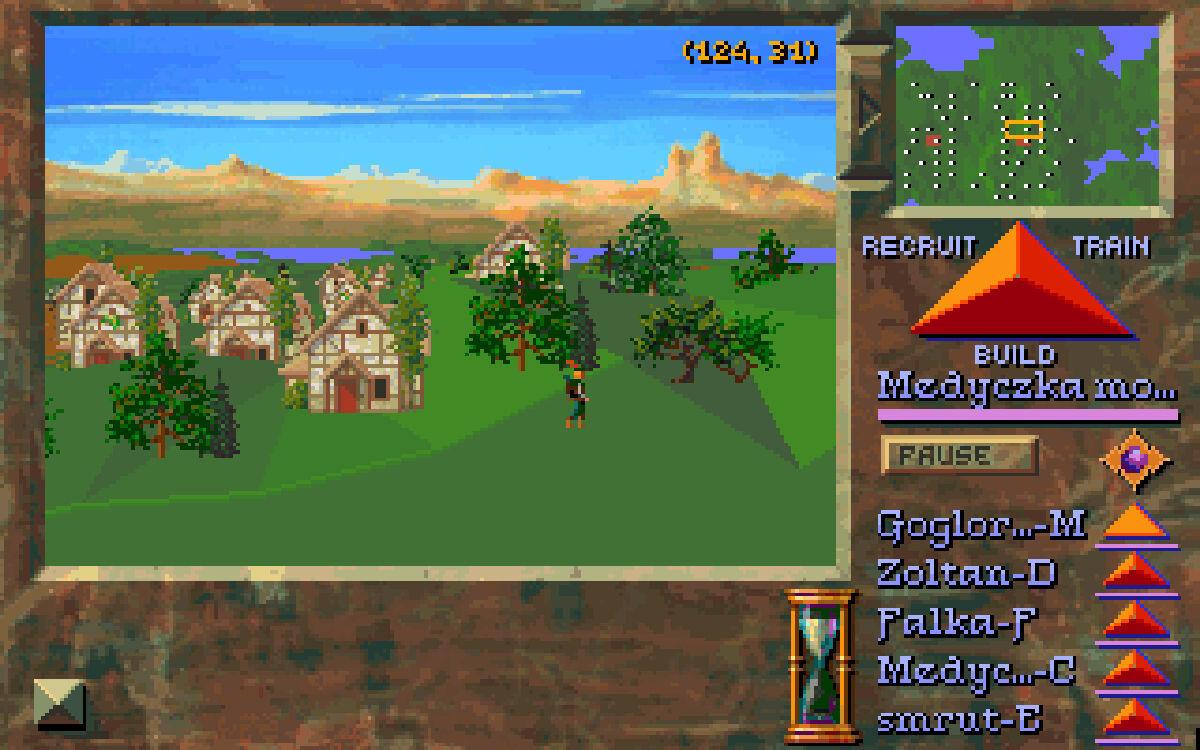
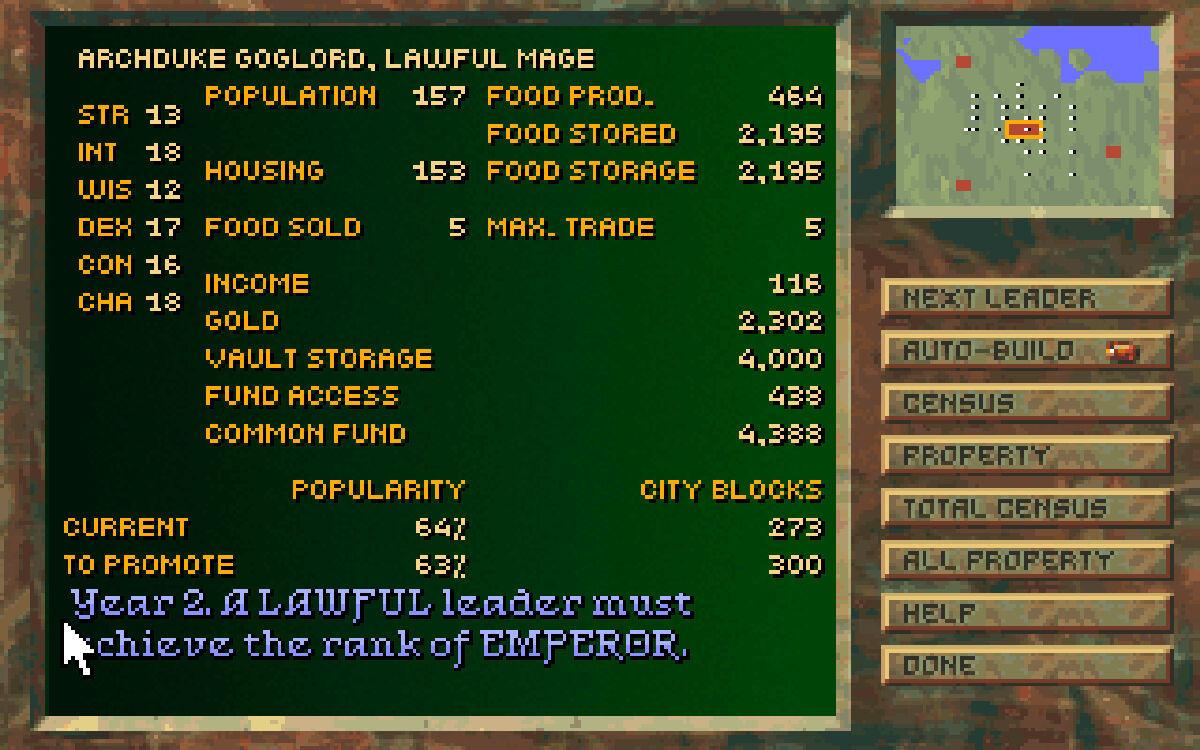
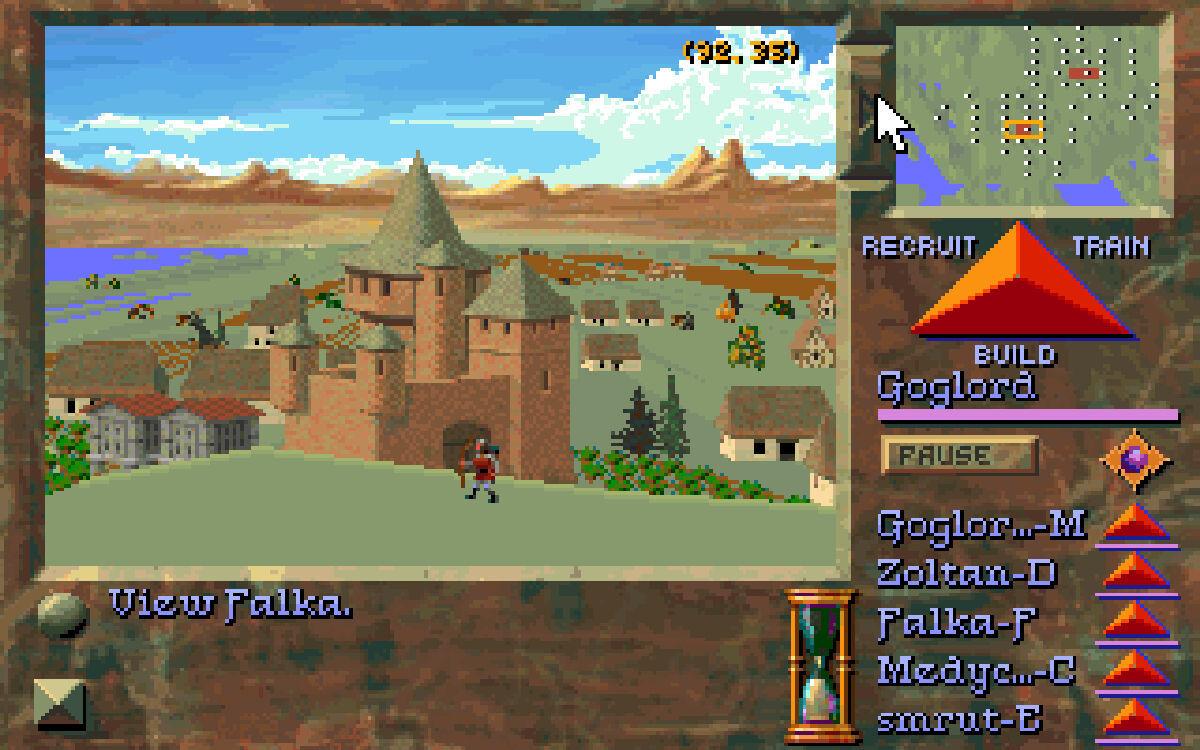
In this remarkable kingdom simulator, your goal is to become Emperor by building and expanding your stronghold in competition against opposing computer-controlled kingdoms. Choose three courses of action to achieve Emperor status: Lawful (Maximizing the prosperity and morale of your poulace; Chaotic (total military victory over all your enemies); or Neutral (striving to achieve both objectives, the toughest challenge of all). All the details of running a kingdom must be dealt with: Construction, farmland, population, housing, troops, morale and changing seasons - and, of course, a multitude of D&D game monsters. Micro-manage all these factors personally if you want absolute control, or let the computer do much of it for you. Choose from pre-created worlds or computer-generated random scenarios for a new challenge every time. With the intuitive mouse-driven command interface, running your own kingdom has never been more fun, fast or easy! Features Build your own Dungeons & Dragons game kingdom with over 100 structures including castles, forges, mines, marketplaces, towers, temples, cottages, schools of magic and granaries Micro-manage every detail of running a kingdom or let the computer handle most of the chores Computer-generated random scenarios offer unlimited hours of fun and excitement

D&D Stronghold: Kingdom Simulator screenshotD&D Stronghold: Kingdom Simulator screenshotD&D Stronghold: Kingdom Simulator screenshotD&D Stronghold: Kingdom Simulator screenshotD&D Stronghold: Kingdom Simulator screenshotD&D Stronghold: Kingdom Simulator screenshot

How to redeem

  1. 1Check your GOG.com account and the listed region before purchasing.
  2. 2Find your code and supplier activation instructions in your confirmed order.
  3. 3Open the redeem-code section on GOG.com, enter the code and follow the platform’s prompts.

Supplier instructions

Please create an account or login on https://www.gog.com Go to https://www.gog.com/redeem Enter the code and then press "CONTINUE" After a short amount of time you will see the details about the product, please press "CONTINUE" again. Download and install the GOG.com downloader Login to the software and get back to the product page Go to https://www.gog.com/account and look for the "Games" tab. Press the box of the product you want to download. Activate the GOG.com Download Mode on the right side of product menu. Choose the installation package from the list and save it with the GOG Downloader.

You might also like