Get 10% back in Relic Coins on every order
Evan's Remains cover

SteamGlobal· Key

Evan's Remains

€0.53

+€0.05 cashback eligibility in Relic Coins

Check before you play

Platform
Steam
Region
Global
Product type
Key
Developer
Maitan69
Publisher
Whitethorn Games
Supplier release date
2020-06-11
Genres
Adventure, Indie, Casual, Platformer

About this product

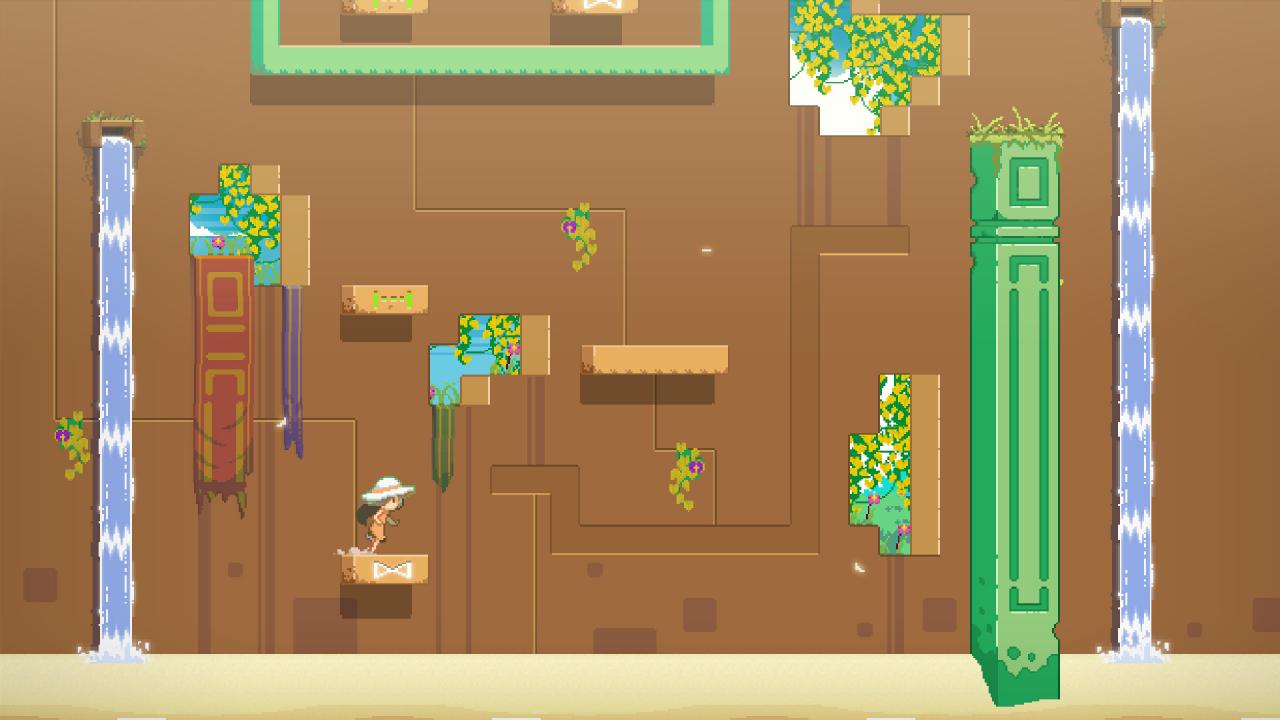
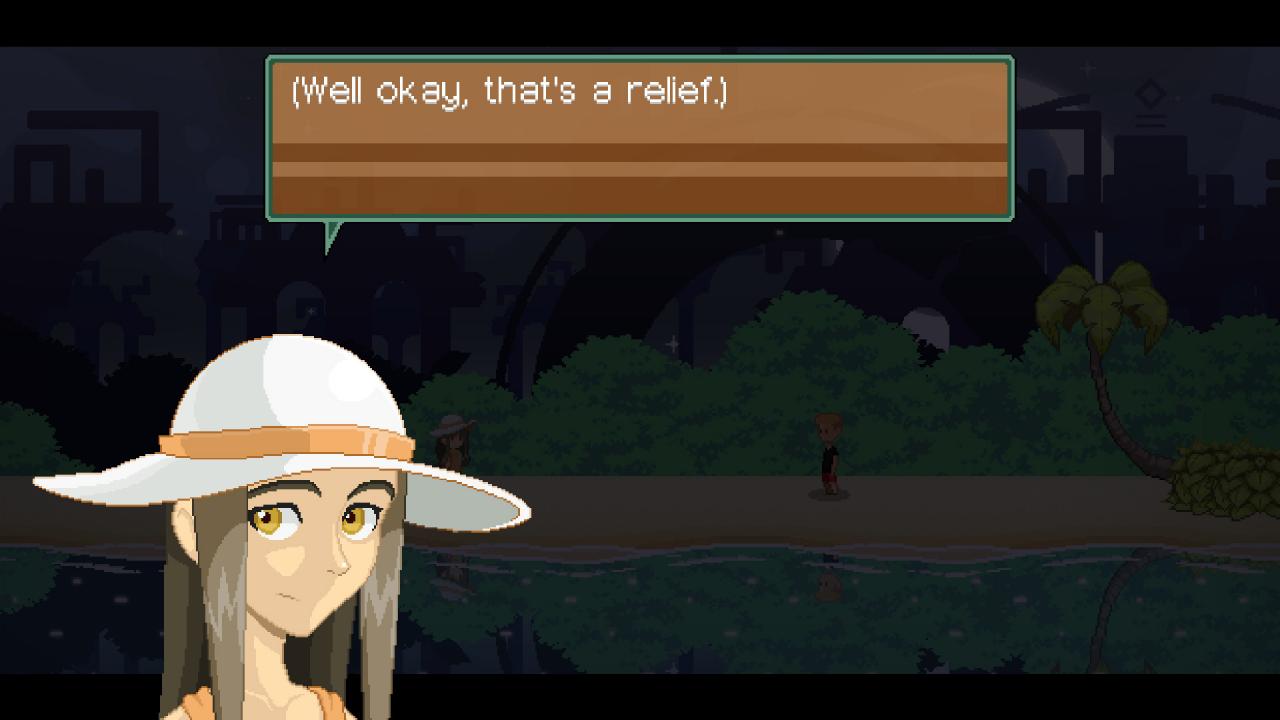
Evan's Remains is a mystery-thriller puzzle adventure about finding a missing boy: Evan. The game combines logic-based platform puzzles with narrative inspired by Japanese graphic adventure games.Every time the player solves from two to three puzzles, the story goes forward and new mechanics are introduced. The challenge of the puzzles lies in the player’s ability to figure out what do rather than solve challenges based on skill. As the difficulty curve increases, the puzzles become more complex by combining two or more previously introduced mechanics.Evan, the genius boy, has been missing for years. One day, a letter signed by him is received, claiming he’s on an uninhabited island somewhere in the Pacific Ocean. Nobody knows why, but he asked specifically for a girl named “Dysis” to go and look for him. The player will take control of this girl, who we don’t know much about. As we follow Dysis’s adventure, questions will start to be answered little by little. All of the little puzzle pieces which seemed unrelated in the beginning will now begin to slowly fit together as the truth is slowly revealed.

Evan's Remains screenshotEvan's Remains screenshotEvan's Remains screenshotEvan's Remains screenshotEvan's Remains screenshotEvan's Remains screenshot

How to redeem

  1. 1Check your Steam account and the listed region before purchasing.
  2. 2Find your code and supplier activation instructions in your confirmed order.
  3. 3Open the redeem-code section on Steam, enter the code and follow the platform’s prompts.

Supplier instructions

Go to: http://store.steampowered.com/ and download STEAM client Click "Install Steam" (from the upper right corner) Install and start application, login with your Account name and Password (create one if you don't have). Please follow these instructions to activate a new retail purchase on Steam: Launch Steam and log into your Steam account. Click the Games Menu. Choose Activate a Product on Steam... Follow the onscreen instructions to complete the process. After successful code verification go to the "MY GAMES" tab and start downloading.

You might also like