Get 10% back in Relic Coins on every order
Railway Empire - Down Under DLC cover

SteamGlobal· DLC

Railway Empire - Down Under DLC

€0.06

+€0.01 cashback eligibility in Relic Coins

Check before you play

Platform
Steam
Region
Global
Product type
DLC

Check the required base game and edition before purchasing this add-on.

Developer
Gaming Minds Studios
Publisher
Kalypso Media
Supplier release date
2020-05-08
Genres
Strategy, Simulation

About this product

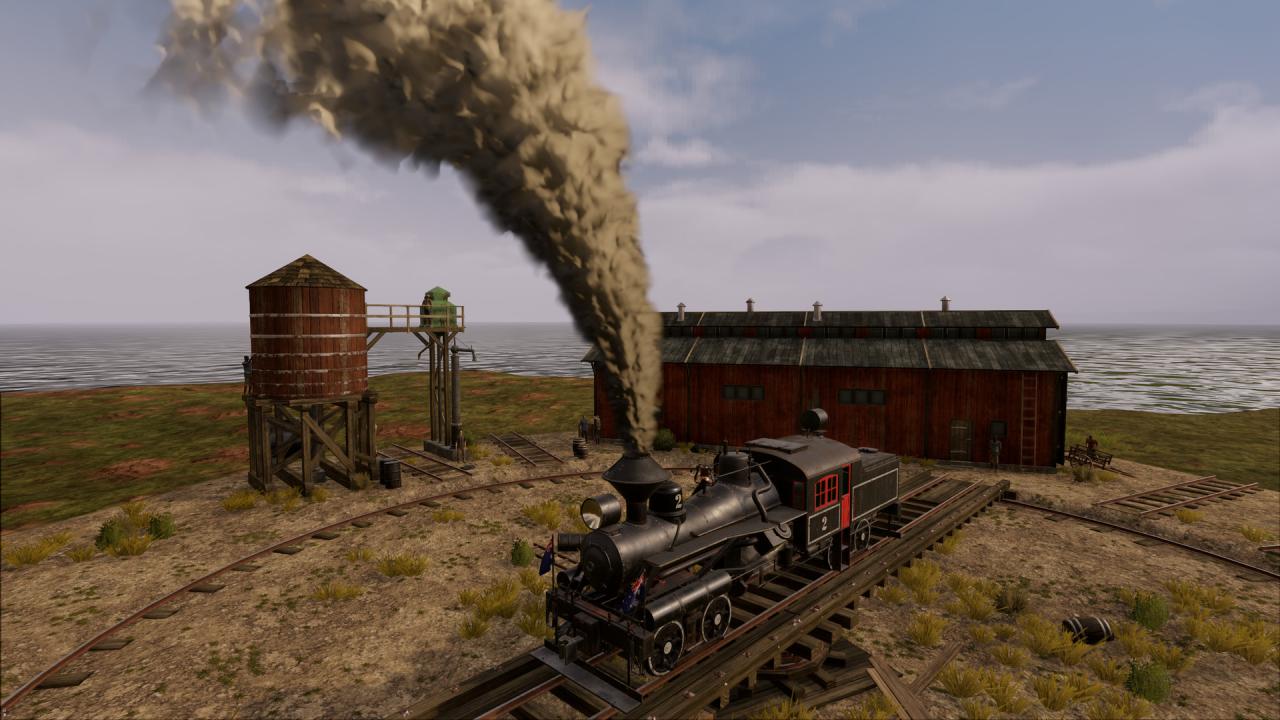
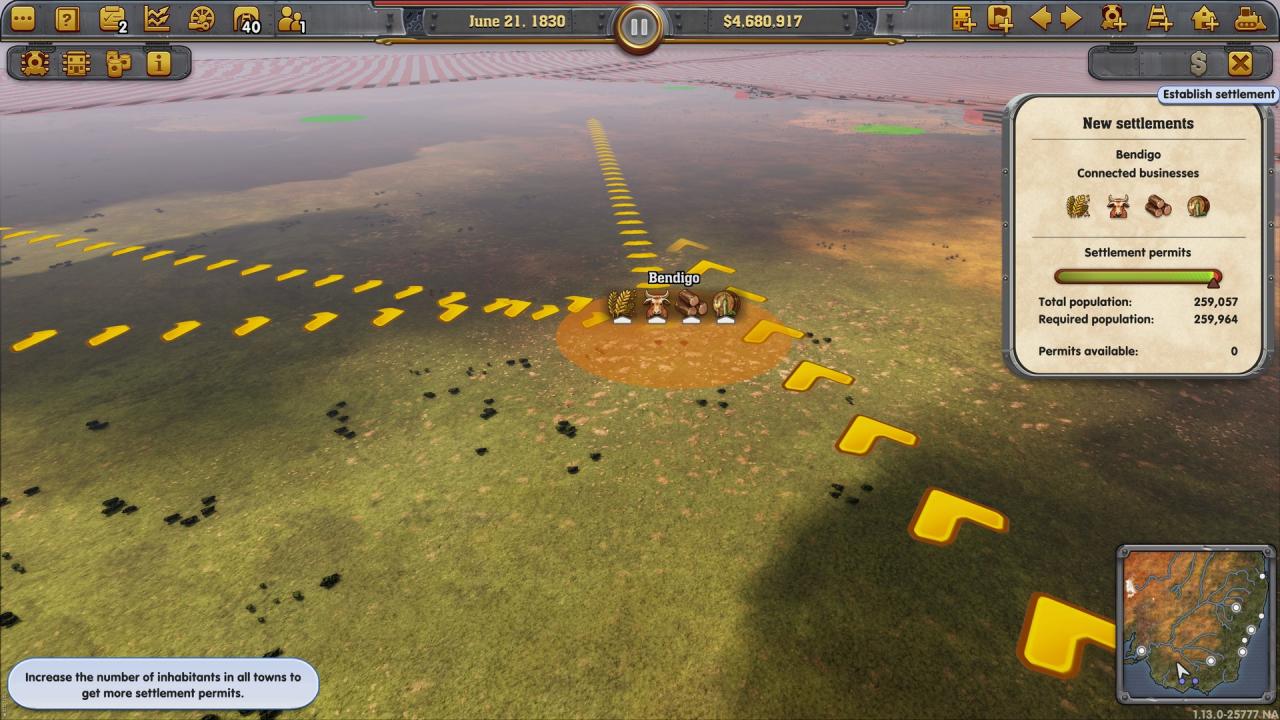
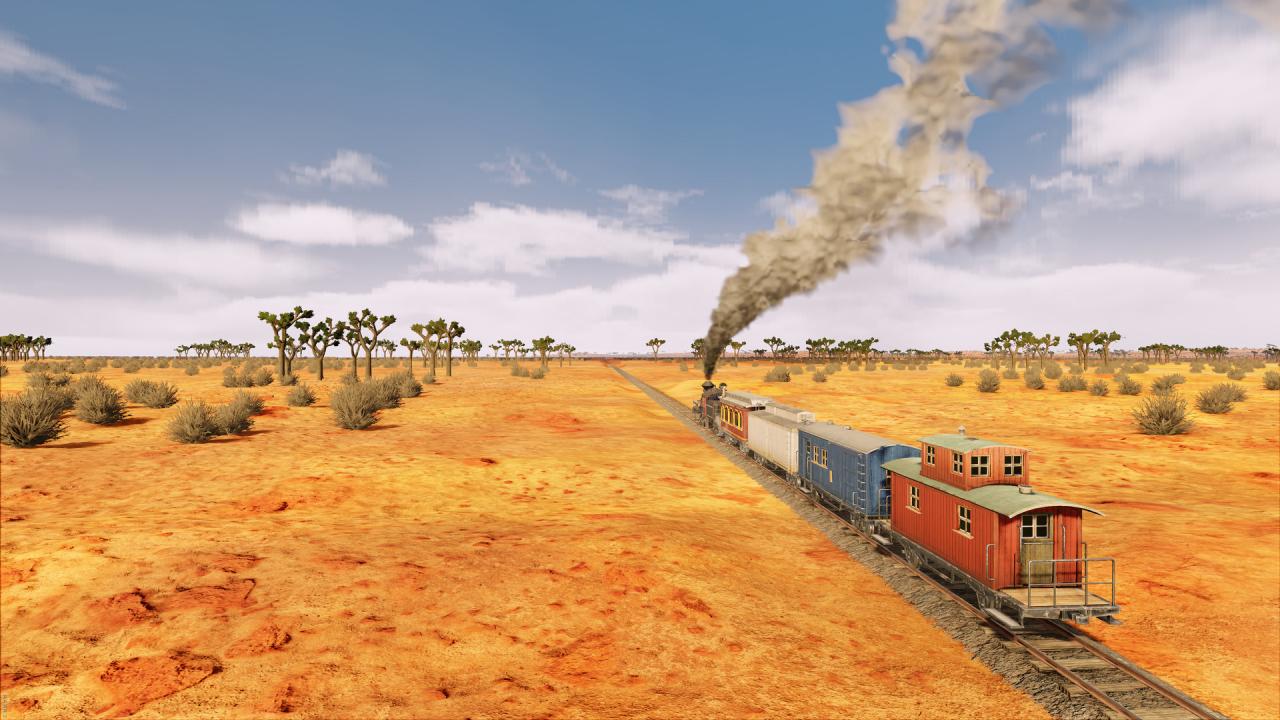
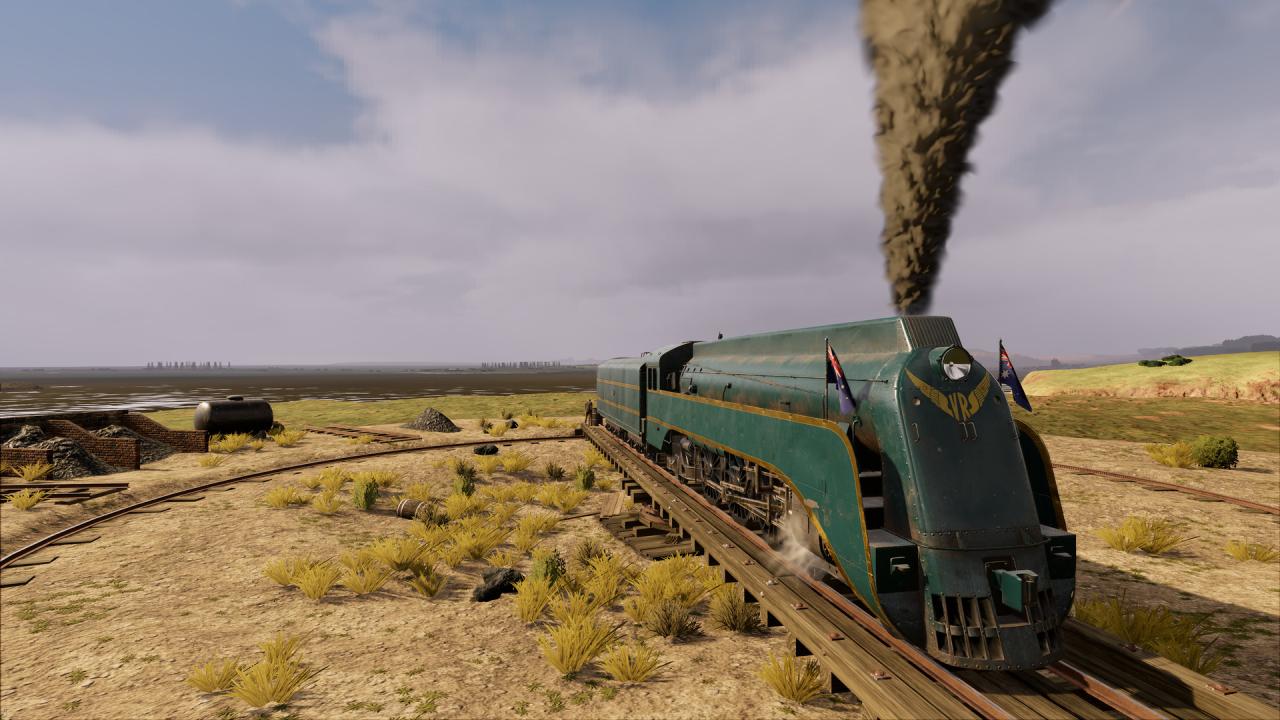
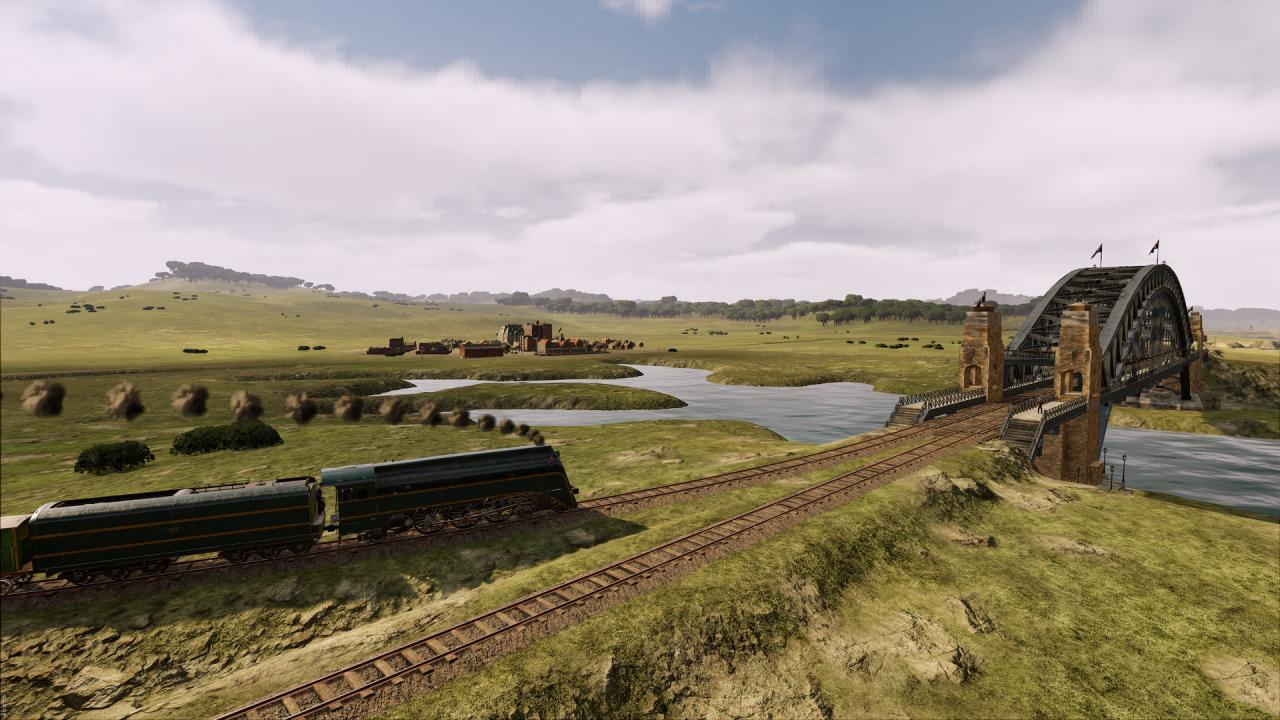
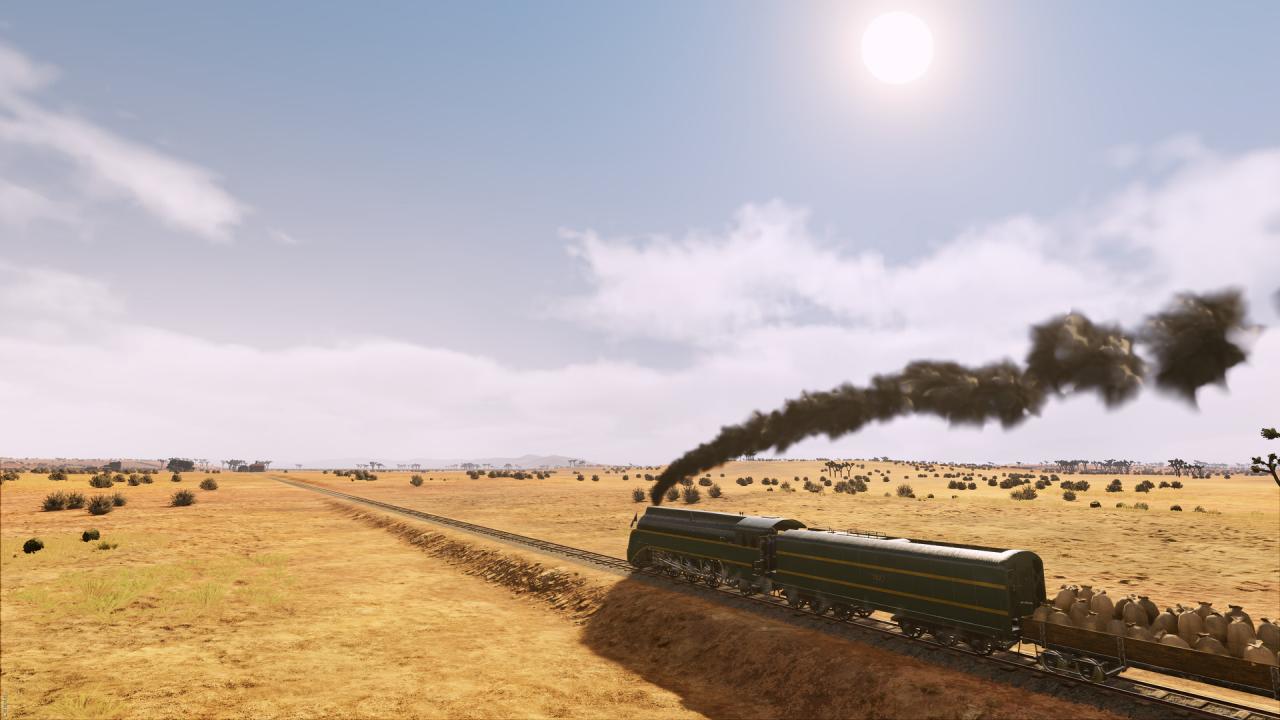
During the first half of the 19th Century, the colonial territories of Australia are sparsely populated and consist primarily of coastal cities and a few smaller farming settlements in the remote outback. However, a series of events is set to spark an industrial revolution, one that will usher in an era of change for Australia and secure a lucrative future. In the Railway Empire “Down Under” DLC, it is up to you to tame the unforgiving outback and expand your railway network across its wild terrain and beyond. Your railway will ultimately be the key to laying the foundations for flourishing cities and to connecting remote mining settlements to coastal metropolises. Are you ready to face the sun-scorched landscape of Australia’s Red Centre? Features New scenario: “Pioneering spirit” (1830-1930) Map expansion: “Down Under” (available in Free Game and Sandbox modes) 3 new historical engines: Heisler (0-8-0), C30 (4-6-0) and Class S (4-6-2) New tradeable goods (eg. seafood, Rail-O-Mite and canned beer) and 52 new cities to discover New music tracks, reworked city buildings and unique mission structures (eg. Sydney Harbour Bridge) New Settlement feature unique to the “Down Under” map: on pre-determined locations, players can now establish new cities and this way arrange the economic system to their liking


Railway Empire - Down Under DLC screenshotRailway Empire - Down Under DLC screenshotRailway Empire - Down Under DLC screenshotRailway Empire - Down Under DLC screenshotRailway Empire - Down Under DLC screenshotRailway Empire - Down Under DLC screenshot

How to redeem

  1. 1Check the required base game, platform and edition before purchasing.
  2. 2Find the code or supplier activation instructions in your confirmed order.
  3. 3Redeem on Steam using the supplied instructions, then install the add-on with the compatible base game.

Supplier instructions

Go to: http://store.steampowered.com/ and download STEAM client Click "Install Steam" (from the upper right corner) Install and start application, login with your Account name and Password (create one if you don't have). Please follow these instructions to activate a new retail purchase on Steam: Launch Steam and log into your Steam account. Click the Games Menu. Choose Activate a Product on Steam... Follow the onscreen instructions to complete the process. After successful code verification go to the "MY GAMES" tab and start downloading.

You might also like