Get 10% back in Relic Coins on every order
Destiny 2: Upgrade Edition cover

SteamRest of the world· DLC

Destiny 2: Upgrade Edition

€1.29

+€0.13 cashback eligibility in Relic Coins

Check before you play

Platform
Steam
Region
Rest of the world
Product type
DLC

Check the required base game and edition before purchasing this add-on.

Developer
Bungie
Publisher
Activision
Supplier release date
2019-09-17
Genres
Action, Adventure, FPS, Co-op

About this product

Includes: Shadowkeep DLC Forsaken DLC Dive into the free-to-play world of Destiny 2 to experience responsive first-person shooter combat, explore the mysteries of our solar system, and unleash elemental abilities against powerful enemies. Download today to create your Guardian and collect unique weapons, armor, and gear to customize your look and playstyle. Experience Destiny 2’s cinematic story alone or with friends, join other Guardians for challenging co-op missions, or compete against them in a variety of PvP modes. You decide your legend. Features An Immersive Story• Defend the Last City of humanity against the dark forces beyond our system Guardian Classes• Choose from the armored Titan, mystic Warlock, or swift Hunter Cooperative and Competitive Multiplayer• Play with or against your friends and other Guardians in various PvE and PvP game modes Exotic Weapons and Armor• Collect an amazing array of weapons and armor to personalize your combat style

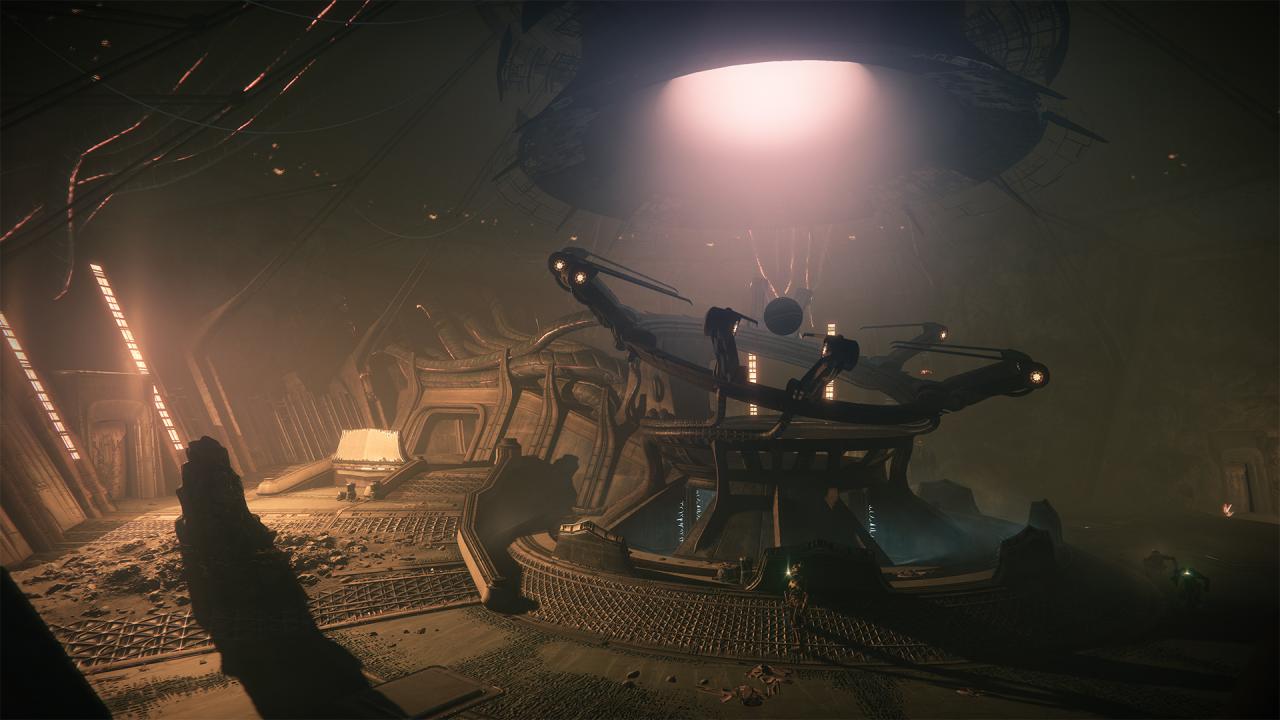
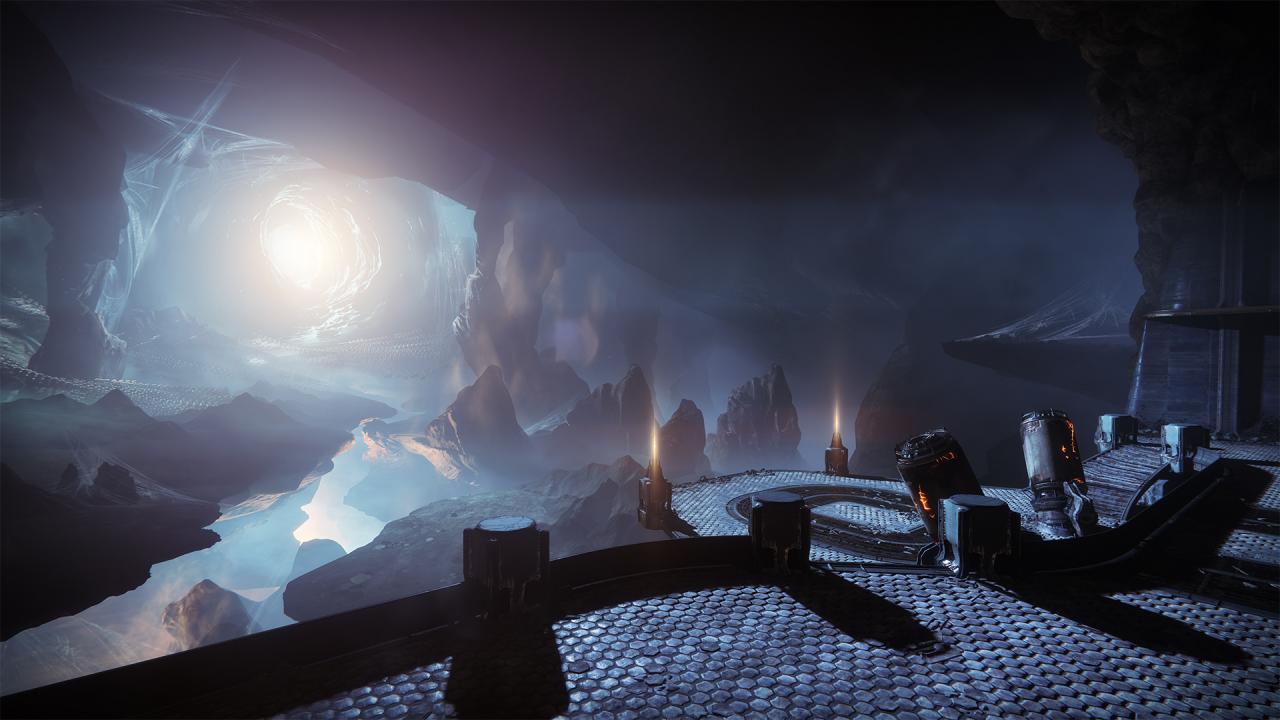
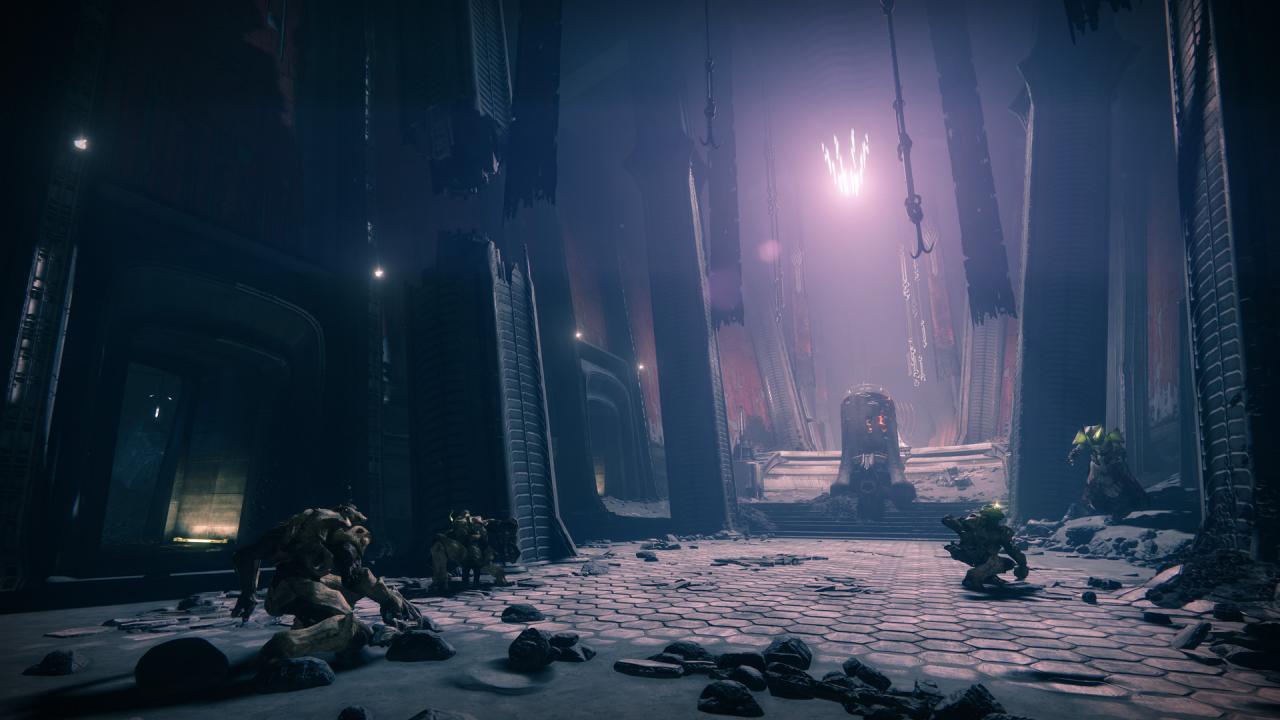
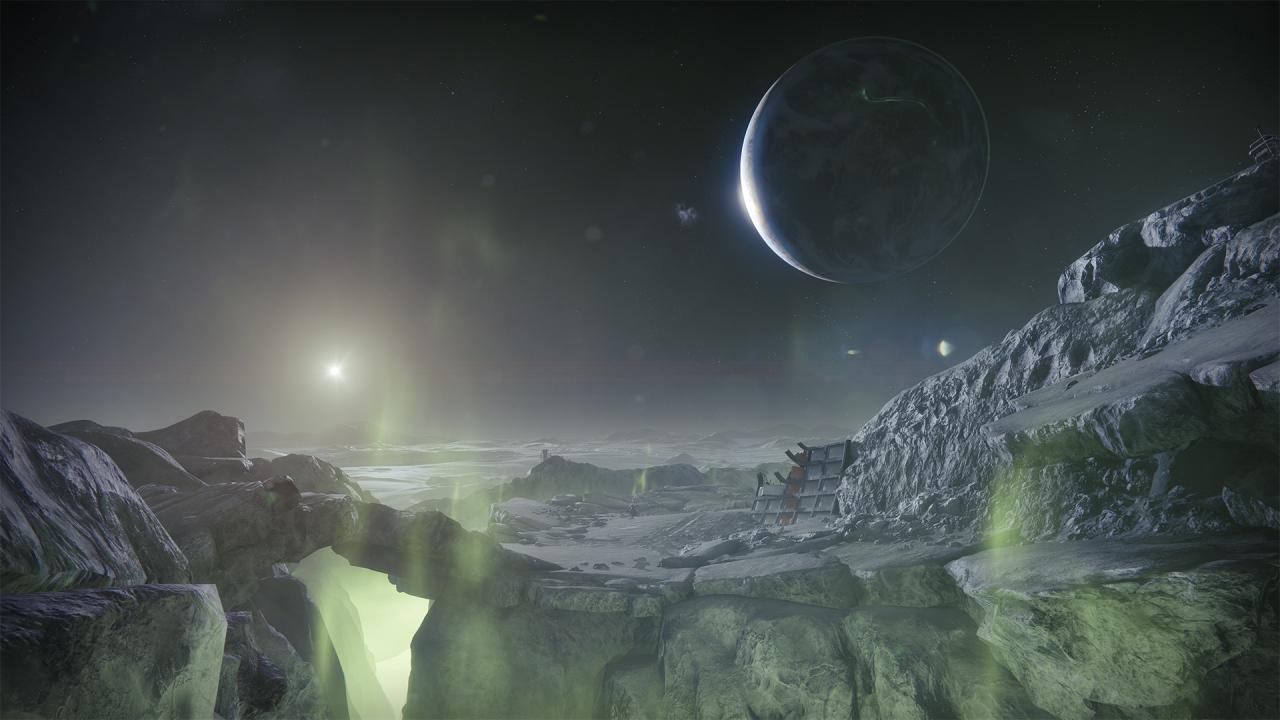
Destiny 2: Upgrade Edition screenshotDestiny 2: Upgrade Edition screenshotDestiny 2: Upgrade Edition screenshotDestiny 2: Upgrade Edition screenshotDestiny 2: Upgrade Edition screenshotDestiny 2: Upgrade Edition screenshot

How to redeem

  1. 1Check the required base game, platform and edition before purchasing.
  2. 2Find the code or supplier activation instructions in your confirmed order.
  3. 3Redeem on Steam using the supplied instructions, then install the add-on with the compatible base game.

Supplier instructions

Go to: http://store.steampowered.com/ and download STEAM client Click "Install Steam" (from the upper right corner) Install and start application, login with your Account name and Password (create one if you don't have). Please follow these instructions to activate a new retail purchase on Steam: Launch Steam and log into your Steam account. Click the Games Menu. Choose Activate a Product on Steam... Follow the onscreen instructions to complete the process. After successful code verification go to the "MY GAMES" tab and start downloading.

You might also like