Get 10% back in Relic Coins on every order
Holy Potatoes! We're in Space?! Special Edition cover

Steam Europe - All Countries· Key

Holy Potatoes! We're in Space?! Special Edition

€180.88

+€18.09 cashback eligibility in Relic Coins

Check before you play

Platform
Steam
Region
Europe - All Countries
Product type
Key
Supplier release date
2017-02-14
Genres
Adventure, Indie, Casual

About this product

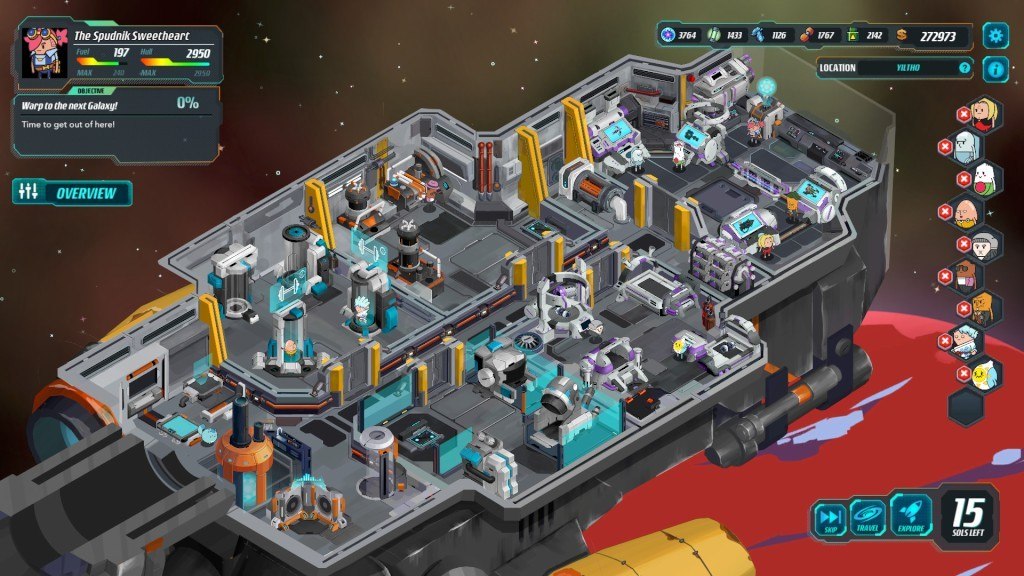
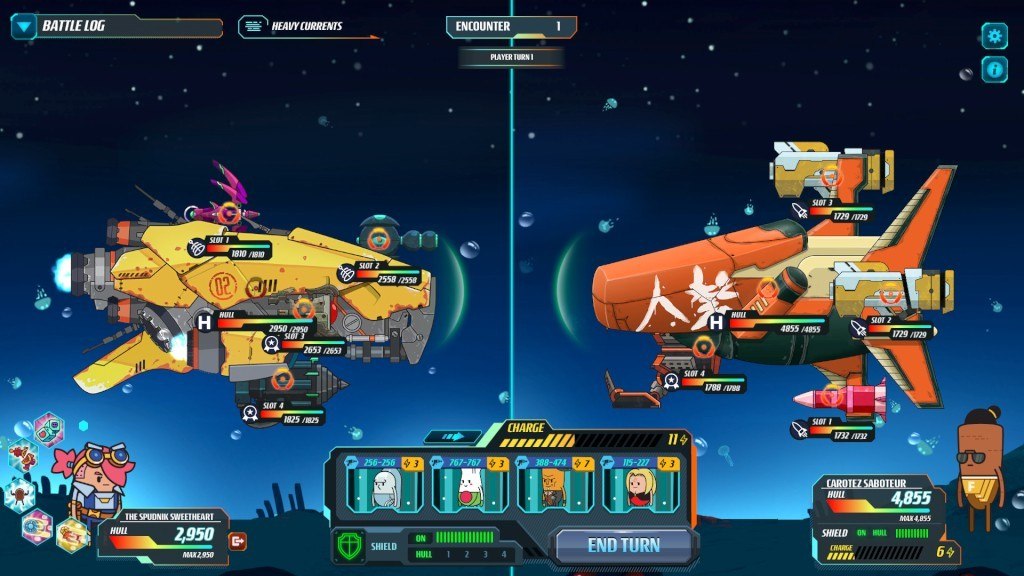
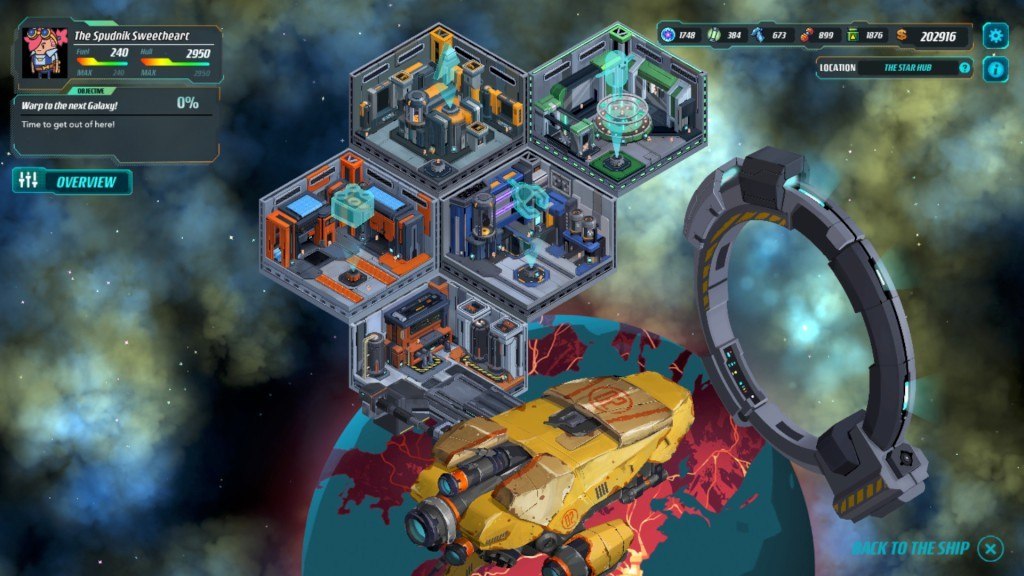
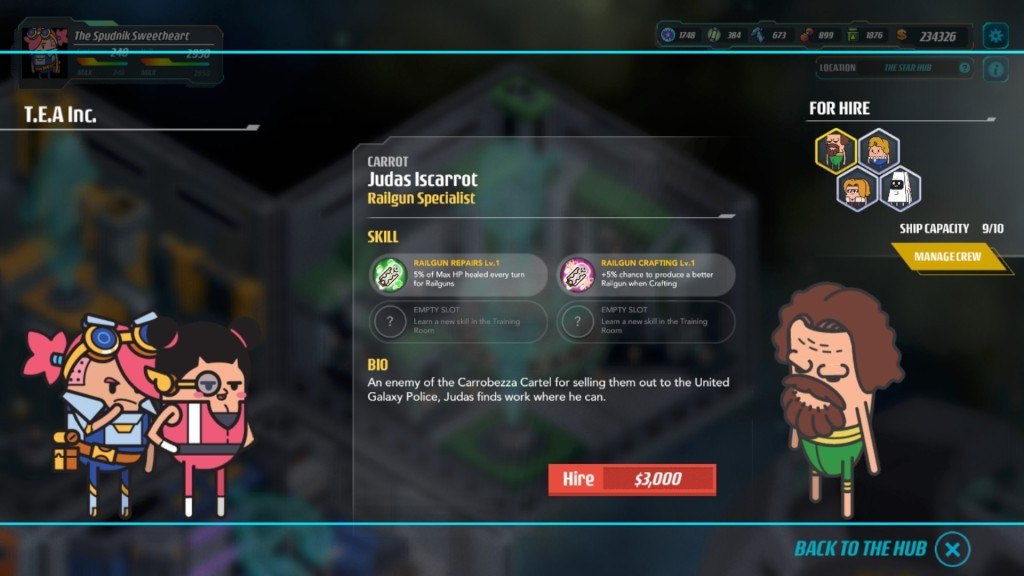
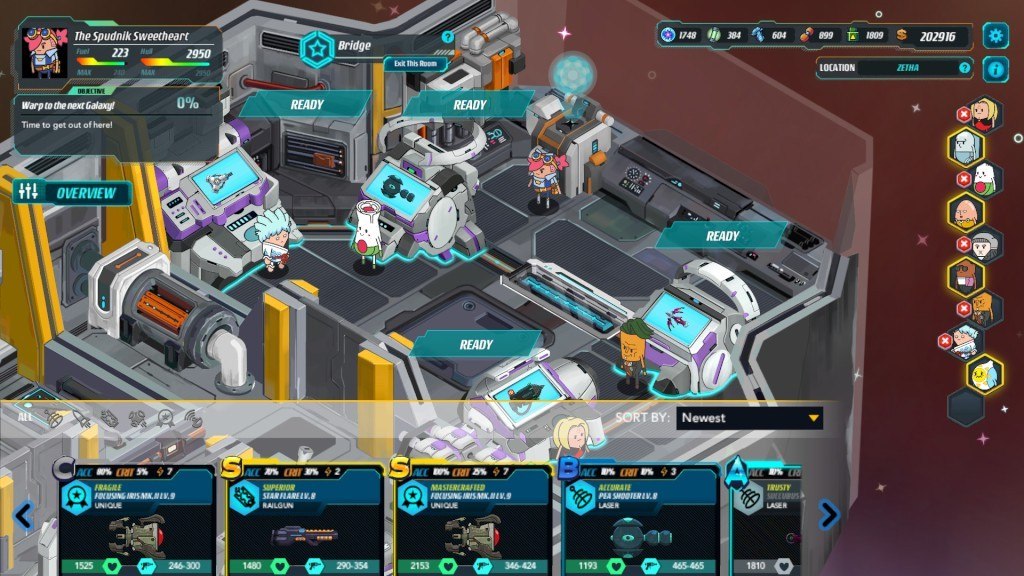
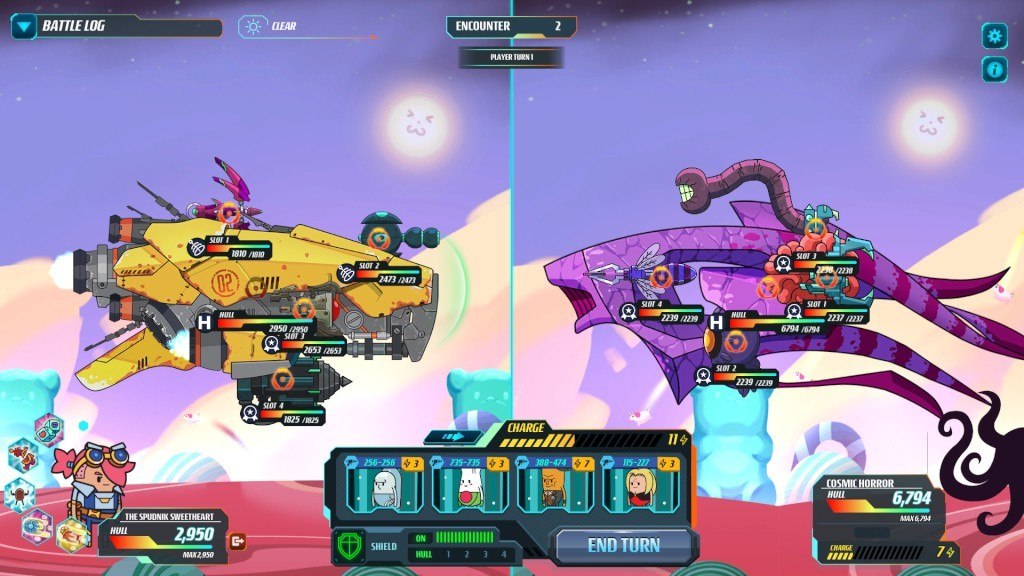
Includes: Base Game Digital Fan Kit Holy Potatoes! We're in Space?! is a space adventure game with management elements and turn-based combat. Manage your very own spaceship and explore a procedurally generated universe with dozens of planets to explore for resources, and enemies you can encounter for intergalactic space battles. Encounter a cornucopia of space races, such as cosmic carrots, zany zucchinis, obnoxious onions, and even space whales! Take part in epic boss battles and save your grandfather, Jiji, who was incarcerated by the evil federation, The Eclipse. Features Craft hundreds of weapons for your spaceship. Hire engineers to become part of your crew and man your ship. Explore dozens of planets and galaxies, or why not explore the whole universe! Gather resources to upgrade your spaceship and craft weapons! Combat evil galactic broccoli and extraterrestrial carrot spaceships, and many others! Encounter epic boss battles!

Holy Potatoes! We're in Space?! Special Edition screenshotHoly Potatoes! We're in Space?! Special Edition screenshotHoly Potatoes! We're in Space?! Special Edition screenshotHoly Potatoes! We're in Space?! Special Edition screenshotHoly Potatoes! We're in Space?! Special Edition screenshotHoly Potatoes! We're in Space?! Special Edition screenshot

How to redeem

  1. 1Check your Steam account and the listed region before purchasing.
  2. 2Find your code and supplier activation instructions in your confirmed order.
  3. 3Open the redeem-code section on Steam, enter the code and follow the platform’s prompts.

Supplier instructions

Go to: http://store.steampowered.com/ and download STEAM client Click "Install Steam" (from the upper right corner) Install and start application, login with your Account name and Password (create one if you don't have). Please follow these instructions to activate a new retail purchase on Steam: Launch Steam and log into your Steam account. Click the Games Menu. Choose Activate a Product on Steam... Follow the onscreen instructions to complete the process. After successful code verification go to the "MY GAMES" tab and start downloading.

You might also like