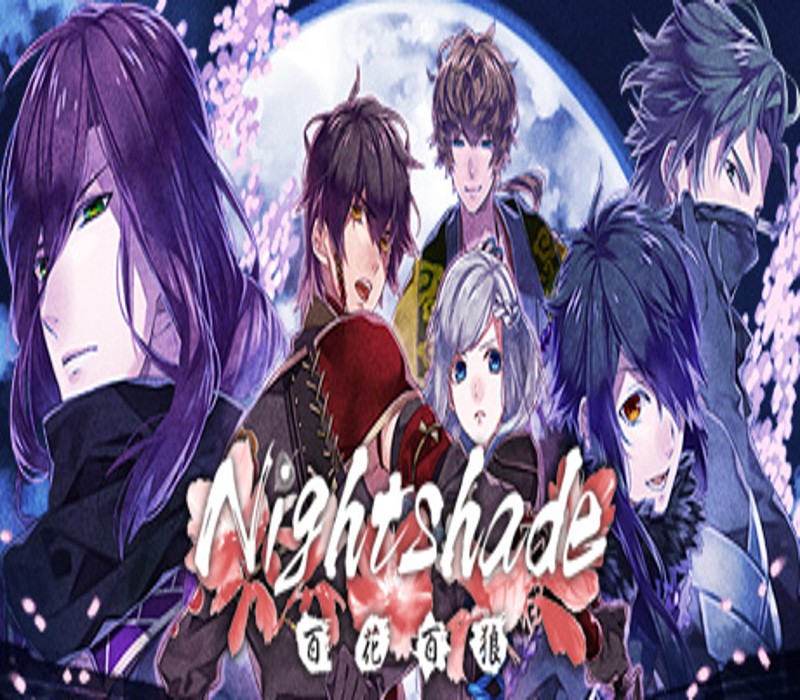
A romance visual novel game made in collaboration with D3P Otomebu and Red Entertainment, two companies known for their creative range and production of heavyweight visual novel games.Character design and illustrations are by the popular illustrator Teita. The romance revolves around Ninjas who have lived through the Sengoku Period.The story is set in Japan soon after the Sengoku Period.Follow the romances between the protagonist and other main characters through a compelling tale of conflicting loyalties. The story is fiction, but several characters and events are factual, making the novel enjoyable for those interested in Japanese history.There are 2 endings for each of the 5 main characters depending on the route the player takes. The ending movie and music changes according to the final outcome of the players choices.Fully voiced by popular voice artists in Japan.During the Sengoku Period the two main factions of ninja clans, Iga and Kōga, warred against each other for decades. In the year 1593, Nobunaga Oda started the Tenshō Iga war, decimating most of the Iga ninjas in the process.The very few that survived were absorbed into the Kōga clan, despite their past rivalries. After 17 years the Sengoku Period finally came to an end, and Japan was unified. Enju (Protagonist), daughter of Kandō Ueno, the Head of the Kōga clan, spends her days training diligently in hope of becoming a full-fledged ninja like her peers. At long last she is assigned to her first mission, but finds herself caught in a dark conspiracy――.