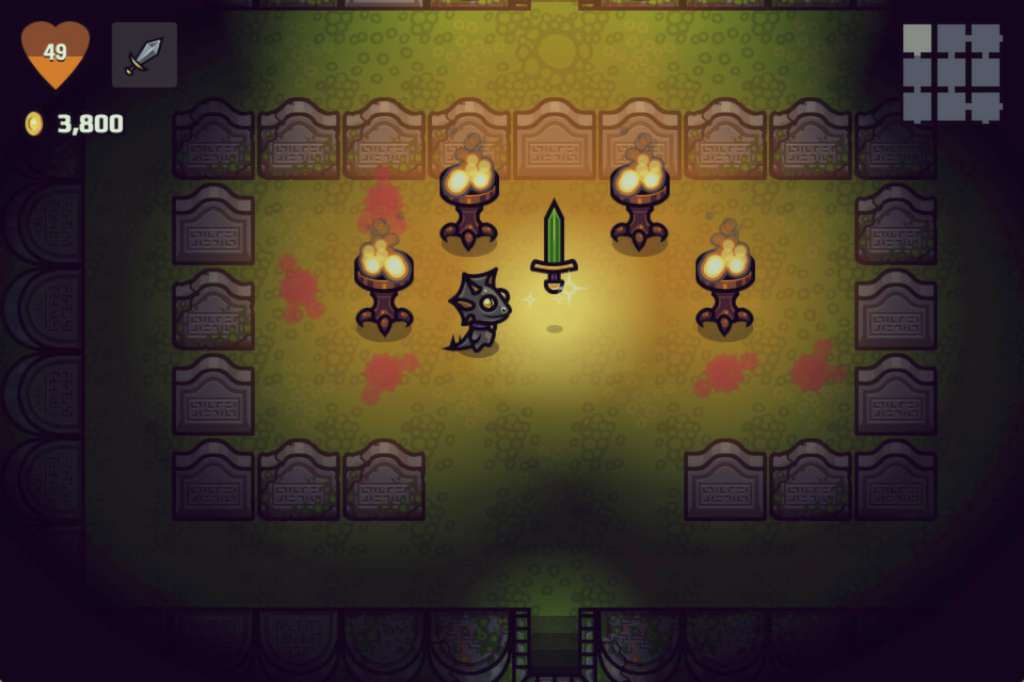
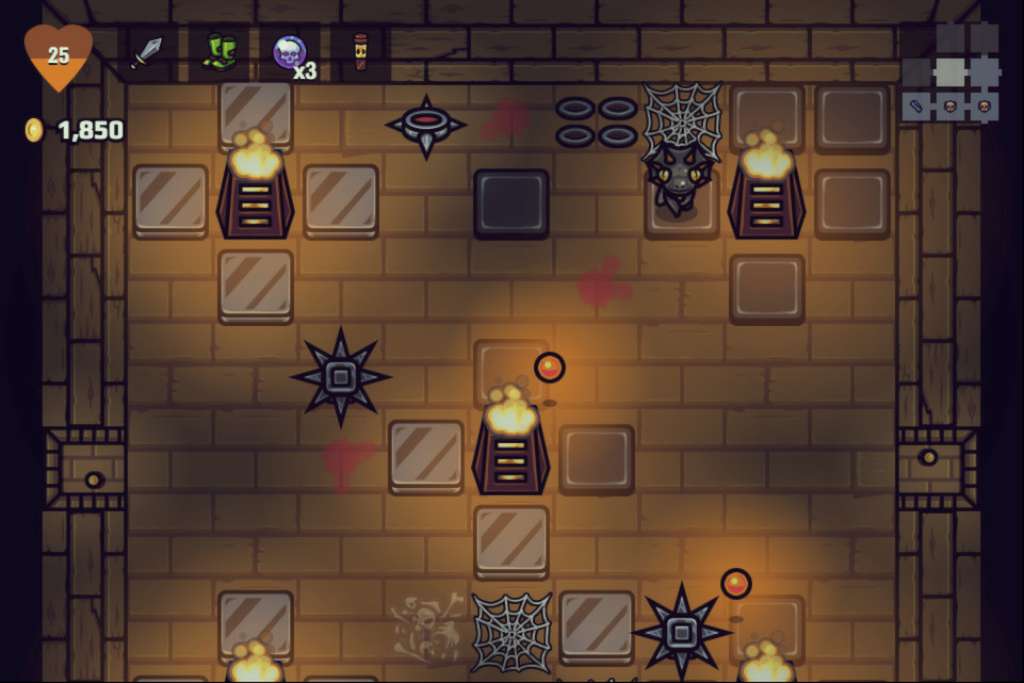
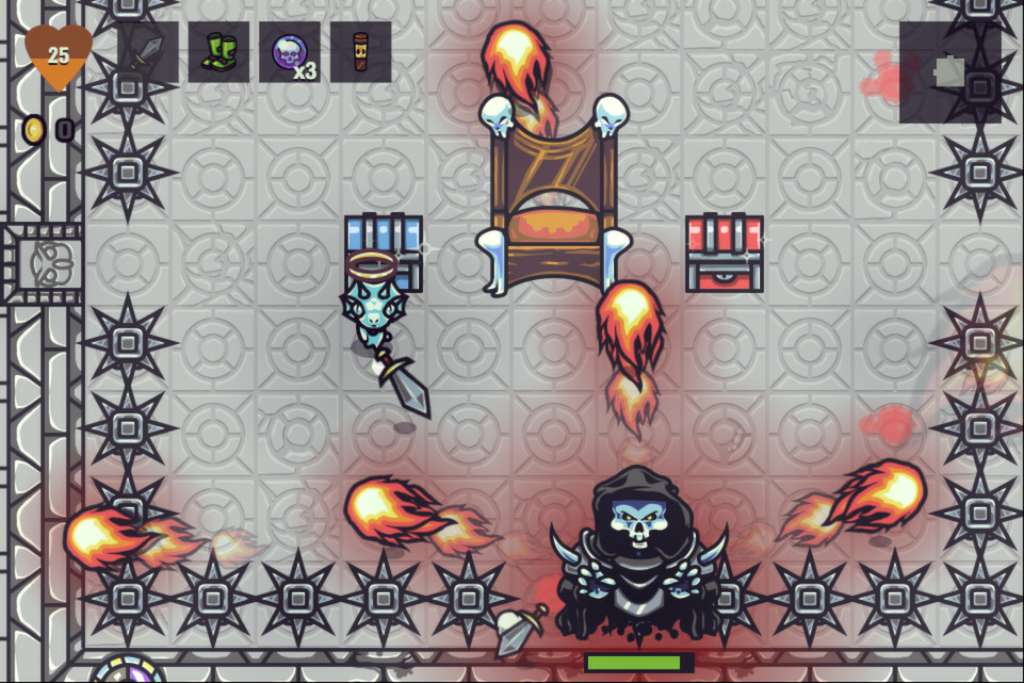
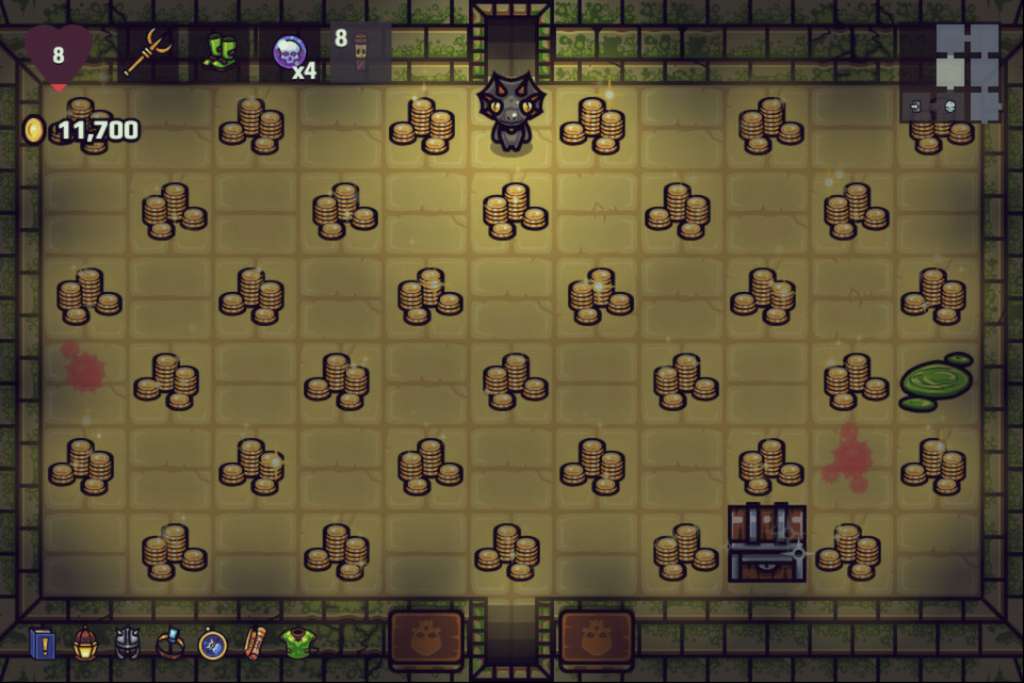
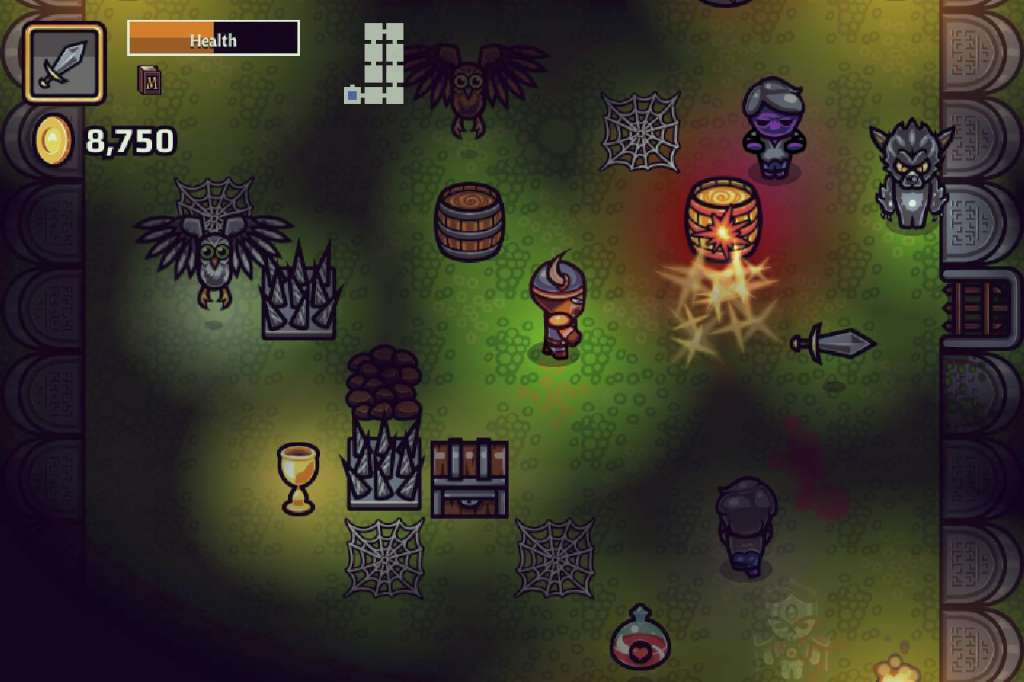
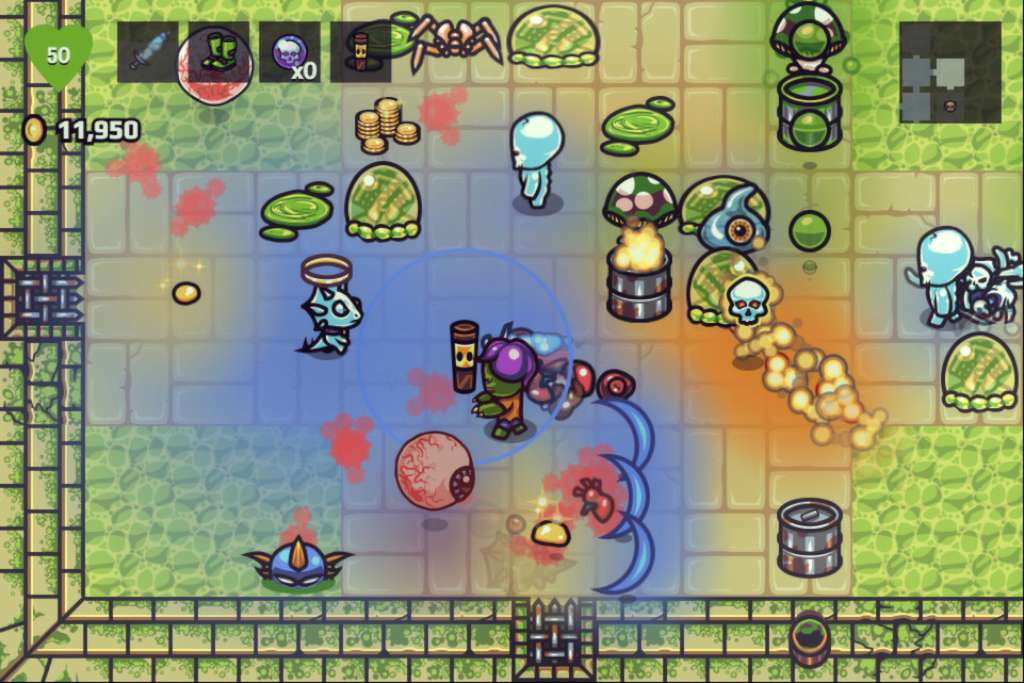
Conquer the forces of Death in A Wizard’s Lizard, an action RPG for Windows, Mac and Linux. Explore ever-changing dungeons, filled with valuable treasure and powerful items, while battling back the hordes of evil. Rescue townsfolk to improve your town and aid your next trek into the dungeon. Fans of The Legend of Zelda, Gauntlet, and The Binding of Isaac will love the retro-inspired twin-stick action of A Wizard's Lizard. When the wizard of Amberfall unlocks the magic of eternal life, Death comes to take him away. Now his faithful pet lizard must brave procedurally-generated dungeons to save him! Master Life & Death: Death is only the beginning as you continue to unlock secrets in the realm of the dead. Find hidden items only accessible to those who have died and discover the power of resurrection. Tread carefully, the dead do not wish to be disturbed. Rebuild the Town: Rescue townsfolk trapped throughout the dungeons for increasing reward. Discover lost blueprints which allow the town's blacksmith to craft new weapons and armor. Restore the Museum: Search Death's domain for stolen artifacts and legendary weapons. Every item you find is returned to the museum for display. Can you recover all of the powerful weapons, legendary armor, and magical items? Control your lizard using your favorite gamepad (including the Xbox 360 controller) for full 360 degree movement and attacking.