Get 10% back in Relic Coins on every order
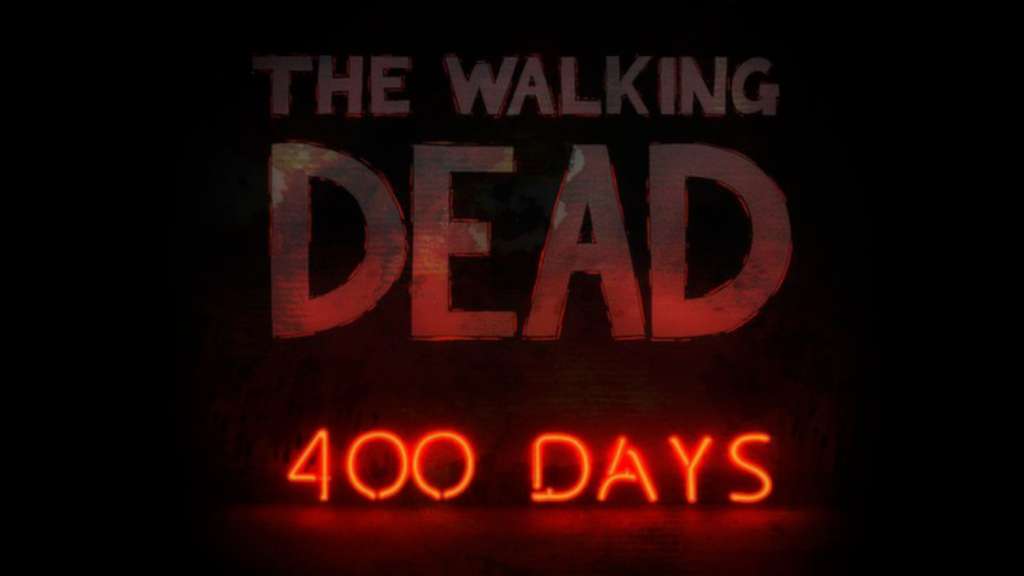
The Walking Dead: 400 Days DLC cover

Steam Europe - All Countries· DLC

The Walking Dead: 400 Days DLC

€0.15

+€0.02 cashback eligibility in Relic Coins

Check before you play

Platform
Steam
Region
Europe - All Countries
Product type
DLC

Check the required base game and edition before purchasing this add-on.

Developer
Telltale Games
Publisher
Telltale Games
Supplier release date
2013-07-03
Genres
Adventure, Horror, Story rich

About this product

Centered on a truck stop on a Georgia highway, this DLC episode for Season 1 of The Walking Dead by Telltale Games tells five linked stories of survival in the wake of the zombie apocalypse. From day 1 of the undead plague to 400 days later, The Walking Dead: 400 Days offers more of the horror and human drama of Robert Kirkman and Telltale’s award-winning series. Echoes of the choices you made in Season 1 will carry over into '400 Days' and the choices you make in '400 Days' will resonate into Season 2. Features DLC for the winner of over 90 Game of the Year Awards 5 linked stories that can be played in any order See the apocalypse develop from 5 very different points of view Your decisions will affect the story around you

The Walking Dead: 400 Days DLC screenshotThe Walking Dead: 400 Days DLC screenshotThe Walking Dead: 400 Days DLC screenshotThe Walking Dead: 400 Days DLC screenshotThe Walking Dead: 400 Days DLC screenshot

How to redeem

  1. 1Check the required base game, platform and edition before purchasing.
  2. 2Find the code or supplier activation instructions in your confirmed order.
  3. 3Redeem on Steam using the supplied instructions, then install the add-on with the compatible base game.

Supplier instructions

Go to: http://store.steampowered.com/ and download STEAM client Click "Install Steam" (from the upper right corner) Install and start application, login with your Account name and Password (create one if you don't have). Please follow these instructions to activate a new retail purchase on Steam: Launch Steam and log into your Steam account. Click the Games Menu. Choose Activate a Product on Steam... Follow the onscreen instructions to complete the process. After successful code verification go to the "MY GAMES" tab and start downloading.

You might also like