Get 10% back in Relic Coins on every order
Alea Jacta Est - Cantabrian Wars DLC cover

SteamGlobal· DLC

Alea Jacta Est - Cantabrian Wars DLC

€4.19

+€0.42 cashback eligibility in Relic Coins

Check before you play

Platform
Steam
Region
Global
Product type
DLC

Check the required base game and edition before purchasing this add-on.

Developer
Ageod
Publisher
Slitherine Ltd.
Supplier release date
2012-09-27
Genres
Strategy, Simulation

About this product

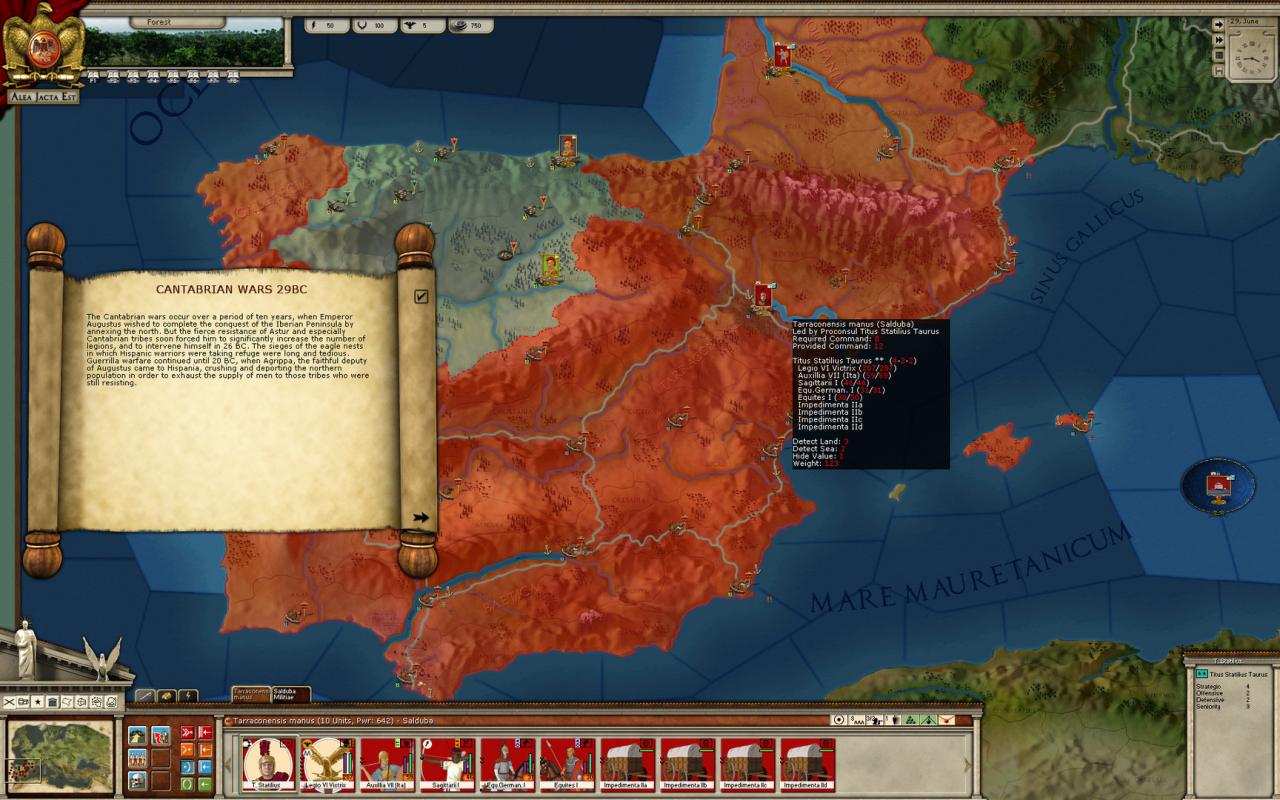
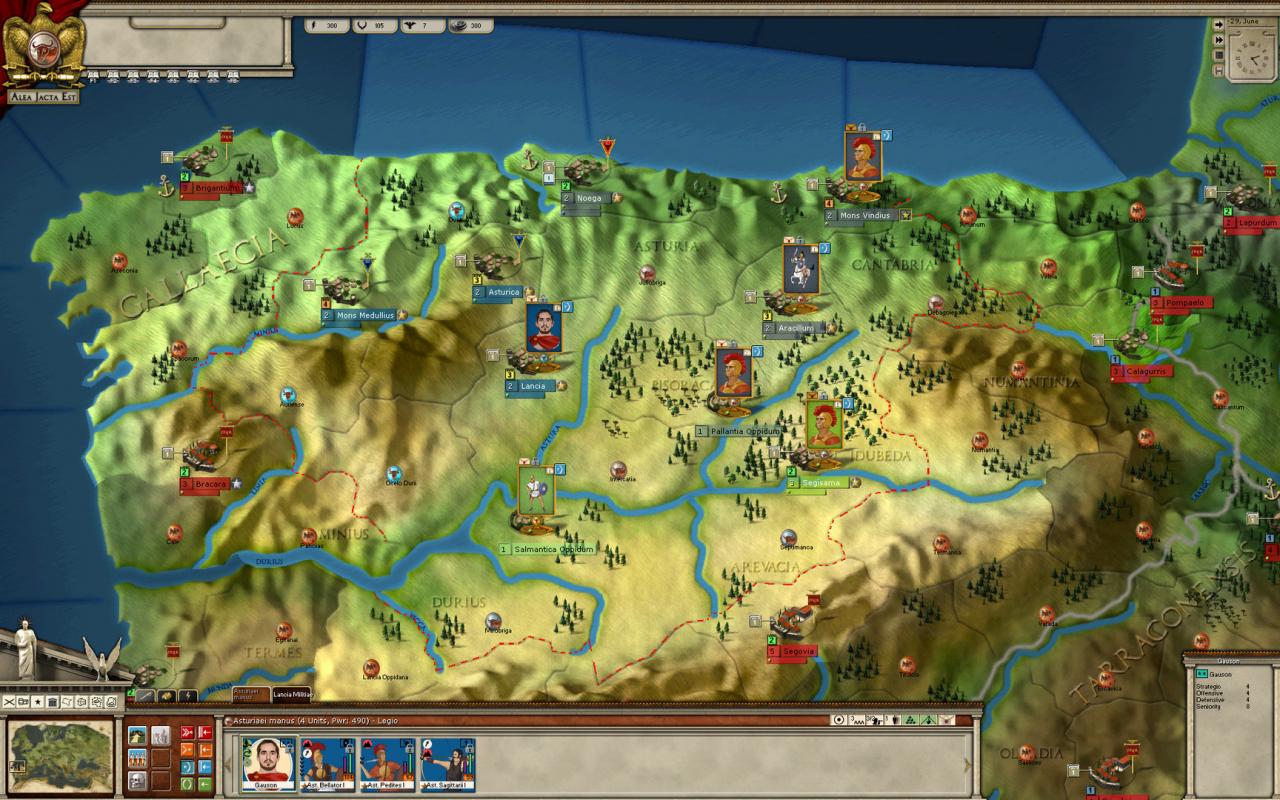
Following his victory at Actium in 30 BC, Octavian became the absolute master of Rome. After having celebrated three triumphs, he reorganized the empire by using the wealth of defeated Egypt. He returned to the Senate the management of all but three provinces (that he reserves for himself: Gaul, Hispania and Syria). In addition to strengthening the borders in his provinces, he decided to put an end to the home fronts by eliminating the last pockets of resistance to Roman rule. Thus in Hispania, he orders Titus Taurus Statilius to reduce the Vaccaei tribe in 29BC. That tribe calling help to the Asturian and Cantabrian mountain neighbors, a pretext is found to launch a military campaign against those nations still clinging to their independence and lands in northern Hispania.What the imperial administration had not expected, however, was the duration of the war, which will continue until 19 BC, and require sending many legions, and even the personal intervention of Octavian, who became the Emperor Augustus in 26 BC. By 19 BC, the Asturian and Cantabrian peoples will eventually accept the Pax Romana, at the cost of many massacres and executions performed under the orders of Agrippa, final winner of the last independent tribes of the peninsula.

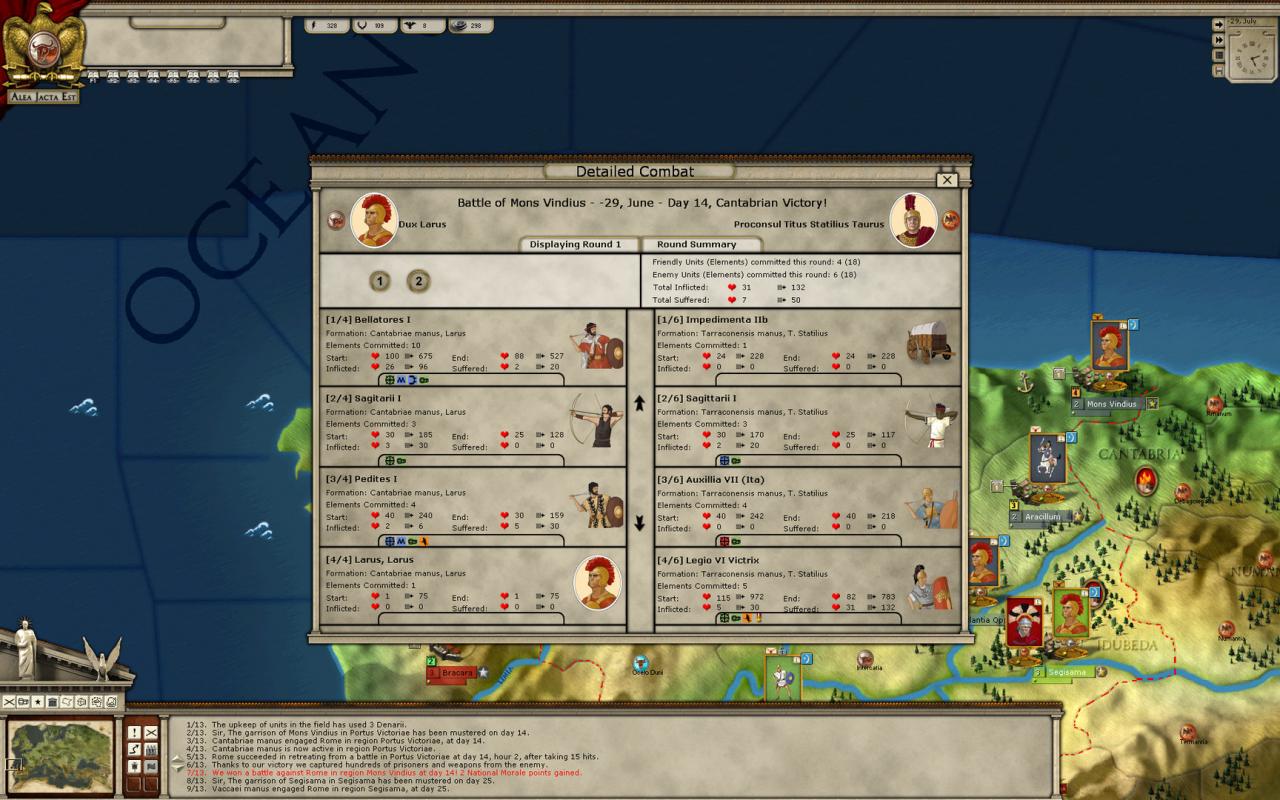
Alea Jacta Est - Cantabrian Wars DLC screenshotAlea Jacta Est - Cantabrian Wars DLC screenshotAlea Jacta Est - Cantabrian Wars DLC screenshot

How to redeem

  1. 1Check the required base game, platform and edition before purchasing.
  2. 2Find the code or supplier activation instructions in your confirmed order.
  3. 3Redeem on Steam using the supplied instructions, then install the add-on with the compatible base game.

Supplier instructions

Go to: http://store.steampowered.com/ and download STEAM client Click "Install Steam" (from the upper right corner) Install and start application, login with your Account name and Password (create one if you don't have). Please follow these instructions to activate a new retail purchase on Steam: Launch Steam and log into your Steam account. Click the Games Menu. Choose Activate a Product on Steam... Follow the onscreen instructions to complete the process. After successful code verification go to the "MY GAMES" tab and start downloading.

You might also like