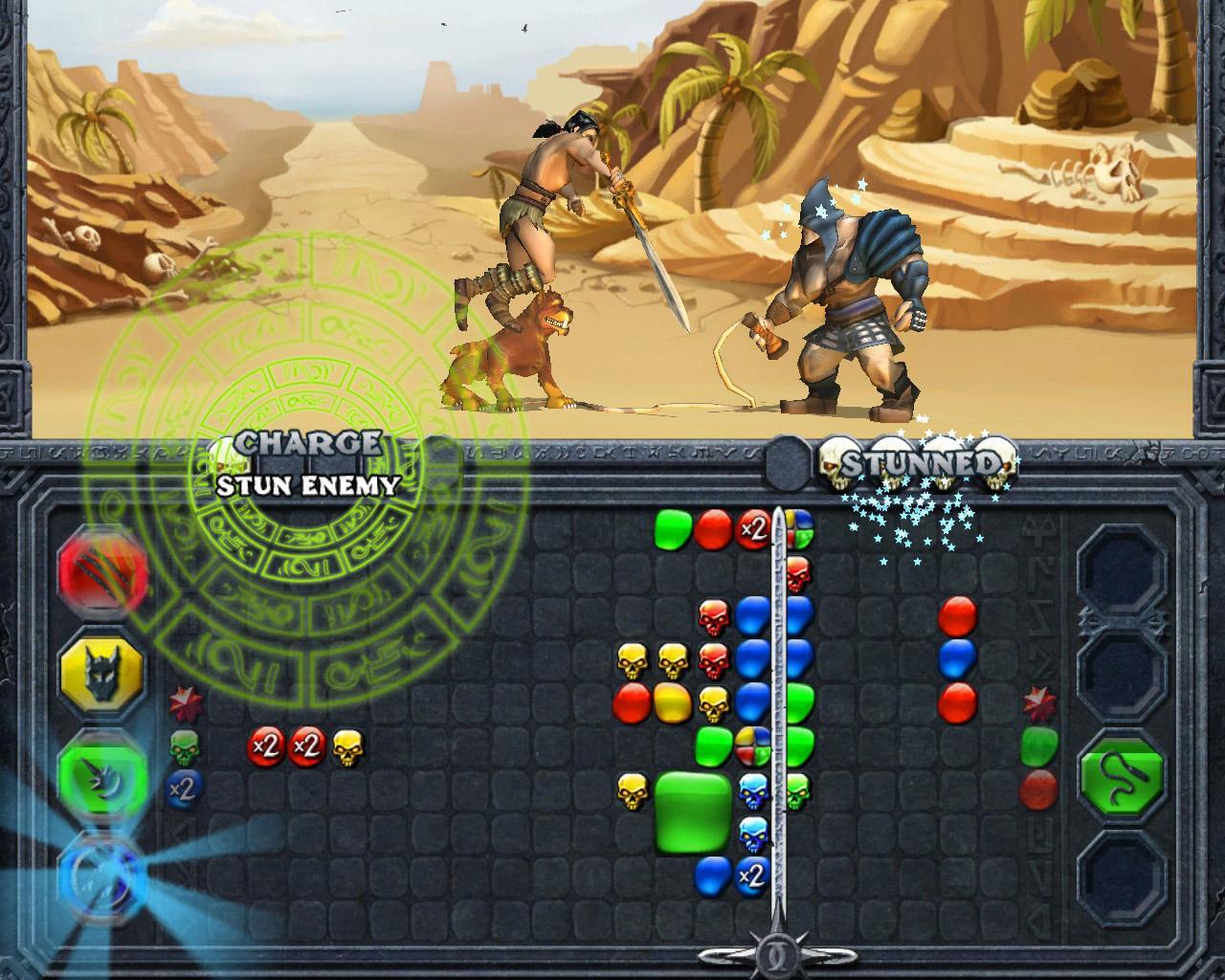
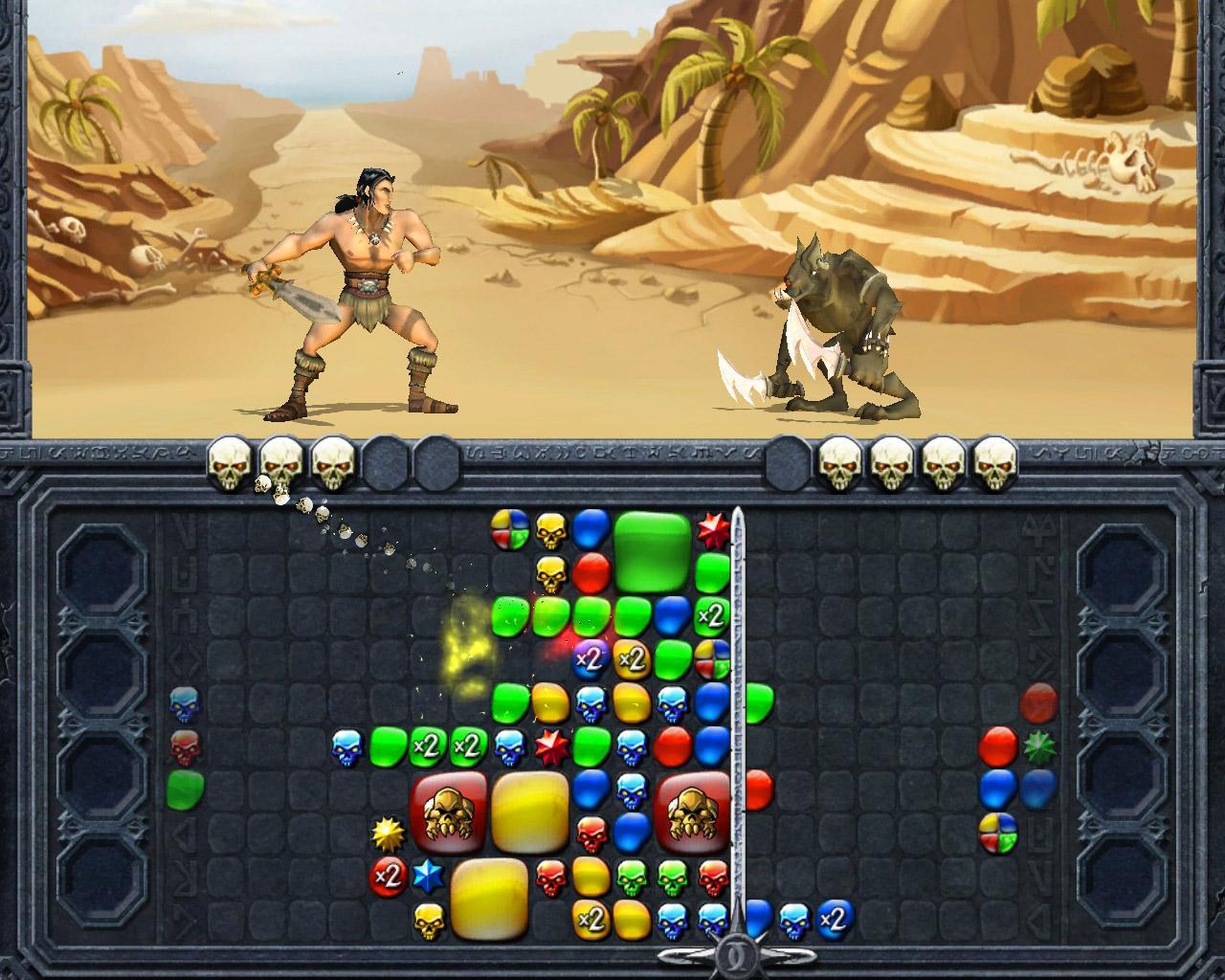
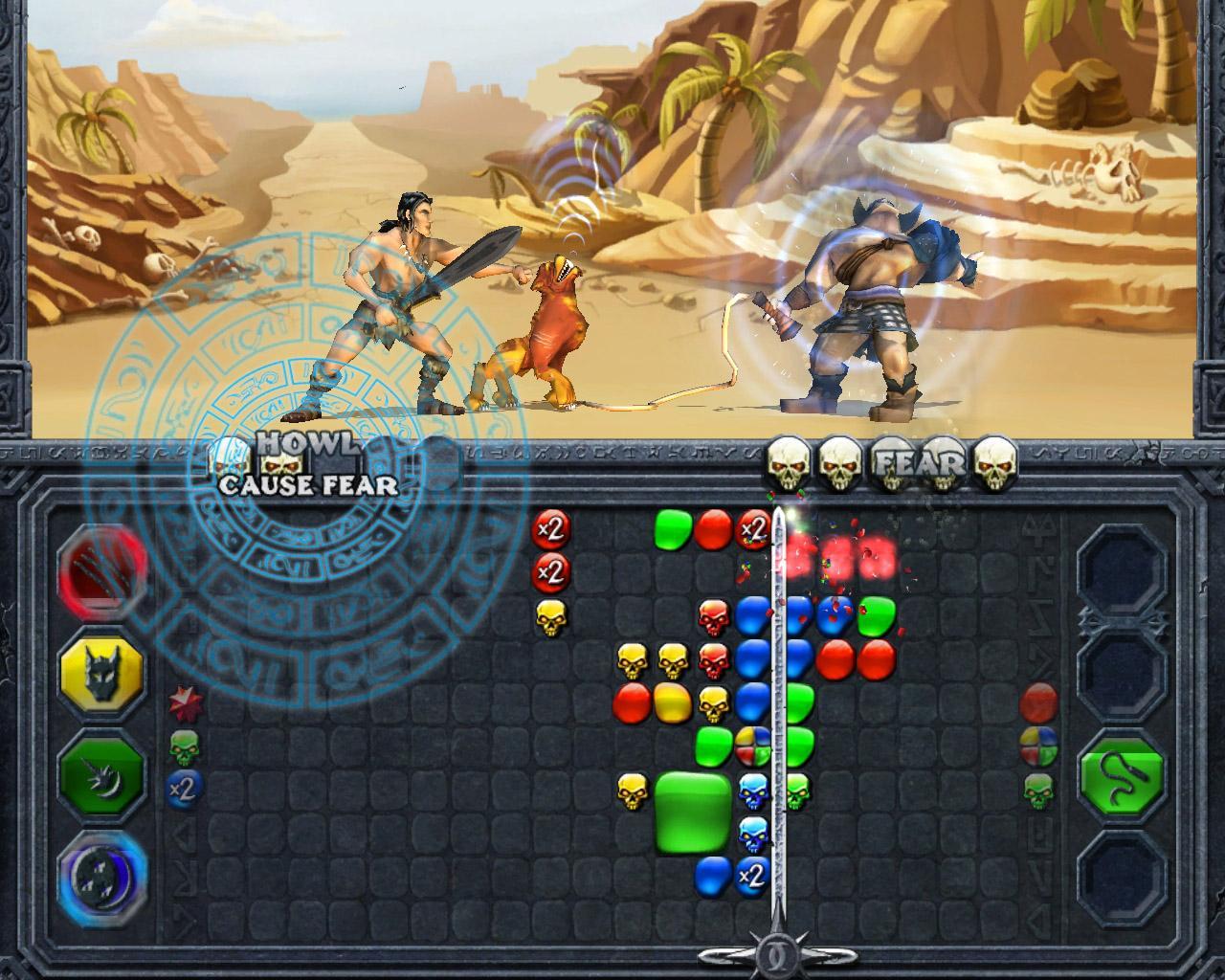
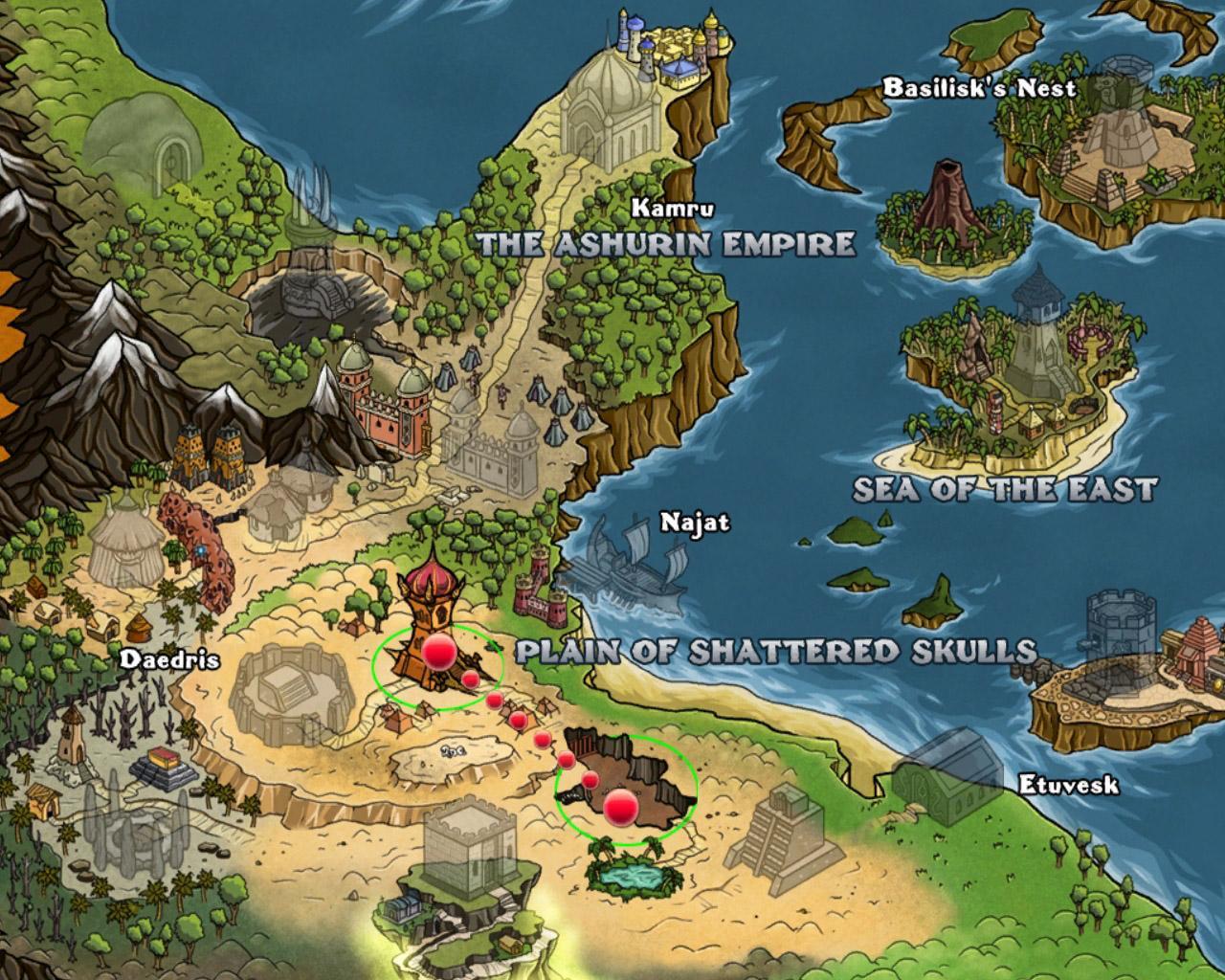
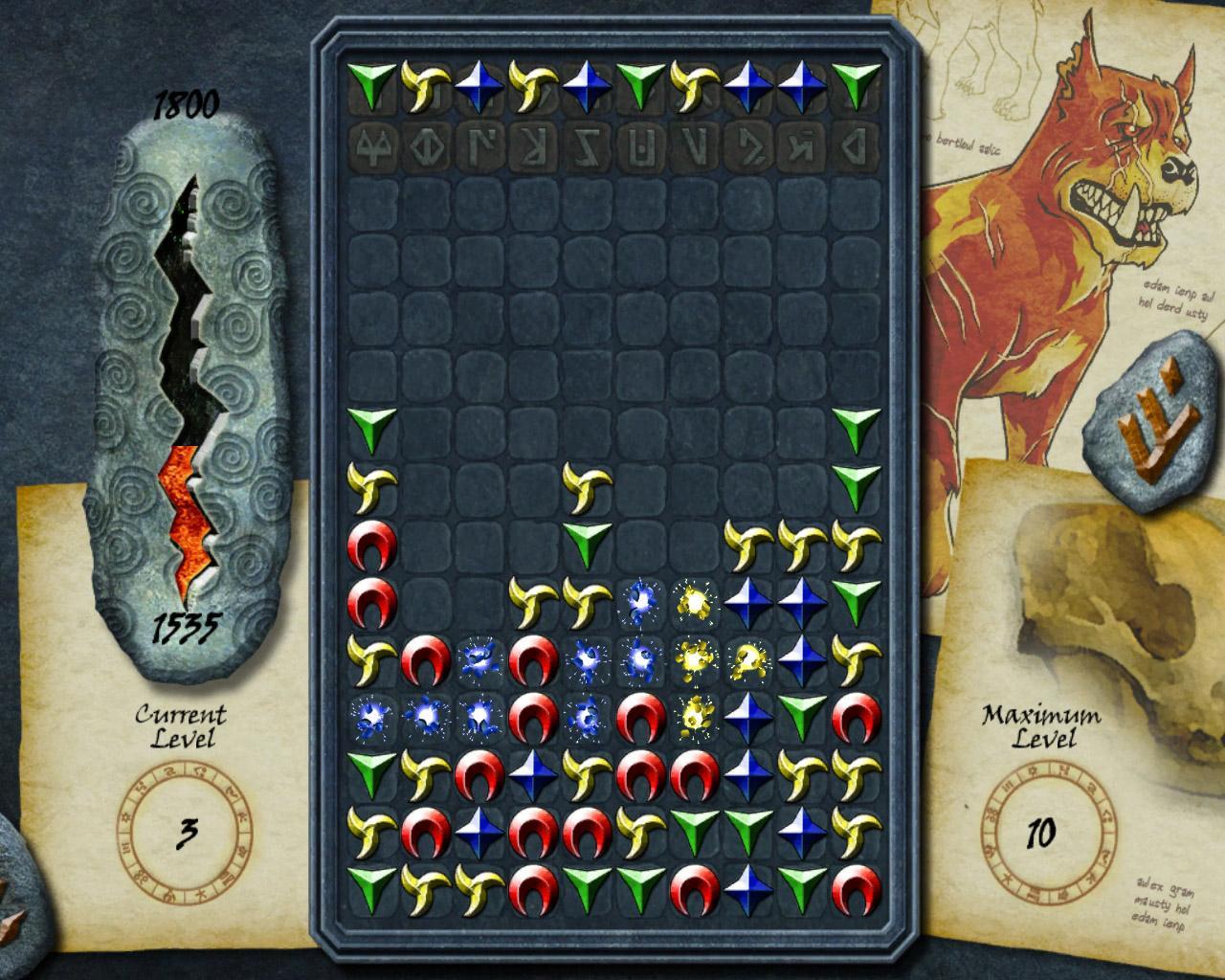
Enter the dark and savage lands of the Ashurin Empire as you battle to avenge the atrocities the Empire brought upon your tribesmen. On your heroic quest to topple the Empire you will fight fierce beasts and battle hardened warriors in this new Puzzle RPG hybrid game. Featuring an active puzzle combat mechanic, deep story, and robust character development Puzzle Chronicles will bring you into the next era of Puzzle RPGs. Puzzle Combat RPG – An active puzzle combat mechanic blends the fun and skill of puzzle games with the strategy and adventure of RPGs for a truly epic gaming experience Dungeon Exploring – Seek out hidden treasures and equipment that only true Heroes should have by battling your way through dungeons throughout the Ashurin Empire Versus Mode Battles – Challenge your friends locally or online to a puzzle battle to see who will reign supreme as the ultimate champion of the Ashurin Empire 5 Mini-Games – Test your puzzle skills in 5 mini-games that will unlock items and provide even more enhanced abilities Persistent Hero – No matter what mode you are playing in, Single Player, Versus, Quick Battle, or Mini-Games, your Hero will acquire skills and experience, unleashing new ways to experience the game Loot and Battle Skills – Customize your hero’s puzzle combat style by using mighty weapons, enchanted armor, special battle skills, and more