Get 10% back in Relic Coins on every order
Dead Age 2: The Zombie Survival RPG cover

SteamGlobal· Key

Dead Age 2: The Zombie Survival RPG

€0.89

+€0.09 cashback eligibility in Relic Coins

Check before you play

Platform
Steam
Region
Global
Product type
Key
Developer
Silent Dreams
Publisher
Headup Games
Supplier release date
2020-07-16
Genres
Adventure, RPG, Casual

About this product

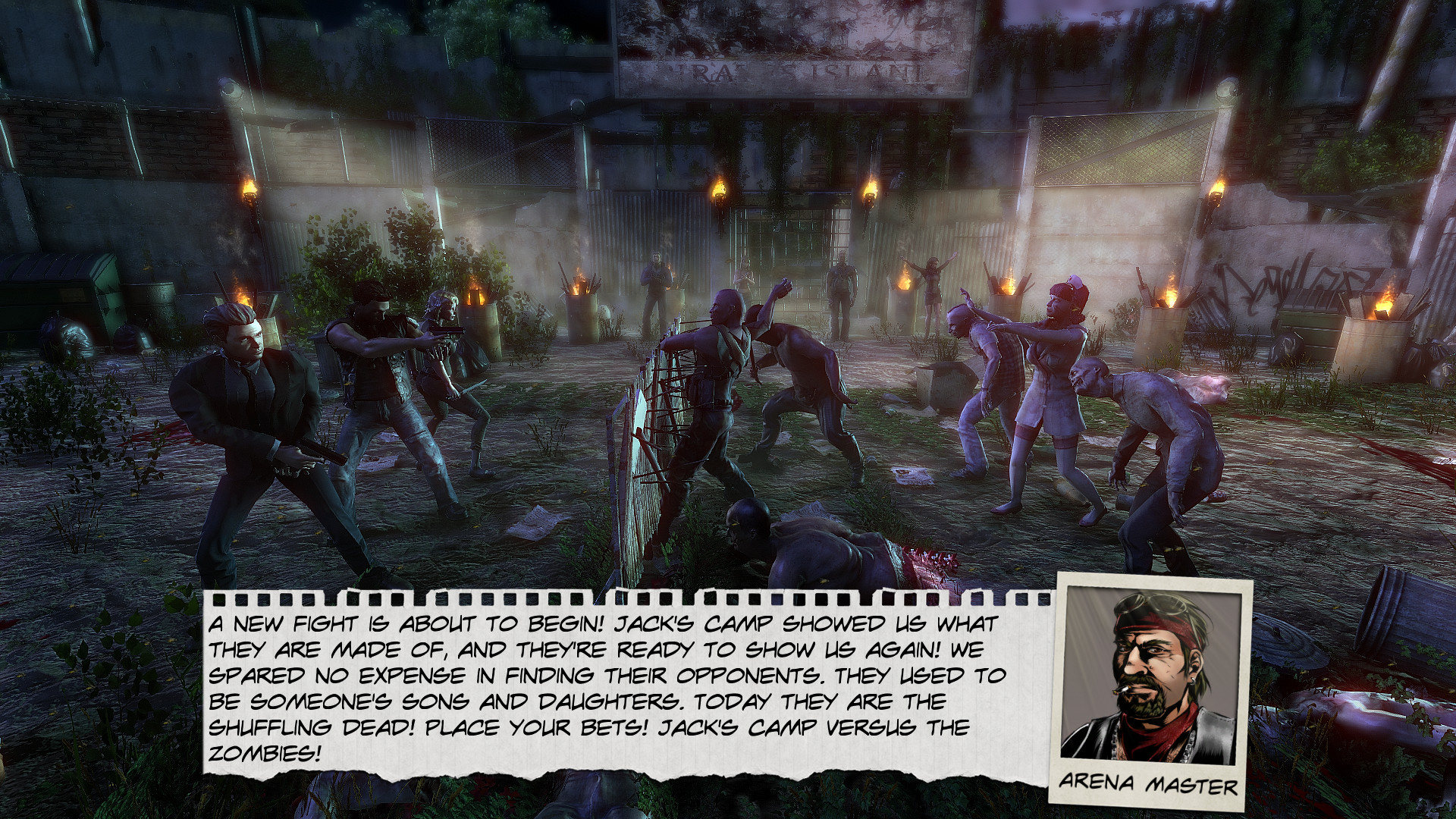
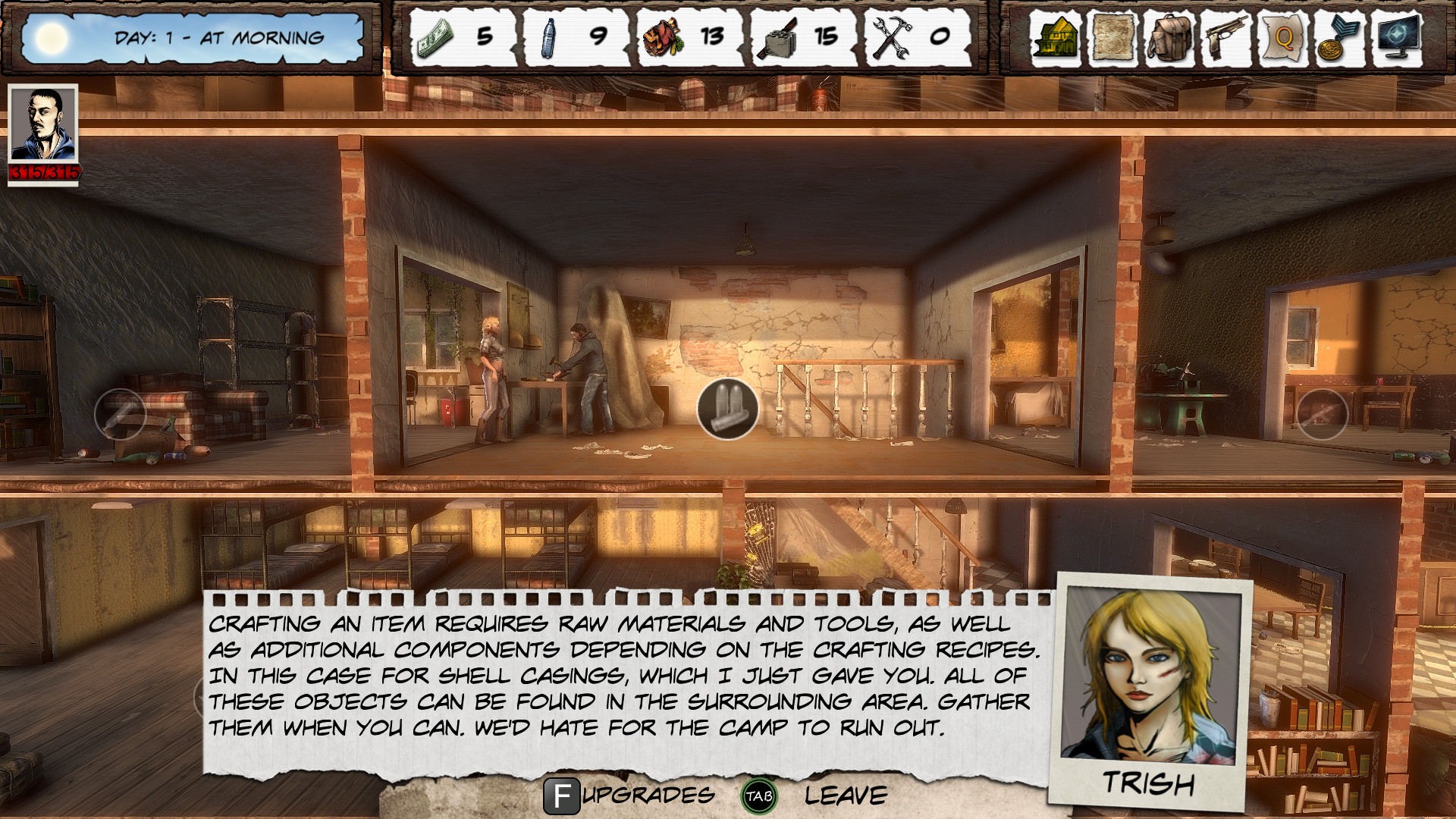
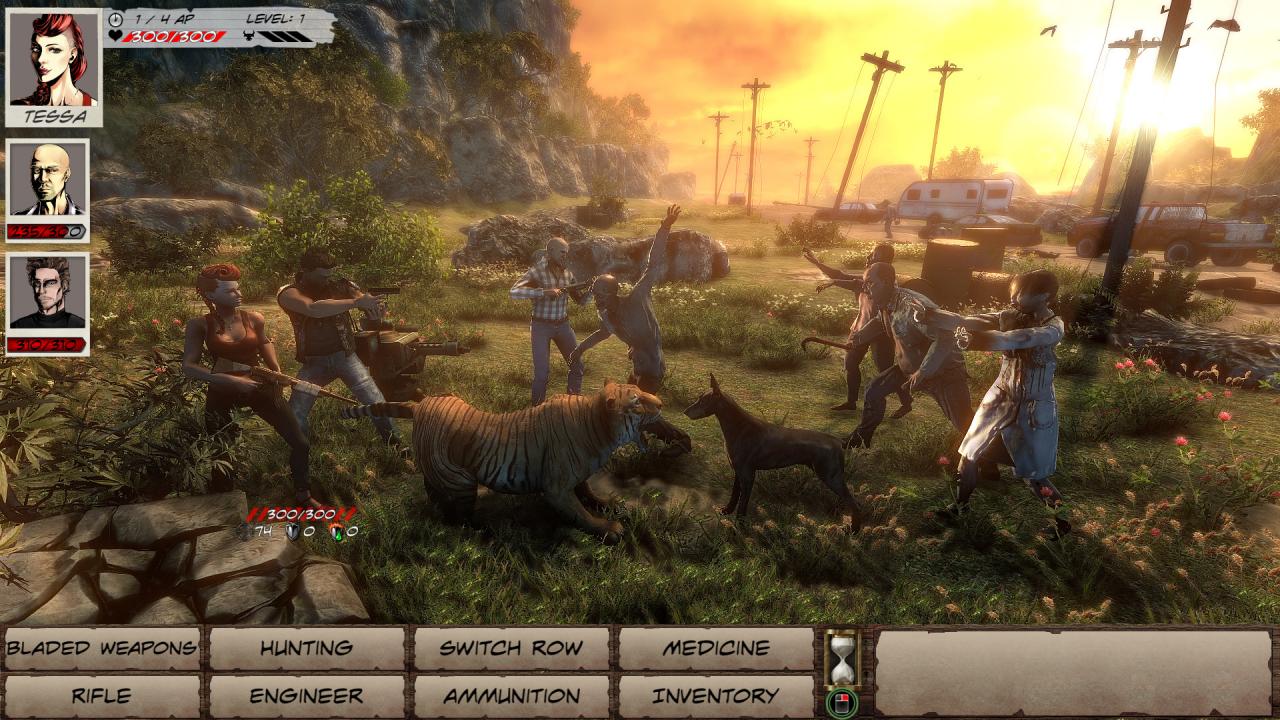
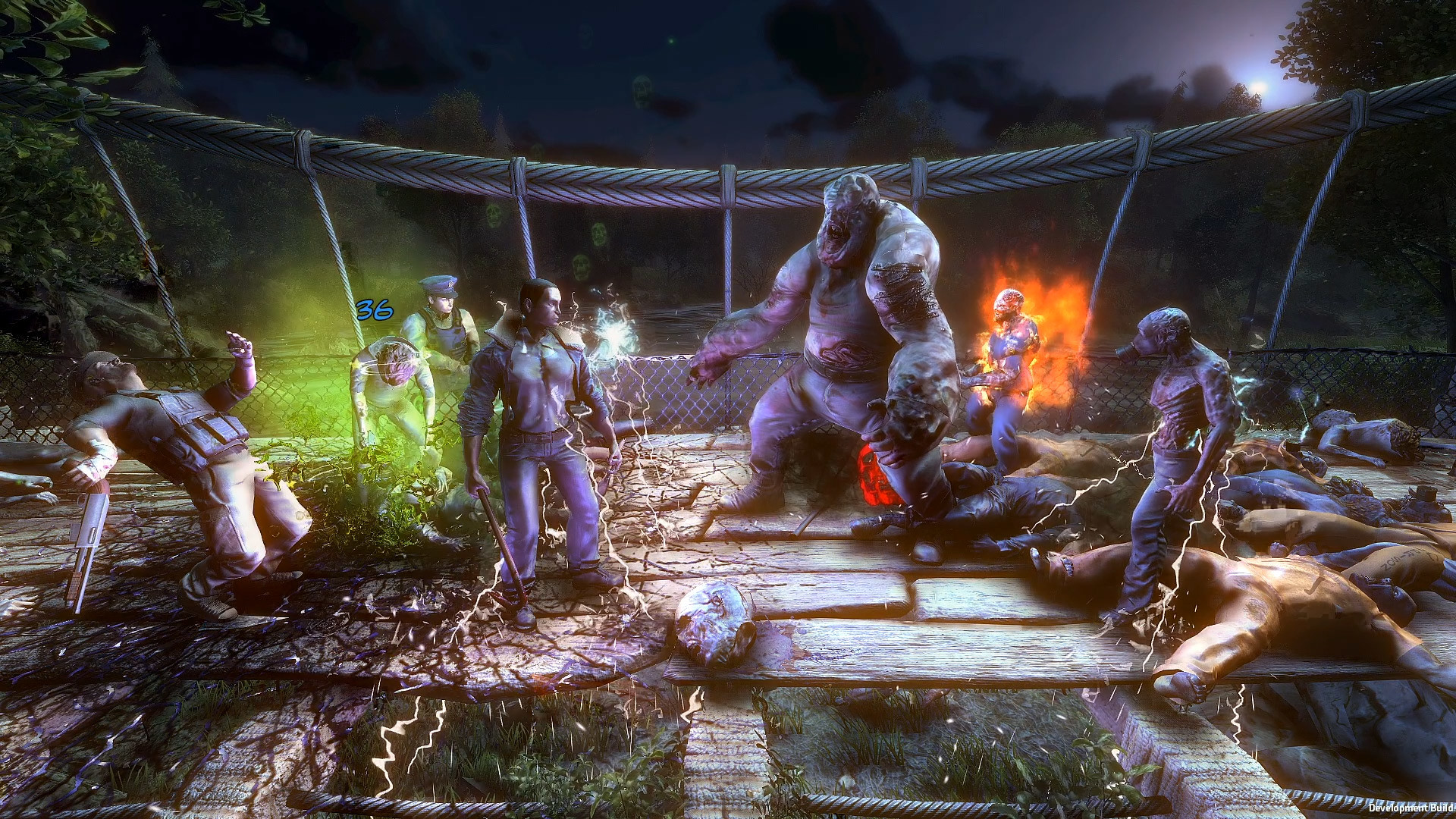
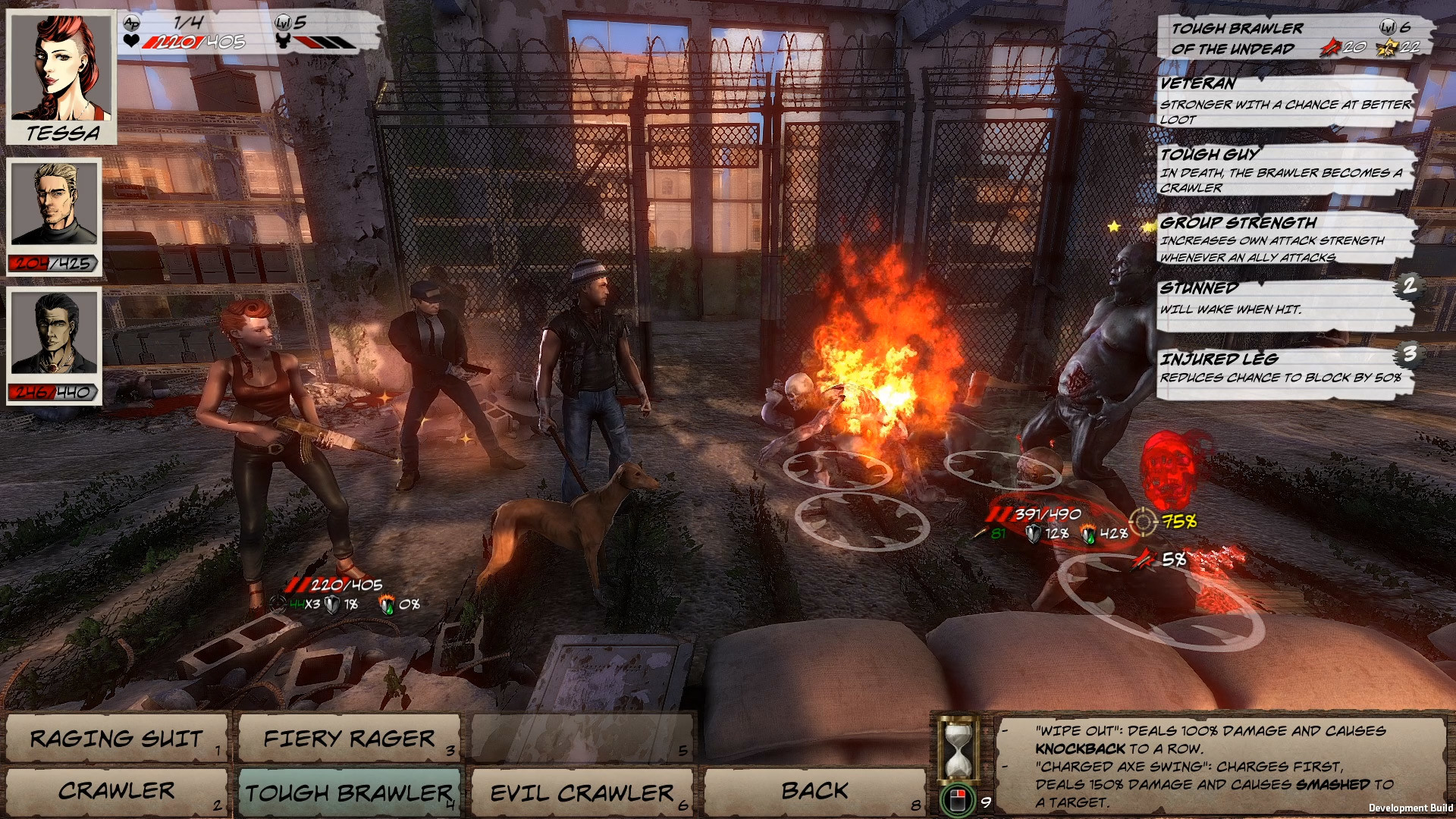
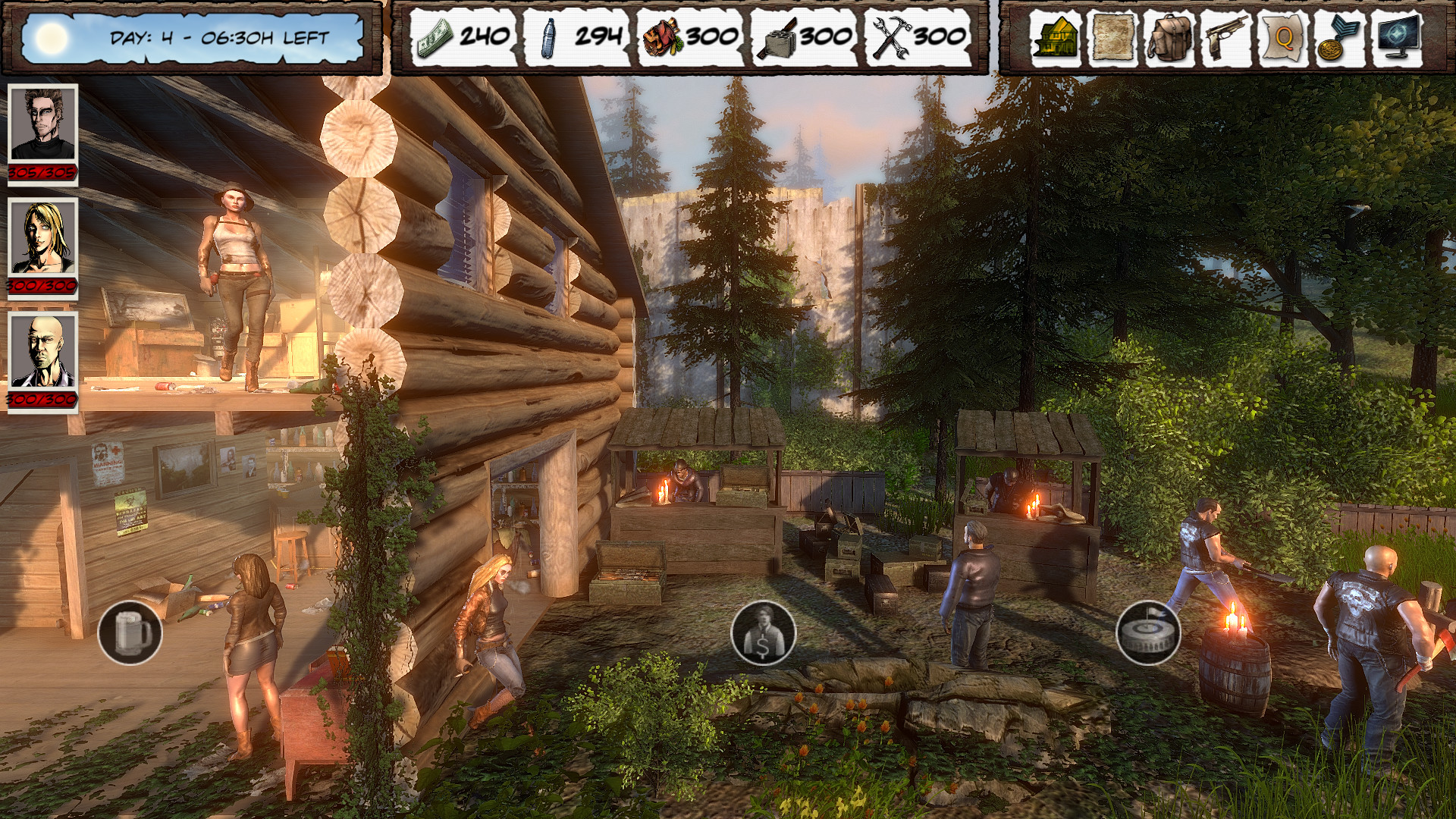
Dead Age 2 is a unique combination of survival, management, Rogue-Like events, turn-based combat, classic role-playing game with tons of quests and a story in which your decisions directly affect plot progression! Features More complex story with no knowledge of the previous storyline necessary: If you haven't played Dead Age you will still be able to follow the diverse story of Dead Age 2 without difficulty. Improved combat system (Final Fantasy X meets Darkest Dungeon): with fast-paced yet strategic battles and use of up to 24 skills Faction Reputation System: Increase your standing with the three major factions to reap rewards and improve trade 3D Base-Management: Assign tasks to survivors, craft items and expand you camp's capabilities for improved crafting options Compact Open World: Free exploration of the world map with 80 detailed locations to search for valuable resources Decisions with Consequences: Your decisions directly affect the story in a much more drastic way. Dead Age 2 has six unique possible endings Rogue-Like Elements: random 3D events with permadeath! If you die, you may purchase upgrades unlocked in previous runs for your next playthrough. Choose from 3 difficulty levels

Dead Age 2: The Zombie Survival RPG screenshotDead Age 2: The Zombie Survival RPG screenshotDead Age 2: The Zombie Survival RPG screenshotDead Age 2: The Zombie Survival RPG screenshotDead Age 2: The Zombie Survival RPG screenshotDead Age 2: The Zombie Survival RPG screenshot

How to redeem

  1. 1Check your Steam account and the listed region before purchasing.
  2. 2Find your code and supplier activation instructions in your confirmed order.
  3. 3Open the redeem-code section on Steam, enter the code and follow the platform’s prompts.

Supplier instructions

Go to: http://store.steampowered.com/ and download STEAM client Click "Install Steam" (from the upper right corner) Install and start application, login with your Account name and Password (create one if you don't have). Please follow these instructions to activate a new retail purchase on Steam: Launch Steam and log into your Steam account. Click the Games Menu. Choose Activate a Product on Steam... Follow the onscreen instructions to complete the process. After successful code verification go to the "MY GAMES" tab and start downloading.

You might also like