Get 10% back in Relic Coins on every order
E.T. Armies cover

Steam Europe - All Countries· Key

E.T. Armies

€2.71

+€0.27 cashback eligibility in Relic Coins

Check before you play

Platform
Steam
Region
Europe - All Countries
Product type
Key
Developer
Raspina Games
Publisher
Merge Games
Supplier release date
2016-03-03
Genres
Action, FPS

About this product

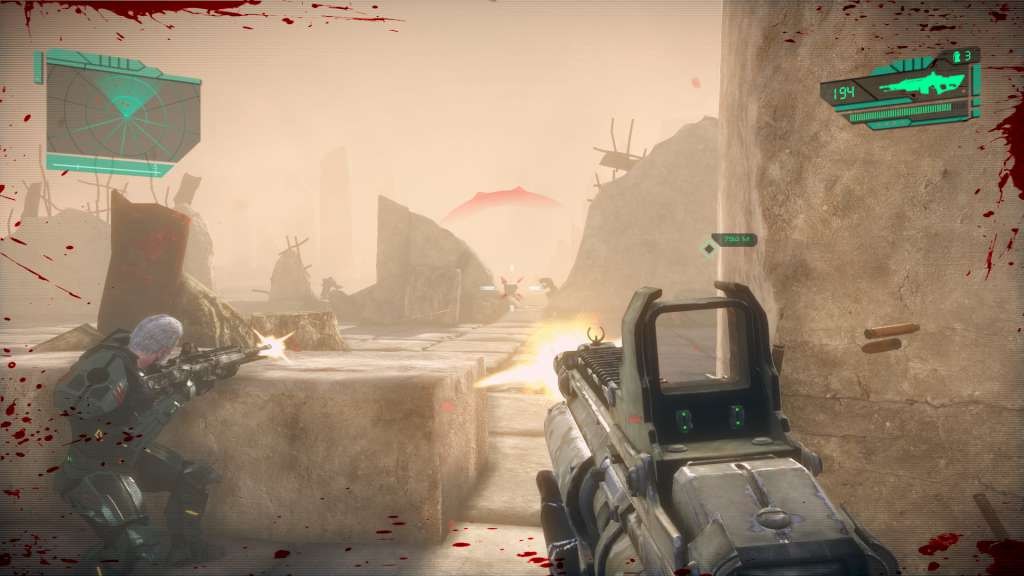
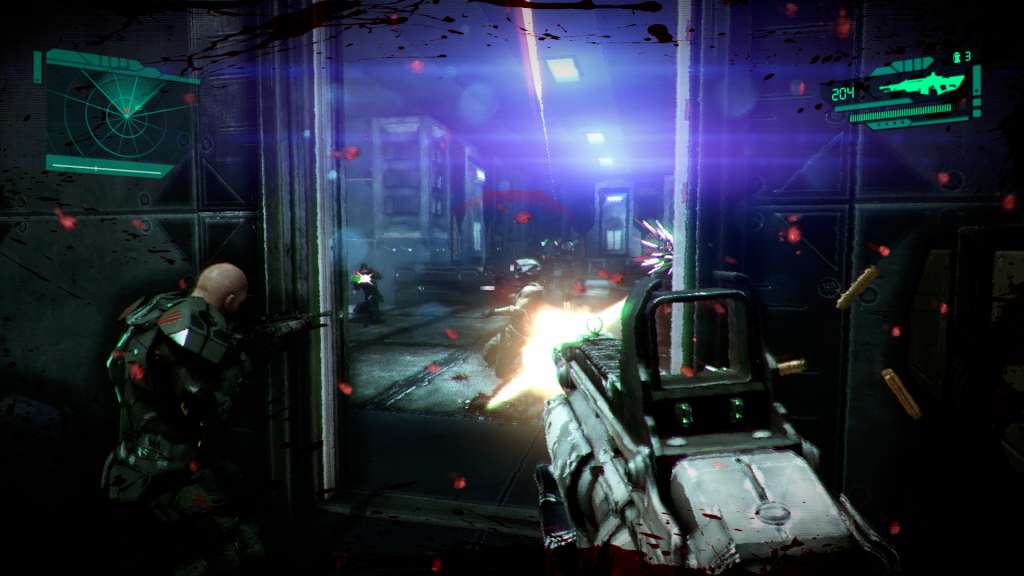
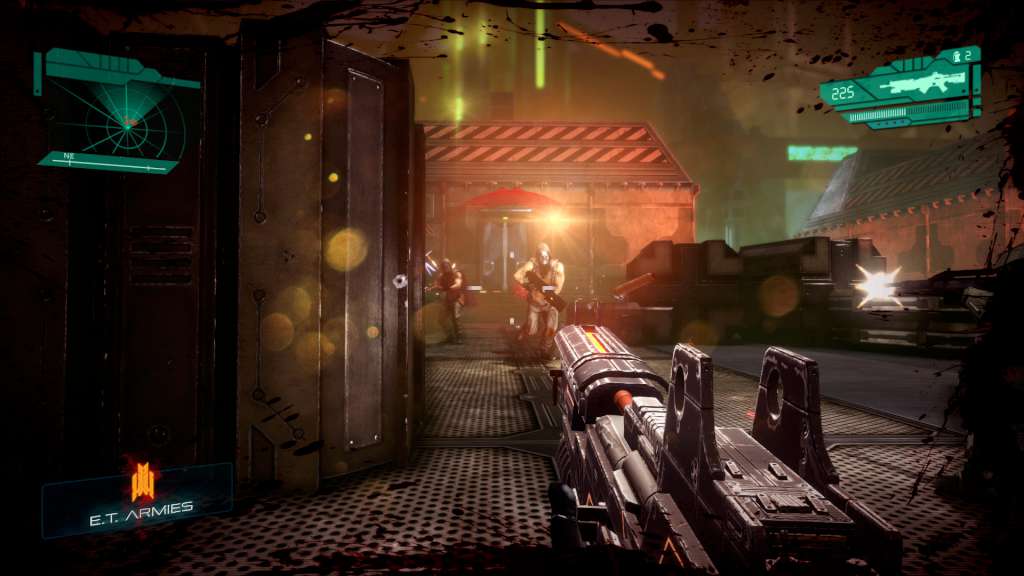
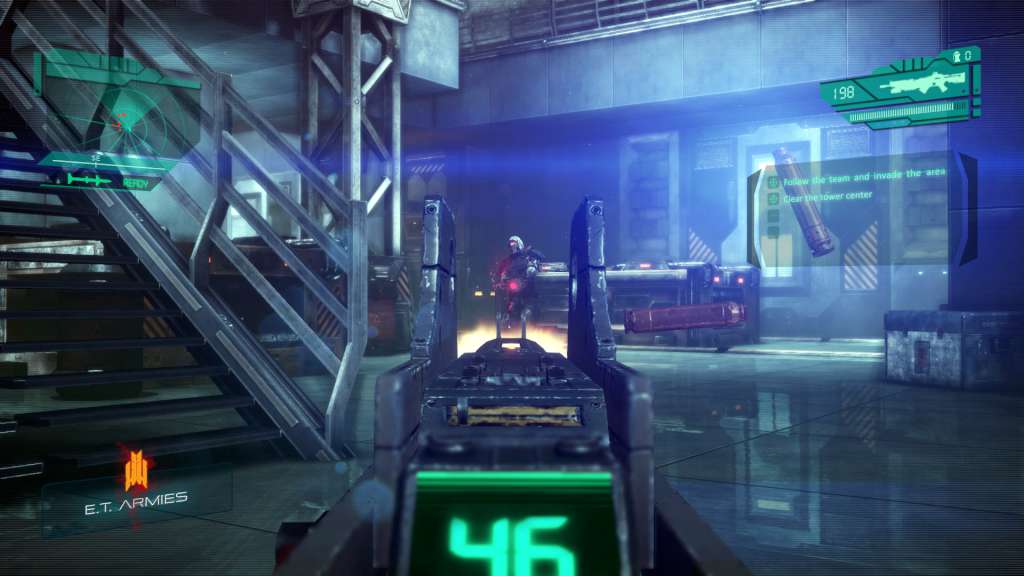
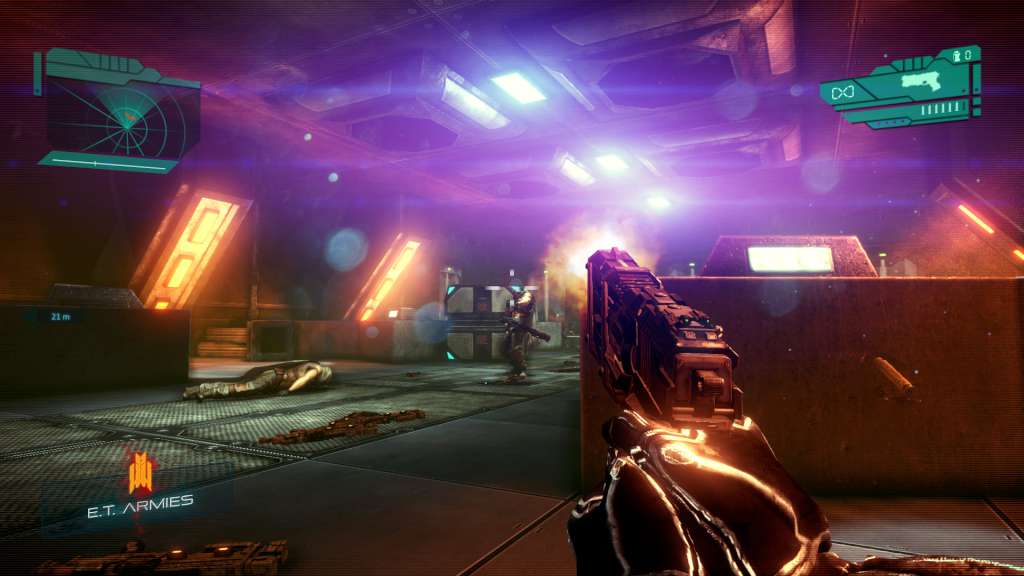
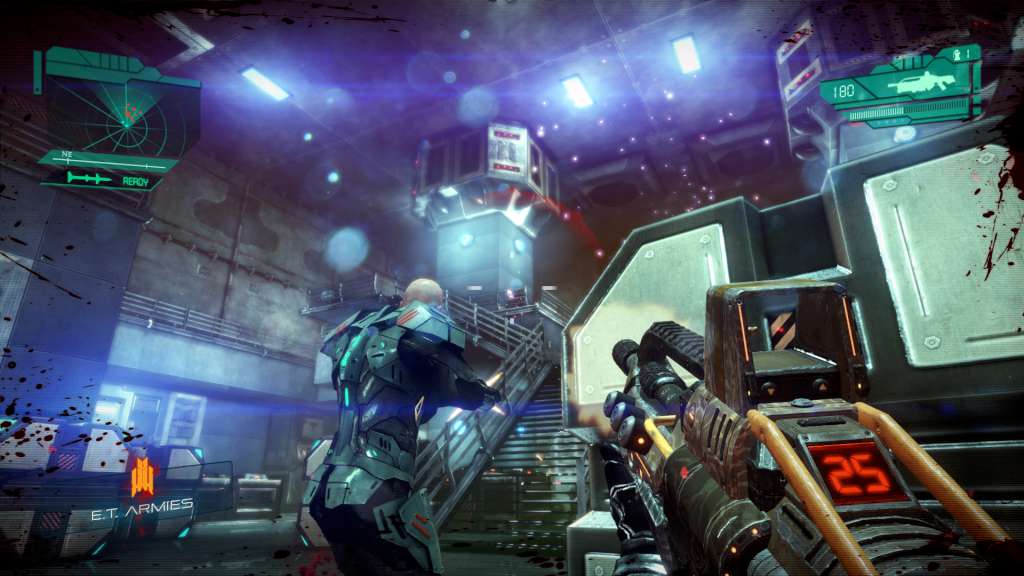
E.T. Armies is an action-packed, fast-paced, science-fiction first person shooter. The game takes place in a dystopian future in which Earth’s resources have been depleted. Abandoning the planet seemed to be the only avenue for survival but not all could leave. Those left behind have become united in their struggle. It’s just the beginning for the Forsaken and the start of their devastating plan for vengeance. The Forsaken hungers for supremacy and power in equal measures and war is its lifeblood. As a Parsis soldier you are charged to resist this new power and defend the fragile landscape against the Forsaken’s ruthless onslaught. Along the way you’ll face more strife than you could have possibly expected, together with your allies you must fight to cleanse the land from the Forsaken’s brutality. Features Experience challenging combat against a variety of enemies. Three detailed and unique environments from old historical looking ruins to an abandoned factory Test your skills against your friends in the online multiplayer mode Complete Brutal mode to prove your FPS skills. High quality, polished and unique indie visuals. Epic scores to immerse you in the battle experience.

E.T. Armies screenshotE.T. Armies screenshotE.T. Armies screenshotE.T. Armies screenshotE.T. Armies screenshotE.T. Armies screenshot

How to redeem

  1. 1Check your Steam account and the listed region before purchasing.
  2. 2Find your code and supplier activation instructions in your confirmed order.
  3. 3Open the redeem-code section on Steam, enter the code and follow the platform’s prompts.

Supplier instructions

Go to: http://store.steampowered.com/ and download STEAM client Click "Install Steam" (from the upper right corner) Install and start application, login with your Account name and Password (create one if you don't have). Please follow these instructions to activate a new retail purchase on Steam: Launch Steam and log into your Steam account. Click the Games Menu. Choose Activate a Product on Steam... Follow the onscreen instructions to complete the process. After successful code verification go to the "MY GAMES" tab and start downloading.

You might also like