Get 10% back in Relic Coins on every order
Stronghold Crusader 2 - Delivering Justice mini-campaign DLC cover

SteamGlobal· DLC

Stronghold Crusader 2 - Delivering Justice mini-campaign DLC

€0.92

+€0.09 cashback eligibility in Relic Coins

Check before you play

Platform
Steam
Region
Global
Product type
DLC

Check the required base game and edition before purchasing this add-on.

Developer
Firefly Studios
Publisher
Take-Two Interactive
Supplier release date
2015-12-17
Genres
Simulation, Strategy

About this product

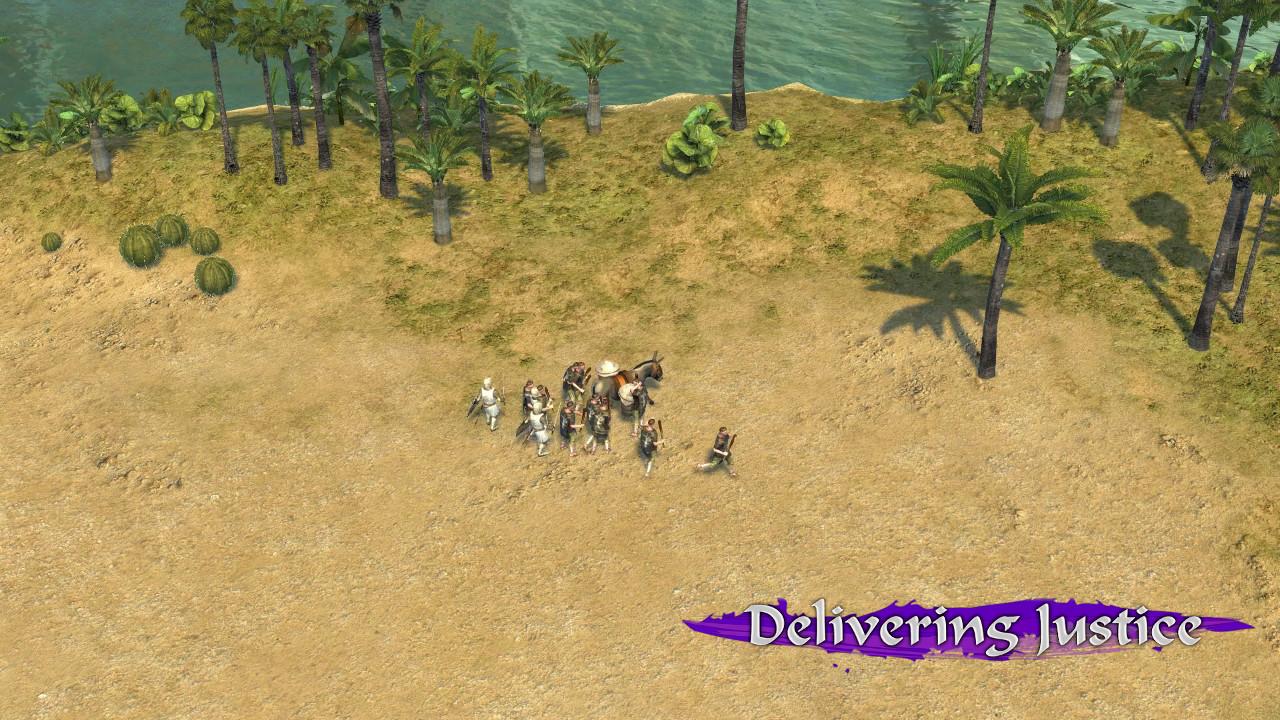
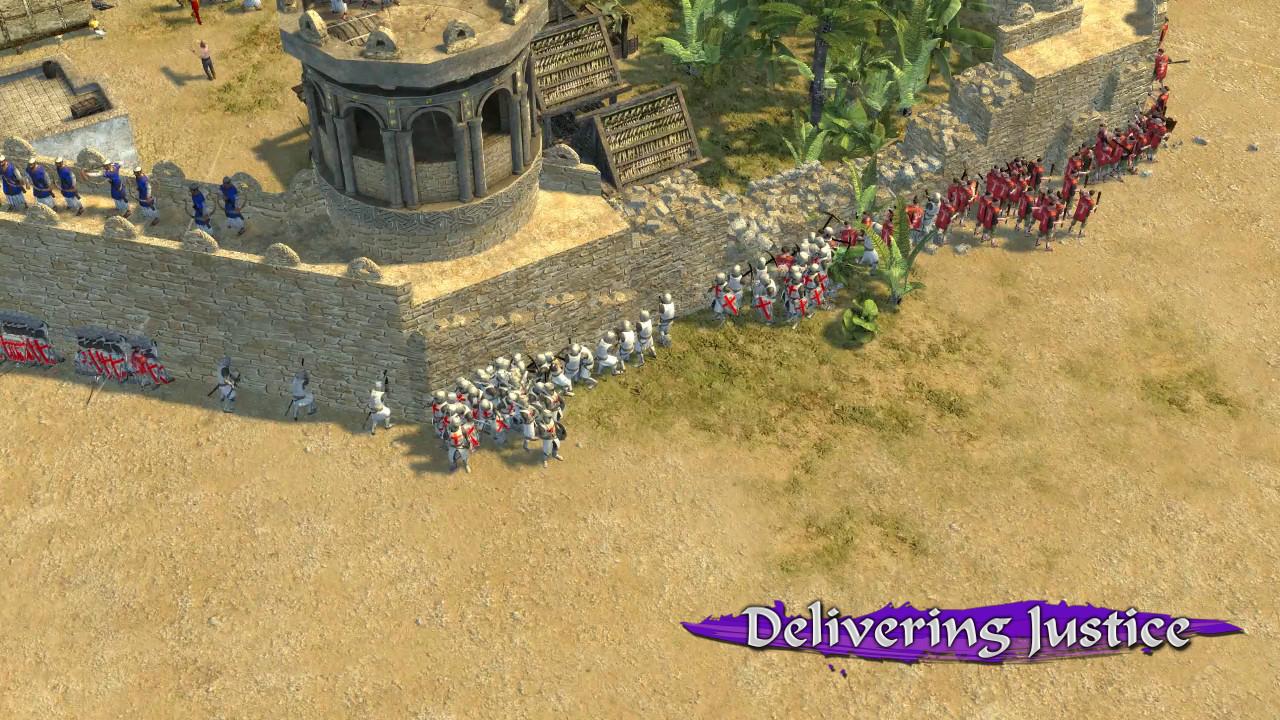
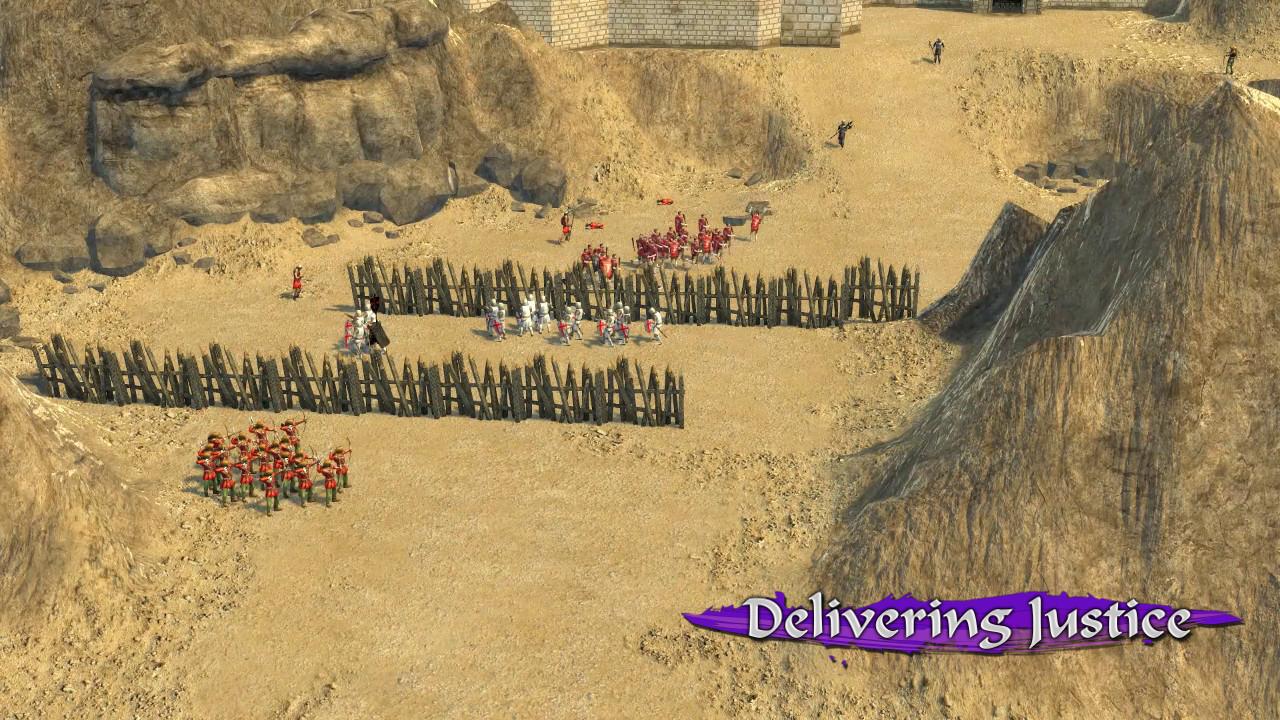
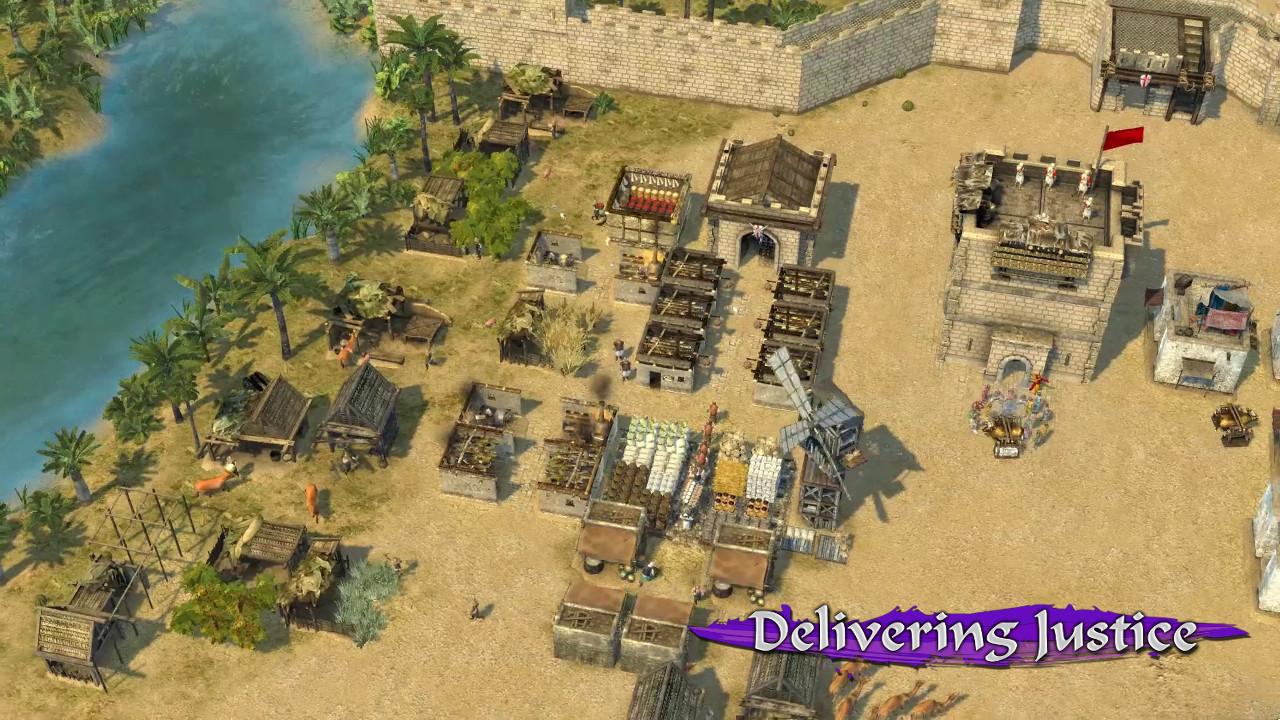
Includes Base game The sons of pigs have me surrounded... Send me your fastest men! Stronghold Crusader 2: Delivering Justice casts you as one of the few remaining honourable Crusader Lords. Fighting to maintain order and prevent further bloodshed in the Holy Land, you must protect vulnerable Arab merchants, fend off raiding parties and capture an enemy castle on the path to Jerusalem. While keeping rogue elements in line and maintaining the peace, players will also settle the score with an old enemy in disguise. Features Mini-Campaign - Enjoy two extra single player missions in the 'Delivering Justice' learning campaign. Conquer the Heathen - Protect merchants, capture strongholds and tackle an old foe in the final mission: 'Swine'. The Crusader - Play as an honourable Crusader Lord fighting to maintain order in the Holy Land. Extra Achievements - Channel your inner completionist by claiming 100% of all Crusader 2 achievements. Please Note: Delivering Justice is downloadable add-on content, requiring the full Stronghold Crusader 2 base game on Steam to play.

Stronghold Crusader 2 - Delivering Justice mini-campaign DLC screenshotStronghold Crusader 2 - Delivering Justice mini-campaign DLC screenshotStronghold Crusader 2 - Delivering Justice mini-campaign DLC screenshotStronghold Crusader 2 - Delivering Justice mini-campaign DLC screenshotStronghold Crusader 2 - Delivering Justice mini-campaign DLC screenshot

How to redeem

  1. 1Check the required base game, platform and edition before purchasing.
  2. 2Find the code or supplier activation instructions in your confirmed order.
  3. 3Redeem on Steam using the supplied instructions, then install the add-on with the compatible base game.

Supplier instructions

Go to: http://store.steampowered.com/ and download STEAM client Click "Install Steam" (from the upper right corner) Install and start application, login with your Account name and Password (create one if you don't have). Please follow these instructions to activate a new retail purchase on Steam: Launch Steam and log into your Steam account. Click the Games Menu. Choose Activate a Product on Steam... Follow the onscreen instructions to complete the process. After successful code verification go to the "MY GAMES" tab and start downloading.

You might also like