Get 10% back in Relic Coins on every order
Bus Driver Simulator 2019 - Modern City Bus DLC cover

SteamGlobal· DLC

Bus Driver Simulator 2019 - Modern City Bus DLC

€2.77

+€0.28 cashback eligibility in Relic Coins

Check before you play

Platform
Steam
Region
Global
Product type
DLC

Check the required base game and edition before purchasing this add-on.

Developer
KishMish Games
Publisher
UIG Entertainment
Supplier release date
2020-03-18
Genres
Racing, Simulation, Indie

About this product

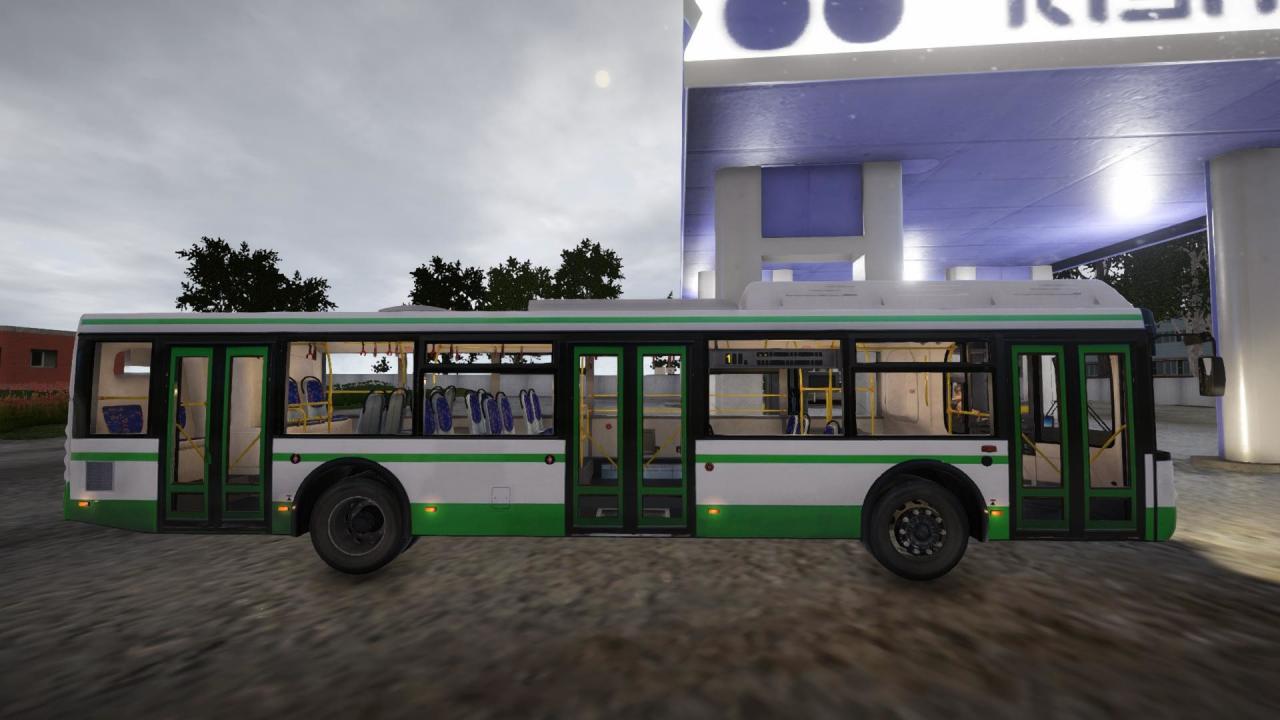
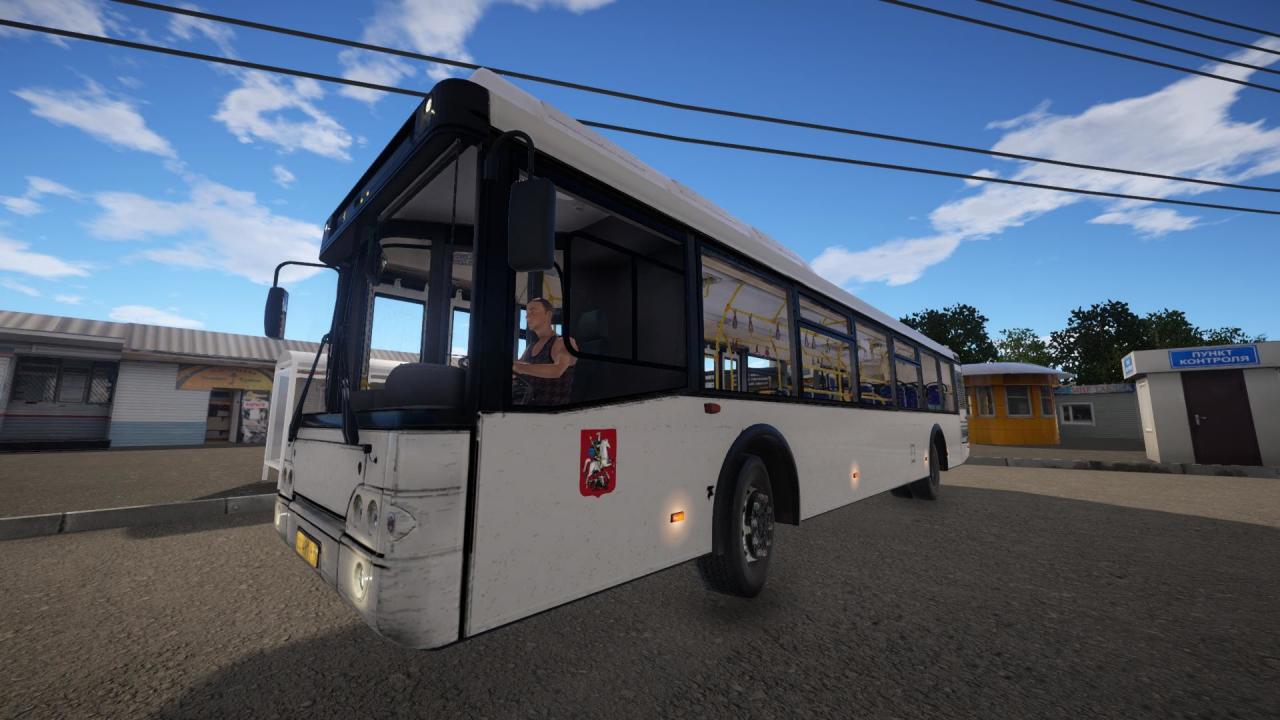
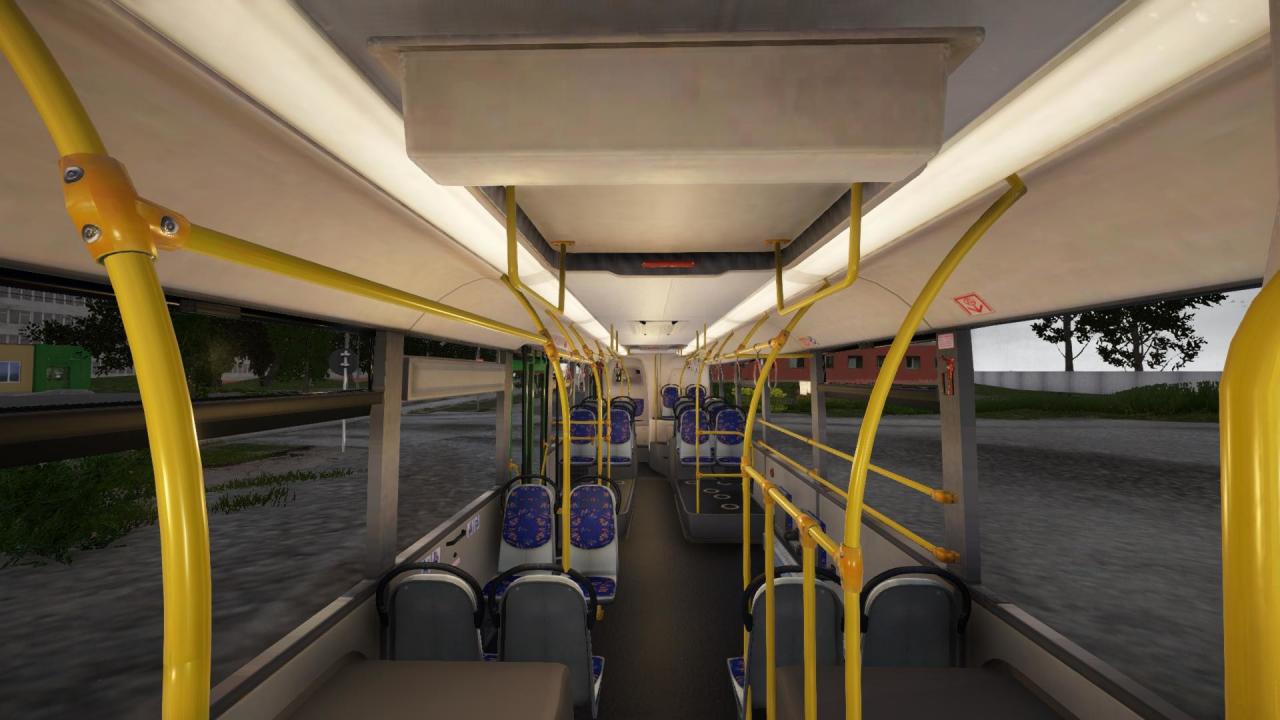
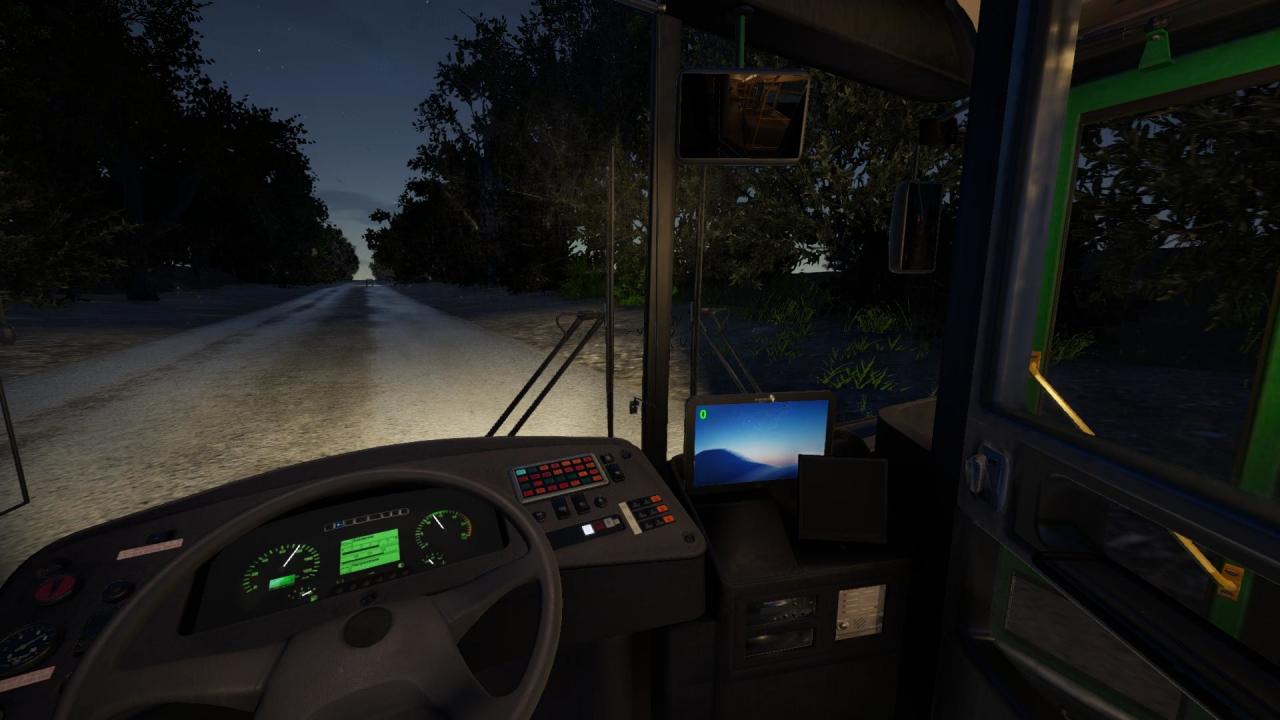
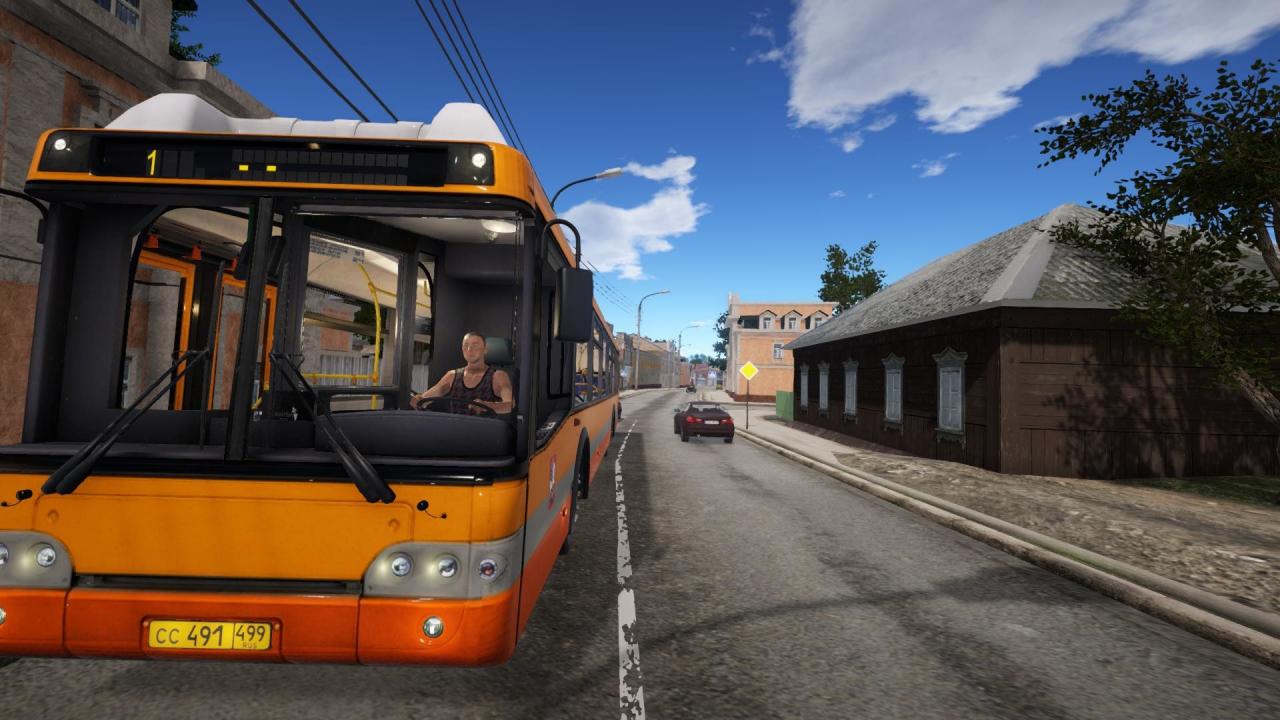
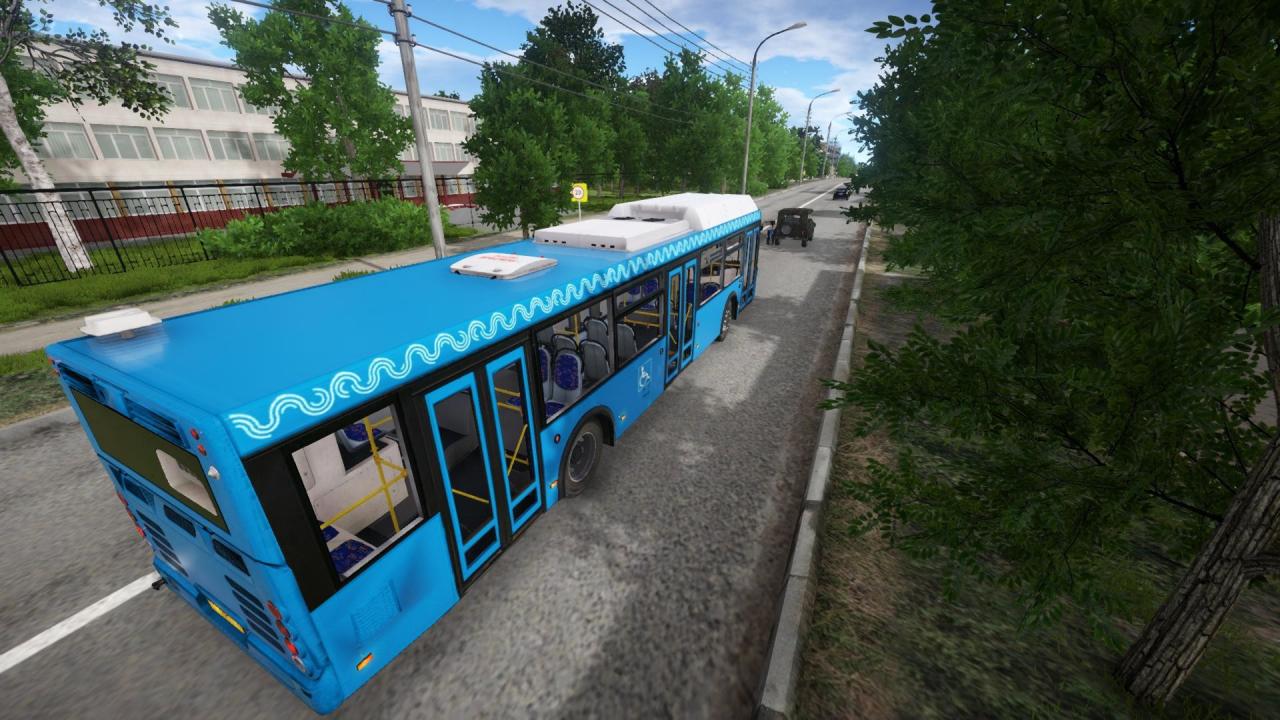
This is a Russian urban low floored high capacity bus. It is actively used in mega-cities, where there are many passengers. The original model was launched in 2004, and there are more than 8000 of these buses as for now! The modification presented in the game was launched in 2011, featuring new dashboard, modern-looking driver cabin design and restyled partition between the cabin and passenger compartment. The bus can tilt by 7 degrees to the right and has a big passenger accumulation area with special attachment for wheelchairs. One of the positive features is modern ventilation and conditioning system, which increases level of comfort during the ride. There are no stairs and the floor is absolutely flat, which makes the bus much more aesthetic, ergonomic and comfortable. There are 5 liveries bundled with the bus.

Bus Driver Simulator 2019 - Modern City Bus DLC screenshotBus Driver Simulator 2019 - Modern City Bus DLC screenshotBus Driver Simulator 2019 - Modern City Bus DLC screenshotBus Driver Simulator 2019 - Modern City Bus DLC screenshotBus Driver Simulator 2019 - Modern City Bus DLC screenshotBus Driver Simulator 2019 - Modern City Bus DLC screenshot

How to redeem

  1. 1Check the required base game, platform and edition before purchasing.
  2. 2Find the code or supplier activation instructions in your confirmed order.
  3. 3Redeem on Steam using the supplied instructions, then install the add-on with the compatible base game.

Supplier instructions

Go to: http://store.steampowered.com/ and download STEAM client Click "Install Steam" (from the upper right corner) Install and start application, login with your Account name and Password (create one if you don't have). Please follow these instructions to activate a new retail purchase on Steam: Launch Steam and log into your Steam account. Click the Games Menu. Choose Activate a Product on Steam... Follow the onscreen instructions to complete the process. After successful code verification go to the "MY GAMES" tab and start downloading.

You might also like