Get 10% back in Relic Coins on every order
Bus Driver Simulator 2019 - Tourist DLC cover

SteamGlobal· DLC

Bus Driver Simulator 2019 - Tourist DLC

€0.39

+€0.04 cashback eligibility in Relic Coins

Check before you play

Platform
Steam
Region
Global
Product type
DLC

Check the required base game and edition before purchasing this add-on.

Developer
KishMish Games
Publisher
UIG Entertainment
Supplier release date
2020-03-18
Genres
Racing, Simulation, Indie

About this product

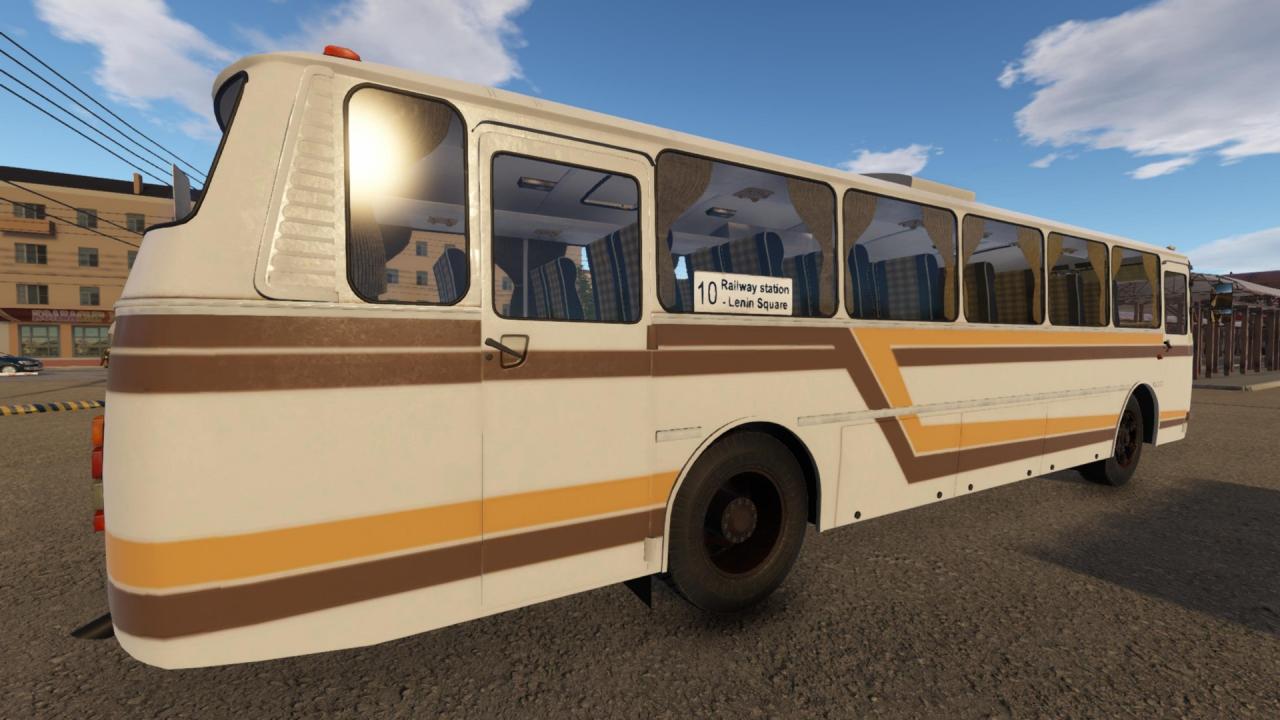
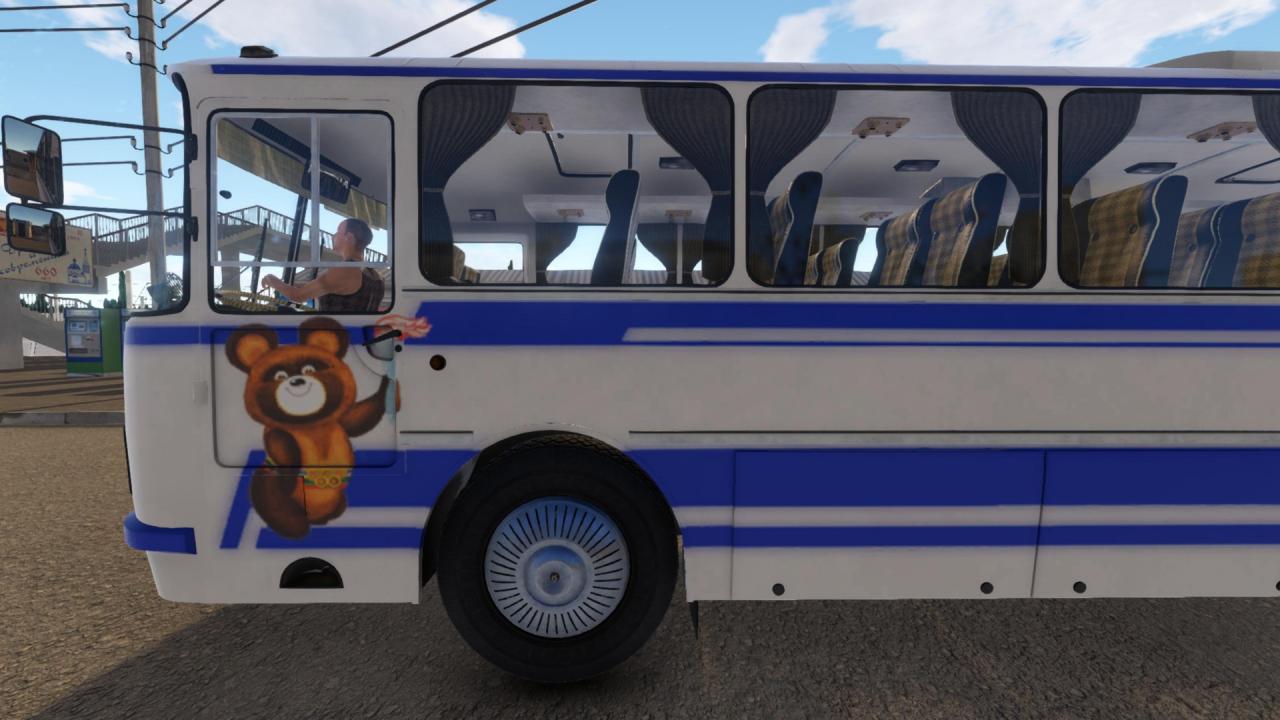
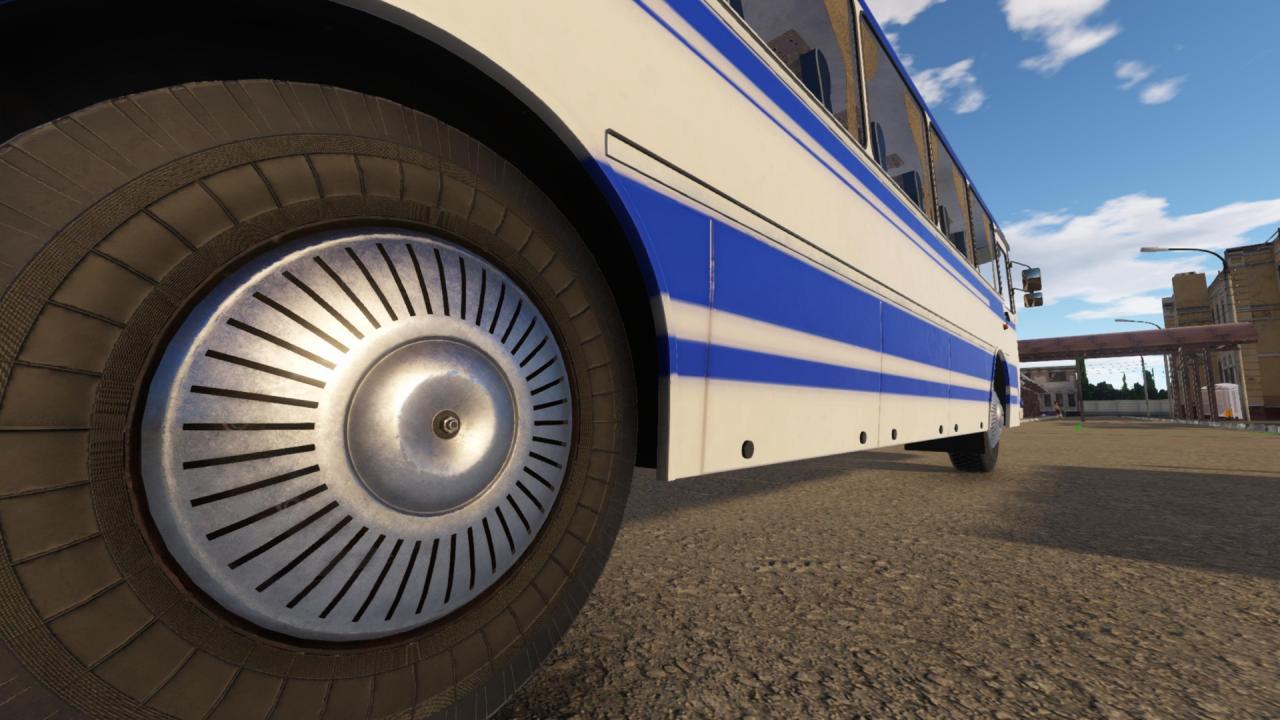
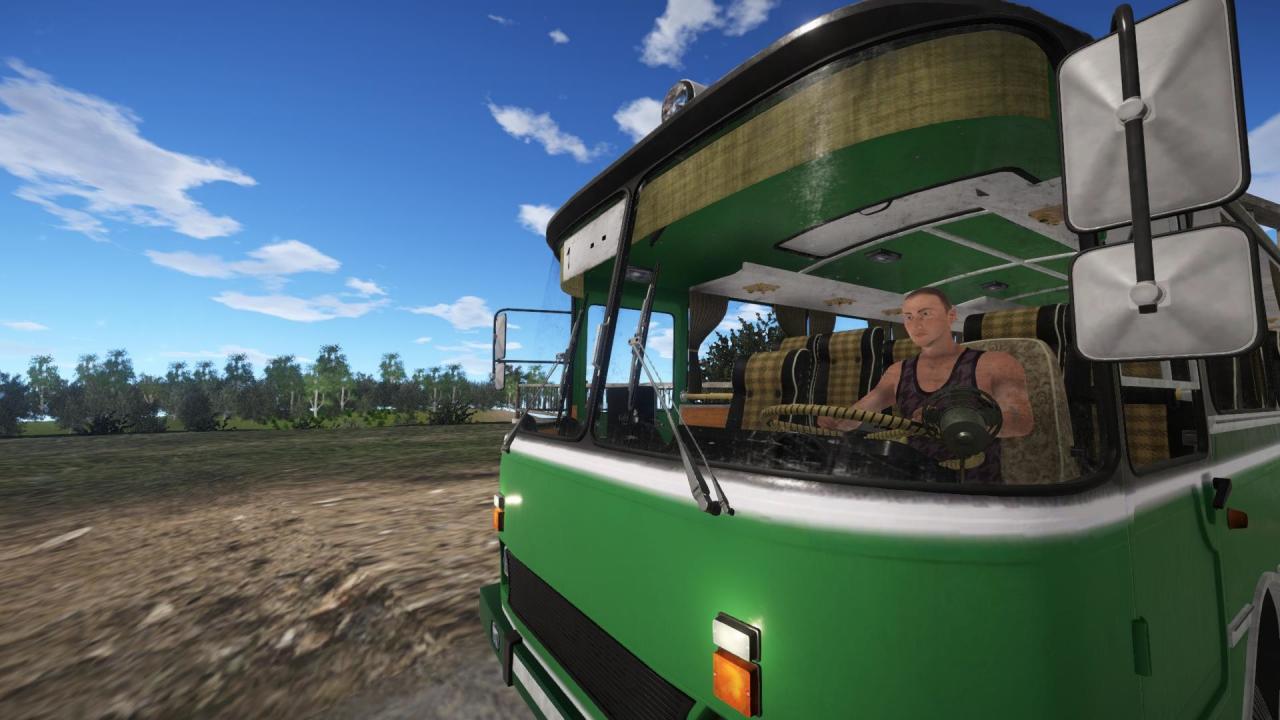
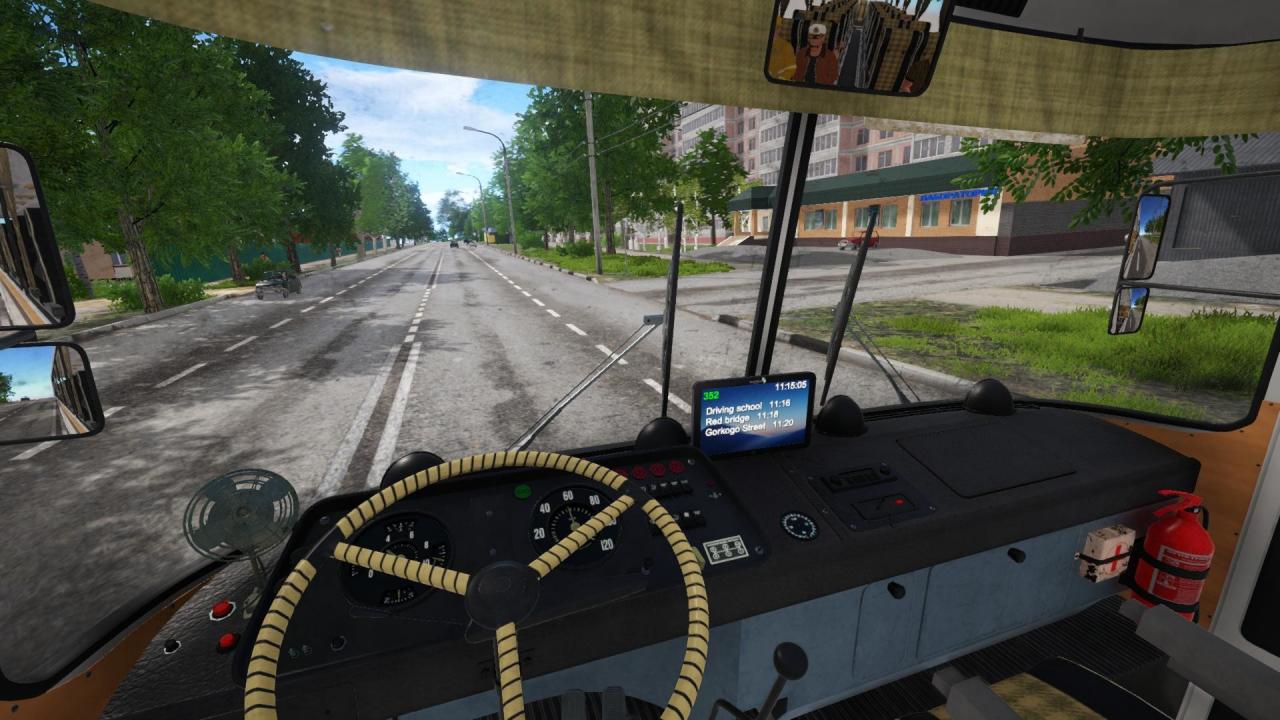
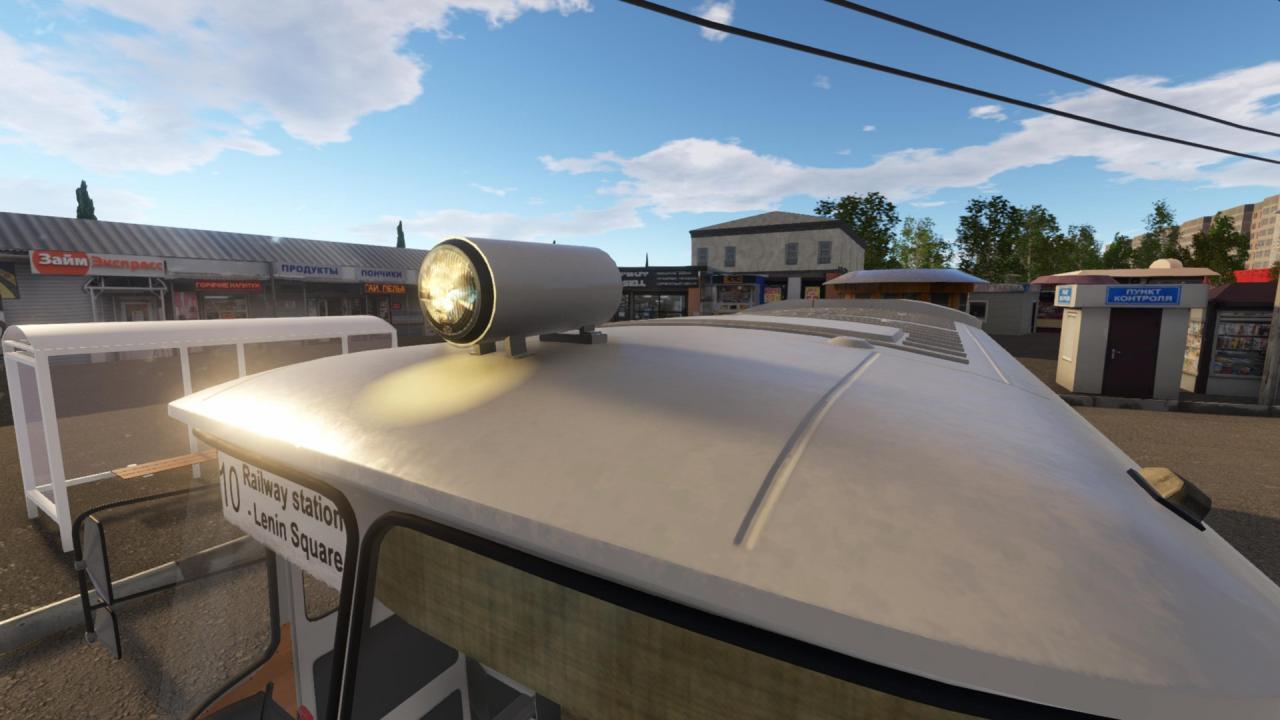
The Tourist is a high-capacity Soviet intercity bus. It differs from the urban version in that it is a little longer and does not have automatic doors. More comfortable, it features reclining seats with reading lights and individual ventilation for all passengers. In addition, the power steering makes the Tourist an easier vehicle to drive. However, the rear engine does not have good sound insulation and subjects passengers in rear seats of the bus to a constant noise. Moreover, an unpleasant smell of fuel can sometimes be noticed. The Tourist was launched in 1964 and received improvements and updates in subsequent generations. This DLC includes three skins for the vehicle (one of them, for the Moscow 1980 Summer Olympics). You can also install the following upgrades: Methane tank on the roof Driver access door Fan Curtains (windshield and passenger windows) Radiator grille Circular or rectangular headlights Hubcaps Bumpers Auxiliary headlight on the roof

Bus Driver Simulator 2019 - Tourist DLC screenshotBus Driver Simulator 2019 - Tourist DLC screenshotBus Driver Simulator 2019 - Tourist DLC screenshotBus Driver Simulator 2019 - Tourist DLC screenshotBus Driver Simulator 2019 - Tourist DLC screenshotBus Driver Simulator 2019 - Tourist DLC screenshot

How to redeem

  1. 1Check the required base game, platform and edition before purchasing.
  2. 2Find the code or supplier activation instructions in your confirmed order.
  3. 3Redeem on Steam using the supplied instructions, then install the add-on with the compatible base game.

Supplier instructions

Go to: http://store.steampowered.com/ and download STEAM client Click "Install Steam" (from the upper right corner) Install and start application, login with your Account name and Password (create one if you don't have). Please follow these instructions to activate a new retail purchase on Steam: Launch Steam and log into your Steam account. Click the Games Menu. Choose Activate a Product on Steam... Follow the onscreen instructions to complete the process. After successful code verification go to the "MY GAMES" tab and start downloading.

You might also like