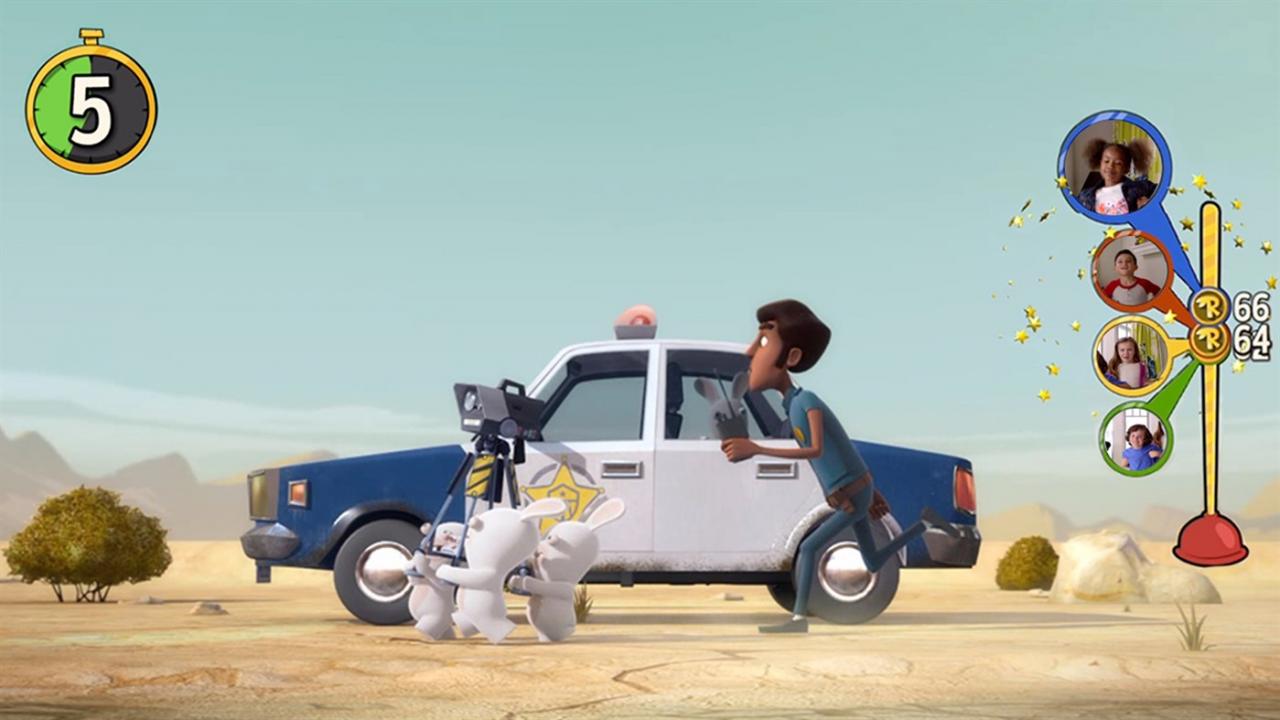
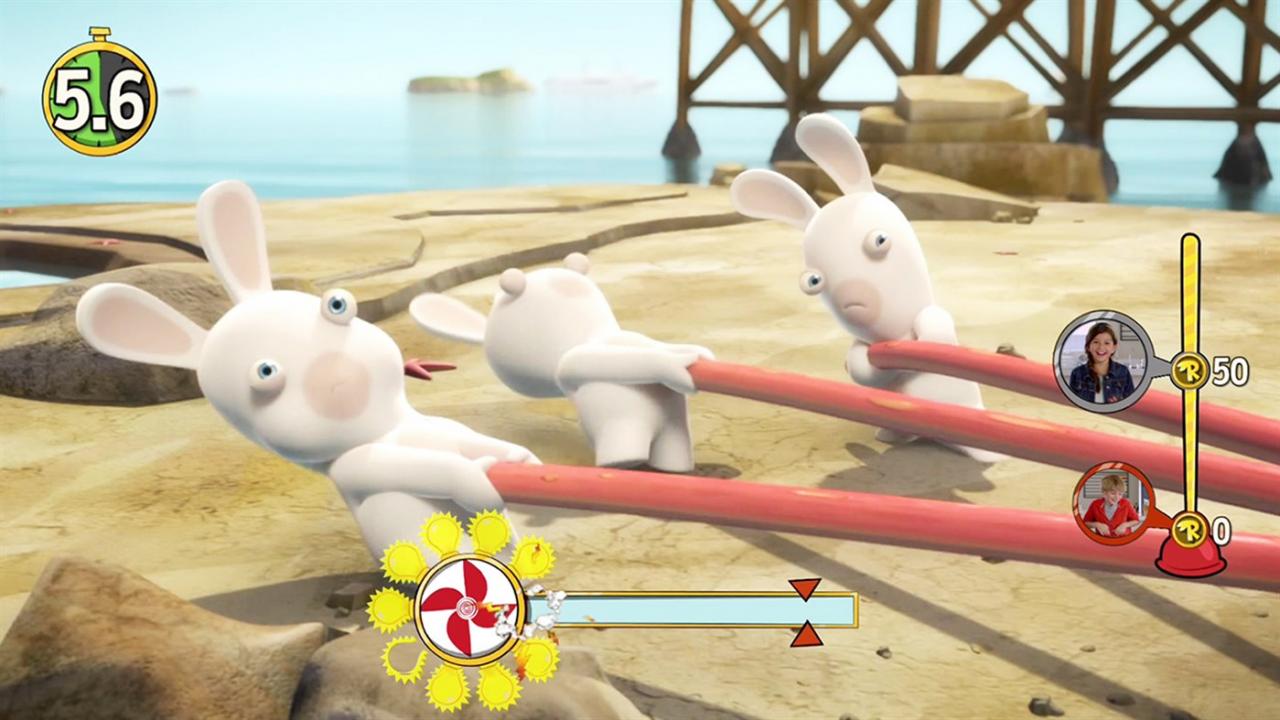
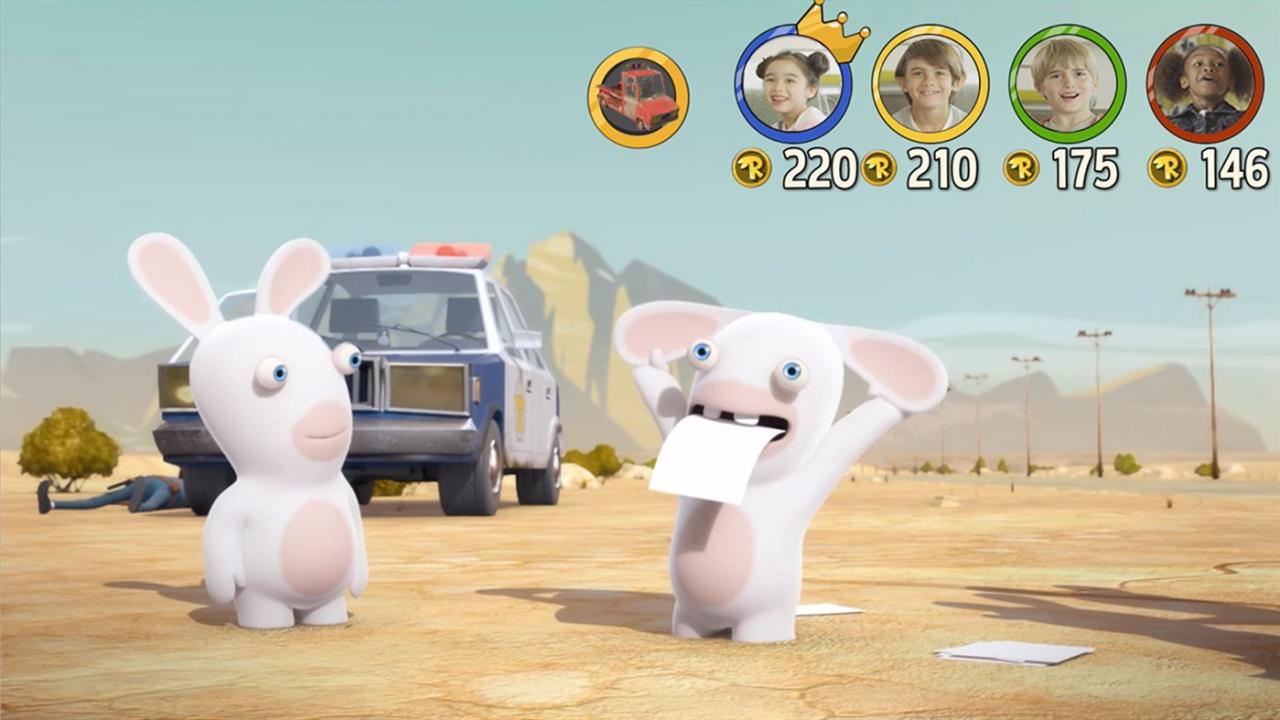
It’s now your turn to invade the Rabbids’ world: Rabbids® Invasion, the kids’ hit animated TV show, is now a video game!Kids can play with a selection of episodes from the TV show and compete in multiplayer mode with fun-silly challenges! Experience the Rabbids Invasion TV show in a brand new way with your family & friends! Features Play Through 20 Rabbids Invasion EpisodesWatch, play and interact with the Rabbids while the episode is running. Enjoy a new experience where you actively participate to become both an actor and a spectator of your favorite TV show. Have Fun With Over 400 Wacky Full-Motion ActivitiesHave a virtual egg battle with the Rabbids, try to quickly match their silly poses, play against the timer or scream out the iconic Rabbids “bwaah”. You can even launch the Rabbids through the air! So, Jump up and get moving! Play With Family and Friends in a Competitive Social ExperienceEnjoy hilarious times with your friends and unlock new content while competing for the highest score. You can also challenge them and try to become champion of the episode! Let the Rabbids Invade Your Living RoomThe Rabbids will pay you a visit with augmented reality. Interact with the Rabbids in your own living room and dance along with them. Collect Memorable Moments in the Rabbids Photo AlbumTake selfies with the Rabbids using Kinect.