Get 10% back in Relic Coins on every order
An Interesting Journey of Monsieur PAF cover

SteamGlobal· Key

An Interesting Journey of Monsieur PAF

€0.60

+€0.06 cashback eligibility in Relic Coins

Check before you play

Platform
Steam
Region
Global
Product type
Key
Developer
Ernestine
Publisher
Ernestine
Supplier release date
2020-07-29
Genres
Adventure, Indie, Casual, Puzzle

About this product

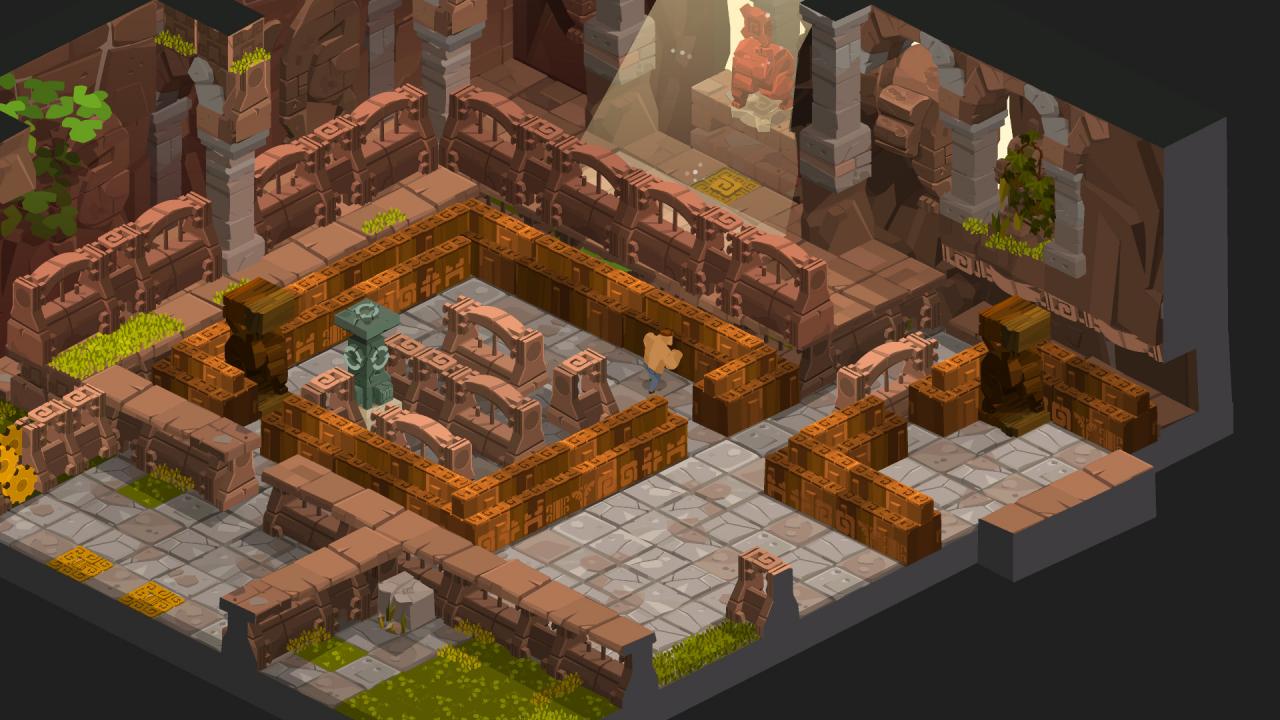
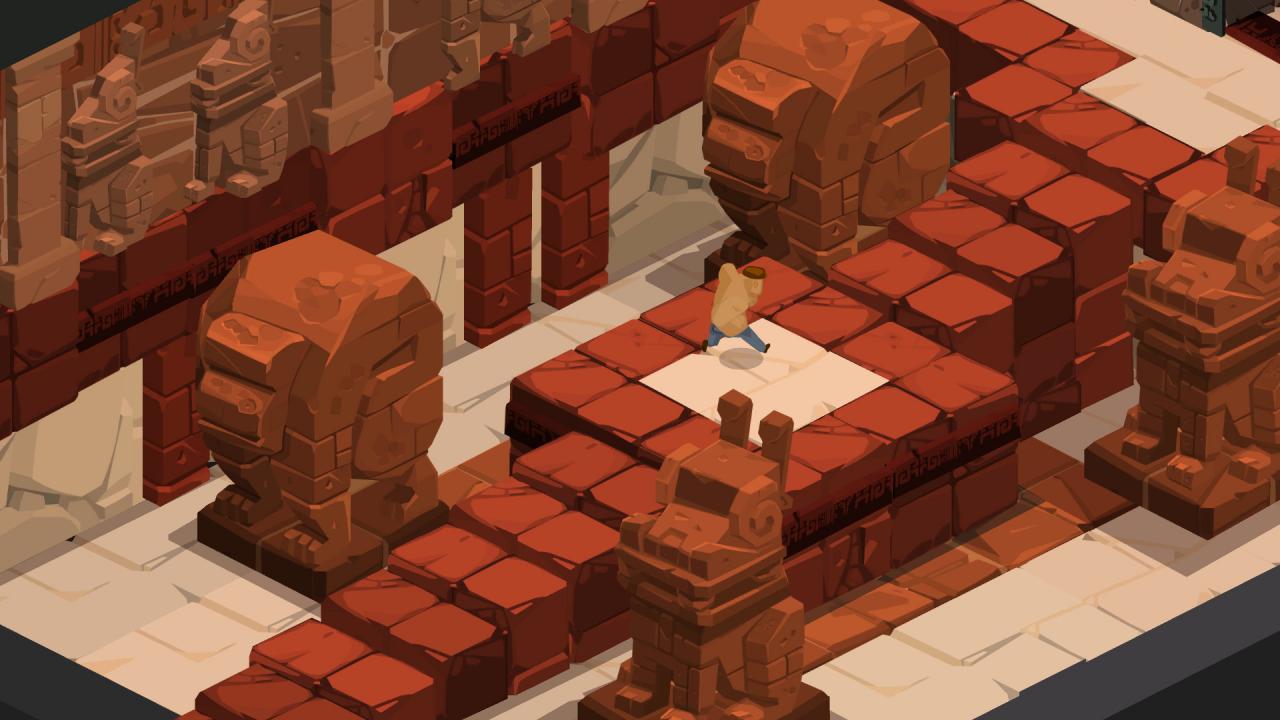
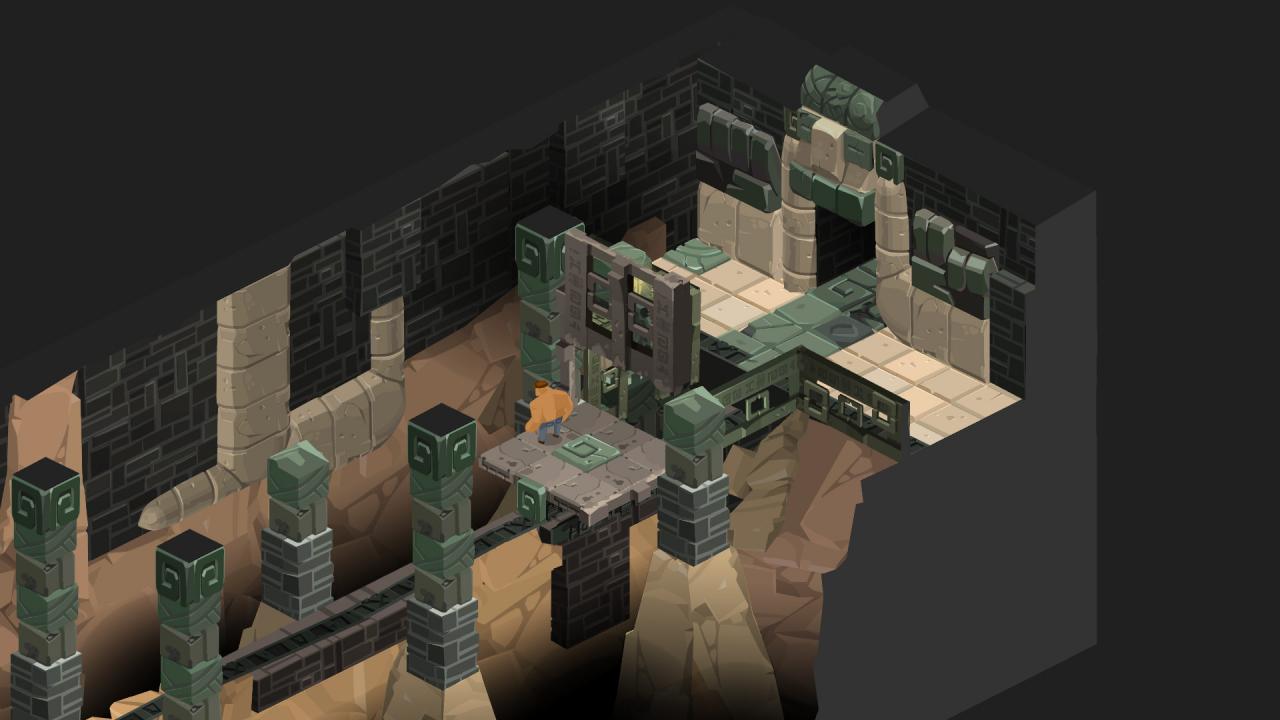
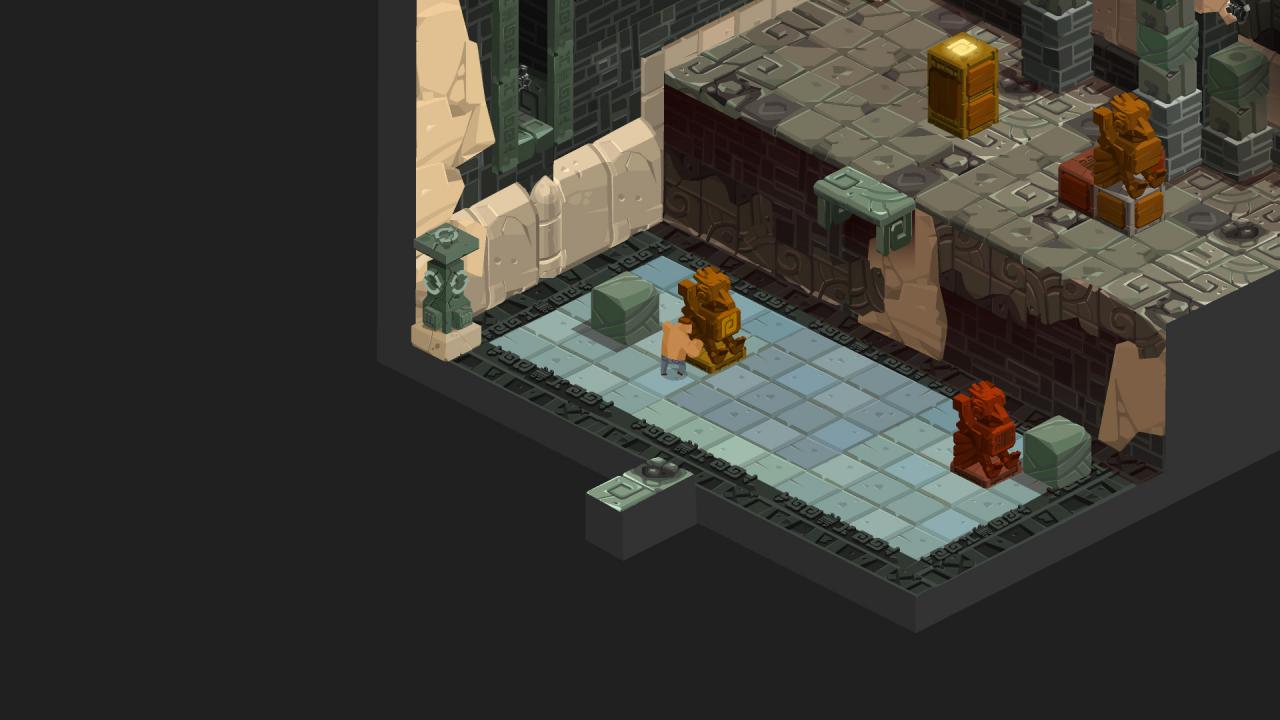
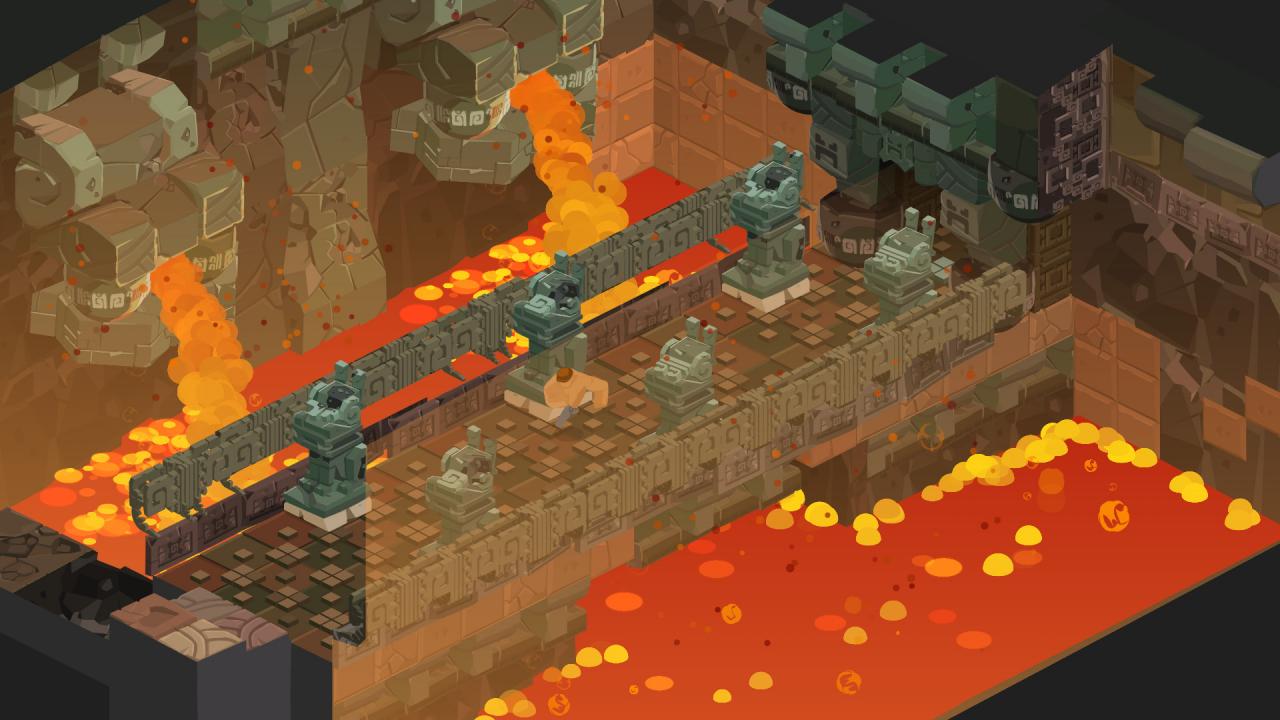
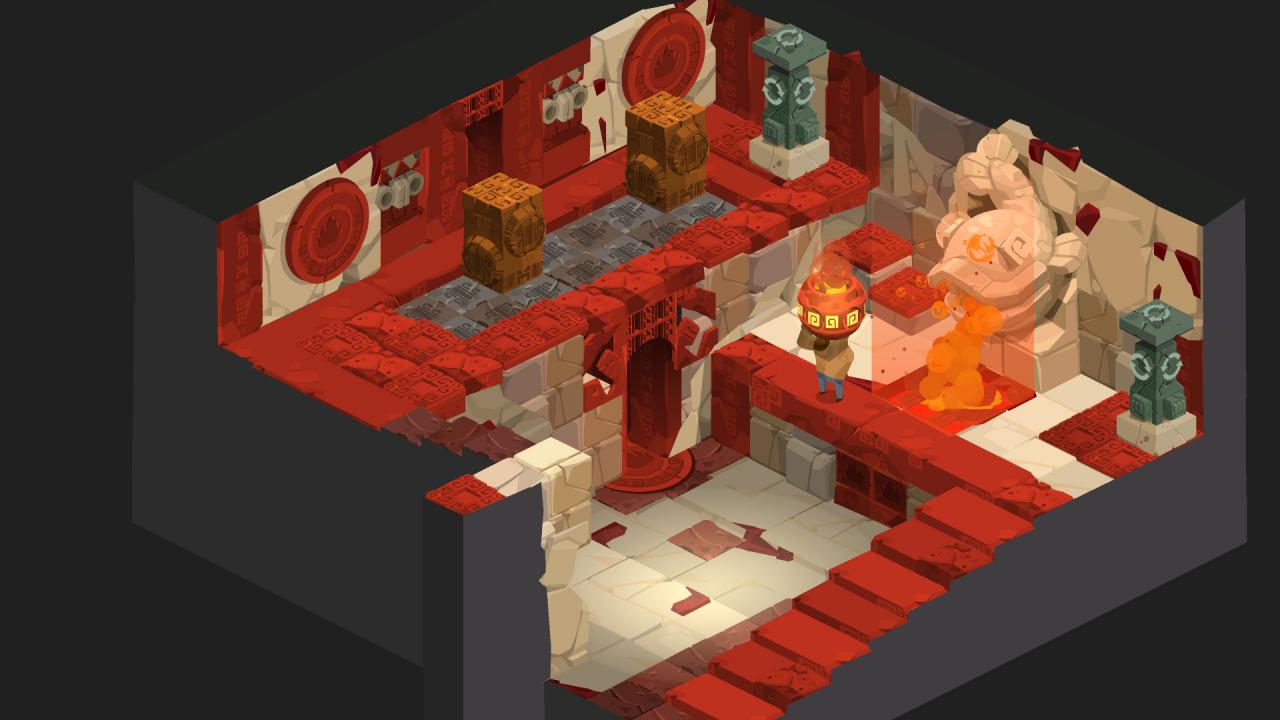
Trapped in an ancient temple during an archeological expedition, Monsieur PAF needs to find a way to get out by solving puzzles left by a forgotten civilization. An Interesting Journey of Monsieur PAF is a platform / isometric puzzle game. Sharing similar mechanics with the Sokoban, Monsieur PAF attempts to revisit the genre using 3D verticality in magnificent homemade, two-dimensional environments. Features EXOTIC ADVENTURE: Live the cool day-to-day life of an archeologist like no other and walk through the depths of a mysterious temple buried in the heart of a faraway jungle. DIABOLICAL PUZZLES: Will you find the solution to the many puzzles left by an ancient civilization on your way out? Or will you let this temple become your eternal tomb? MONSIEUR PAF IS TOO POWERFUL! Nothing can stop you: lift, move or break elements around you with your strong muscles. Seems that all those nights spent at the library lifting tons and tons of books have proven to be useful. COLLECT THEM ALL: Careful! You could acquire a taste for puzzles and spend way too many hours going back to solve ALL mysteries and secrets kept in this ancient temple JUST PLAY: You can play and stop whenever you want, alone or with friends on a shared screen. You can’t lose, as Monsieur PAF cannot die: just have fun!


An Interesting Journey of Monsieur PAF screenshotAn Interesting Journey of Monsieur PAF screenshotAn Interesting Journey of Monsieur PAF screenshotAn Interesting Journey of Monsieur PAF screenshotAn Interesting Journey of Monsieur PAF screenshotAn Interesting Journey of Monsieur PAF screenshot

How to redeem

  1. 1Check your Steam account and the listed region before purchasing.
  2. 2Find your code and supplier activation instructions in your confirmed order.
  3. 3Open the redeem-code section on Steam, enter the code and follow the platform’s prompts.

Supplier instructions

Go to: http://store.steampowered.com/ and download STEAM client Click "Install Steam" (from the upper right corner) Install and start application, login with your Account name and Password (create one if you don't have). Please follow these instructions to activate a new retail purchase on Steam: Launch Steam and log into your Steam account. Click the Games Menu. Choose Activate a Product on Steam... Follow the onscreen instructions to complete the process. After successful code verification go to the "MY GAMES" tab and start downloading.

You might also like