Get 10% back in Relic Coins on every order
Terrordrome - Reign of the Legends cover

SteamGlobal· Key

Terrordrome - Reign of the Legends

€0.30

+€0.03 cashback eligibility in Relic Coins

Check before you play

Platform
Steam
Region
Global
Product type
Key
Developer
Huracan Studio
Publisher
Forthright Entertainment
Supplier release date
2020-07-24
Genres
Action, Adventure, Indie, Casual, Horror, Fighting

About this product

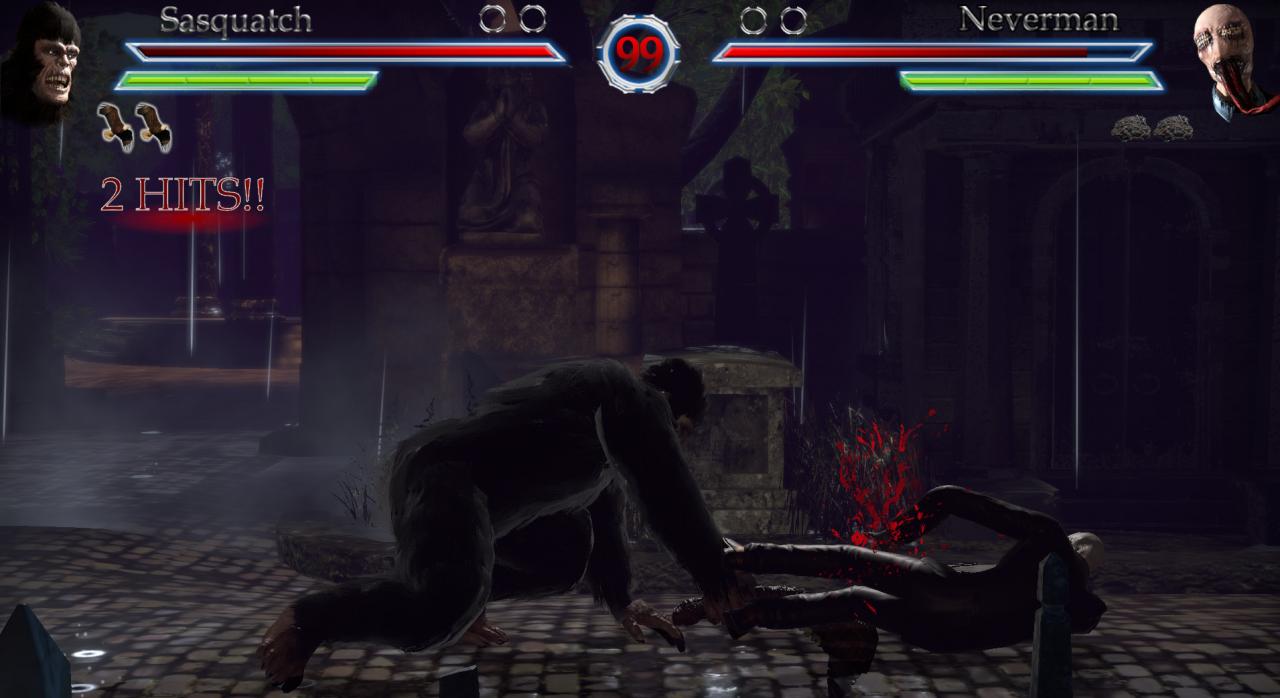
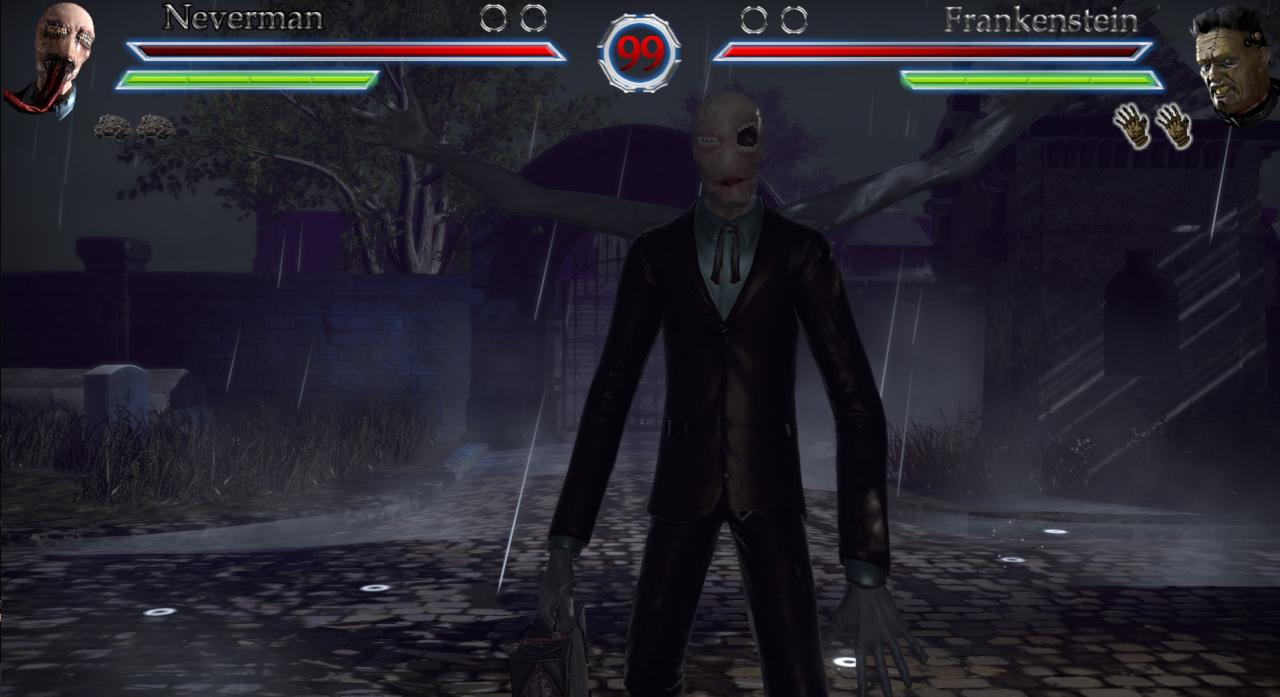
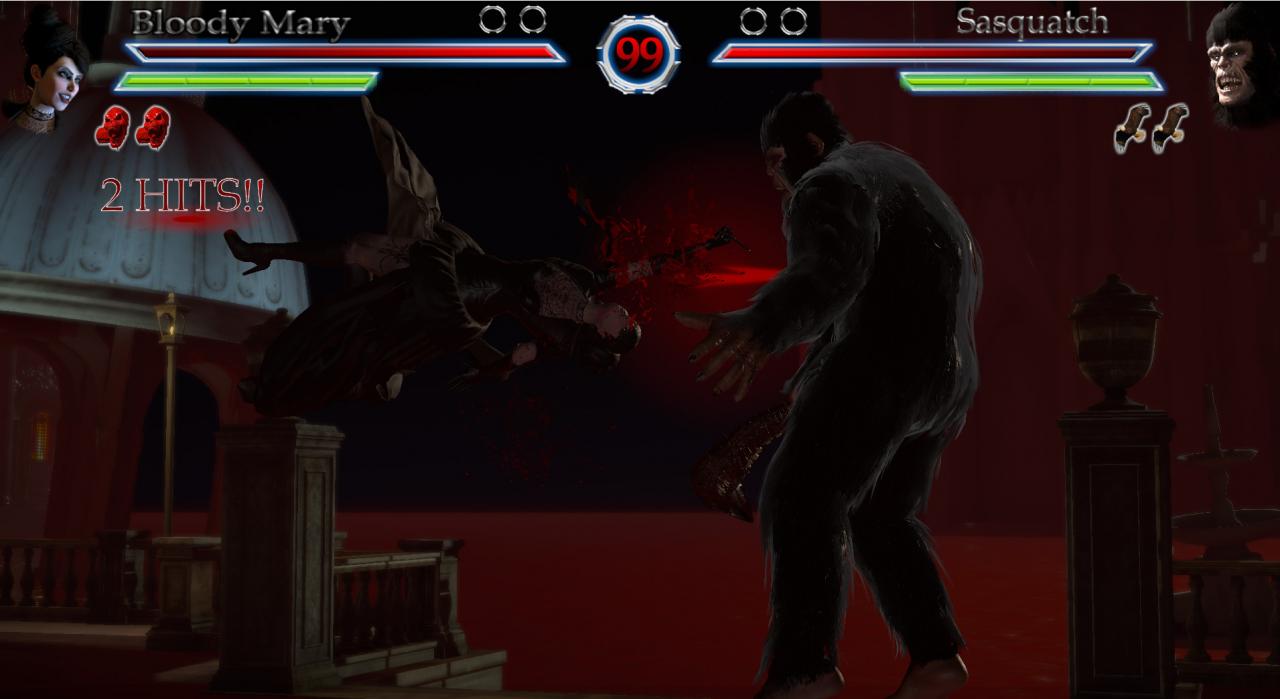
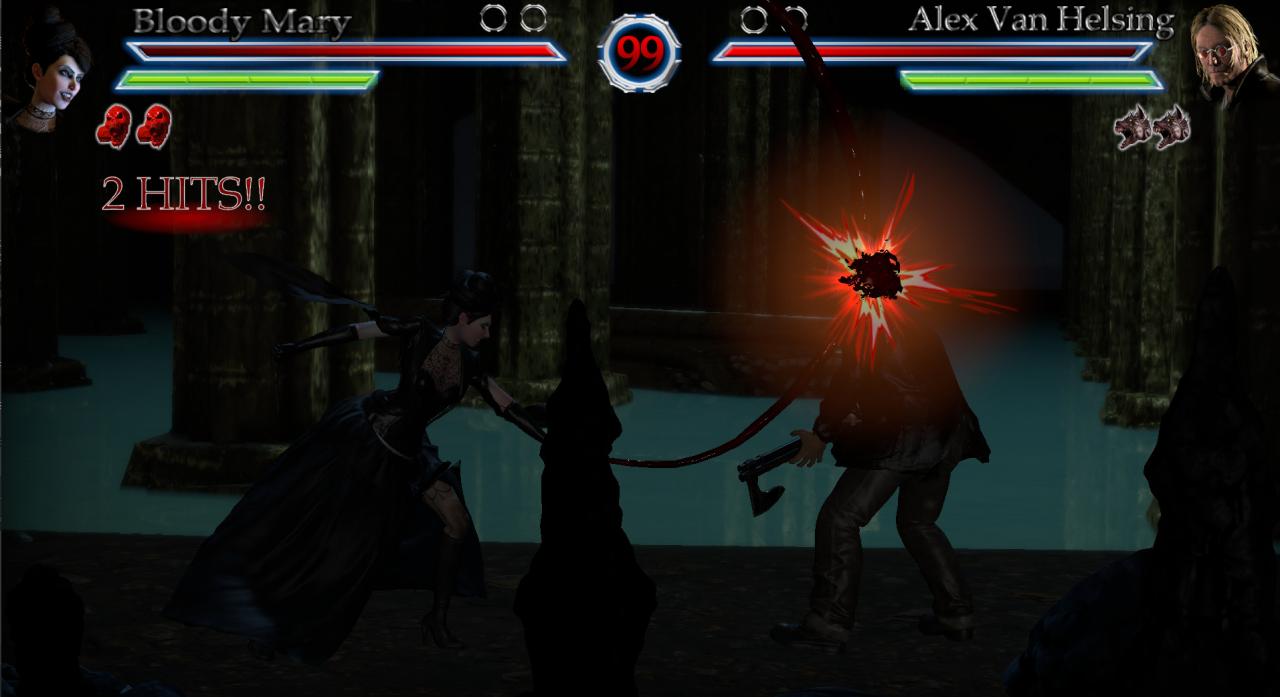
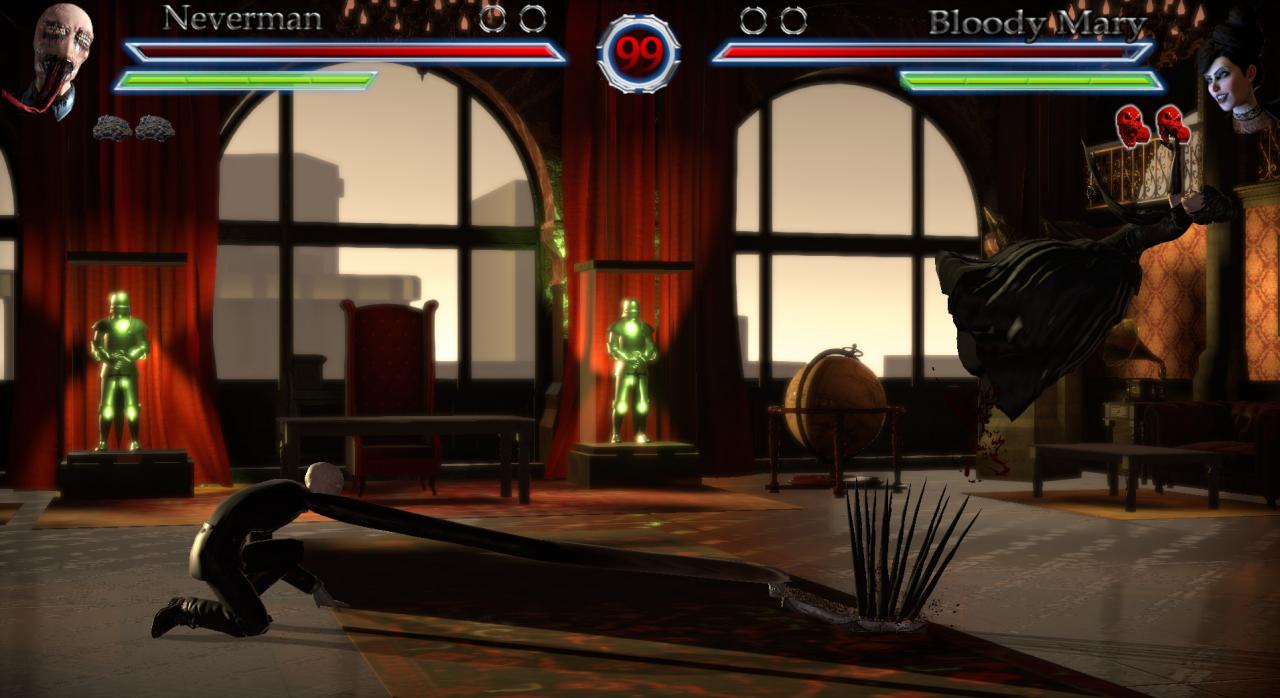
Imagine a world where every scary story told to you turned out to be true, This is the world of Terrordrome where these monsters effect the real world unknown to humans who live their regular day to day life. Discover these stories in a new light with the main protagonist Alex Van Helsing as he ventures his way to take down Dracula once and for all whilst meeting new allies and enemies along the way with playable characters like Frankenstein's Monster, Bigfoot, Bloody Mary and much more like some original monsters to create one of the most unique horror crossovers using as much as we can in the general public media to avoid lawsuits. with a set roster with characters like these, expect each with a unique and interesting moveset which contrasts with each other creating a fun long lasting fighter full of bloody violence, terror and intense action. Features 5 Playable Characters 5 Playable Stages An arcade mode Online Mode Player vs Player Player vs CPU CPU vs CPU Training Mode Options

Terrordrome - Reign of the Legends screenshotTerrordrome - Reign of the Legends screenshotTerrordrome - Reign of the Legends screenshotTerrordrome - Reign of the Legends screenshotTerrordrome - Reign of the Legends screenshotTerrordrome - Reign of the Legends screenshot

How to redeem

  1. 1Check your Steam account and the listed region before purchasing.
  2. 2Find your code and supplier activation instructions in your confirmed order.
  3. 3Open the redeem-code section on Steam, enter the code and follow the platform’s prompts.

Supplier instructions

Go to: http://store.steampowered.com/ and download STEAM client Click "Install Steam" (from the upper right corner) Install and start application, login with your Account name and Password (create one if you don't have). Please follow these instructions to activate a new retail purchase on Steam: Launch Steam and log into your Steam account. Click the Games Menu. Choose Activate a Product on Steam... Follow the onscreen instructions to complete the process. After successful code verification go to the "MY GAMES" tab and start downloading.

You might also like