Get 10% back in Relic Coins on every order
Steel Division 2 - Death on the Vistula DLC cover

SteamGlobal· DLC

Steel Division 2 - Death on the Vistula DLC

€6.47

+€0.65 cashback eligibility in Relic Coins

Check before you play

Platform
Steam
Region
Global
Product type
DLC

Check the required base game and edition before purchasing this add-on.

Developer
Eugen Systems
Publisher
Eugen Systems
Supplier release date
2019-10-17
Genres
Strategy, Indie, Co-op

About this product

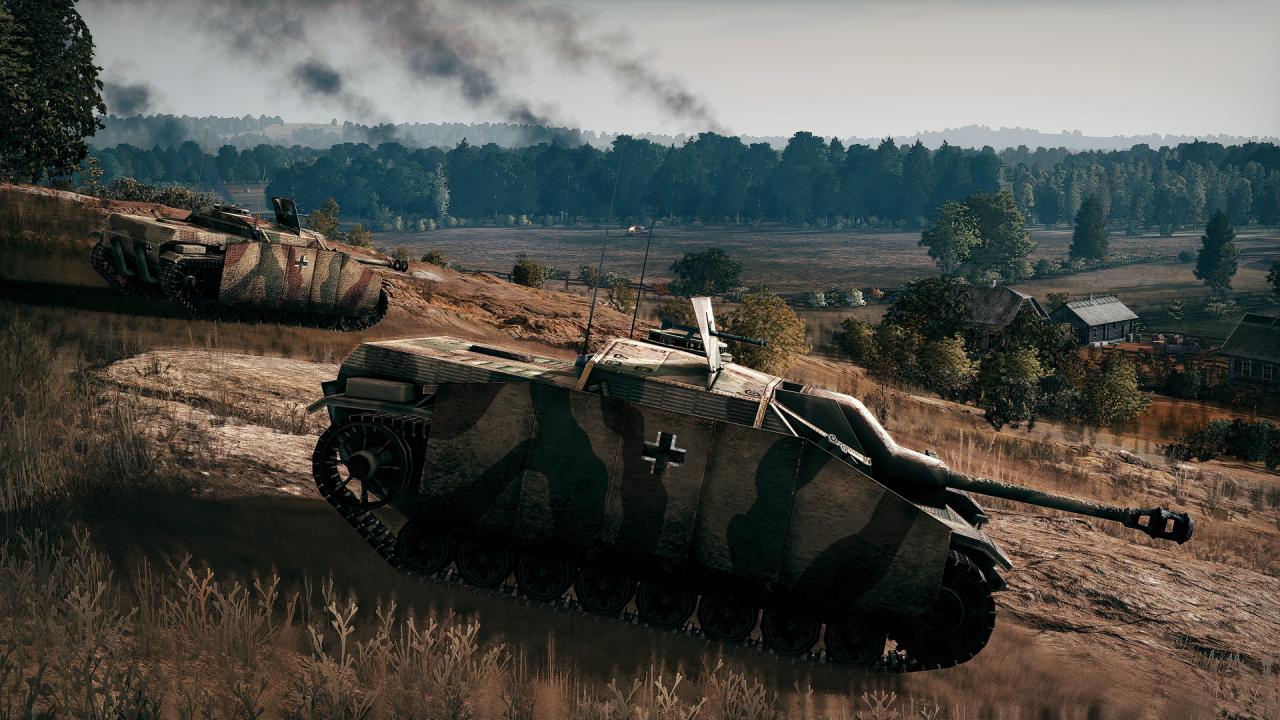
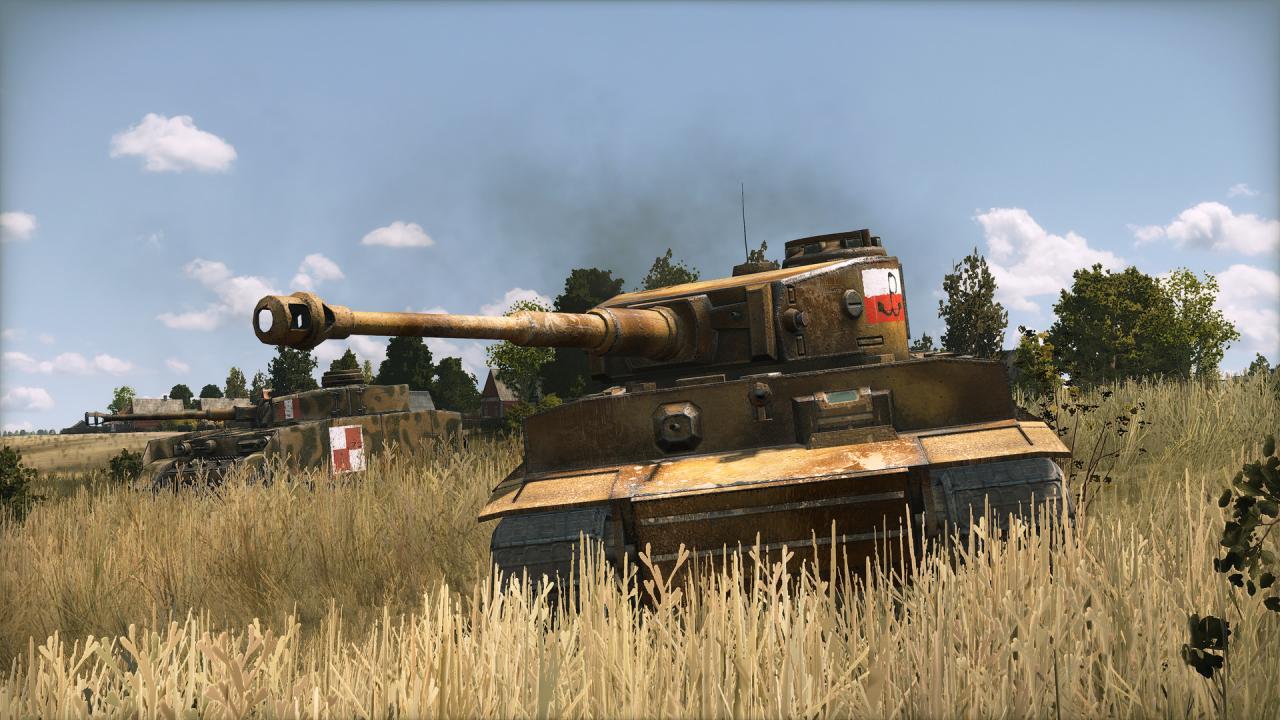
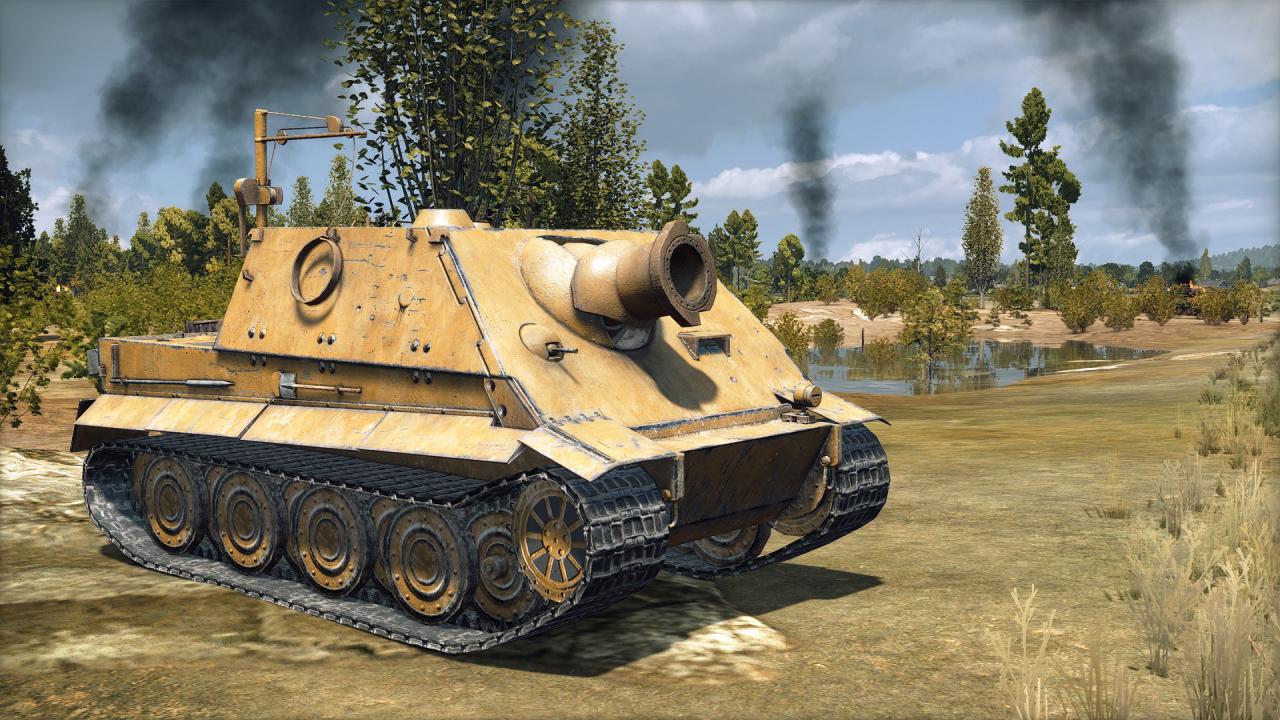
Steel Division 2 - Death on the Vistula is the first History Pack DLC for Steel Division 2, the WW2 strategy game set on the eastern front!Taking place on the last days of Operation Bagration, Steel Division 2 - Death on the Vistula expands the original game with tons of new content in solo, coop and multiplayer, including a new massive Army General turn-based strategic campaign, 4 new Divisions, 200+ new units, 4 new historical battles and 2 exclusives aces! Features Lead your army on the brand-new Huge Army General Campaign: Vistula, in which the freshly reinforced German forces will try to stop the Red Army's attempt to liberate Warsaw Build the perfect battlegroup with 4 New Divisions: the 5. SS-Panzerdivision "Wiking", the Fallschirm-Panzerdivision "Hermann Göring", the Armia Krajowa, and 1st Polish “Tadeusz Kościuszki” Infantry Division Field 200+ new units, including the Sturmtiger, the Fw 190 D9 "Long Nose", the Bergepanther, the Kubuś... Relive 4 challenging Historical Battles: River of Blood, Fighting Retreat, Escape from Brest and Memento Mori Deploy 2 Exclusive Aces: Karl Nicolussi-Leck and his Panther A and The “Chwat” Jagdpanzer 38(t)

Steel Division 2 - Death on the Vistula DLC screenshotSteel Division 2 - Death on the Vistula DLC screenshotSteel Division 2 - Death on the Vistula DLC screenshotSteel Division 2 - Death on the Vistula DLC screenshotSteel Division 2 - Death on the Vistula DLC screenshotSteel Division 2 - Death on the Vistula DLC screenshot

How to redeem

  1. 1Check the required base game, platform and edition before purchasing.
  2. 2Find the code or supplier activation instructions in your confirmed order.
  3. 3Redeem on Steam using the supplied instructions, then install the add-on with the compatible base game.

Supplier instructions

Go to: http://store.steampowered.com/ and download STEAM client Click "Install Steam" (from the upper right corner) Install and start application, login with your Account name and Password (create one if you don't have). Please follow these instructions to activate a new retail purchase on Steam: Launch Steam and log into your Steam account. Click the Games Menu. Choose Activate a Product on Steam... Follow the onscreen instructions to complete the process. After successful code verification go to the "MY GAMES" tab and start downloading.

You might also like