Get 10% back in Relic Coins on every order
Forza Horizon 4 - Ultimate Add-Ons Bundle DLC / Windows 10 cover

Xbox One Europe - All Countries· DLC

Forza Horizon 4 - Ultimate Add-Ons Bundle DLC / Windows 10

€171.74

+€17.17 cashback eligibility in Relic Coins

Check before you play

Platform
Xbox One
Region
Europe - All Countries
Product type
DLC

Check the required base game and edition before purchasing this add-on.

Developer
Playground Games
Publisher
Xbox Game Studios
Supplier release date
2018-02-10
Genres
Racing

About this product

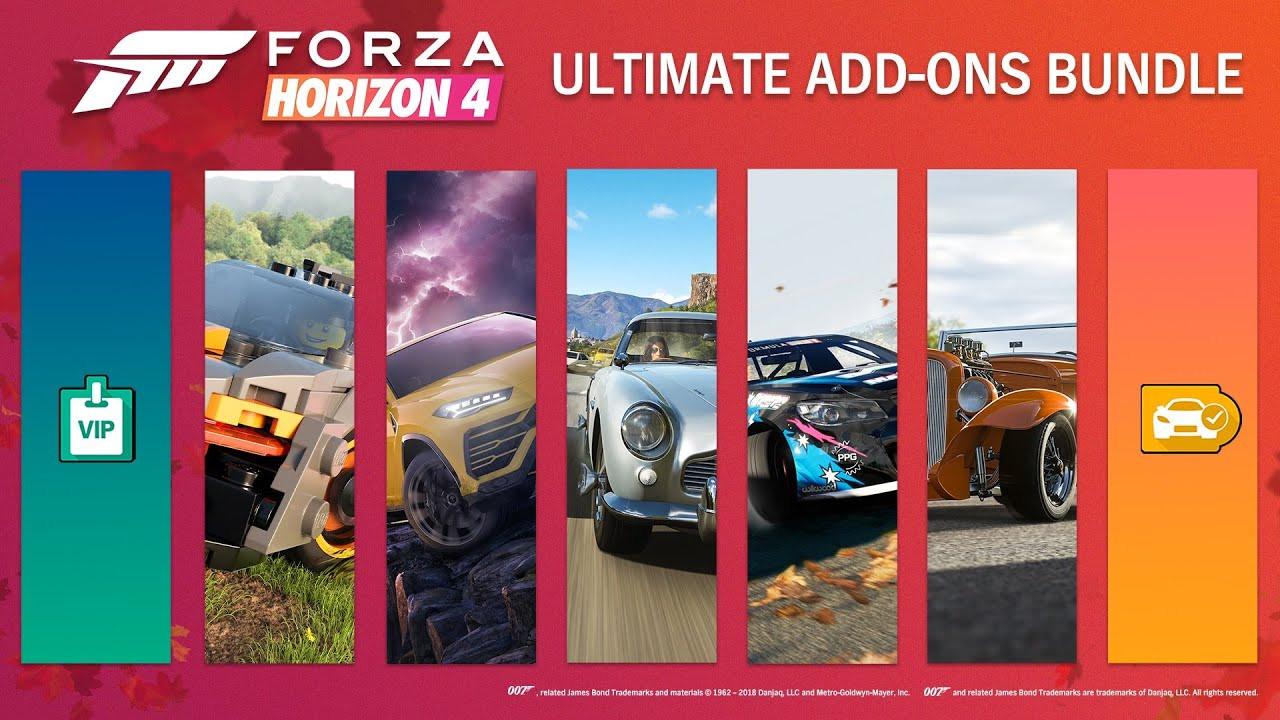
Includes: Fortune Island DLC LEGO Speed Champions DLC Car Pass DLC Best of Bond Car Pack Formula Drift Car Pack Welcome Pack VIP Membership The Forza Horizon 4 Ultimate Add-Ons Bundle includes the Forza Horizon 4 Car Pass, VIP Membership, Formula Drift Car Pack, Best of Bond Car Pack, and the Fortune Island and LEGO Speed Champions expansions. Upgrade to Ultimate today!

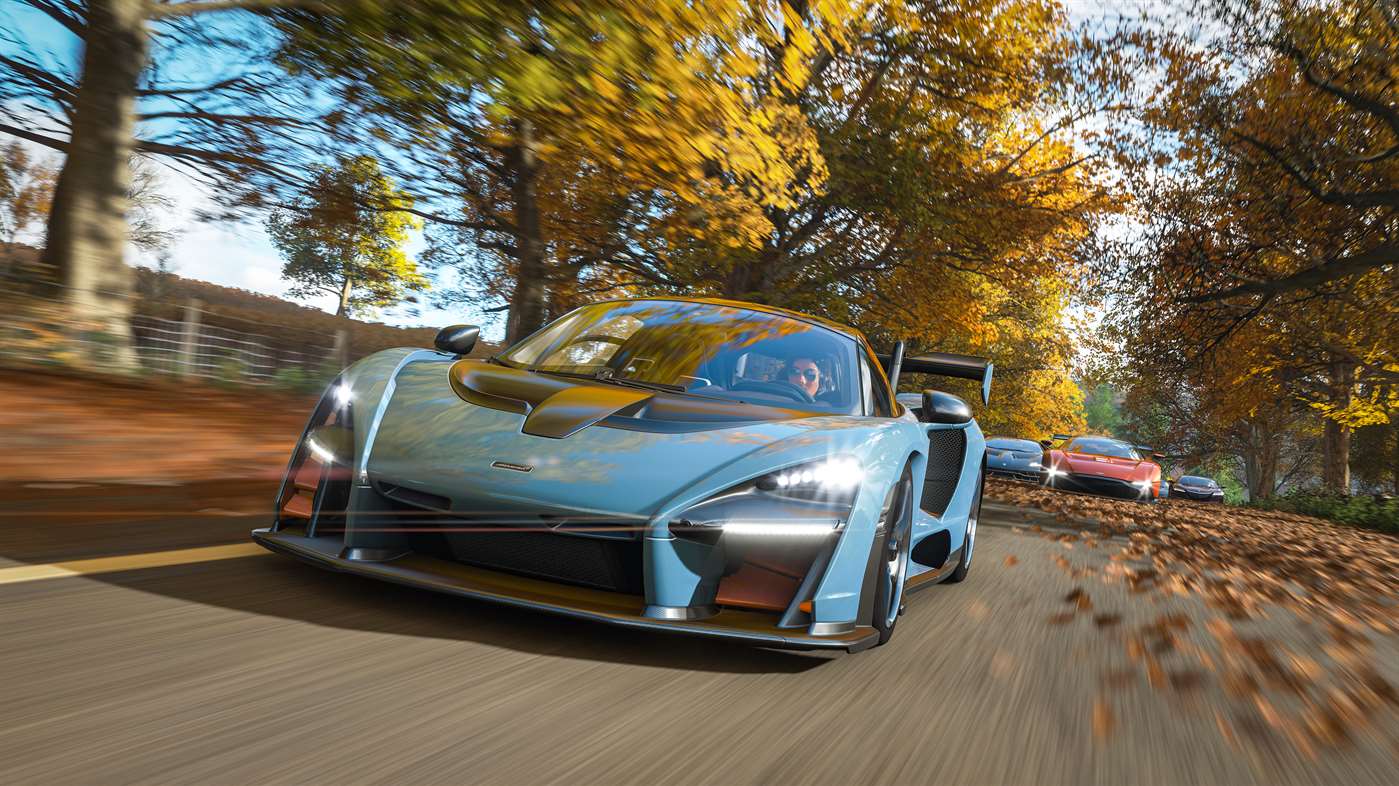
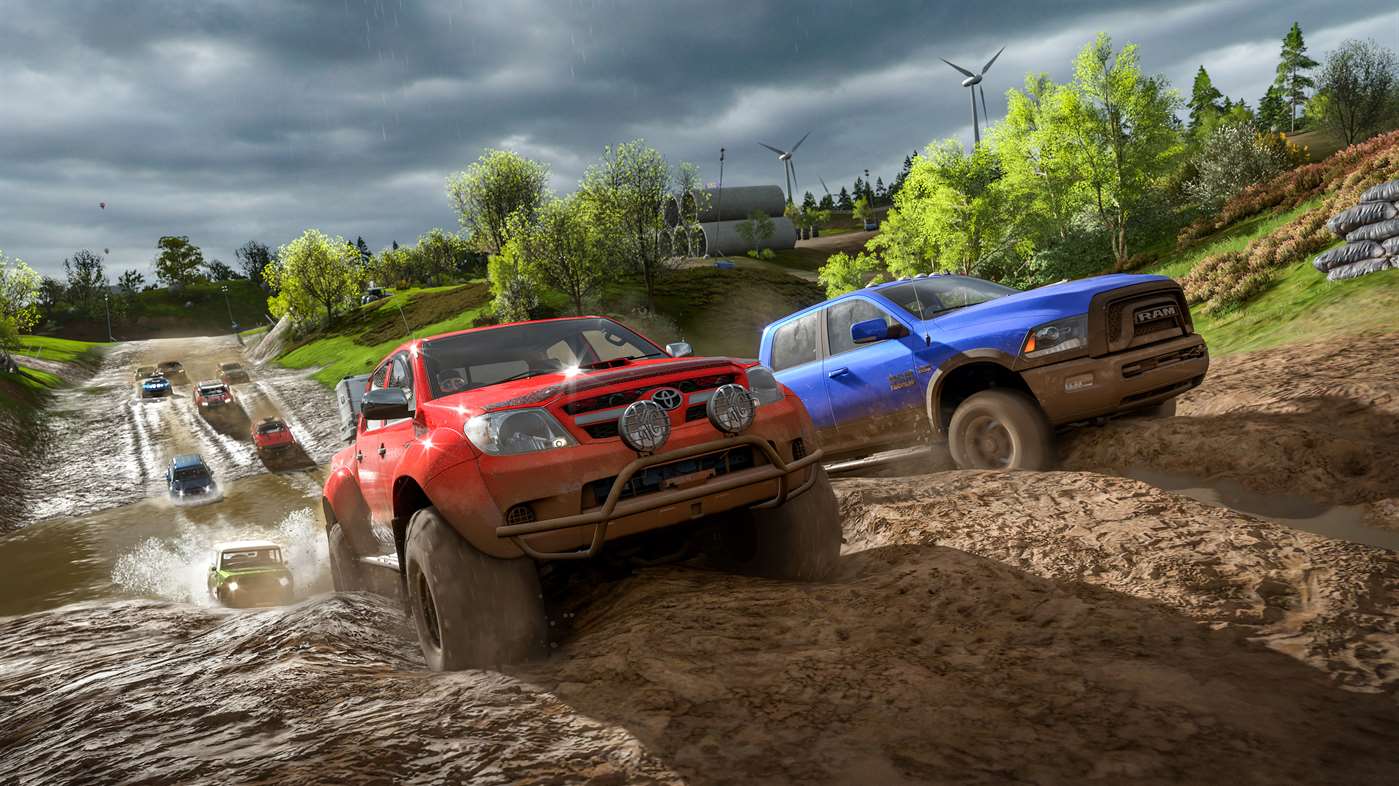
Forza Horizon 4 - Ultimate Add-Ons Bundle DLC / Windows 10 screenshotForza Horizon 4 - Ultimate Add-Ons Bundle DLC / Windows 10 screenshotForza Horizon 4 - Ultimate Add-Ons Bundle DLC / Windows 10 screenshotForza Horizon 4 - Ultimate Add-Ons Bundle DLC / Windows 10 screenshotForza Horizon 4 - Ultimate Add-Ons Bundle DLC / Windows 10 screenshotForza Horizon 4 - Ultimate Add-Ons Bundle DLC / Windows 10 screenshot

How to redeem

  1. 1Check the required base game, platform and edition before purchasing.
  2. 2Find the code or supplier activation instructions in your confirmed order.
  3. 3Redeem on Xbox One using the supplied instructions, then install the add-on with the compatible base game.

Supplier instructions

In order to use the key follow the instruction below: Go to https://www.xbox.com Login to your account Hover over your account link (the top right of the screen) a menu will appear, click on the "Redeem Code" button. On the next page, click "Redeem" Enter your code Click "Confirm" Click "Confirm" again to assign the key to your account. In order to download and install your game on Windows 10 follow the instructions below: Using your Microsoft account, sign in to the PC where you want to install your games. On the Start screen, select the Store icon. In the Store, select Games from the menu. Browse and select the game you want to install.

You might also like