Get 10% back in Relic Coins on every order
King's Quest - Season Pass DLC cover

SteamGlobal· DLC

King's Quest - Season Pass DLC

€26.24

+€2.62 cashback eligibility in Relic Coins

Check before you play

Platform
Steam
Region
Global
Product type
DLC

Check the required base game and edition before purchasing this add-on.

Developer
The Odd Gentlemen
Publisher
Sierra
Supplier release date
2015-07-28
Genres
Adventure

About this product

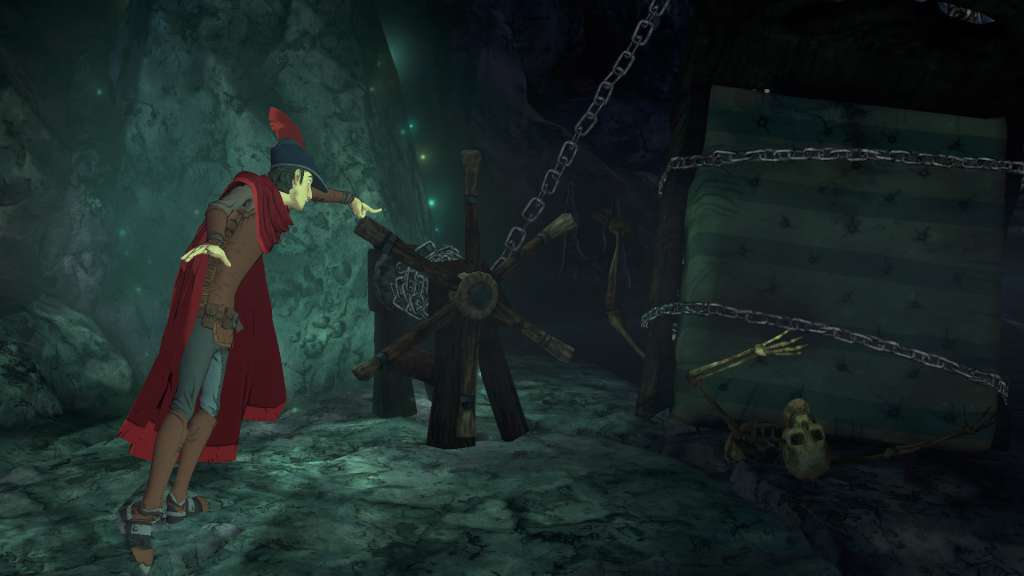
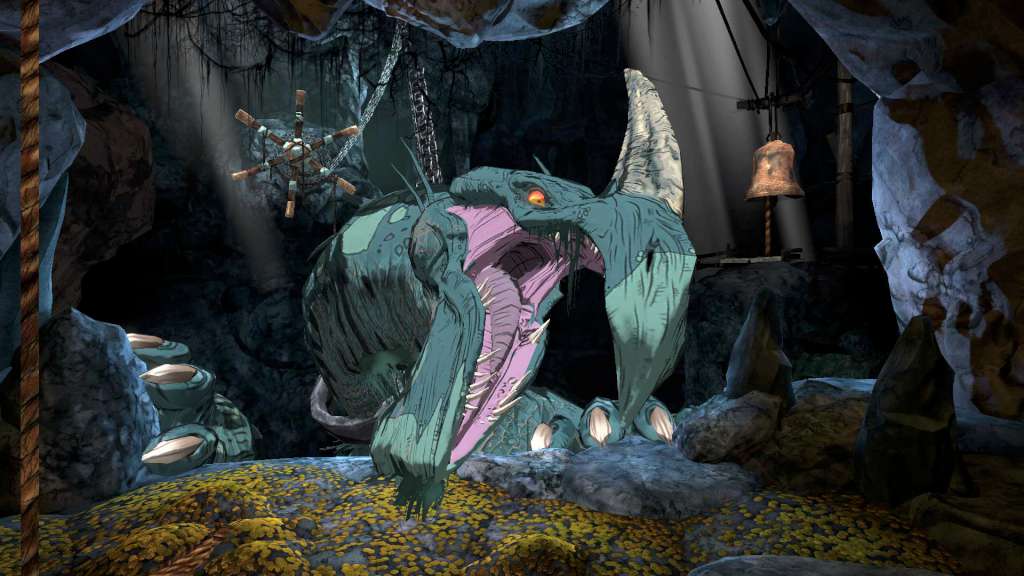
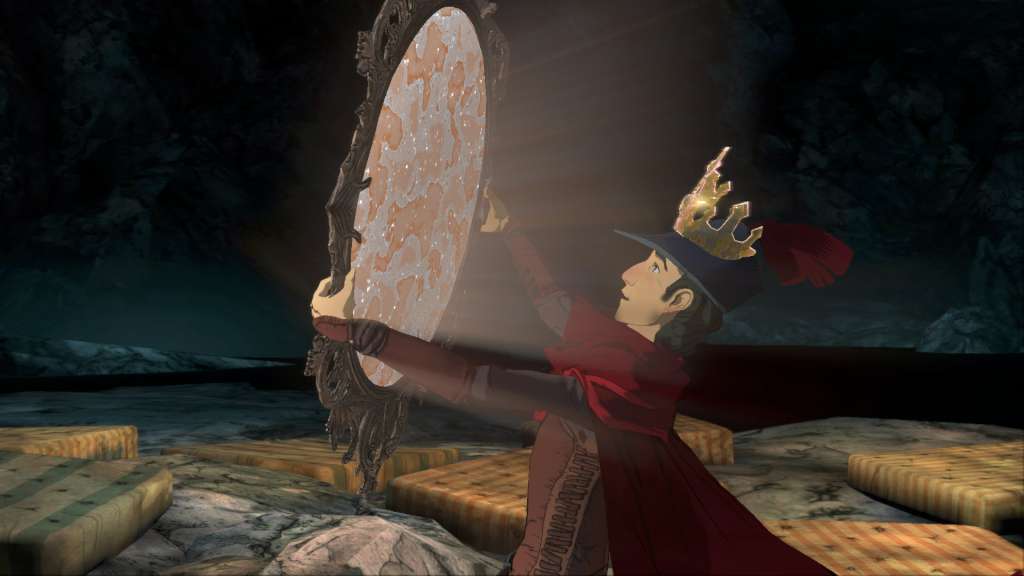
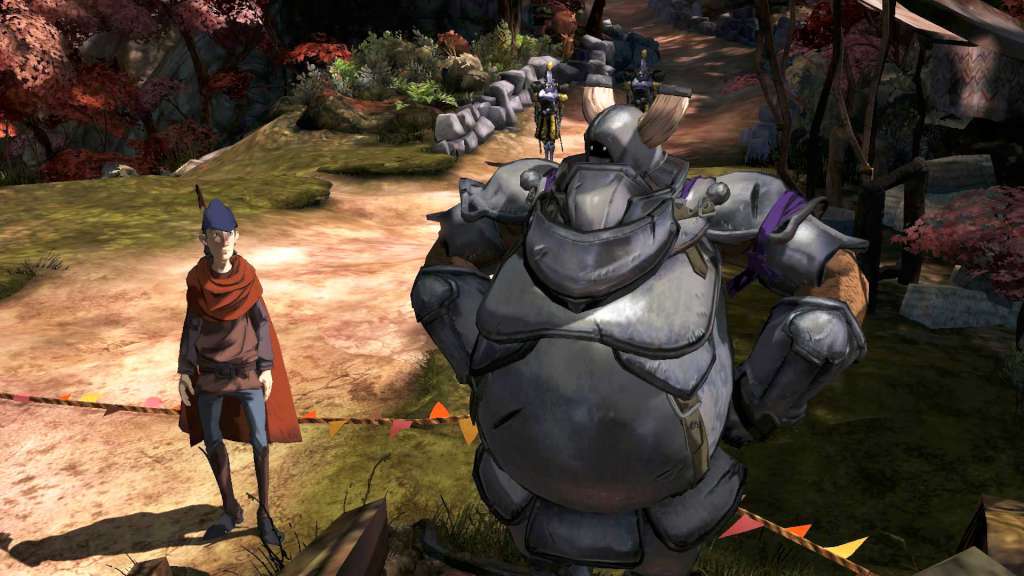
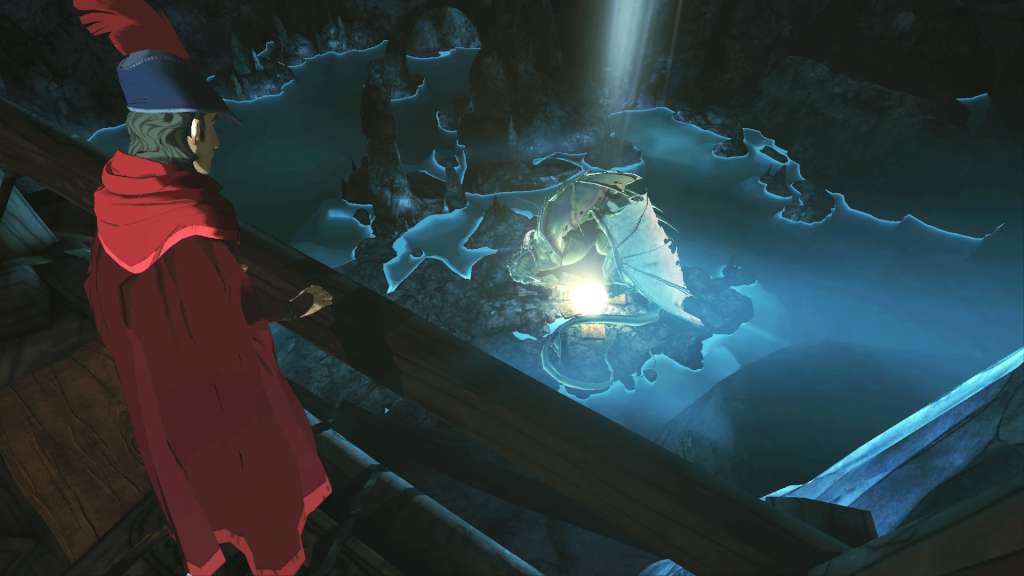
Includes: Chapters 2-5 King’s Quest is a collection of five different chapter releases, each focusing on an untold tale in Graham’s past. In each chapter, an aging King Graham reflects on his life of adventure with his granddaughter, Gwendolyn. Features King's Quest brings adventure gaming into a new era while staying true to what made the original games beloved; the unforgettable storytelling, wit, puzzles, and of course plenty of ways to die! Select between the noble pillars of Bravery, Wisdom, and Compassion to see what rippling effects these choices will have on Graham’s journey as well as later chapters. Puzzles will offer multiple solutions, encouraging players to experiment with their inventory and environment. Befriend the most unexpected and peculiar of companions throughout Daventry!

King's Quest - Season Pass DLC screenshotKing's Quest - Season Pass DLC screenshotKing's Quest - Season Pass DLC screenshotKing's Quest - Season Pass DLC screenshotKing's Quest - Season Pass DLC screenshotKing's Quest - Season Pass DLC screenshot

How to redeem

  1. 1Check the required base game, platform and edition before purchasing.
  2. 2Find the code or supplier activation instructions in your confirmed order.
  3. 3Redeem on Steam using the supplied instructions, then install the add-on with the compatible base game.

Supplier instructions

Go to: http://store.steampowered.com/ and download STEAM client Click "Install Steam" (from the upper right corner) Install and start application, login with your Account name and Password (create one if you don't have). Please follow these instructions to activate a new retail purchase on Steam: Launch Steam and log into your Steam account. Click the Games Menu. Choose Activate a Product on Steam... Follow the onscreen instructions to complete the process. After successful code verification go to the "MY GAMES" tab and start downloading.

You might also like