Get 10% back in Relic Coins on every order
Puyo Puyo Champions cover

Steam Europe - All Countries· Key

Puyo Puyo Champions

€6.10

+€0.61 cashback eligibility in Relic Coins

Check before you play

Platform
Steam
Region
Europe - All Countries
Product type
Key
Developer
Sonic Team
Publisher
Sega Games
Supplier release date
2019-05-07
Genres
Indie, Puzzle

About this product

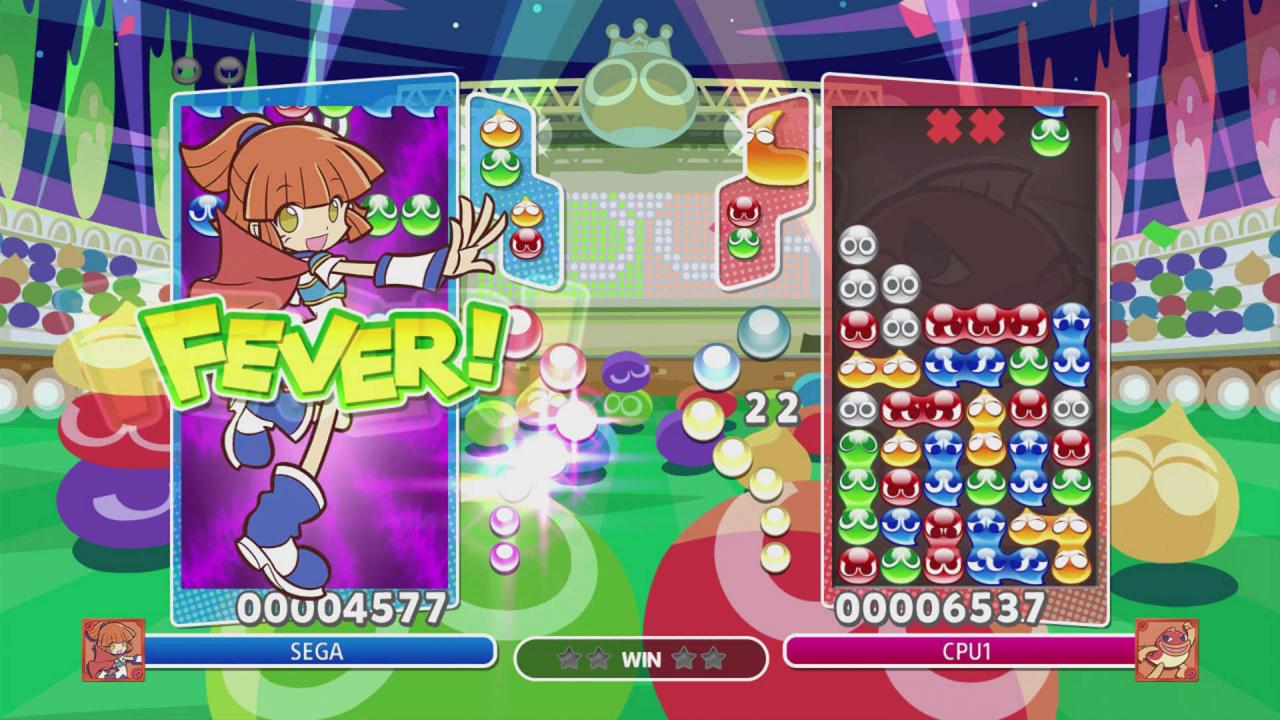
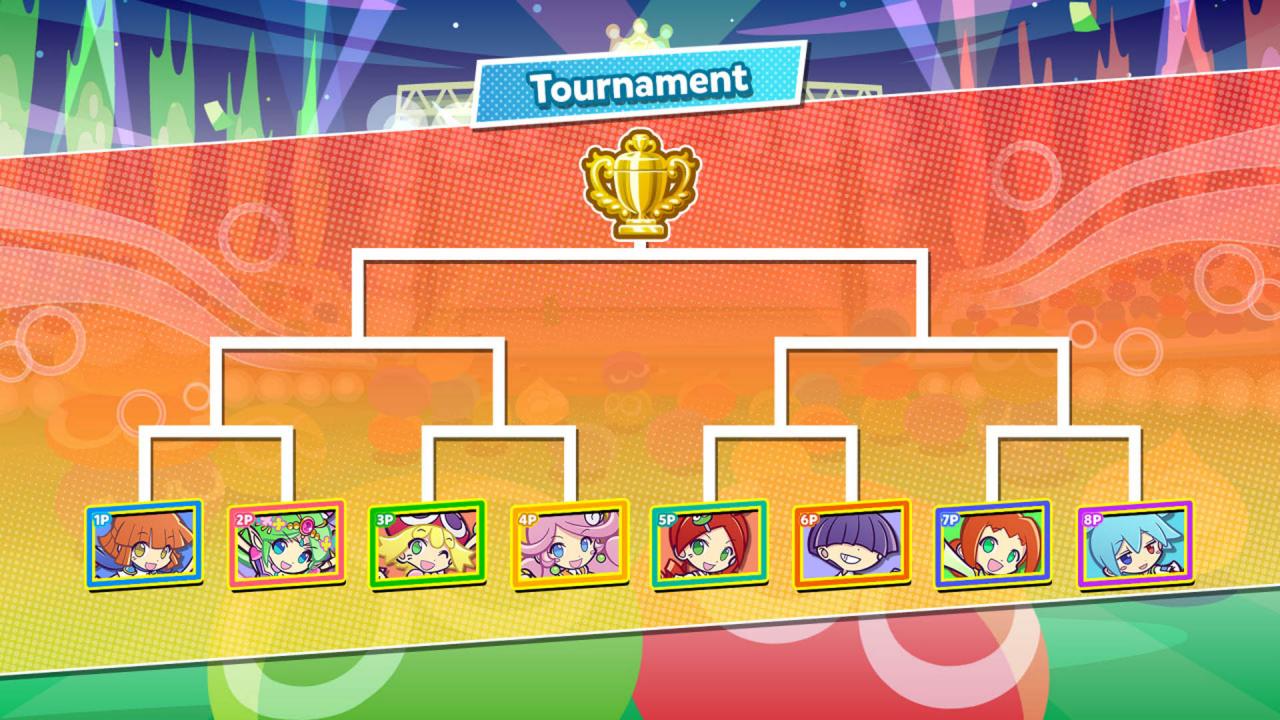
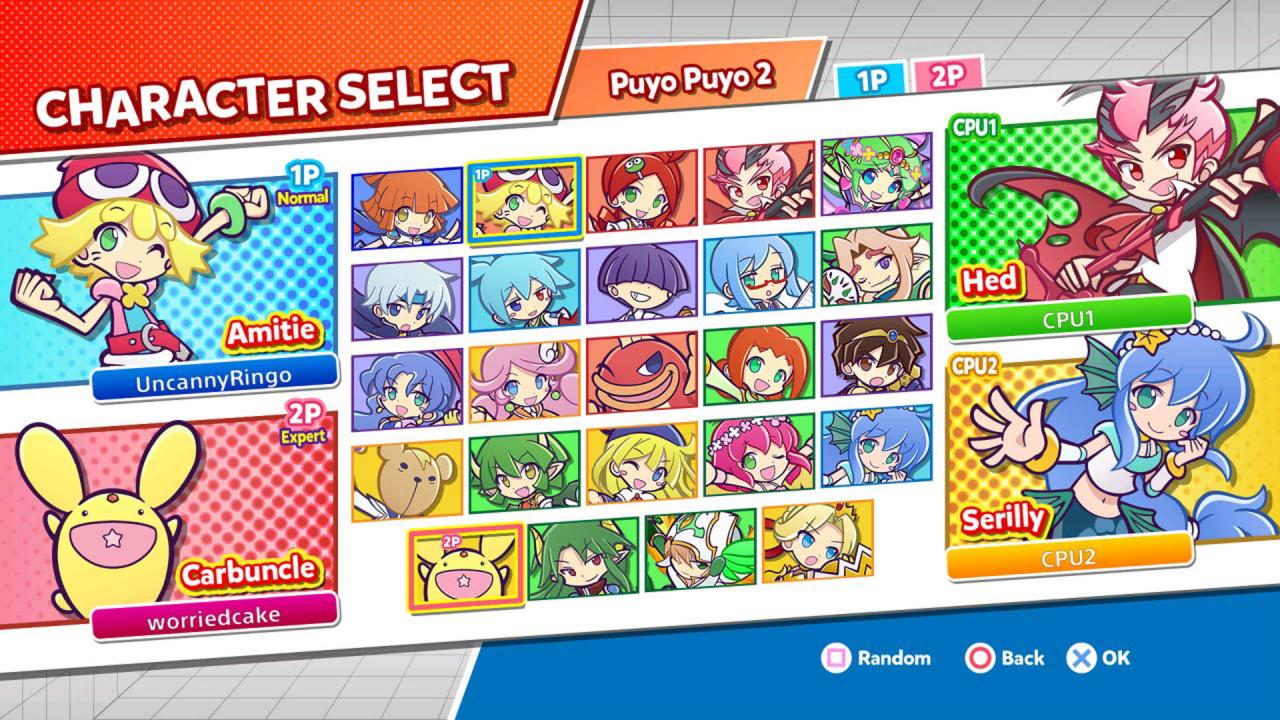
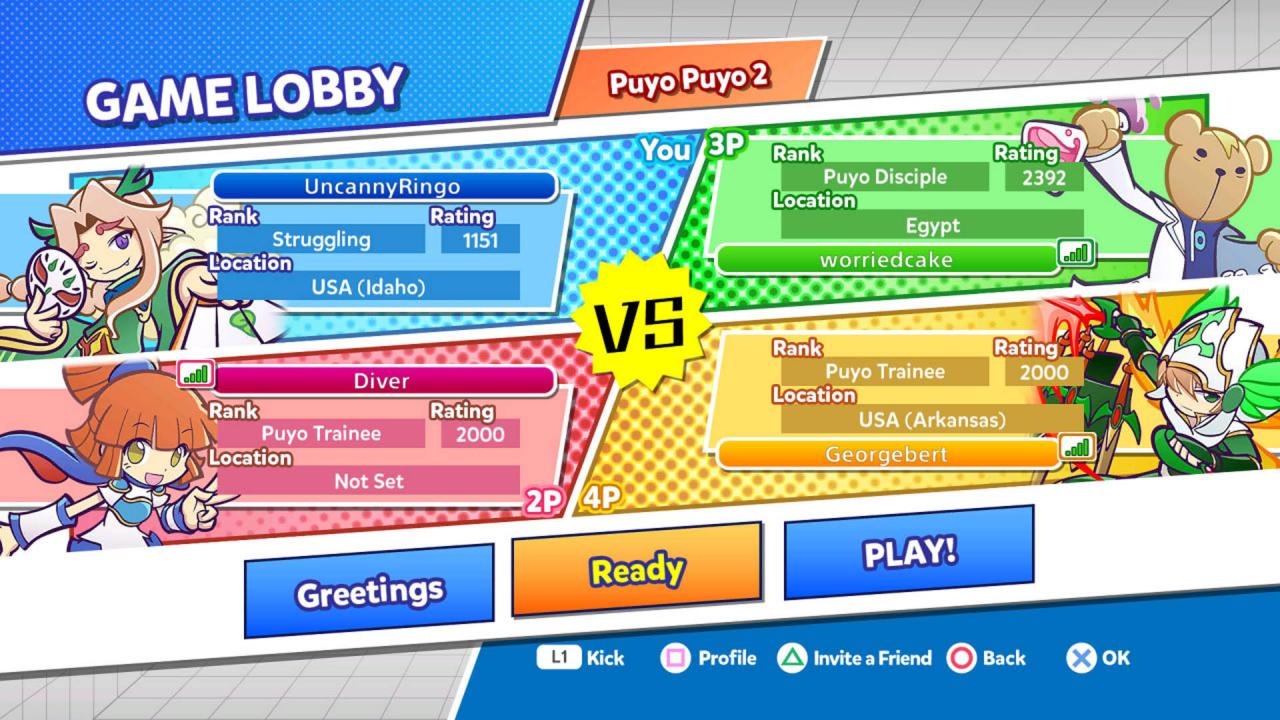
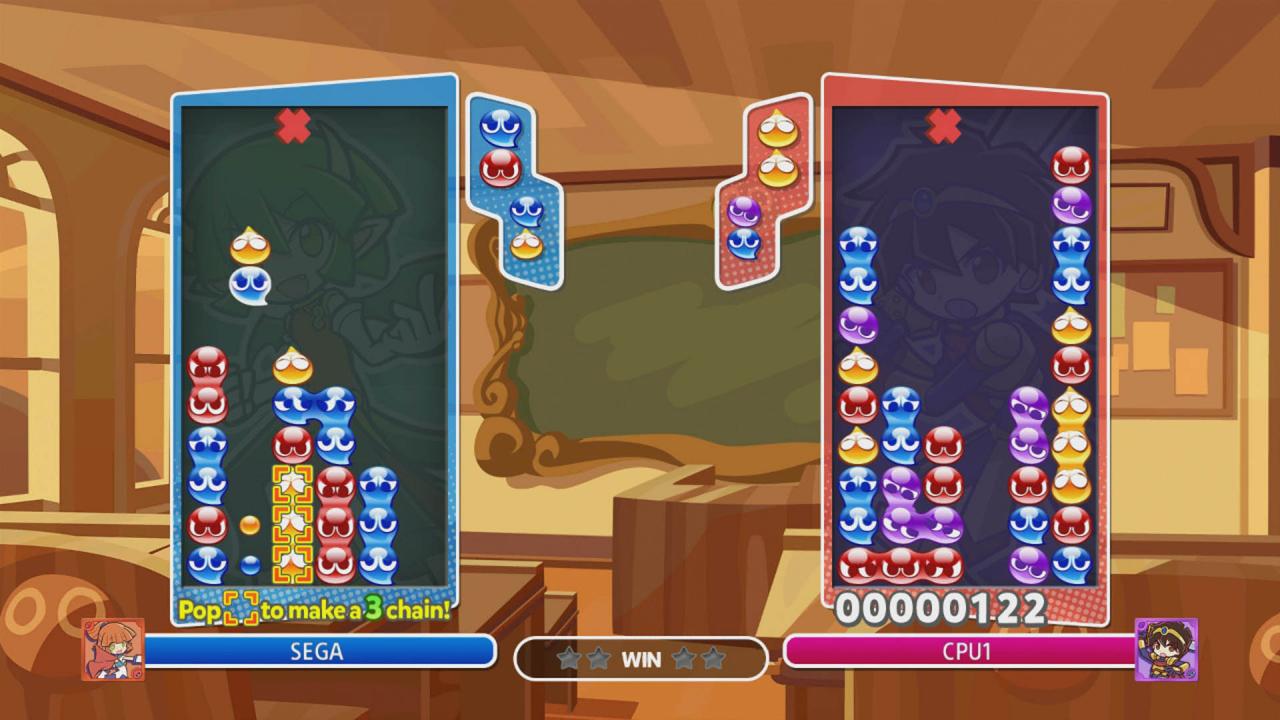
Will you be the next Puyo Puyo Champion? Fun, fast-paced, competitive puzzle action!Easy to learn, tough to master! Jump straight into fast-paced puzzle action with features fit for both friendly rivalries and competitive tournaments in Puyo Puyo Champions. Challenge your friends and family in local multiplayer or compete against players from around the world through online matchmaking. Built for all ages, this classic puzzle game comes with a surprisingly competitive edge. Features Craft strategic chains and drop devastating attacks with your favorite characters from over 25 years of Puyo Puyo history. Competitive multiplayer modes feature fan favorite rulesets from Puyo Puyo 2 and Puyo Puyo Fever. Hop online to battle in Puyo Puyo League matches or play casually via Free Play. Run your own local tournaments with up to 8 players for the ultimate bragging rights!

Puyo Puyo Champions screenshotPuyo Puyo Champions screenshotPuyo Puyo Champions screenshotPuyo Puyo Champions screenshotPuyo Puyo Champions screenshot

How to redeem

  1. 1Check your Steam account and the listed region before purchasing.
  2. 2Find your code and supplier activation instructions in your confirmed order.
  3. 3Open the redeem-code section on Steam, enter the code and follow the platform’s prompts.

Supplier instructions

Go to: http://store.steampowered.com/ and download STEAM client Click "Install Steam" (from the upper right corner) Install and start application, login with your Account name and Password (create one if you don't have). Please follow these instructions to activate a new retail purchase on Steam: Launch Steam and log into your Steam account. Click the Games Menu. Choose Activate a Product on Steam... Follow the onscreen instructions to complete the process. After successful code verification go to the "MY GAMES" tab and start downloading.

You might also like