Get 10% back in Relic Coins on every order
Is It Wrong to Try to Pick Up Girls in a Dungeon? Infinite Combate cover

SteamGlobal· Key

Is It Wrong to Try to Pick Up Girls in a Dungeon? Infinite Combate

€1.12

+€0.11 cashback eligibility in Relic Coins

Check before you play

Platform
Steam
Region
Global
Product type
Key
Developer
Mages
Publisher
PQube Limited
Supplier release date
2020-08-10
Genres
Action, Adventure, RPG

About this product

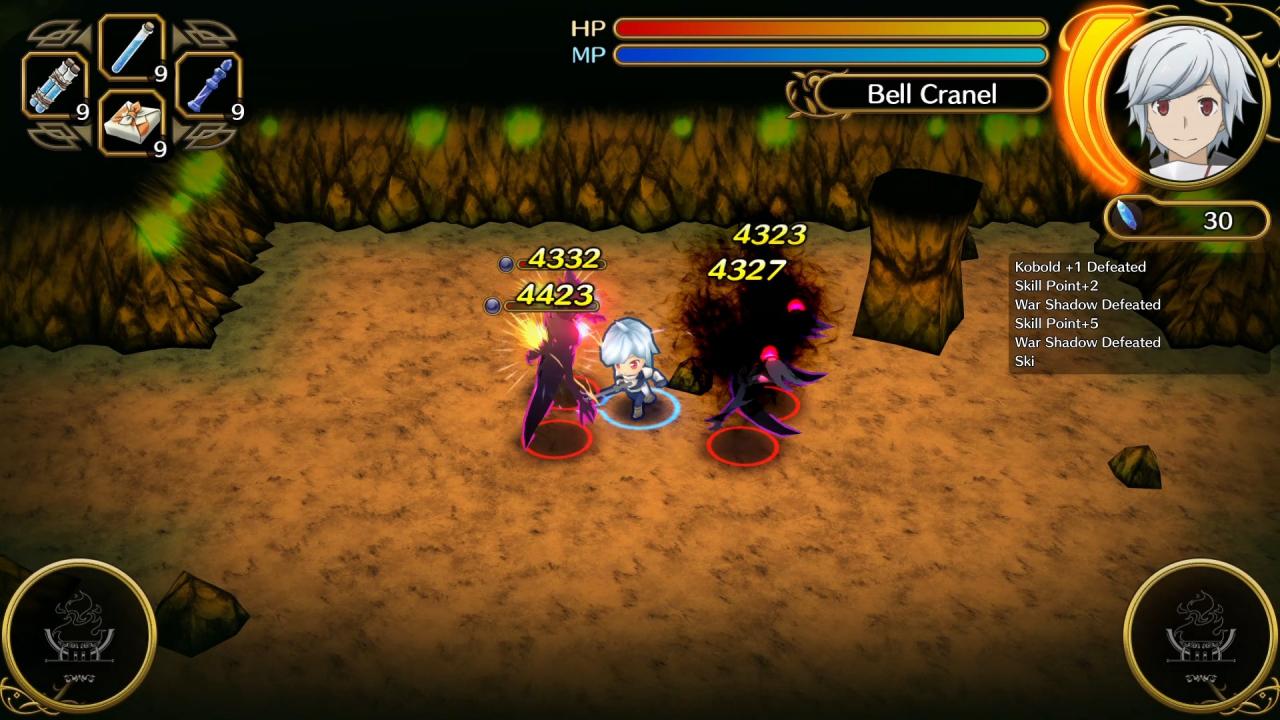
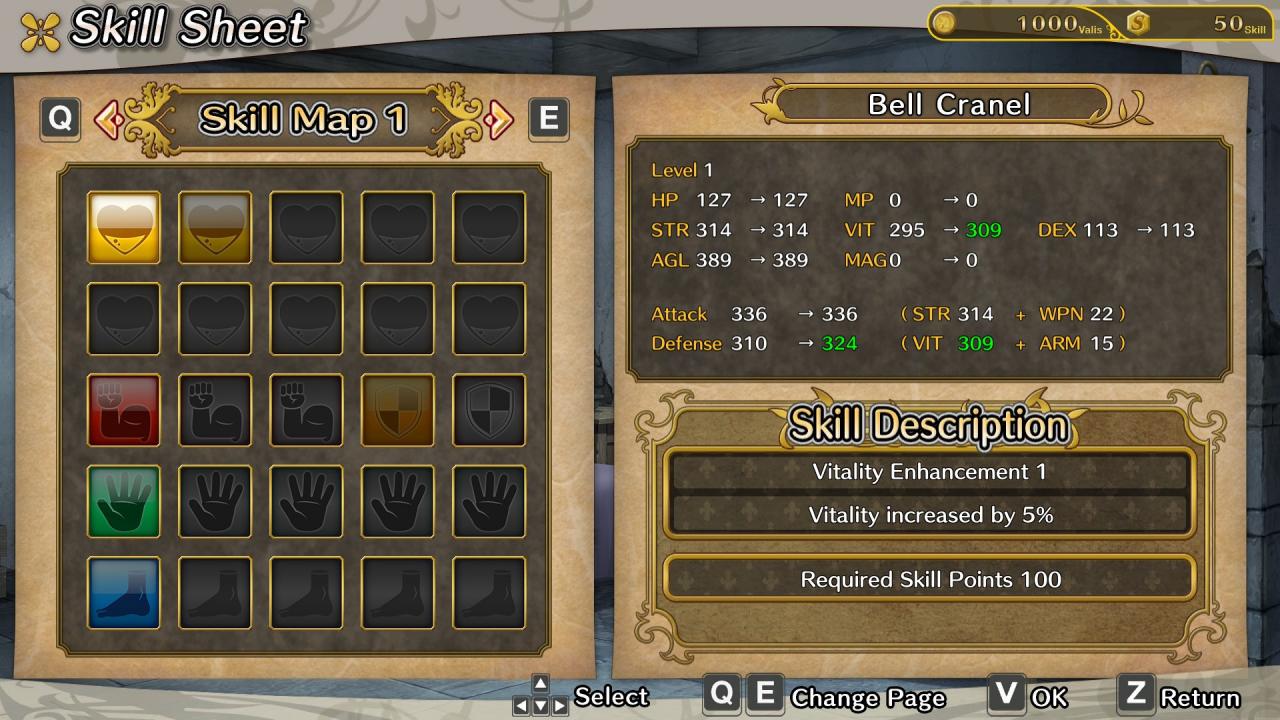
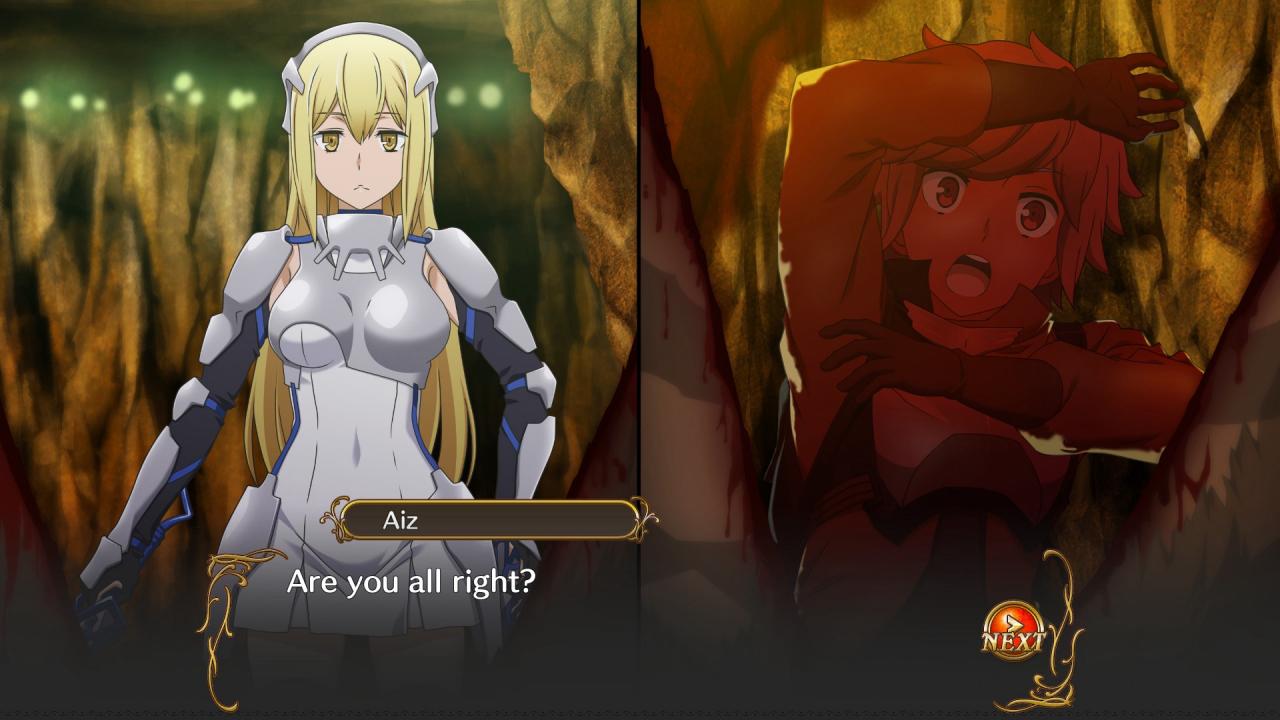
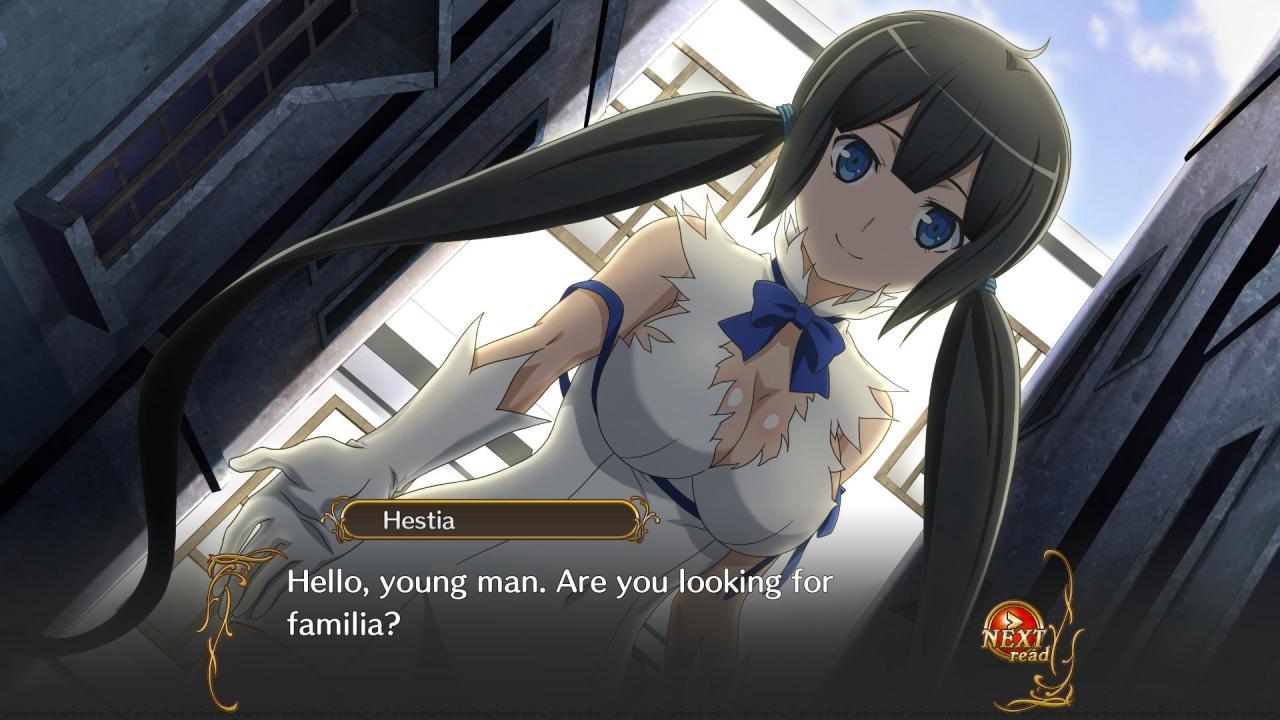
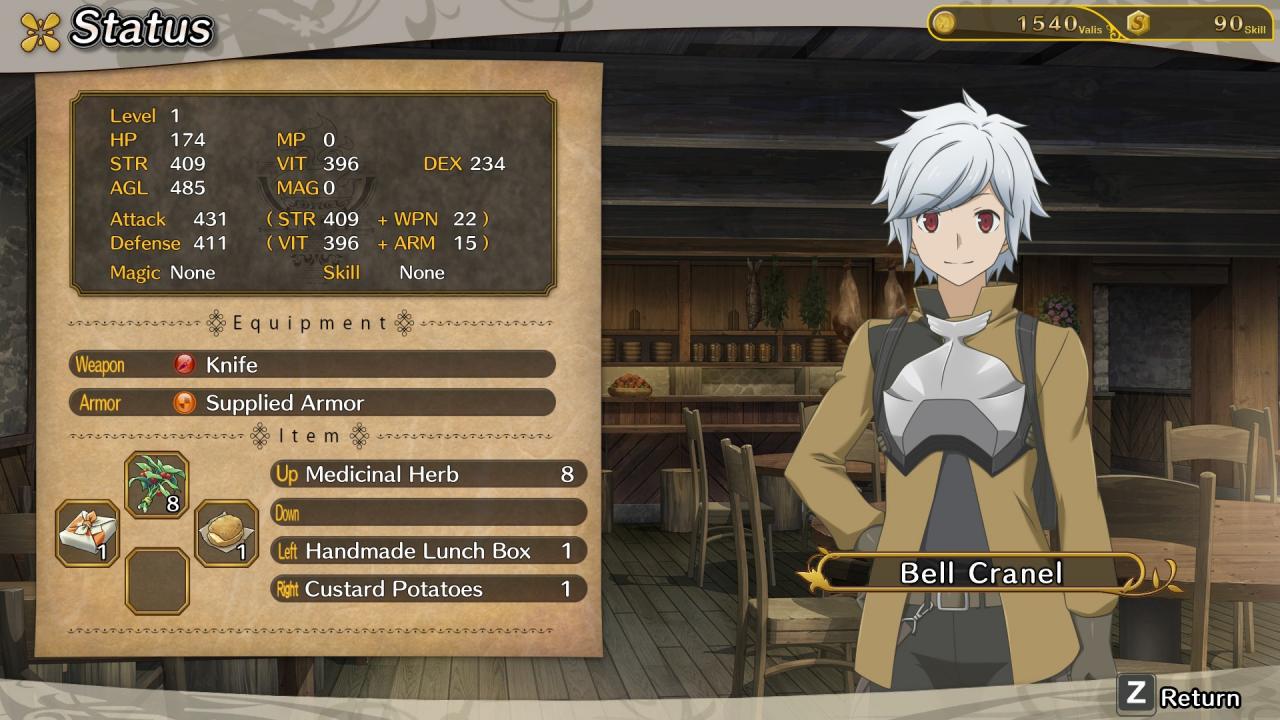
Is It Wrong to Try to Pick Up Girls in a Dungeon? Infinite Combate follows the story of Bell Cranel and Aiz Wallenstein and they battle through increasingly difficult dungeons for completely opposite reasons. Features Welcome to OrarioEnter a city where the gods have decided to live on Earth and provide challenges to its inhabitants. Be part of a Familia and serve a resident deity who protects you and helps you grow as an adventurer.As an adventurer, it's up to you to defeat monsters in the dangerous labyrinth created by the Gods.Level up through an extensive skill tree, customize your character's playstyle with skill tress and special crafted equipment in true RPG fashion!Experience the AnimeFollow the story from the beginning and discover exclusive new content only available in the game.Two PerspectivesPlayers simultaneous experience Bell's and Aiz' stories through their own dedicated chapters.Story ModeEnjoy an extensive story with unique content and side quests!

Is It Wrong to Try to Pick Up Girls in a Dungeon? Infinite Combate screenshotIs It Wrong to Try to Pick Up Girls in a Dungeon? Infinite Combate screenshotIs It Wrong to Try to Pick Up Girls in a Dungeon? Infinite Combate screenshotIs It Wrong to Try to Pick Up Girls in a Dungeon? Infinite Combate screenshotIs It Wrong to Try to Pick Up Girls in a Dungeon? Infinite Combate screenshotIs It Wrong to Try to Pick Up Girls in a Dungeon? Infinite Combate screenshot

How to redeem

  1. 1Check your Steam account and the listed region before purchasing.
  2. 2Find your code and supplier activation instructions in your confirmed order.
  3. 3Open the redeem-code section on Steam, enter the code and follow the platform’s prompts.

Supplier instructions

Go to: http://store.steampowered.com/ and download STEAM client Click "Install Steam" (from the upper right corner) Install and start application, login with your Account name and Password (create one if you don't have). Please follow these instructions to activate a new retail purchase on Steam: Launch Steam and log into your Steam account. Click the Games Menu. Choose Activate a Product on Steam... Follow the onscreen instructions to complete the process. After successful code verification go to the "MY GAMES" tab and start downloading.

You might also like