Get 10% back in Relic Coins on every order
Ever Forward cover

SteamGlobal· Key

Ever Forward

€1.46

+€0.15 cashback eligibility in Relic Coins

Check before you play

Platform
Steam
Region
Global
Product type
Key
Developer
Pathea Games
Publisher
Pathea Games
Supplier release date
2020-08-13
Genres
Adventure, Indie, Casual, Puzzle, Platformer

About this product

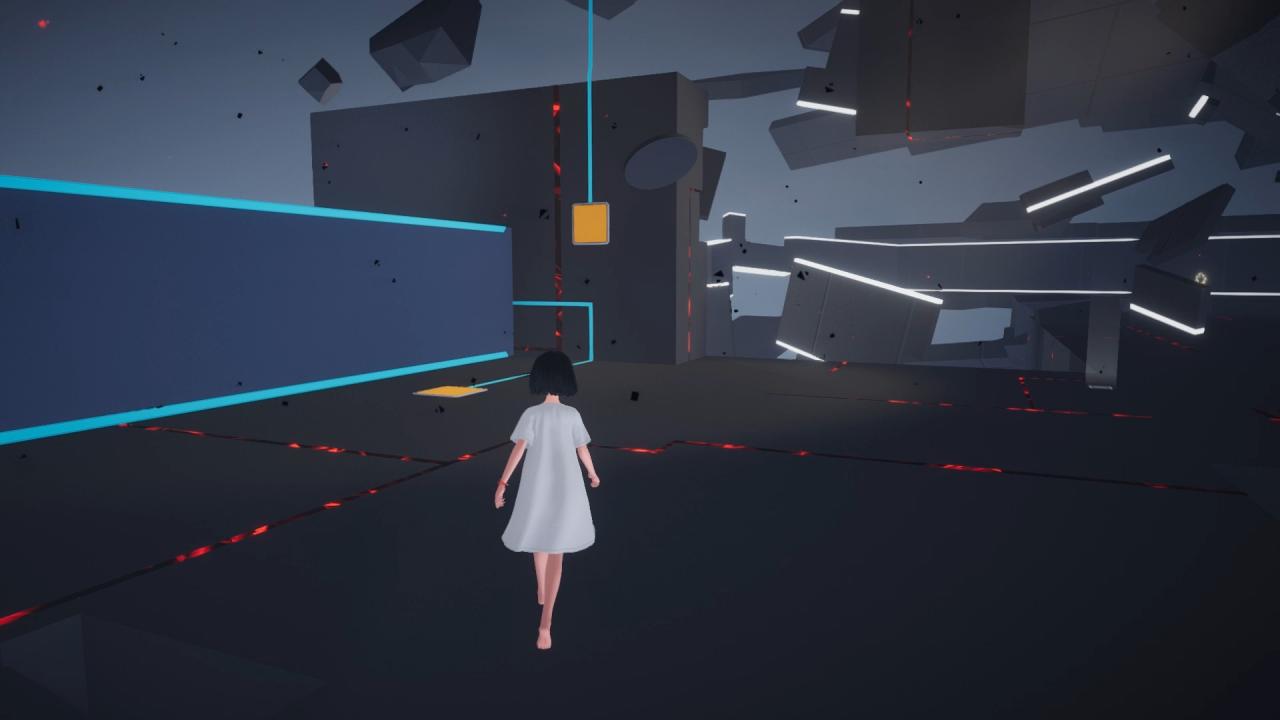
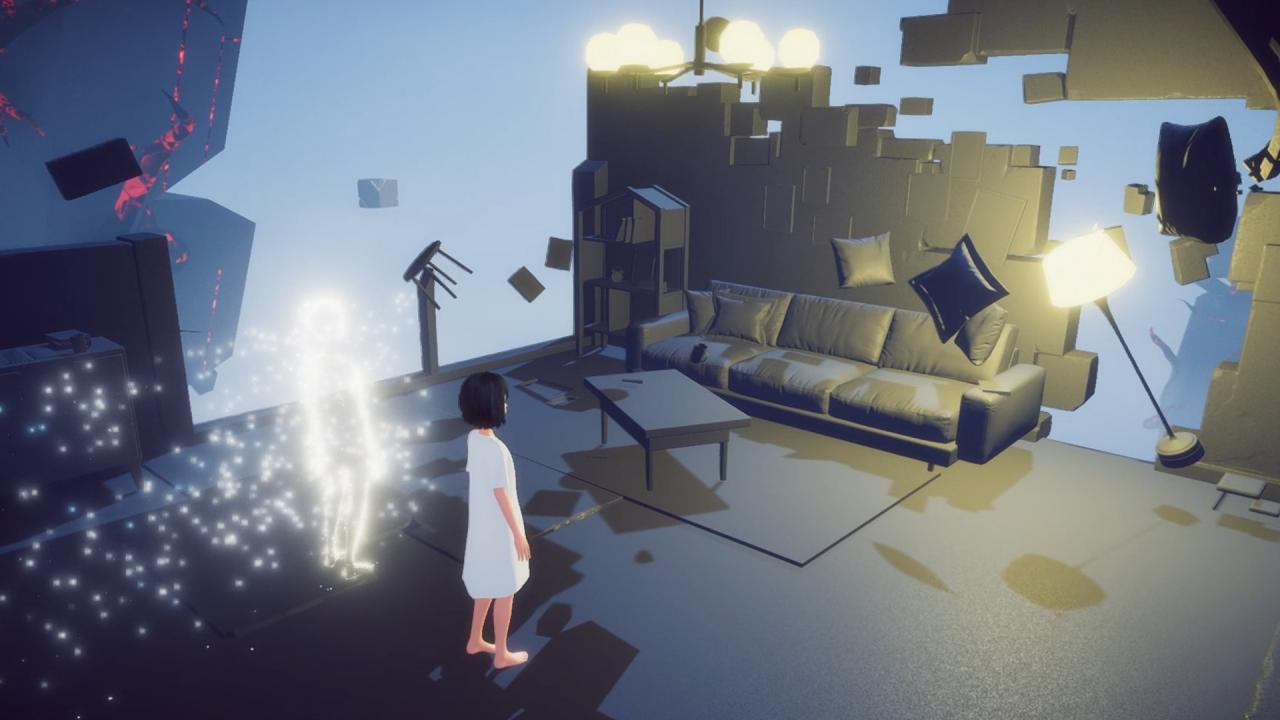
Ever Forward is an adventure puzzle game — it is the story of Maya. Maya is lost in a strange world somewhere between reality and imagination. She is alone to confront her despair on her journey of discovery, where she must unlock her memories and confront her fears to unravel the secrets of the world. Players will need to use their observational skills and intelligence to solve multiple puzzles to piece together the mystery of Maya's past and what dark secrets she has buried. Features PuzzlesFor more than three years, our designers racked their brains, designing puzzles with the "puzzle gamer" in mind. Players will feel deeply challenged and motivated to solve each puzzle, and some puzzles have multiple ways of being completed to fit different kinds of thinkers and logical processes. The ArtA color pallet of soothing pastels and futuristic tones designed to simulate the absurd nature of the dream world. AdventurePlayers can collect fragments of memories in the world to unlock new areas and new puzzles. MechanicsMechanics range from simple movement and jump to teleportation and gravity control; the player must use stealth and observational skills to navigate each puzzle.

Ever Forward screenshotEver Forward screenshotEver Forward screenshotEver Forward screenshotEver Forward screenshotEver Forward screenshot

How to redeem

  1. 1Check your Steam account and the listed region before purchasing.
  2. 2Find your code and supplier activation instructions in your confirmed order.
  3. 3Open the redeem-code section on Steam, enter the code and follow the platform’s prompts.

Supplier instructions

Go to: http://store.steampowered.com/ and download STEAM client Click "Install Steam" (from the upper right corner) Install and start application, login with your Account name and Password (create one if you don't have). Please follow these instructions to activate a new retail purchase on Steam: Launch Steam and log into your Steam account. Click the Games Menu. Choose Activate a Product on Steam... Follow the onscreen instructions to complete the process. After successful code verification go to the "MY GAMES" tab and start downloading.

You might also like