Get 10% back in Relic Coins on every order
Popup Dungeon cover

SteamGlobal· Key

Popup Dungeon

€0.26

+€0.03 cashback eligibility in Relic Coins

Check before you play

Platform
Steam
Region
Global
Product type
Key
Developer
Triple.B.Titles
Publisher
Humble Bundle
Supplier release date
2020-08-12
Genres
Strategy, RPG, Indie

About this product

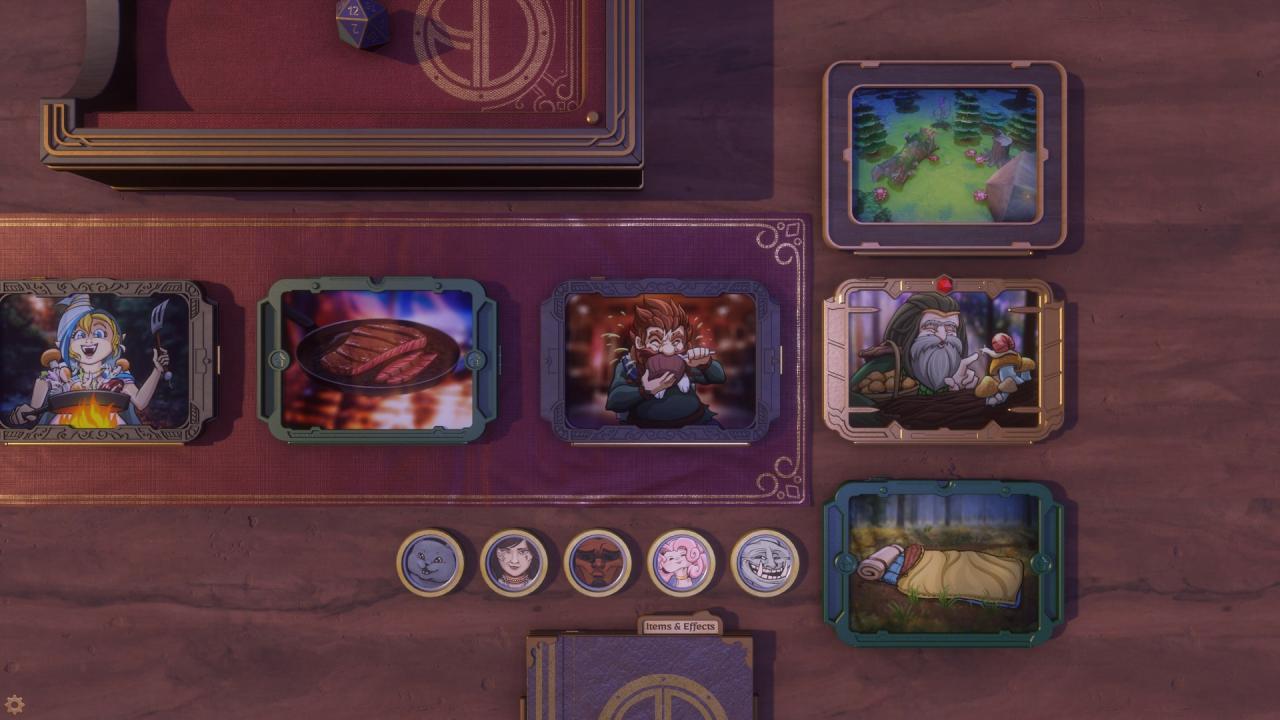
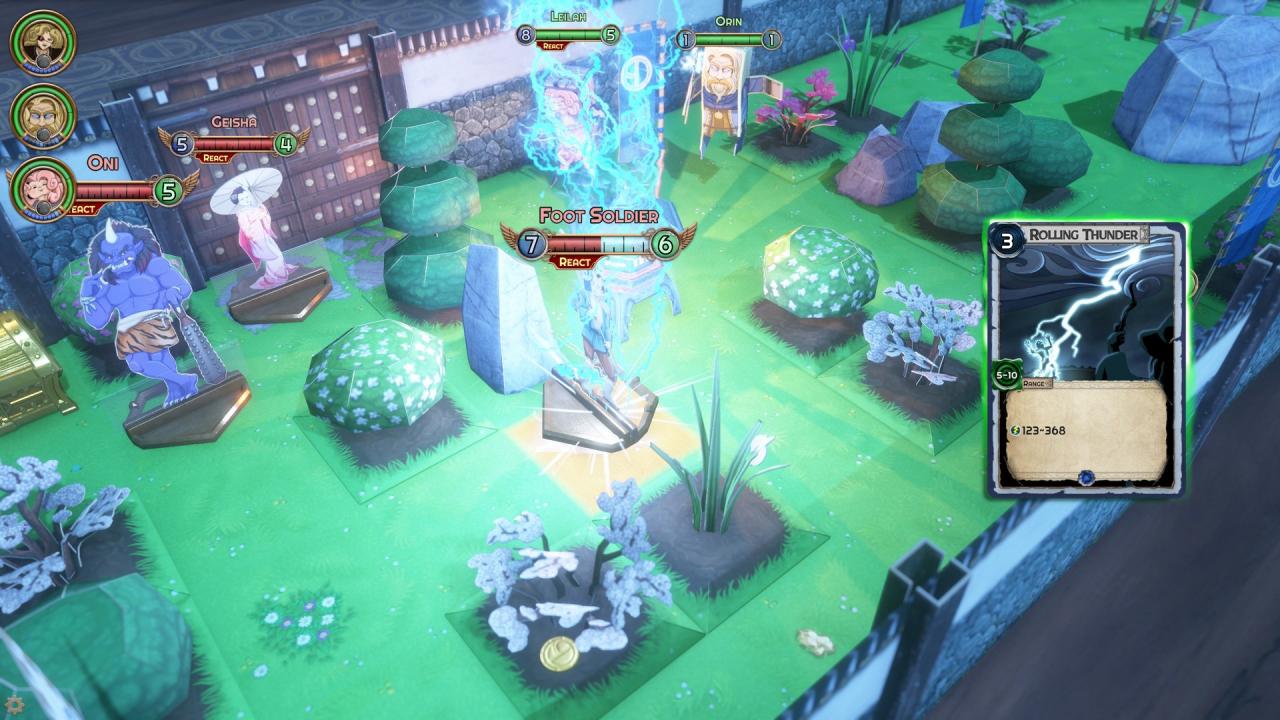
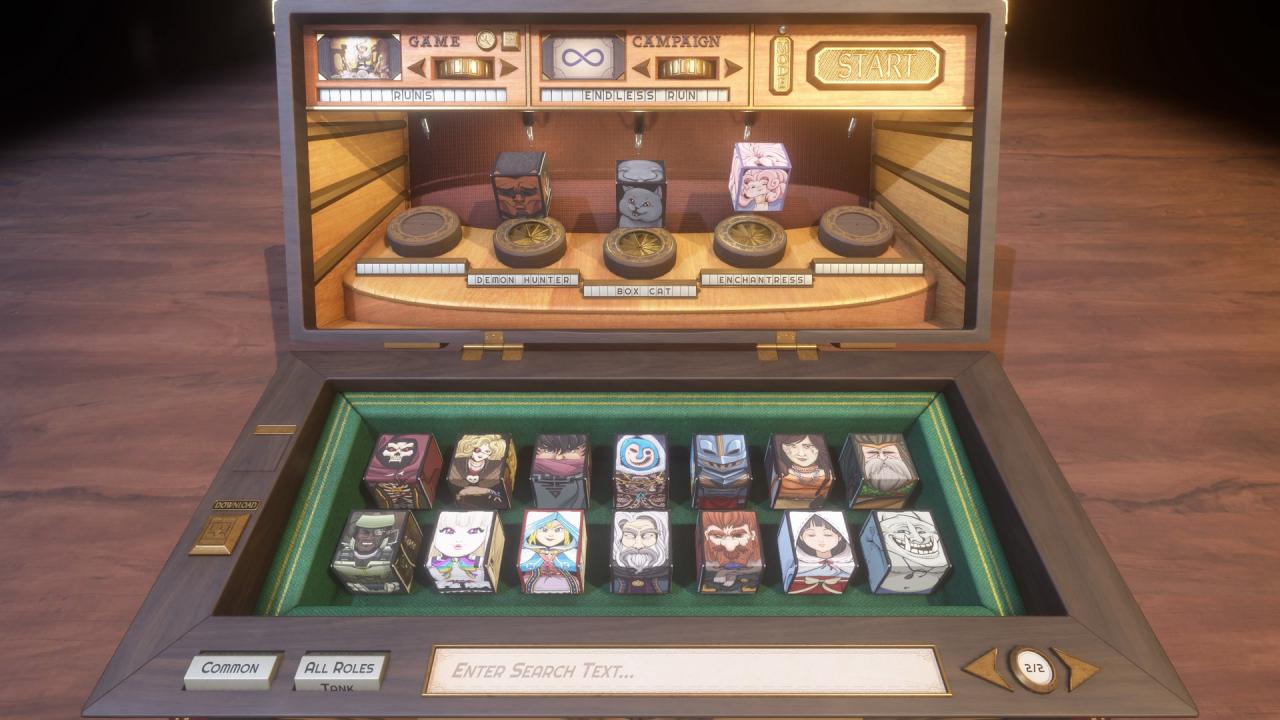
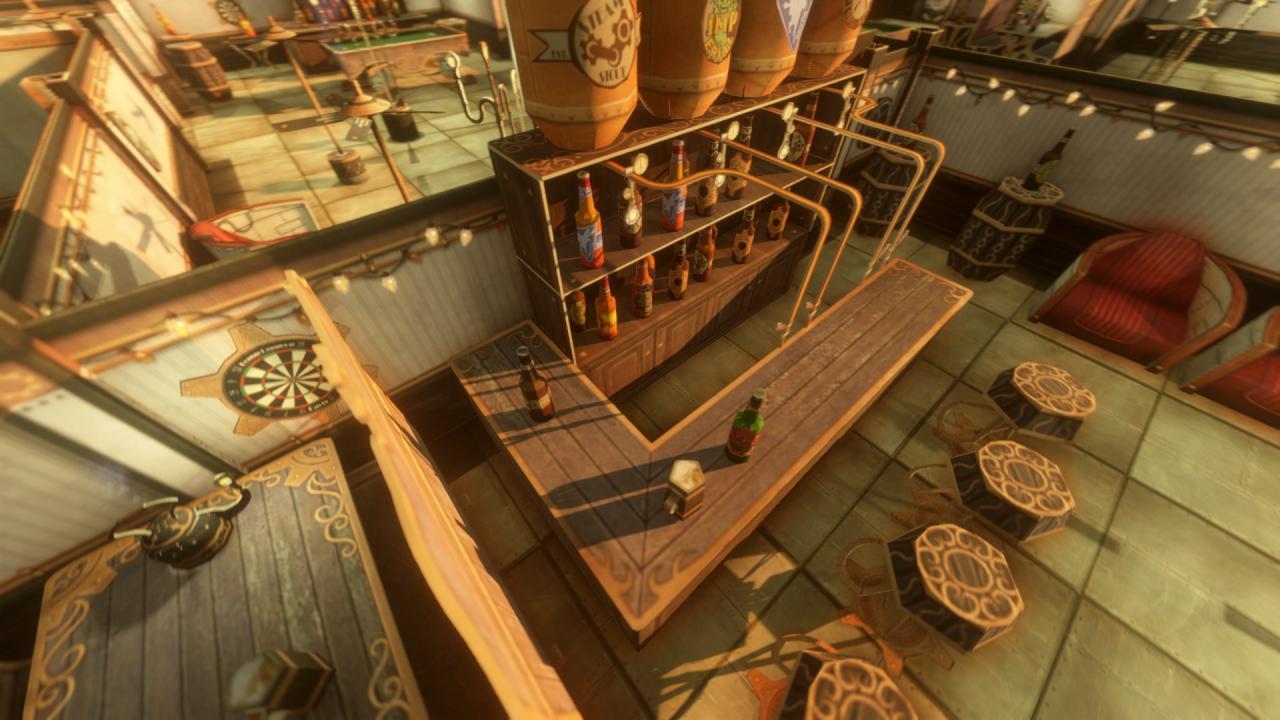
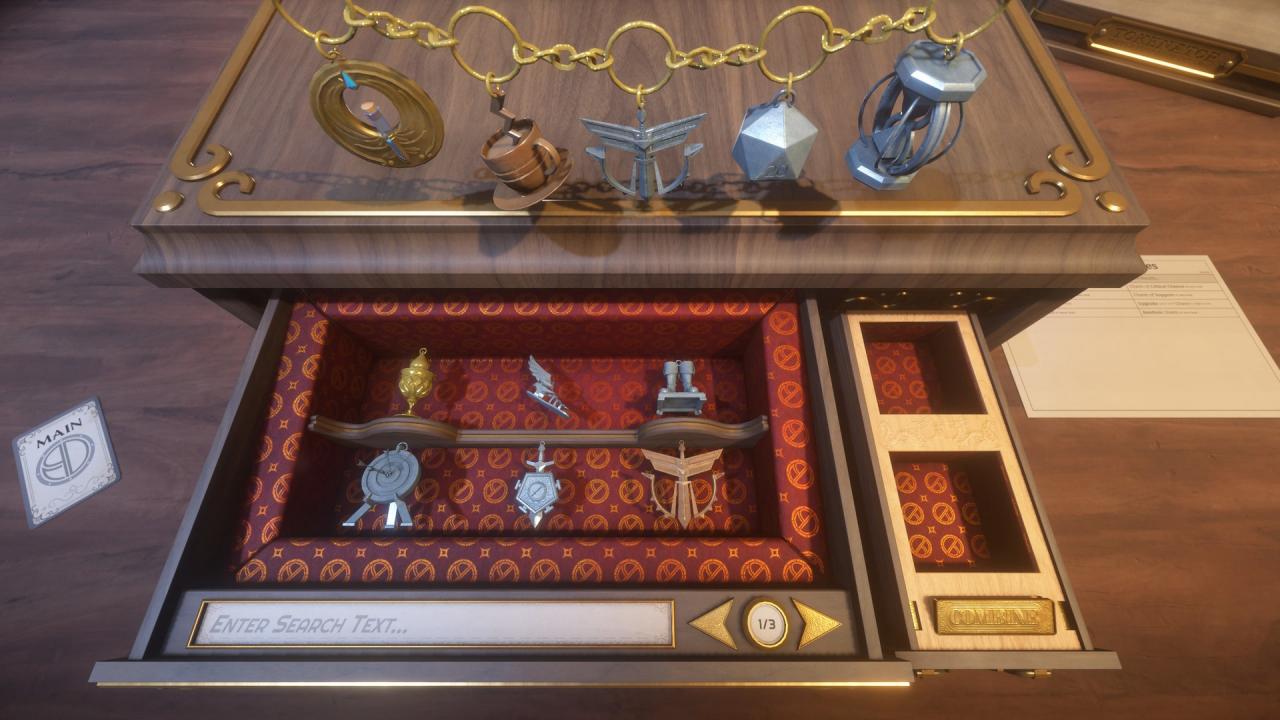
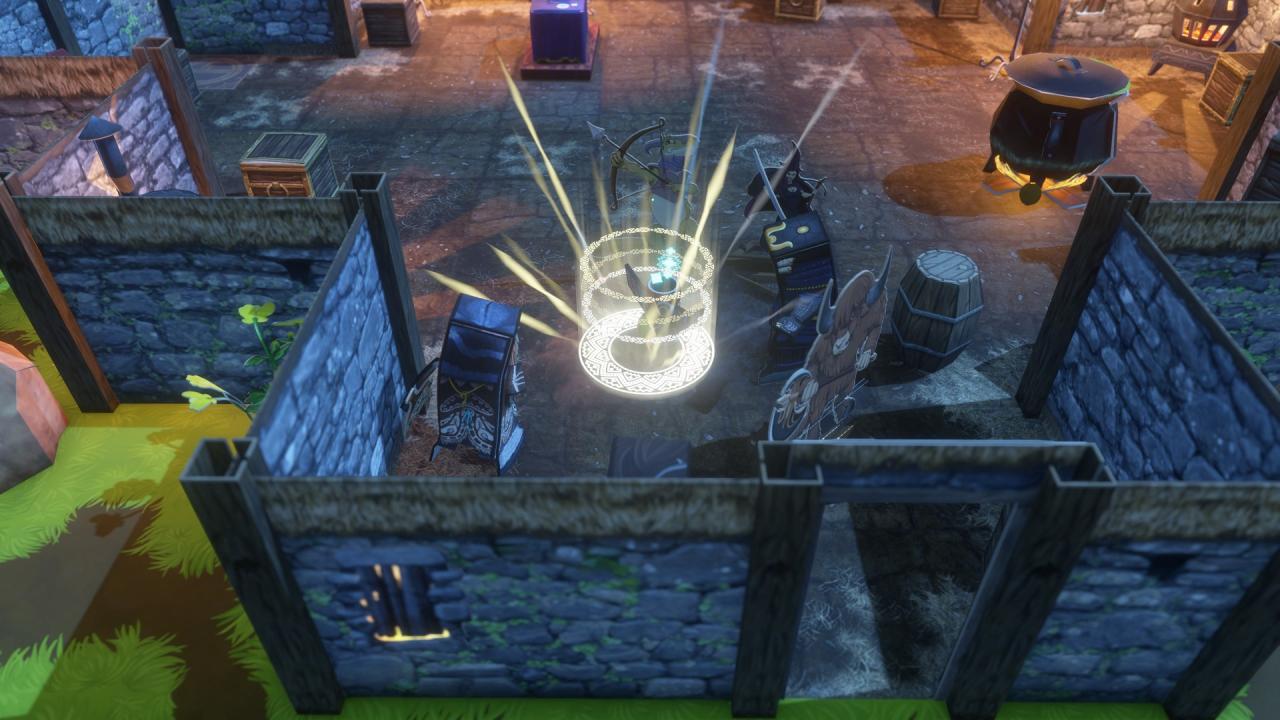
Popup Dungeon is a tactical roguelike RPG inspired by our favorite tabletop games. Make your own abilities, items, heroes, villains, and games easier than ever before. Create and share anything you can imagine. Features Out of the Box: 1500+ abilities, 420+ items, 200+ fully-voiced enemies, 36 playable characters Games included: Branching story-driven campaigns, gameplay-focused runs, and the 25 campaigns of The Wizard's Tower Endless Content: Lots of games have procedural content, but Popup’s easy-to-use creation systems allow for limitless handcrafted content. Just hit the download button! Game Creation: Tie nodes together to create your own games; from classic RPG adventures to grueling dungeon crawls and dating simulators, you can do it all, no programming knowledge necessary! Persistent Gains: Collect and combine charms to power up your party and climb higher than before.

Popup Dungeon screenshotPopup Dungeon screenshotPopup Dungeon screenshotPopup Dungeon screenshotPopup Dungeon screenshotPopup Dungeon screenshot

How to redeem

  1. 1Check your Steam account and the listed region before purchasing.
  2. 2Find your code and supplier activation instructions in your confirmed order.
  3. 3Open the redeem-code section on Steam, enter the code and follow the platform’s prompts.

Supplier instructions

Go to: http://store.steampowered.com/ and download STEAM client Click "Install Steam" (from the upper right corner) Install and start application, login with your Account name and Password (create one if you don't have). Please follow these instructions to activate a new retail purchase on Steam: Launch Steam and log into your Steam account. Click the Games Menu. Choose Activate a Product on Steam... Follow the onscreen instructions to complete the process. After successful code verification go to the "MY GAMES" tab and start downloading.

You might also like