Get 10% back in Relic Coins on every order
Total War Shogun 2: Collection cover

Steam Rest Of The World (Row) - Custom· Key

Total War Shogun 2: Collection

€6.85

+€0.69 cashback eligibility in Relic Coins

Check before you play

Platform
Steam
Region
Rest Of The World (Row) - Custom
Product type
Key
Developer
The Creative Assembly, Feral Interactive (Mac), Feral Interactive (Linux)
Publisher
SEGA, Feral Interactive (Mac), Feral Interactive (Linux)
Supplier release date
2011-03-15
Genres
Strategy

About this product

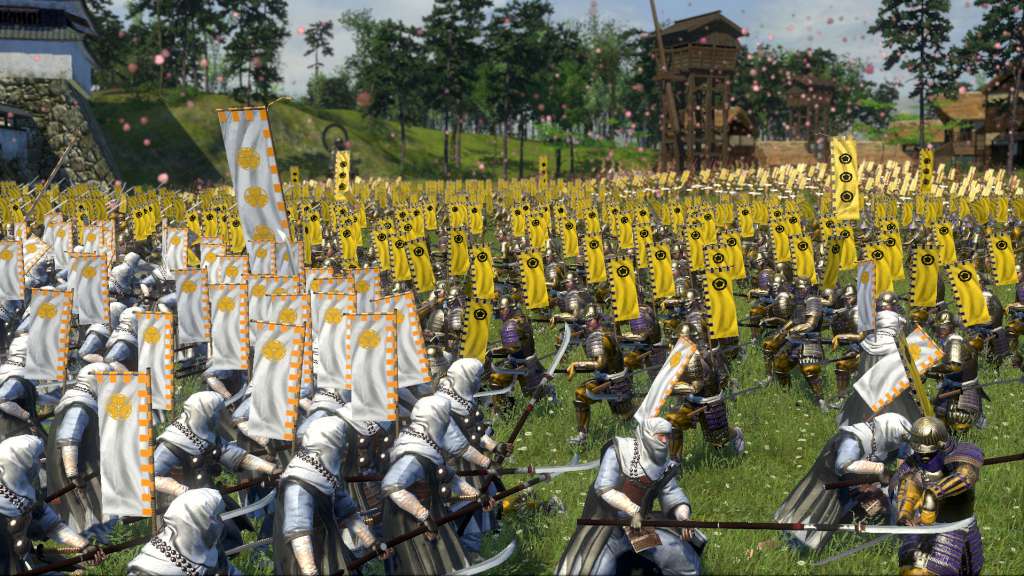
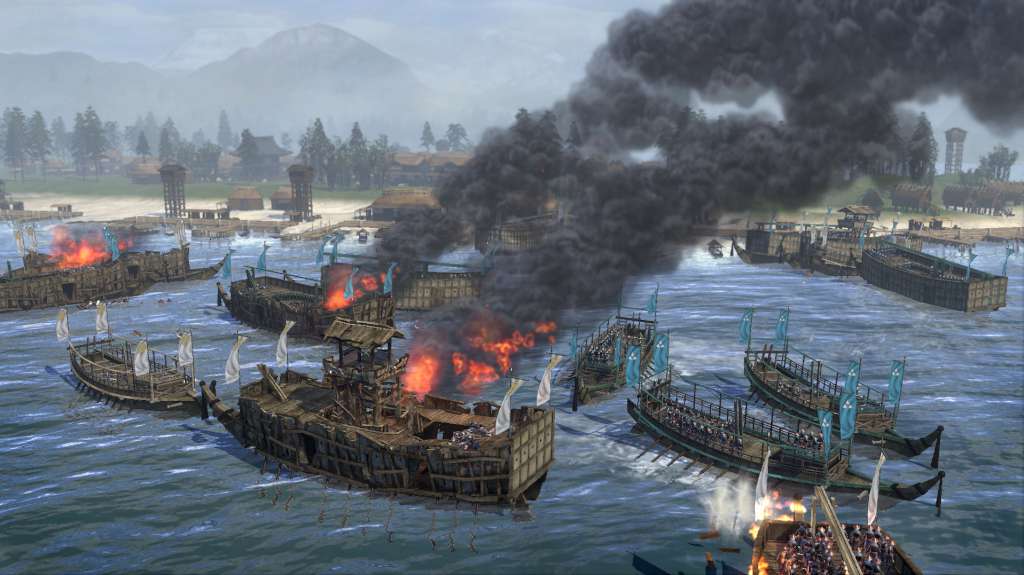
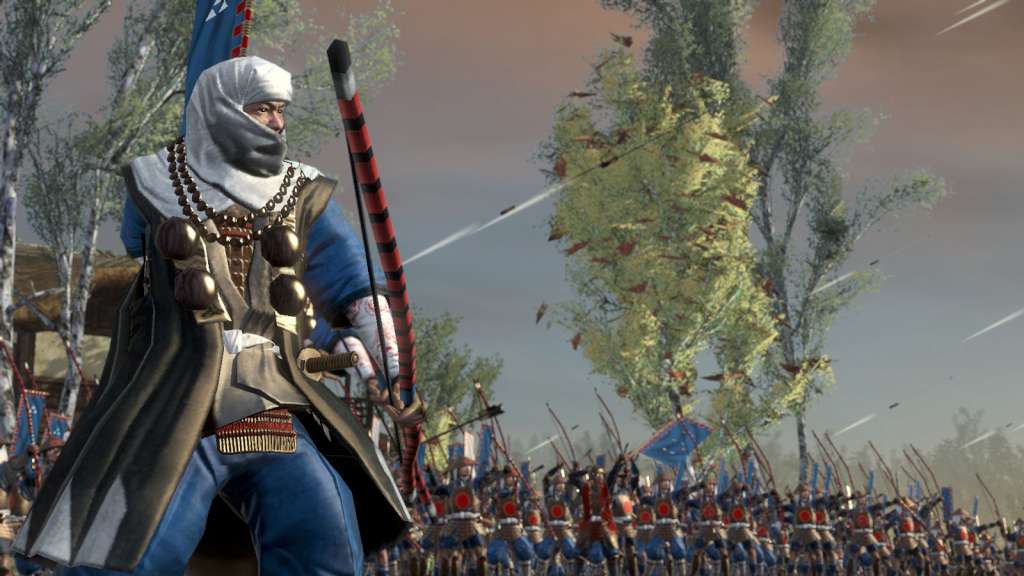
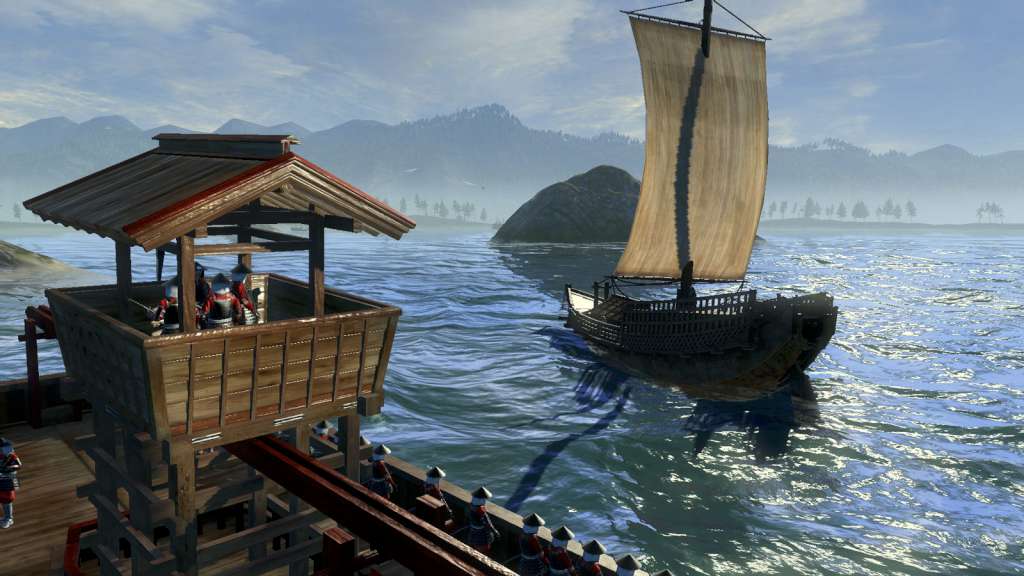
Includes 8 items: Total War: SHOGUN 2, Total War: SHOGUN 2 - Sengoku Jidai Unit Pack, Total War: SHOGUN 2 - The Hattori Clan Pack, Total War: SHOGUN 2 - The Ikko Ikki Clan Pack, Total War: SHOGUN 2: Saints and Heroes Unit Pack, Total War: SHOGUN 2 – Otomo Clan Pack DLC, Total War: SHOGUN 2 - Dragon War Battle Pack, Total War: SHOGUN 2 - Rise of the Samurai Campaign In the darkest age of Japan, endless war leaves a country divided. It is the middle of the 16th Century in Feudal Japan. The country, once ruled by a unified government, is now split into many warring clans. Ten legendary warlords strive for supremacy as conspiracies and conflicts wither the empire. Only one will rise above all to win the heart of a nation as the new shogun...The others will die by his sword. Take on the role of one Daimyo, the clan leader, and use military engagements, economics and diplomacy to achieve the ultimate goal: re-unite Japan under his supreme command and become the new Shogun – the undisputed ruler of a pacified nation.

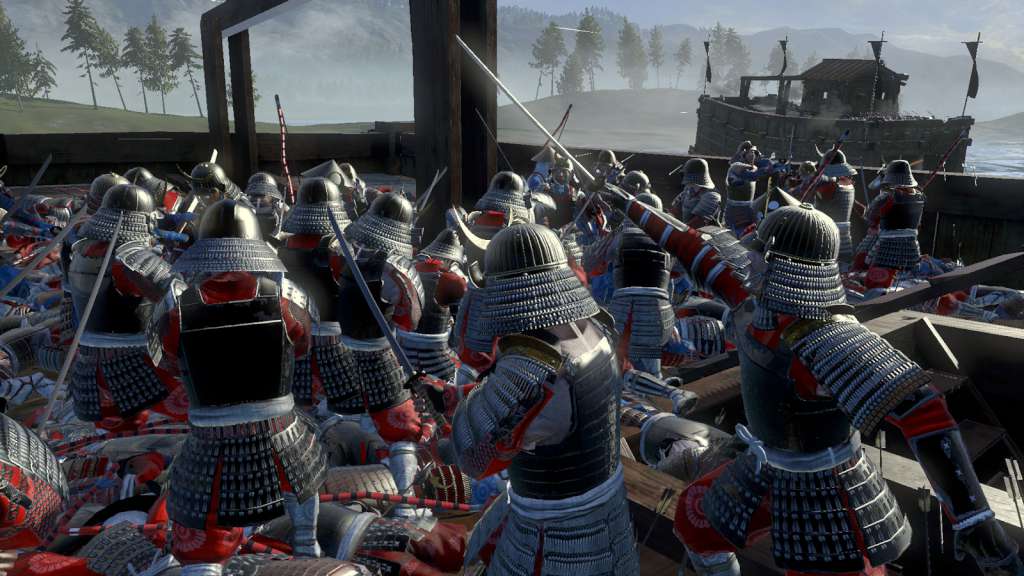
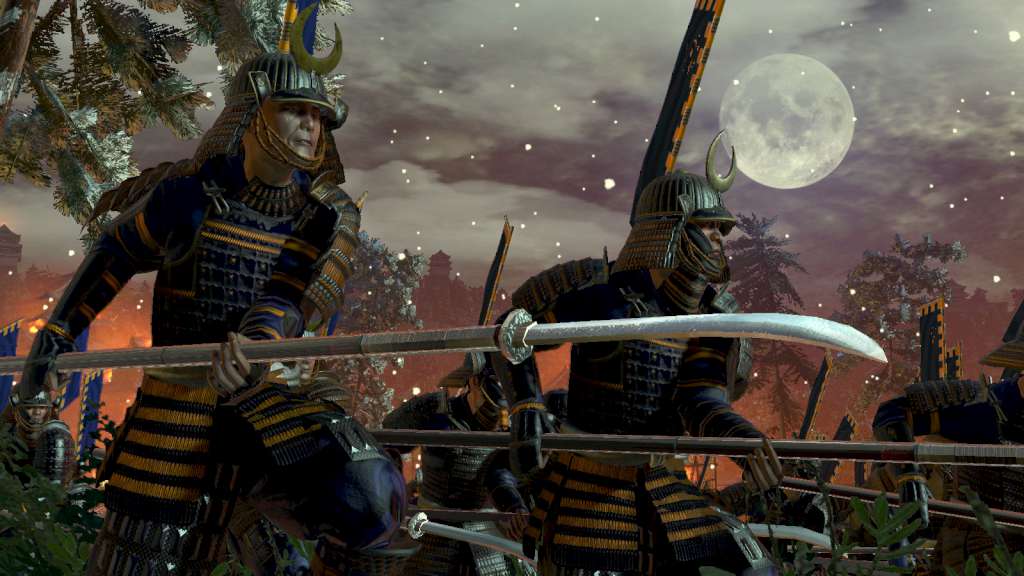
Total War Shogun 2: Collection screenshotTotal War Shogun 2: Collection screenshotTotal War Shogun 2: Collection screenshotTotal War Shogun 2: Collection screenshotTotal War Shogun 2: Collection screenshotTotal War Shogun 2: Collection screenshot

How to redeem

  1. 1Check your Steam account and the listed region before purchasing.
  2. 2Find your code and supplier activation instructions in your confirmed order.
  3. 3Open the redeem-code section on Steam, enter the code and follow the platform’s prompts.

Supplier instructions

Go to: http://store.steampowered.com/ and download STEAM client Click "Install Steam" (from the upper right corner) Install and start application, login with your Account name and Password (create one if you don't have). Please follow these instructions to activate a new retail purchase on Steam: Launch Steam and log into your Steam account. Click the Games Menu. Choose Activate a Product on Steam... Follow the onscreen instructions to complete the process. After successful code verification go to the "MY GAMES" tab and start downloading.

You might also like