Get 10% back in Relic Coins on every order
Helheim Hassle cover

SteamGlobal· Key

Helheim Hassle

€0.62

+€0.06 cashback eligibility in Relic Coins

Check before you play

Platform
Steam
Region
Global
Product type
Key
Developer
Perfectly Paranormal
Publisher
Yogscast Games
Supplier release date
2020-08-18
Genres
Adventure, Indie, Puzzle

About this product

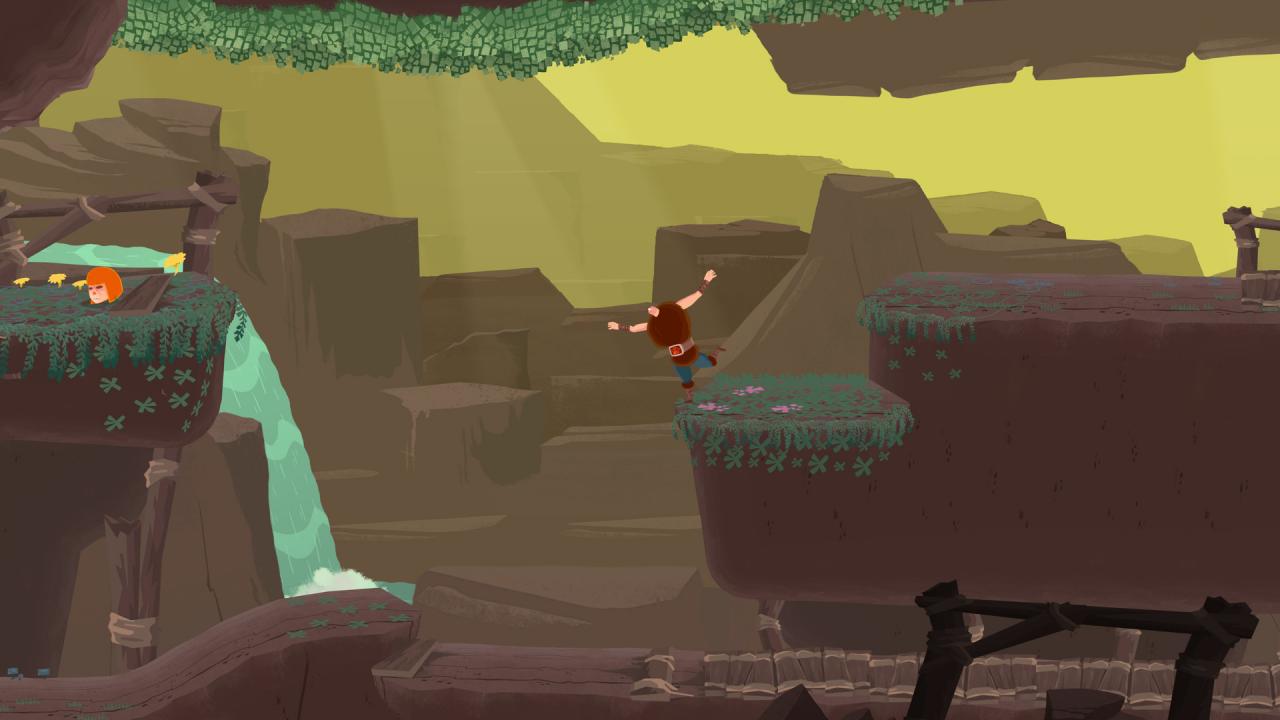
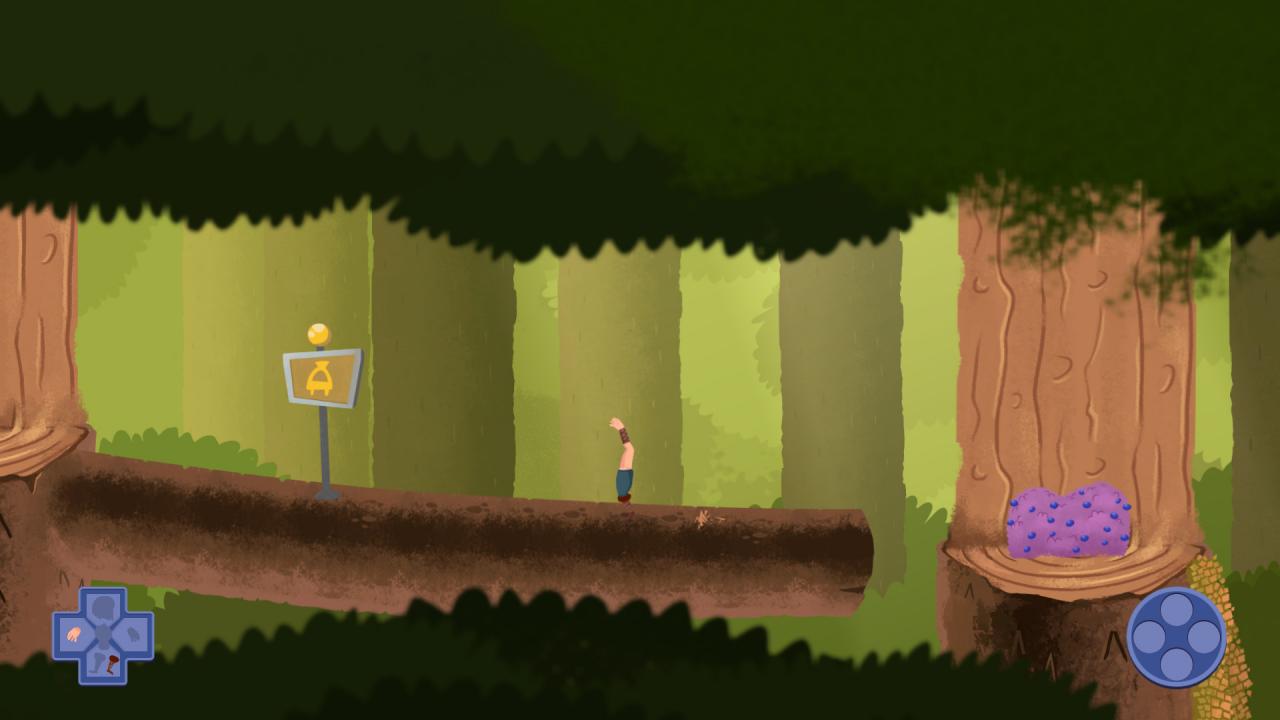
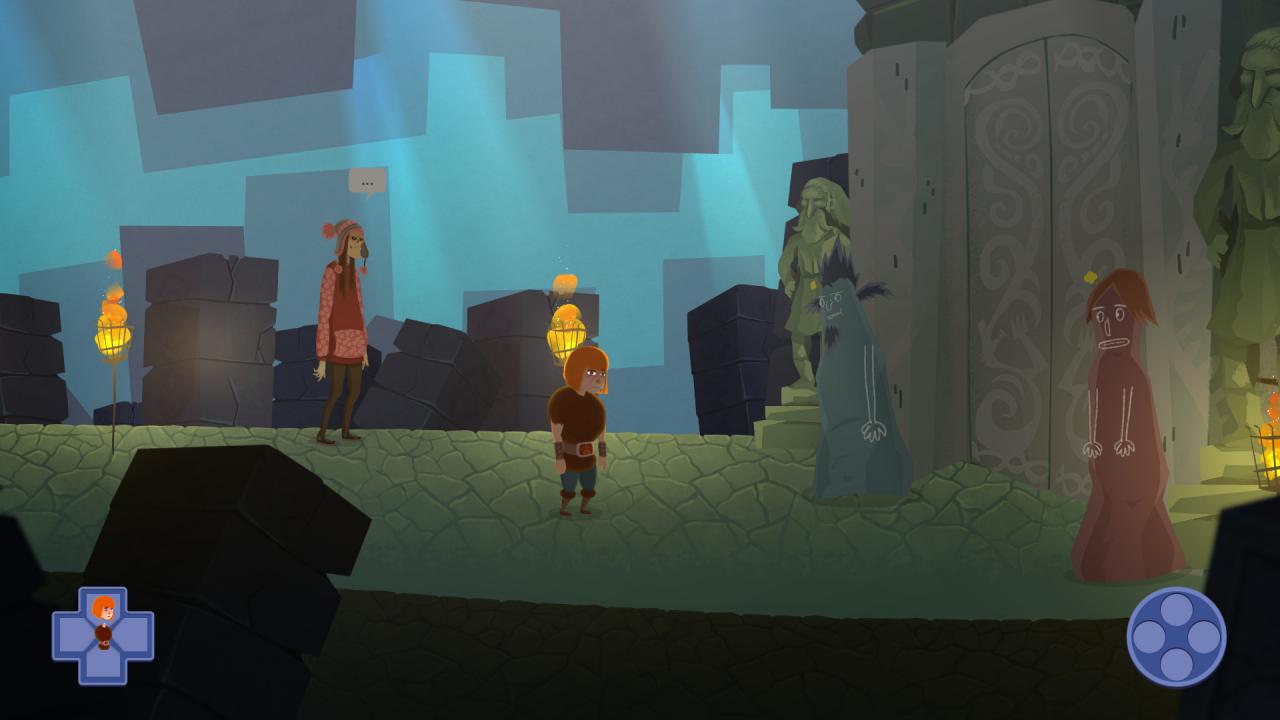
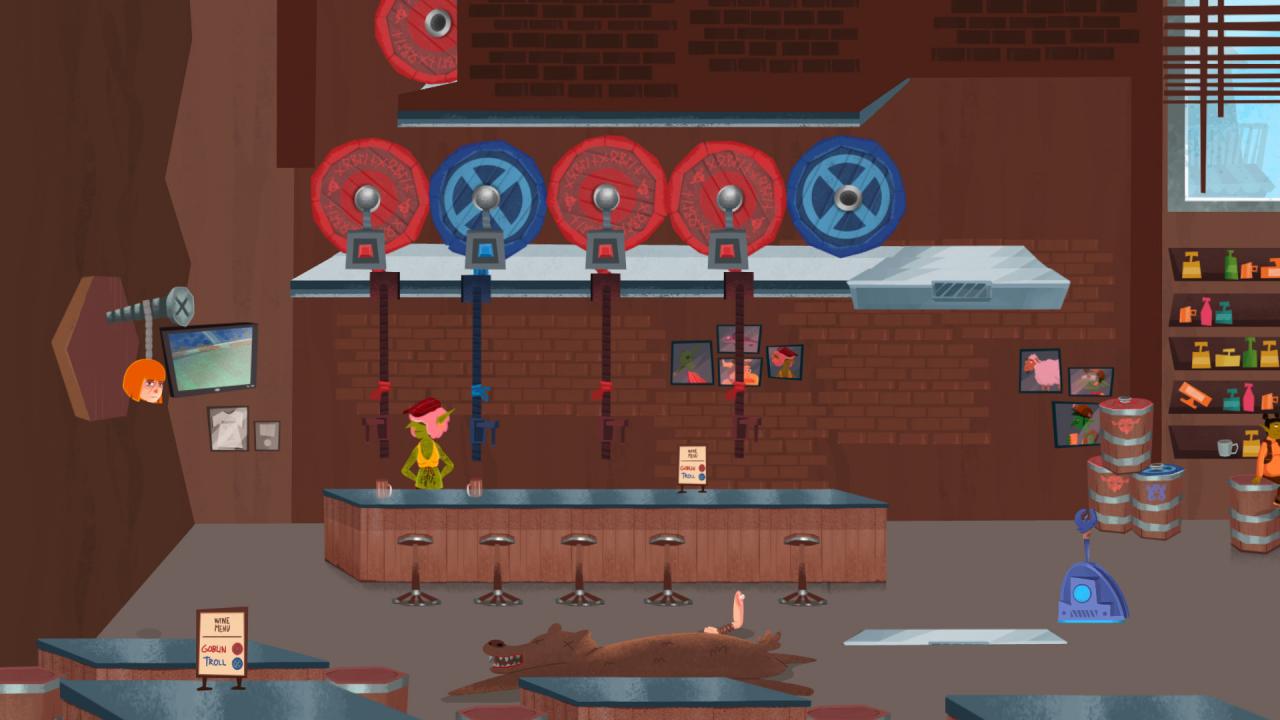
Helheim Hassle is a narrative adventure game that is as much about friendship as it is about body parts. From the same universe (and set on the same Tuesday in fact) as previous hit Manual Samuel, comes this macabre adventure where you play as Bjørn, a pacifist Viking who hates the idea of dying and going to Valhalla… who then ends up dying and getting taken to Valhalla. When Bjørn is resurrected to assist with a task for the mysterious Pesto, he sees a way to negotiate his way out. Using Bjørn’s undying corpse with its ability to detach and combine limbs at will, players must solve challenging puzzles and navigate tricky levels in order to retrieve a certain magical item... In return, Pesto will try to grant Bjørn a permanent residence in Helheim - what a hassle! Features 14 levels 90+ puzzles 80+ interactable characters 3, 700 lines of spoken dialogue performed by 24 professional actors

Helheim Hassle screenshotHelheim Hassle screenshotHelheim Hassle screenshotHelheim Hassle screenshotHelheim Hassle screenshotHelheim Hassle screenshot

How to redeem

  1. 1Check your Steam account and the listed region before purchasing.
  2. 2Find your code and supplier activation instructions in your confirmed order.
  3. 3Open the redeem-code section on Steam, enter the code and follow the platform’s prompts.

Supplier instructions

Go to: http://store.steampowered.com/ and download STEAM client Click "Install Steam" (from the upper right corner) Install and start application, login with your Account name and Password (create one if you don't have). Please follow these instructions to activate a new retail purchase on Steam: Launch Steam and log into your Steam account. Click the Games Menu. Choose Activate a Product on Steam... Follow the onscreen instructions to complete the process. After successful code verification go to the "MY GAMES" tab and start downloading.

You might also like