Get 10% back in Relic Coins on every order
Cat Quest II cover

Steam Europe - All Countries· Key

Cat Quest II

€3.47

+€0.35 cashback eligibility in Relic Coins

Check before you play

Platform
Steam
Region
Europe - All Countries
Product type
Key
Developer
The Gentlebros
Publisher
PQube Limited
Supplier release date
2019-09-24
Genres
Action, Adventure, RPG, Indie

About this product

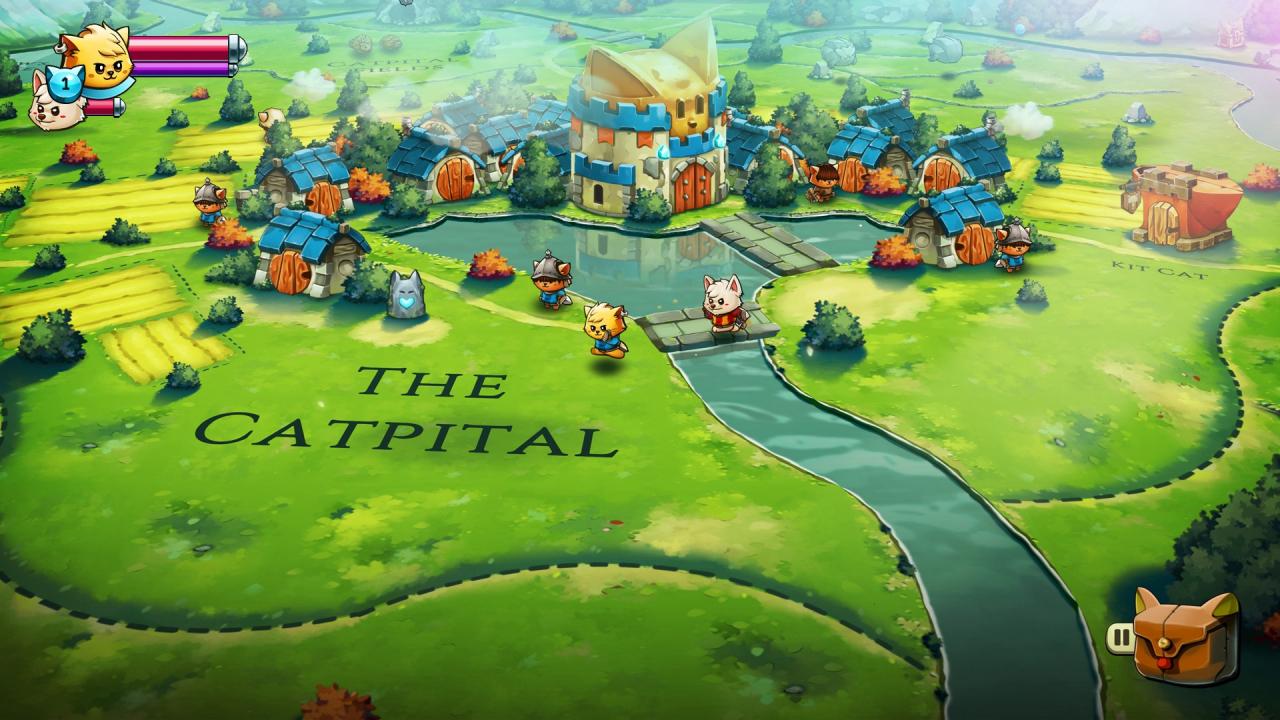
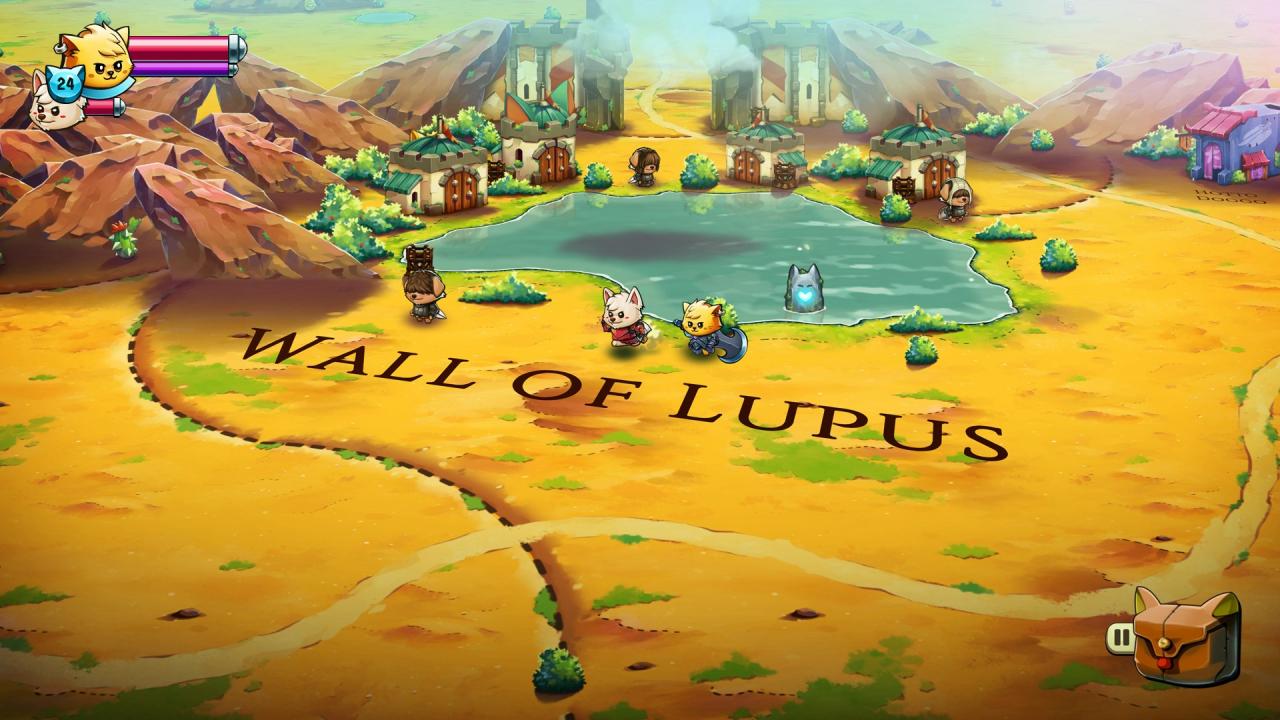
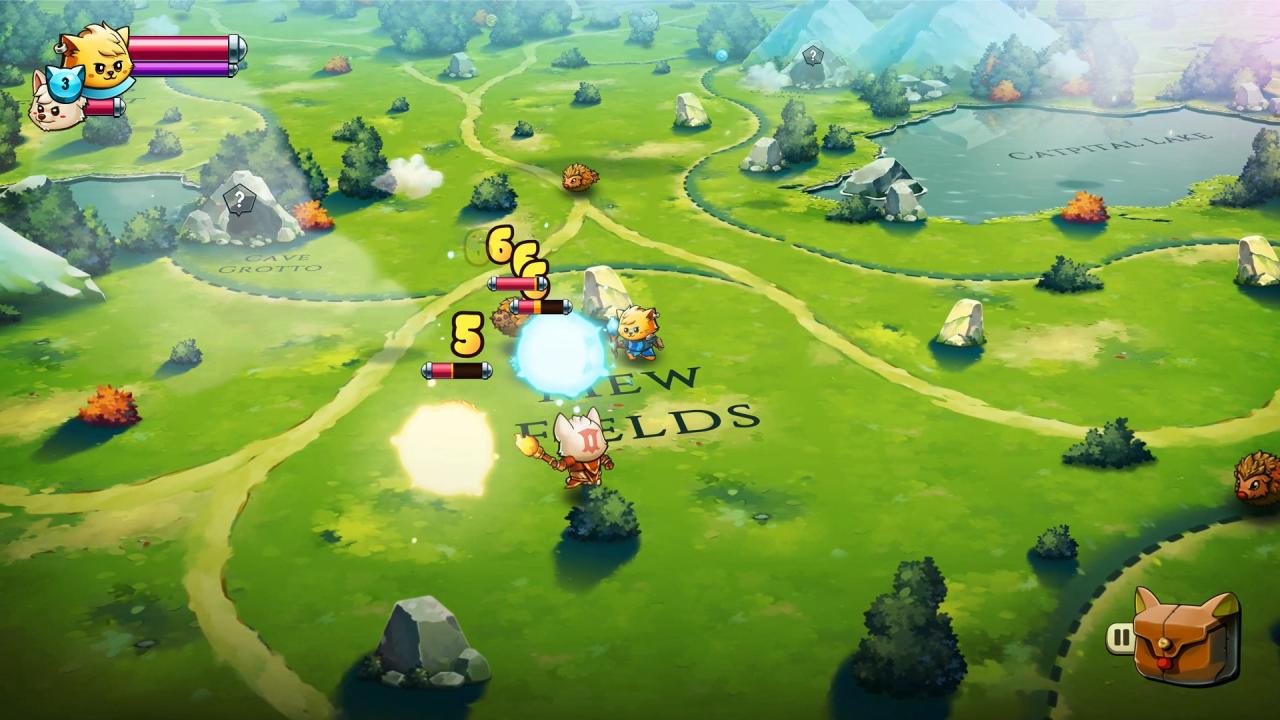
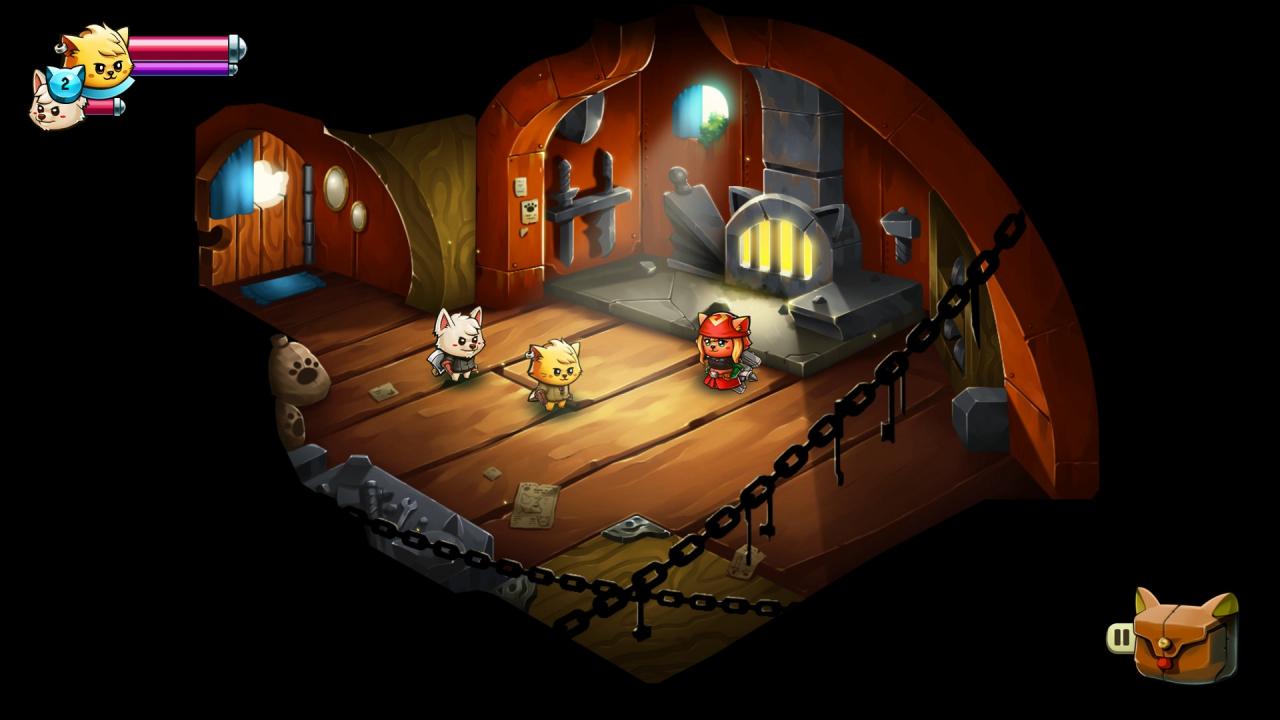
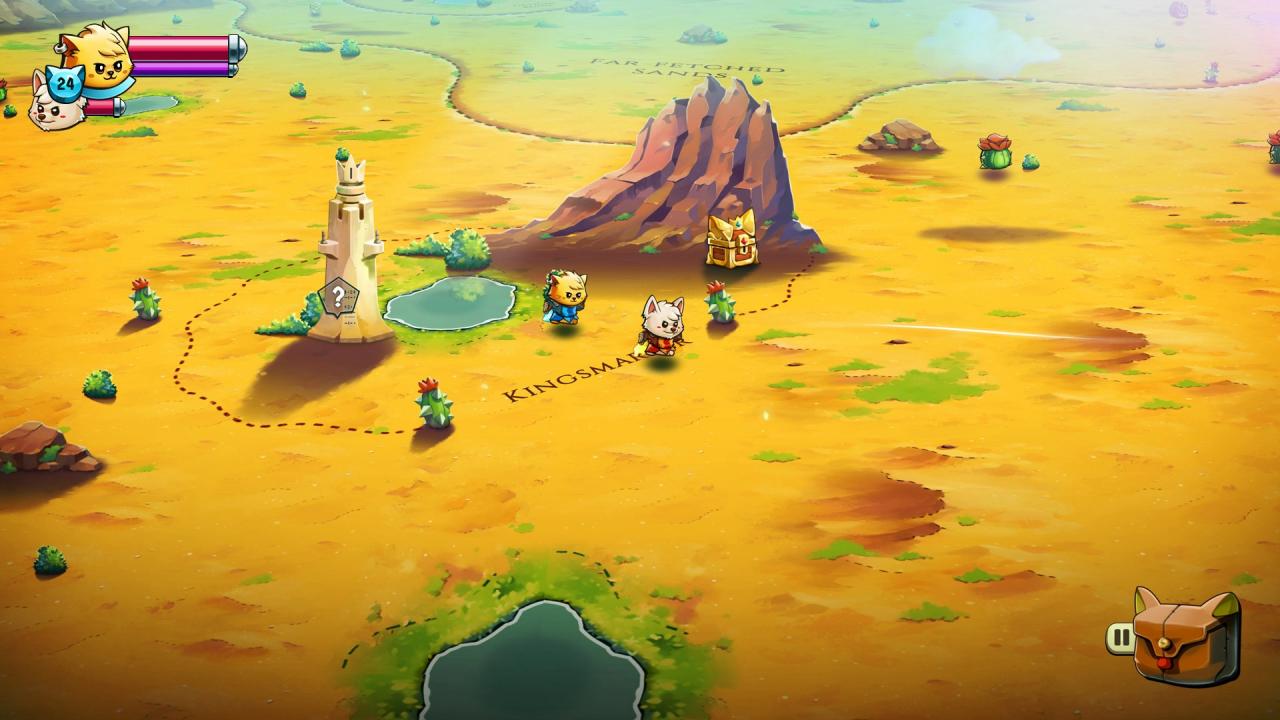
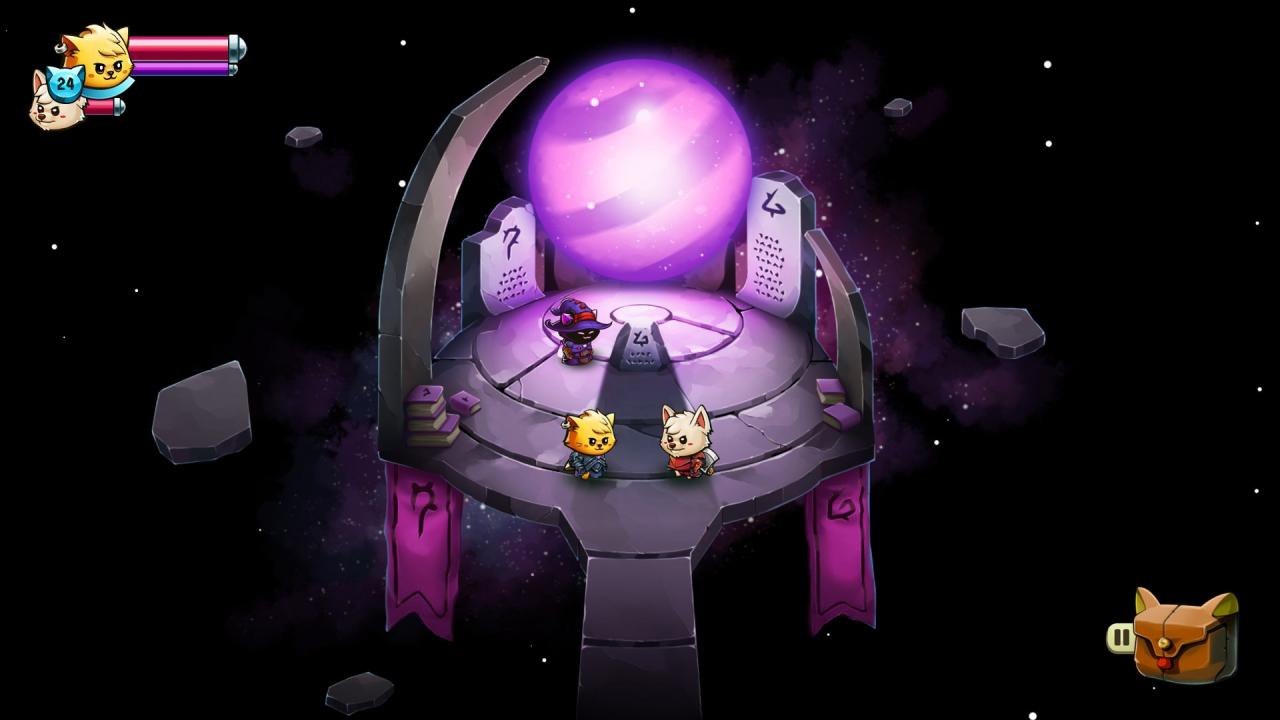
CAT QUEST II is a 2D open-world action-RPG set in a fantasy realm of cats and dogs. Under threat from a continuing war between the cats of Felingard and the advancing dogs of the Lupus Empire, CAT QUEST II tells the tail of two kings, brought together against their will, on a journey of paw-some discovery to reclaim their thrones.Play as both a cat and dog as you explore their kingdoms solo or with a friend! Quest in a world filled with magic, curious monsters, and go on a catventure like never before! Features Brand new story set in the world of Felingard - and beyond! All new switch and co-op gameplay. Play as both cat and dog, either alone or with a friend! New weapons types – Master swords, staves and more to become a fur-midable fighter! More spells bring even more furry judgement to your foes. New passive abilities, whose attributes can be mixed and combined for endless paw-sibilities! Exciting, and varied dungeons filled with new traps and obstacles, making every pounce into the unknown a fresh experience! Em-bark on a litany of side quests, each telling its own story and expanding the lore and universe of CAT QUEST! Go on the ultimutt catventure today!

Cat Quest II screenshotCat Quest II screenshotCat Quest II screenshotCat Quest II screenshotCat Quest II screenshotCat Quest II screenshot

How to redeem

  1. 1Check your Steam account and the listed region before purchasing.
  2. 2Find your code and supplier activation instructions in your confirmed order.
  3. 3Open the redeem-code section on Steam, enter the code and follow the platform’s prompts.

Supplier instructions

Go to: http://store.steampowered.com/ and download STEAM client Click "Install Steam" (from the upper right corner) Install and start application, login with your Account name and Password (create one if you don't have). Please follow these instructions to activate a new retail purchase on Steam: Launch Steam and log into your Steam account. Click the Games Menu. Choose Activate a Product on Steam... Follow the onscreen instructions to complete the process. After successful code verification go to the "MY GAMES" tab and start downloading.

You might also like