Get 10% back in Relic Coins on every order
Streamer Life Simulator cover

SteamGlobal· Key

Streamer Life Simulator

€2.08

+€0.21 cashback eligibility in Relic Coins

Check before you play

Platform
Steam
Region
Global
Product type
Key
Developer
Cheesecake Dev
Publisher
Cheesecake Dev
Supplier release date
2020-08-21
Genres
Action, Adventure, Strategy, Simulation, Indie, Casual

About this product

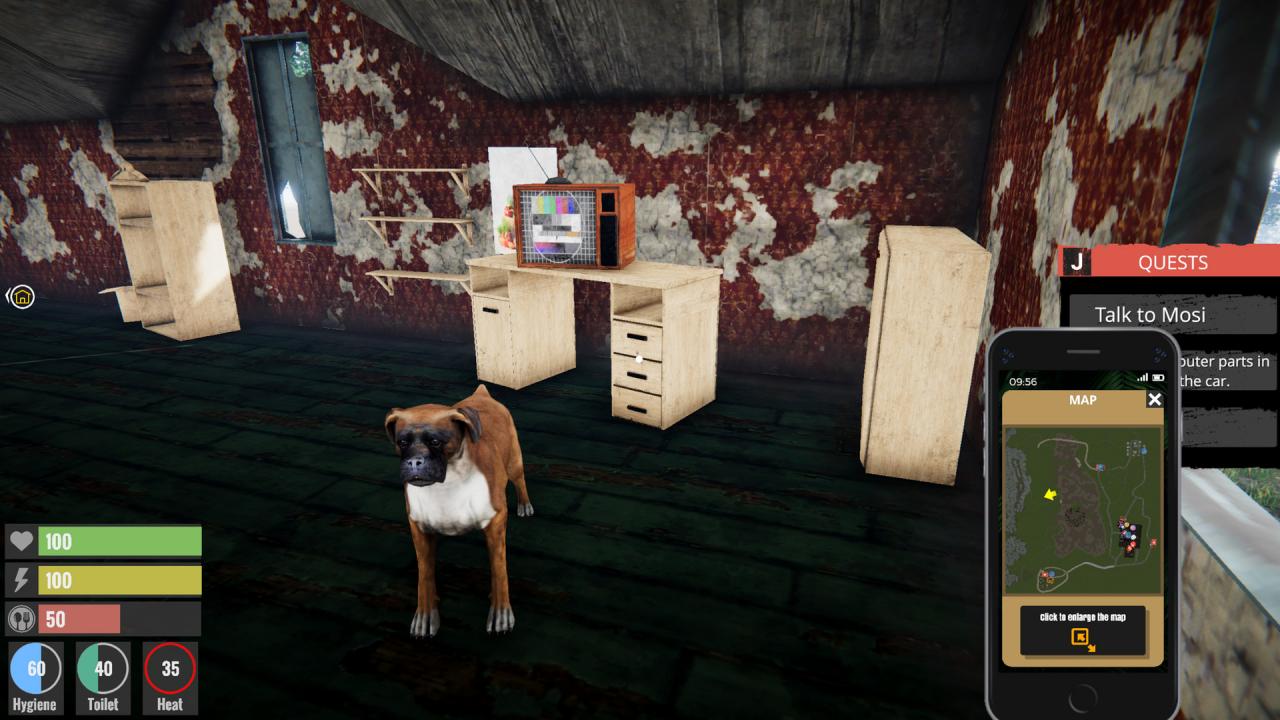
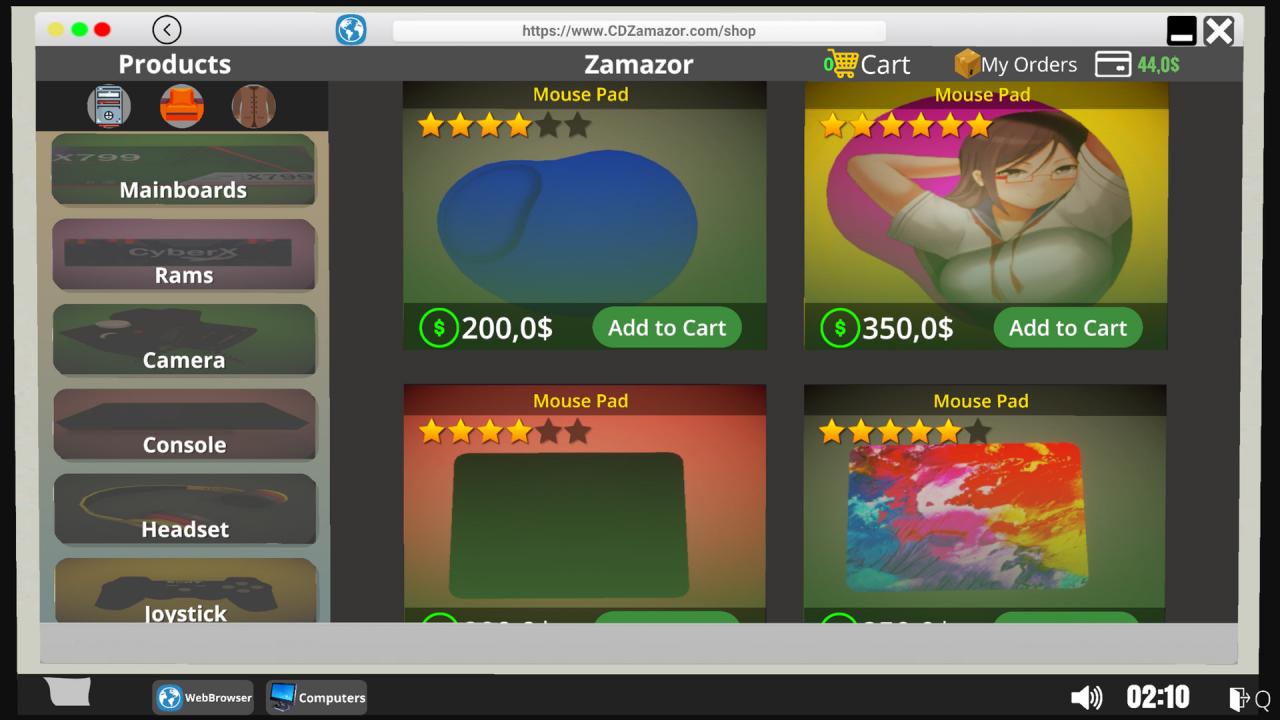
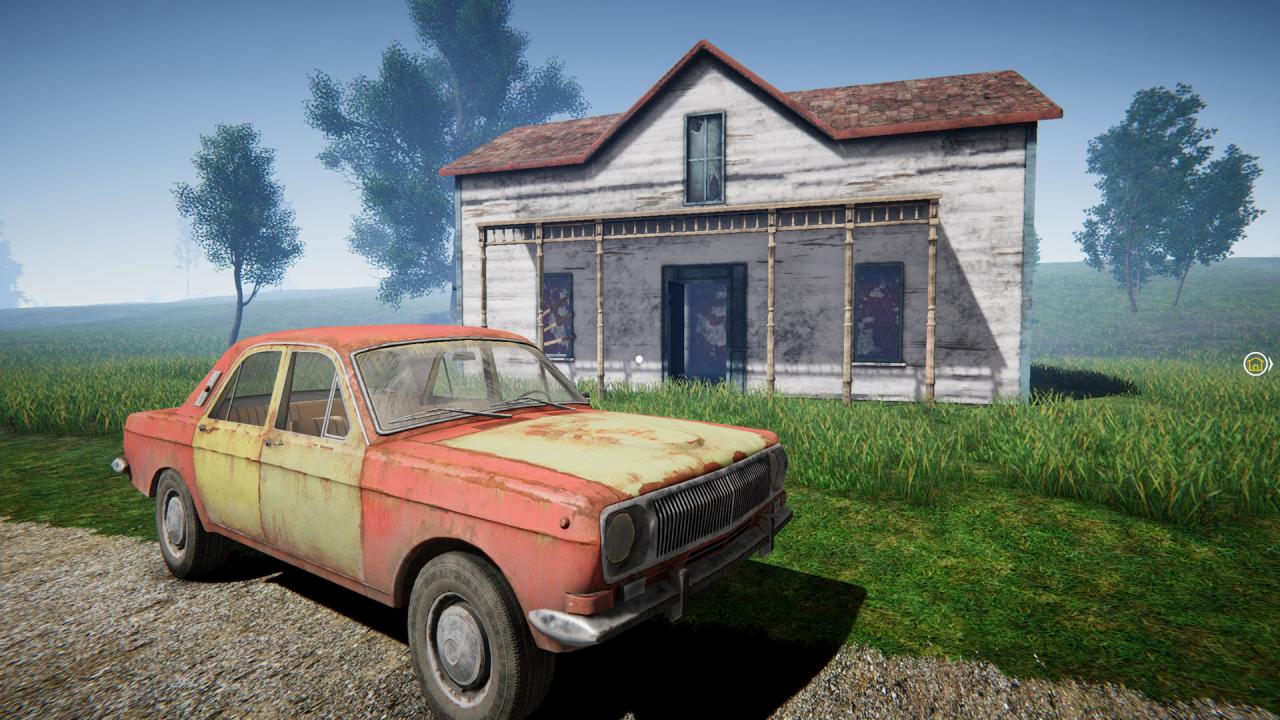
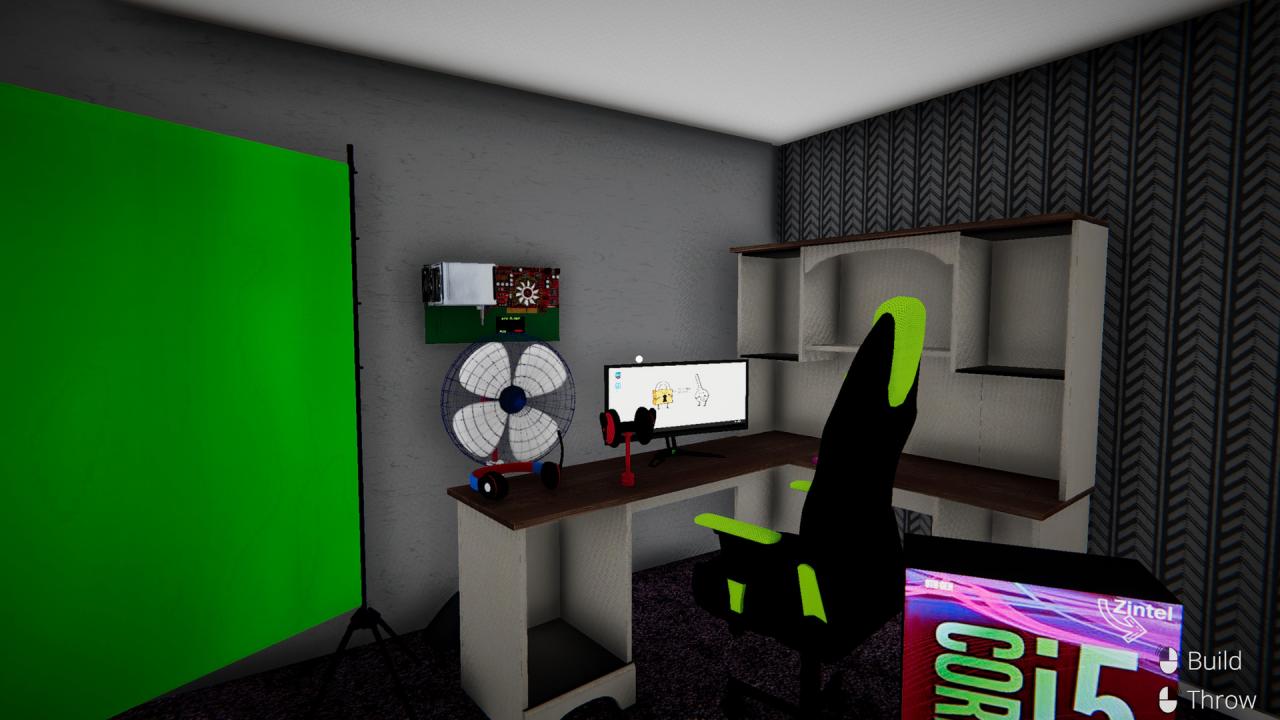
Become one of the most popular people in the world, starting from scratch. Improve your character and buy yourself new equipments. Move from your bad neighborhood and settle in new neighborhood with stronger internet infrastructure. Create the computer with the features you want and start streaming. You can chat with your followers and collect donations. Stream the games you play. You can invest with the money you earn and increase your money. By following the new games and events. Buy new games. By playing the right game at the right time. Let new people discover you. Prove yourself to people and win tournament prizes by participating in tournaments of popular games. You can interact with your environment and do some different work to earn additional money. Research the rubbish around us and find useful things. Sell in pawn shops and earn extra money. Earn money by doing additional jobs around. Buy pets and have fun with them.

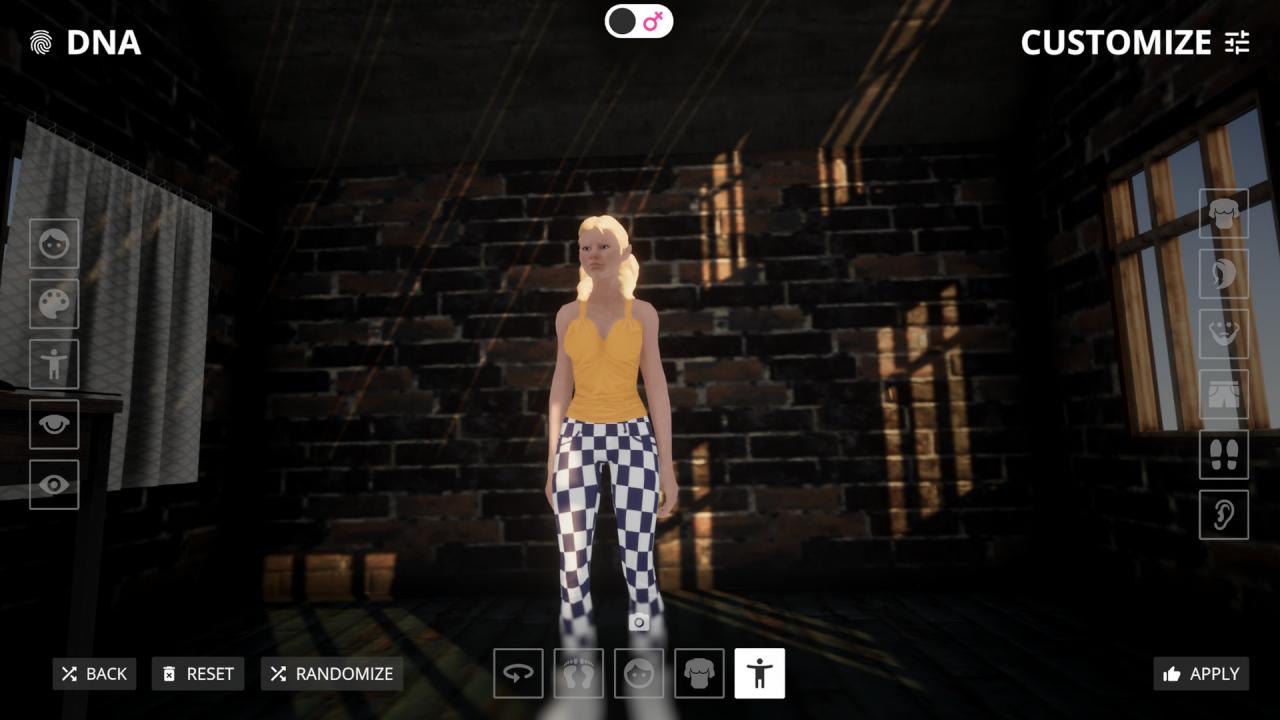
Streamer Life Simulator screenshotStreamer Life Simulator screenshotStreamer Life Simulator screenshotStreamer Life Simulator screenshotStreamer Life Simulator screenshotStreamer Life Simulator screenshot

How to redeem

  1. 1Check your Steam account and the listed region before purchasing.
  2. 2Find your code and supplier activation instructions in your confirmed order.
  3. 3Open the redeem-code section on Steam, enter the code and follow the platform’s prompts.

Supplier instructions

Go to: http://store.steampowered.com/ and download STEAM client Click "Install Steam" (from the upper right corner) Install and start application, login with your Account name and Password (create one if you don't have). Please follow these instructions to activate a new retail purchase on Steam: Launch Steam and log into your Steam account. Click the Games Menu. Choose Activate a Product on Steam... Follow the onscreen instructions to complete the process. After successful code verification go to the "MY GAMES" tab and start downloading.

You might also like