Get 10% back in Relic Coins on every order
A Glider's Journey cover

SteamGlobal· Key

A Glider's Journey

€0.21

+€0.02 cashback eligibility in Relic Coins

Check before you play

Platform
Steam
Region
Global
Product type
Key
Developer
Emma Franklin, Charlie Marshall
Publisher
Emma Franklin
Supplier release date
2019-09-27
Genres
Action, Adventure, Simulation, Indie, Casual

About this product

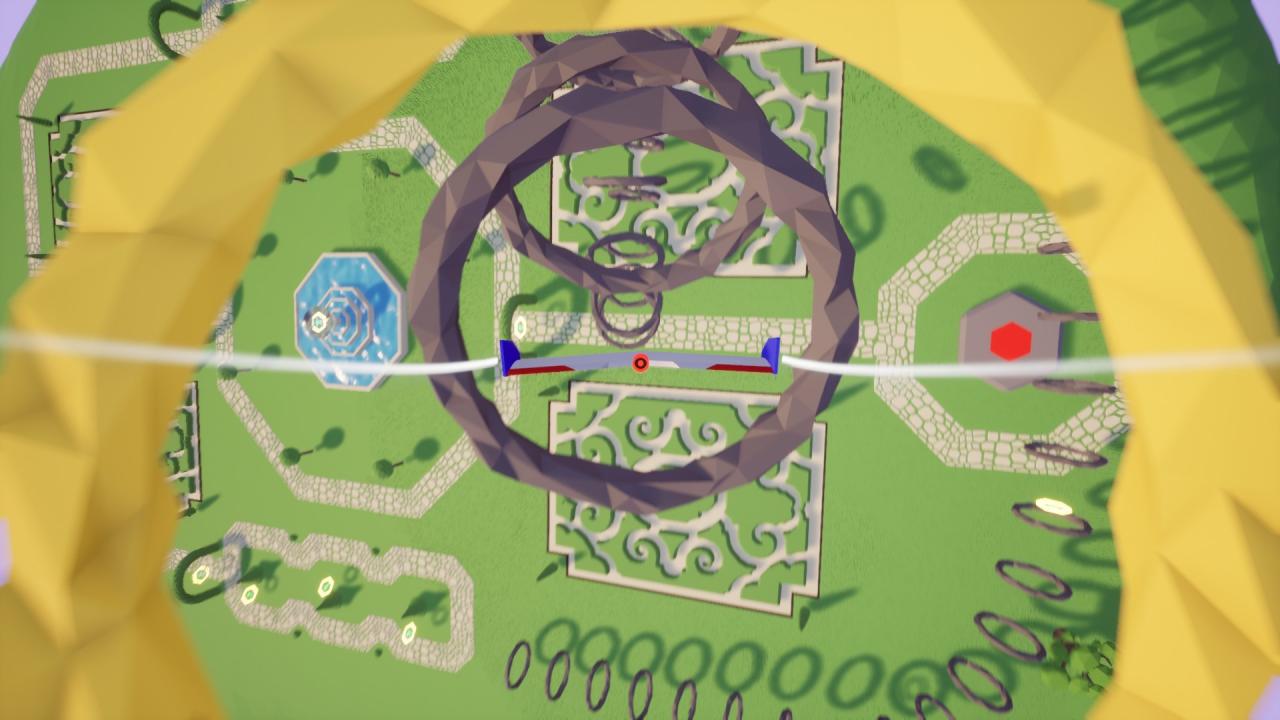
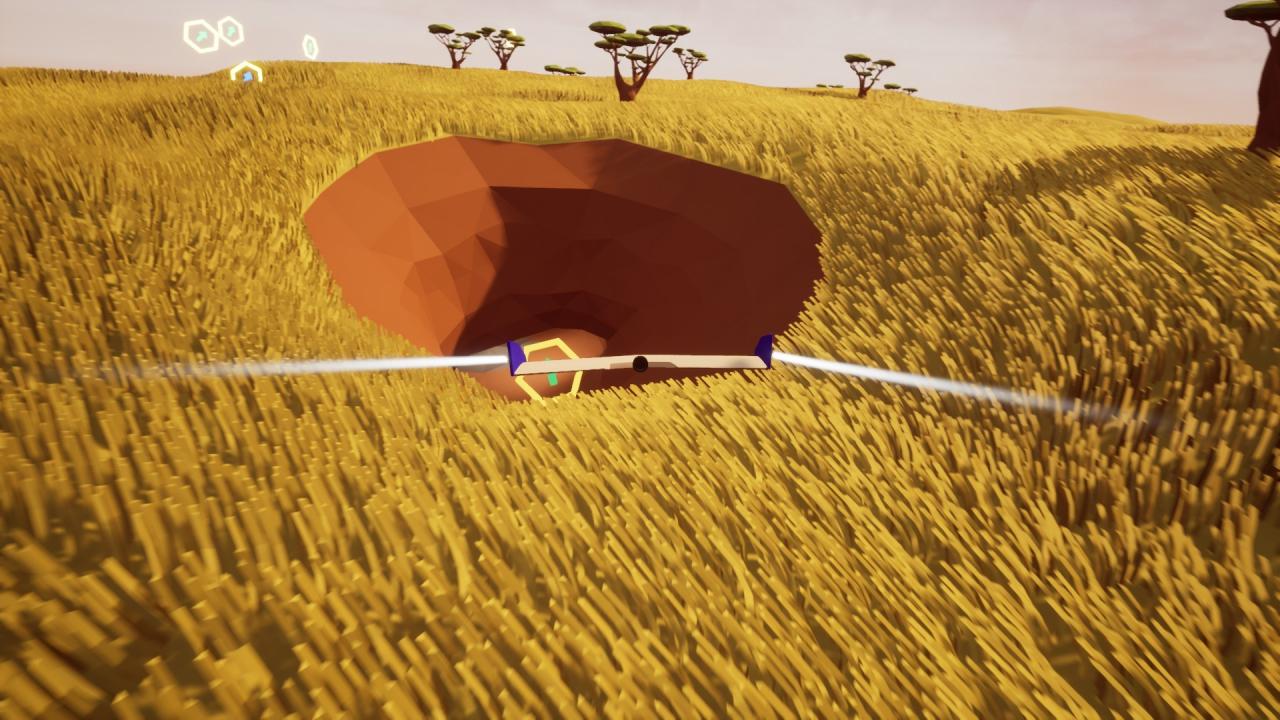
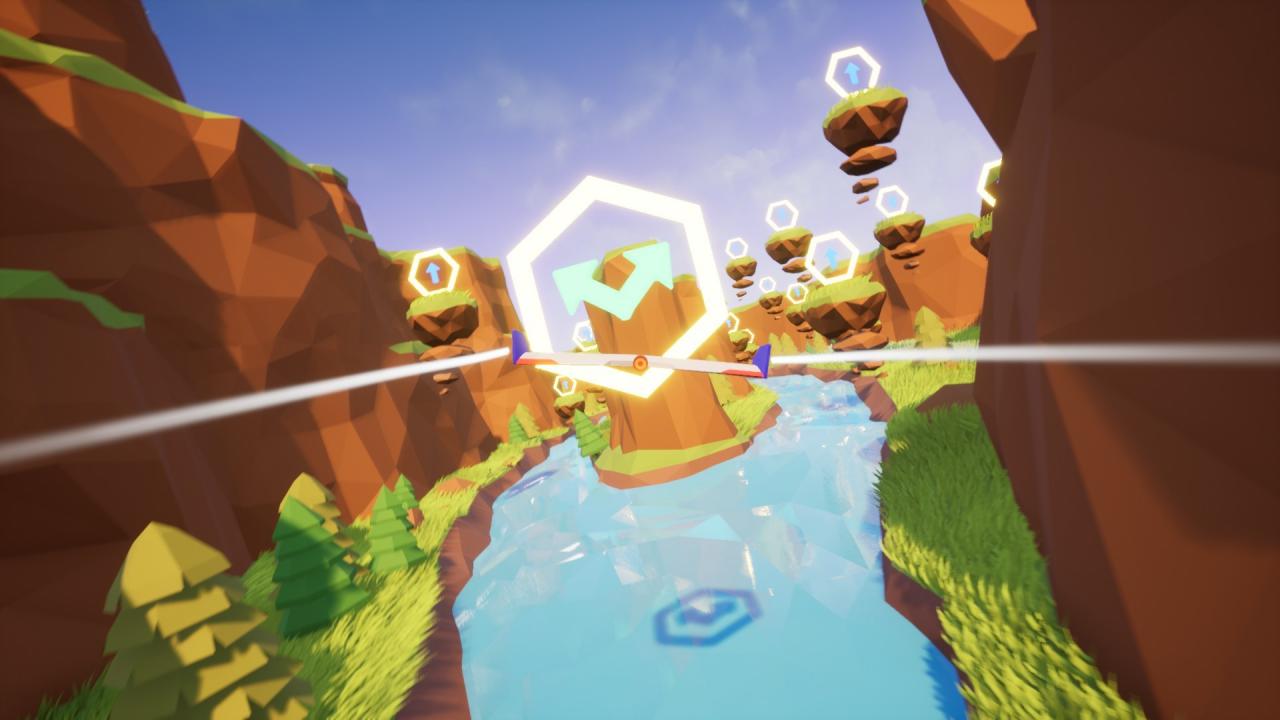
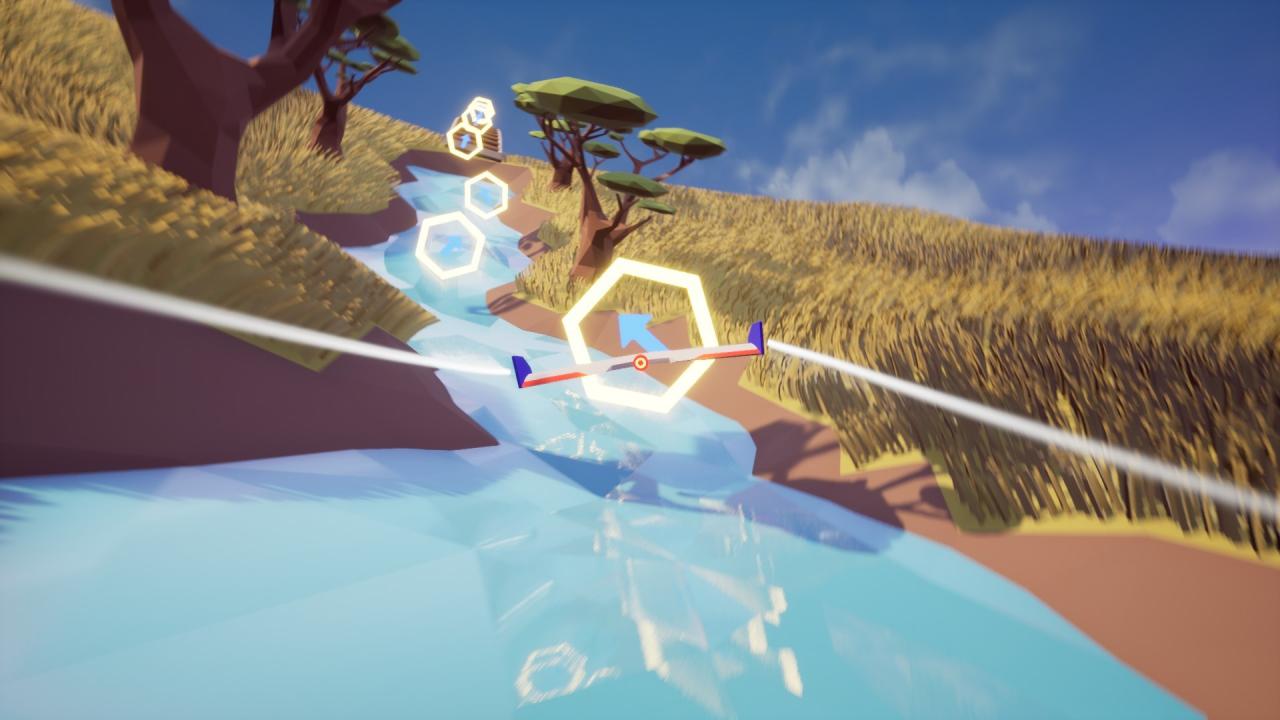
A Glider's journey is a game about exploring a relaxing, colorful low poly world; while still challenging your piloting skills till the very end of each level.The very simple controls (one joystick, no throttle no rudder) makes it very easy to pickup, but hard to master, thanks to the physics-based flight model."HARD-CORE FLIGHT EXPERIENCE"It offers a realistic flying experience, quite similar to an actual flying wing, where stalls and spins are a definite possibility... A "Very Easy" mode with simplified physics is also available, if you are rather seeking a more relaxing low-poly world exploration experience. Features 15 levels featuring a variety of unique low poly biomes. (playtime ranging from 40 minutes to 2+ hours depending on your skill set) Unique custom made soundtrack for every level style and feel. Fully Physics simulated flight model. An immersive experience thanks to the removal of all HUDs, completely replaced by subtle visual and audio indicators, such as the wind noise and wing particles for speed, the color of the wings for the progression of the level etc... A variety of flight maneuvers, from chandelles to split S'es and spirals. Intuitive flight controls "Very easy" mode with approximated, simplified physics

A Glider's Journey screenshotA Glider's Journey screenshotA Glider's Journey screenshotA Glider's Journey screenshotA Glider's Journey screenshotA Glider's Journey screenshot

How to redeem

  1. 1Check your Steam account and the listed region before purchasing.
  2. 2Find your code and supplier activation instructions in your confirmed order.
  3. 3Open the redeem-code section on Steam, enter the code and follow the platform’s prompts.

Supplier instructions

Go to: http://store.steampowered.com/ and download STEAM client Click "Install Steam" (from the upper right corner) Install and start application, login with your Account name and Password (create one if you don't have). Please follow these instructions to activate a new retail purchase on Steam: Launch Steam and log into your Steam account. Click the Games Menu. Choose Activate a Product on Steam... Follow the onscreen instructions to complete the process. After successful code verification go to the "MY GAMES" tab and start downloading.

You might also like