Get 10% back in Relic Coins on every order
Battletoads / Windows 10 cover

Xbox OneGlobal· Key

Battletoads / Windows 10

€20.36

+€2.04 cashback eligibility in Relic Coins

Check before you play

Platform
Xbox One
Region
Global
Product type
Key
Developer
Rare
Publisher
Tradewest Inc
Supplier release date
2020-08-20
Genres
Action, Adventure

About this product

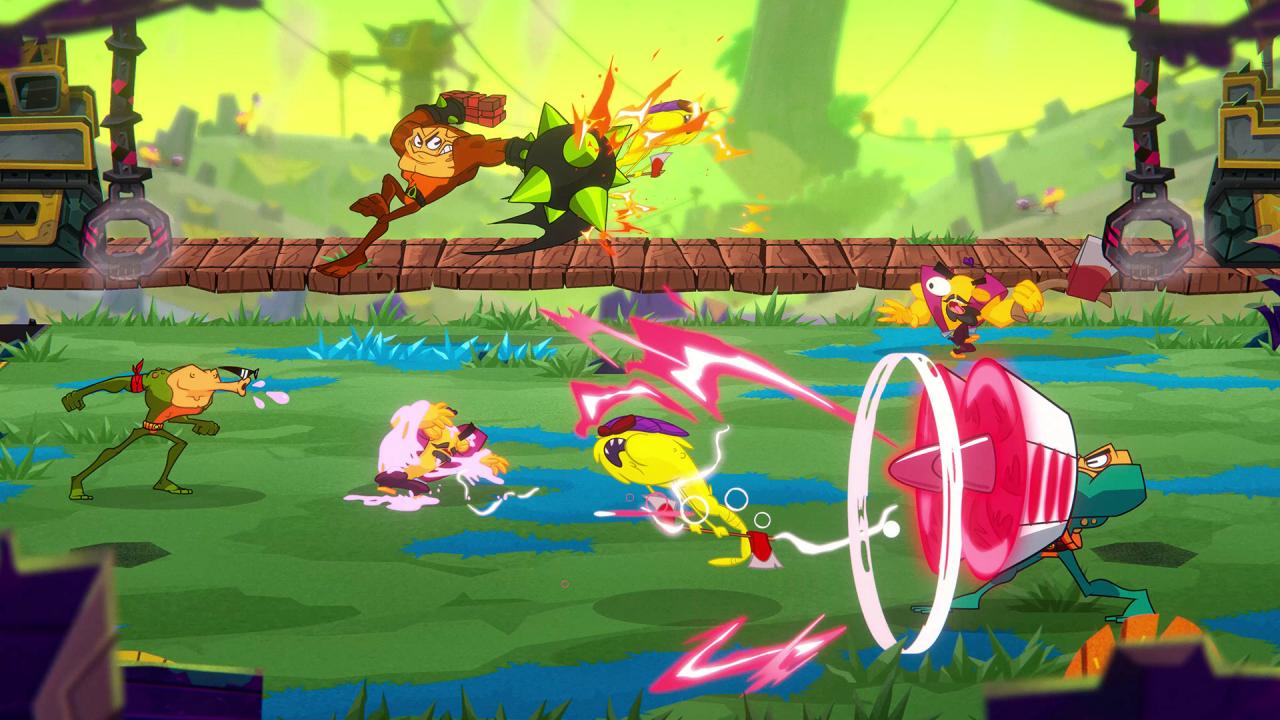
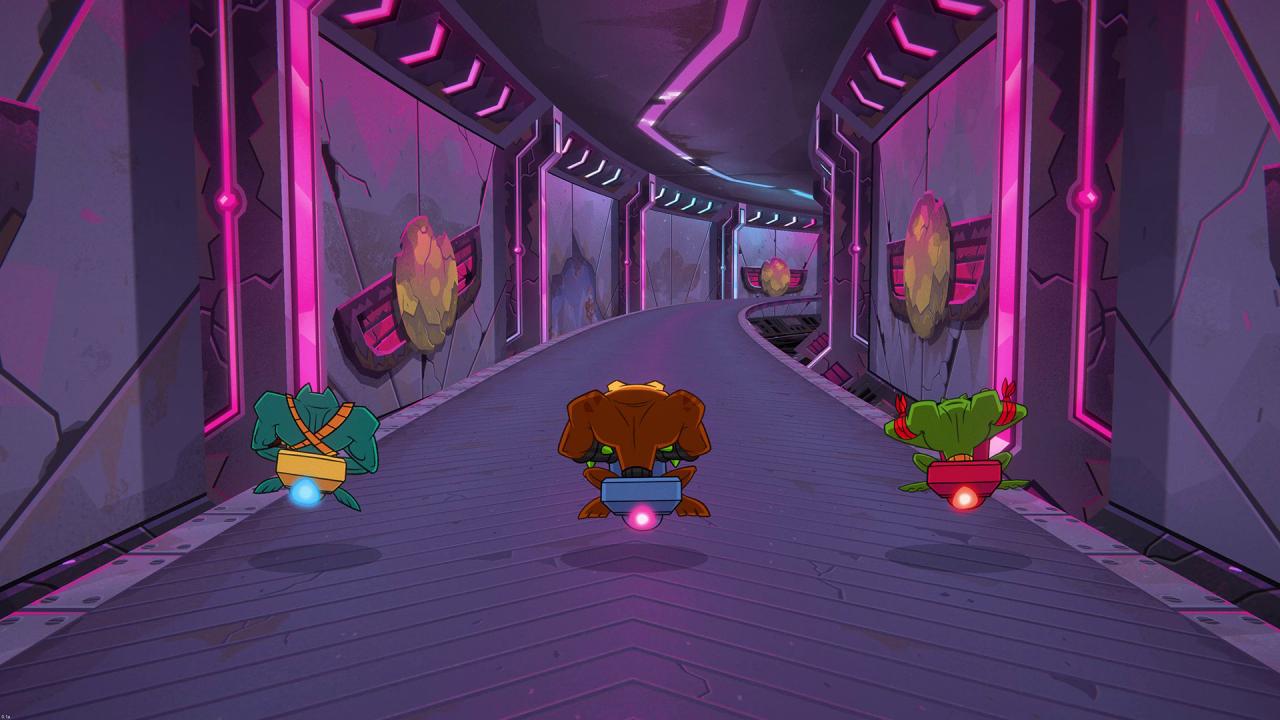
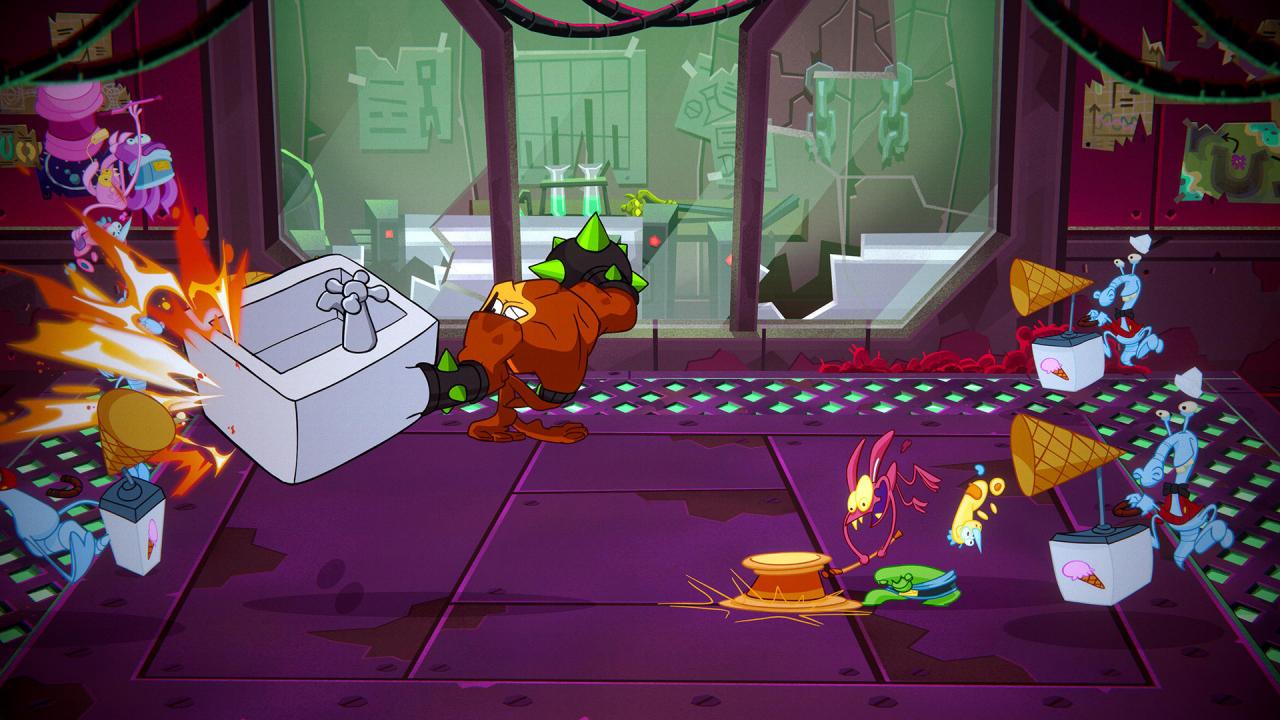
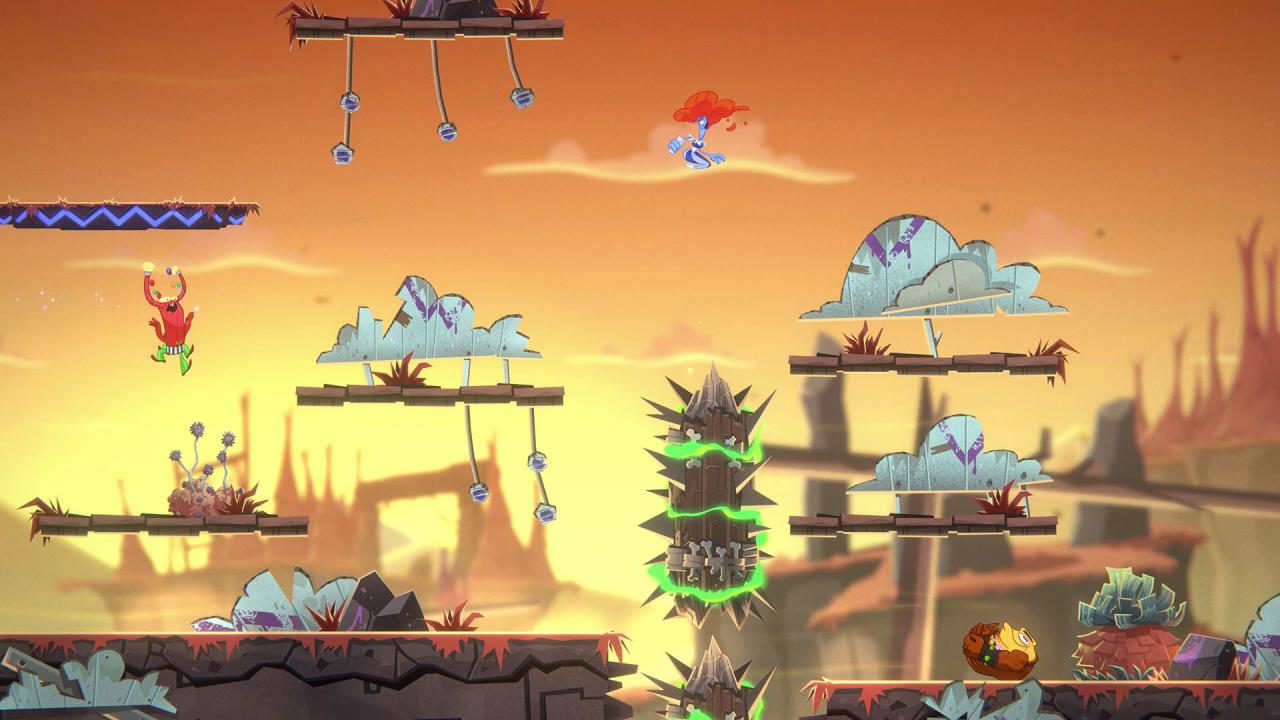
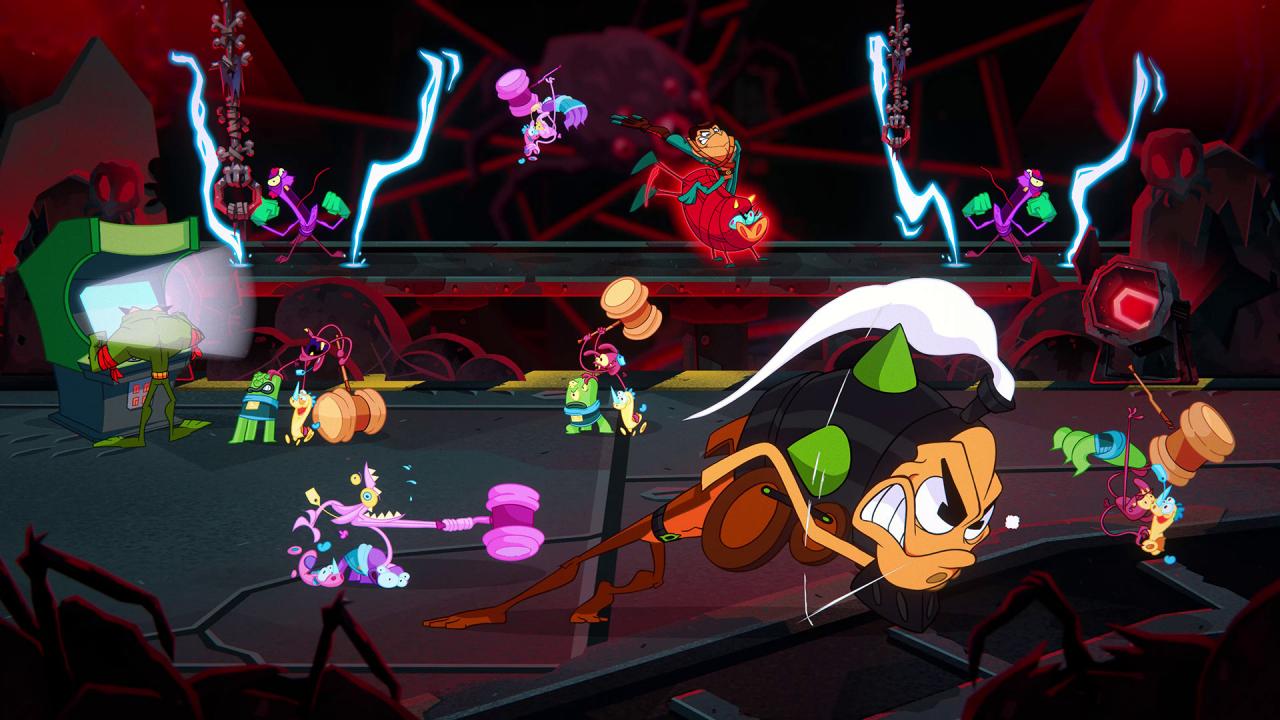
The wait is over! Rash, Zitz and Pimple are returning at last to smash-hit their way through an all-new action-packed adventure of choreographed chaos, and couch co-op may never be the same again.1-3 players will take control of the Battletoads and team up to storm through wild and unpredictable stages with only one rule – expect the unexpected. Teamwork makes the dream work in a drop-in, drop-out gameplay blast, filled with over-the-top gameplay moments that anyone can enjoy, but only a True ‘Toad’ can master.With a unique hand-animated cartoon style and packed with memorable characters and locations, the Battletoads are back for a larger-than-life brawl across the universe that promises to be fun alone, and unforgettable together.

Battletoads / Windows 10 screenshotBattletoads / Windows 10 screenshotBattletoads / Windows 10 screenshotBattletoads / Windows 10 screenshotBattletoads / Windows 10 screenshot

How to redeem

  1. 1Check your Xbox One account and the listed region before purchasing.
  2. 2Find your code and supplier activation instructions in your confirmed order.
  3. 3Open the redeem-code section on Xbox One, enter the code and follow the platform’s prompts.

Supplier instructions

In order to use the key follow the instruction below: Go to https://www.xbox.com Login to your account Hover over your account link (the top right of the screen) a menu will appear, click on the "Redeem Code" button. On the next page, click "Redeem" Enter your code Click "Confirm" Click "Confirm" again to assign the key to your account. In order to download and install your game on Windows 10 follow the instructions below: Using your Microsoft account, sign in to the PC where you want to install your games. On the Start screen, select the Store icon. In the Store, select Games from the menu. Browse and select the game you want to install.

You might also like