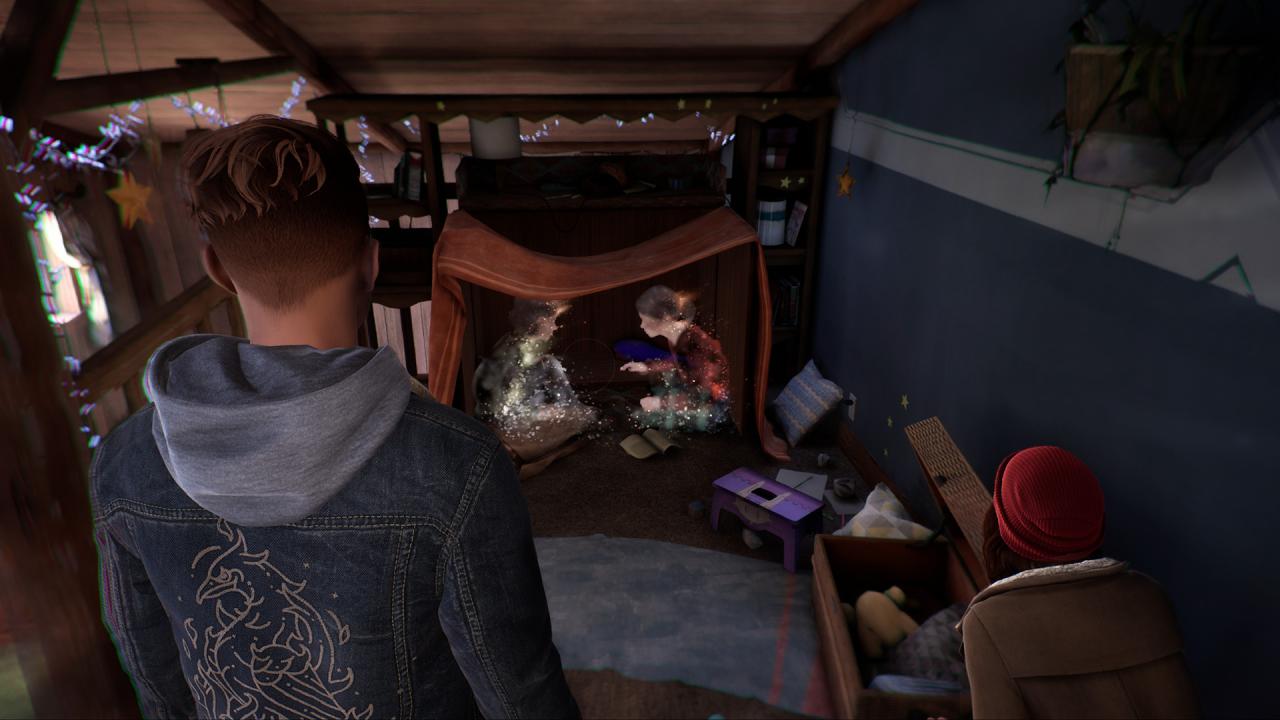
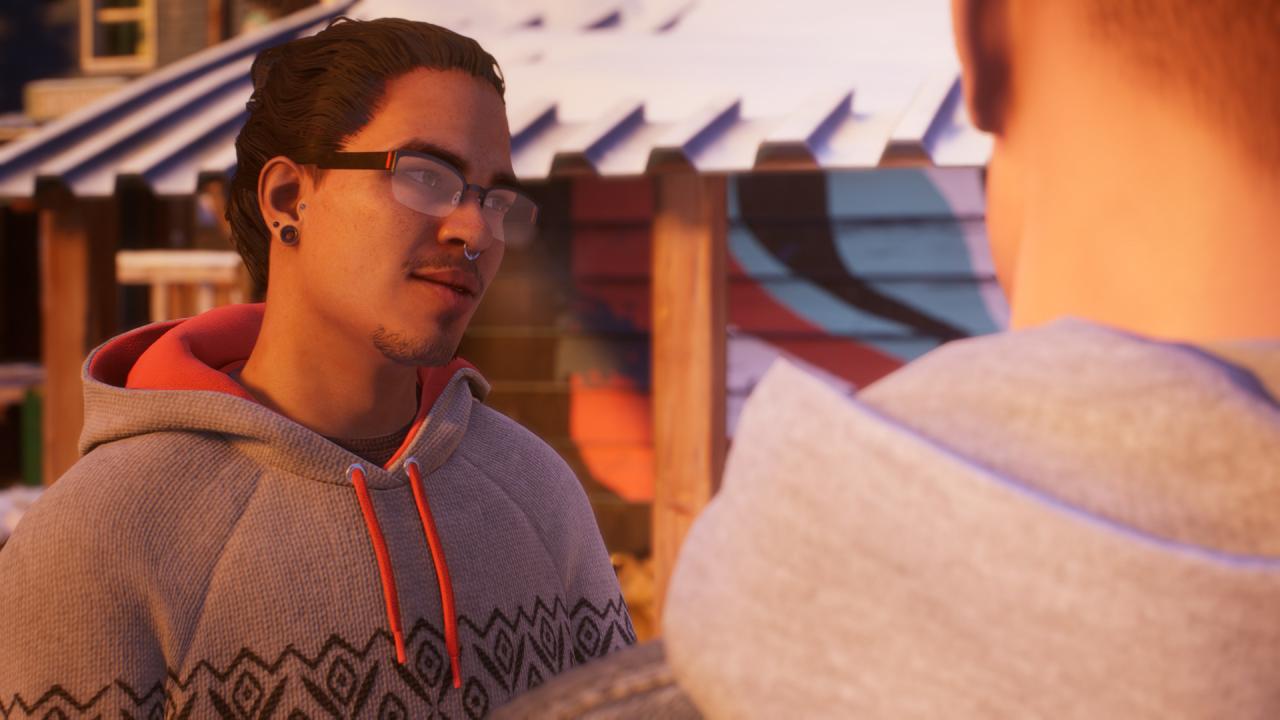
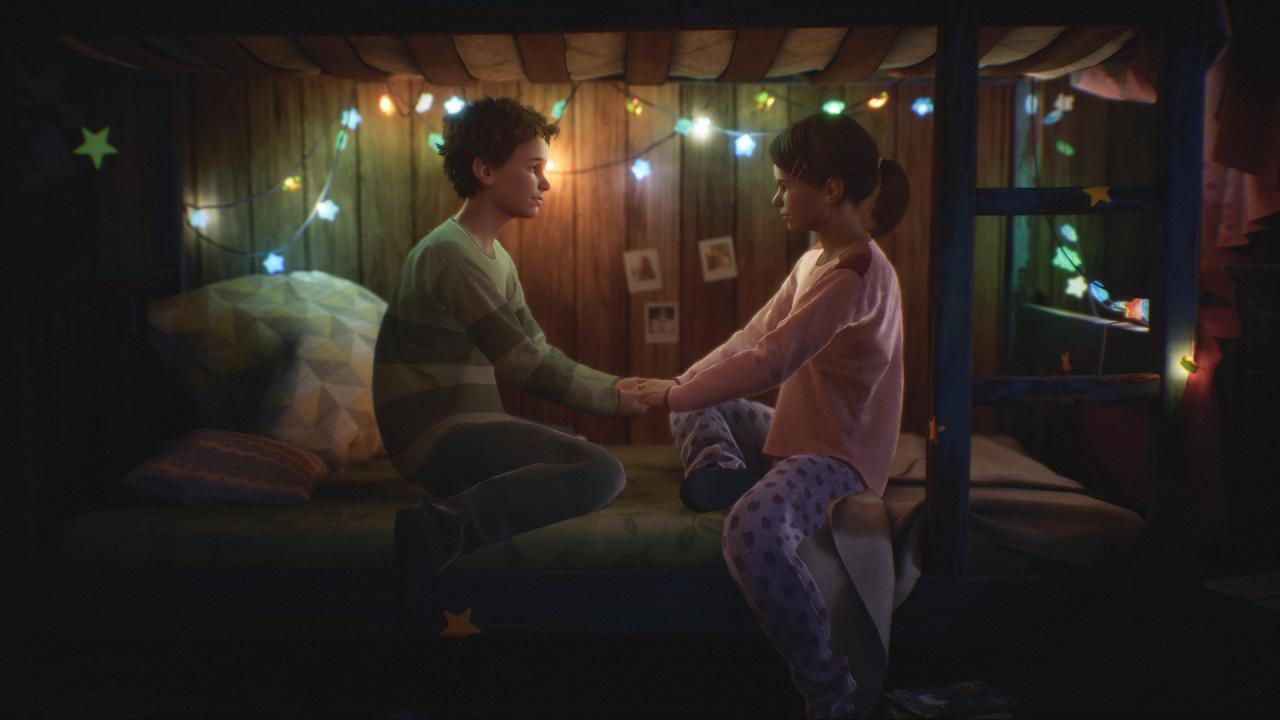
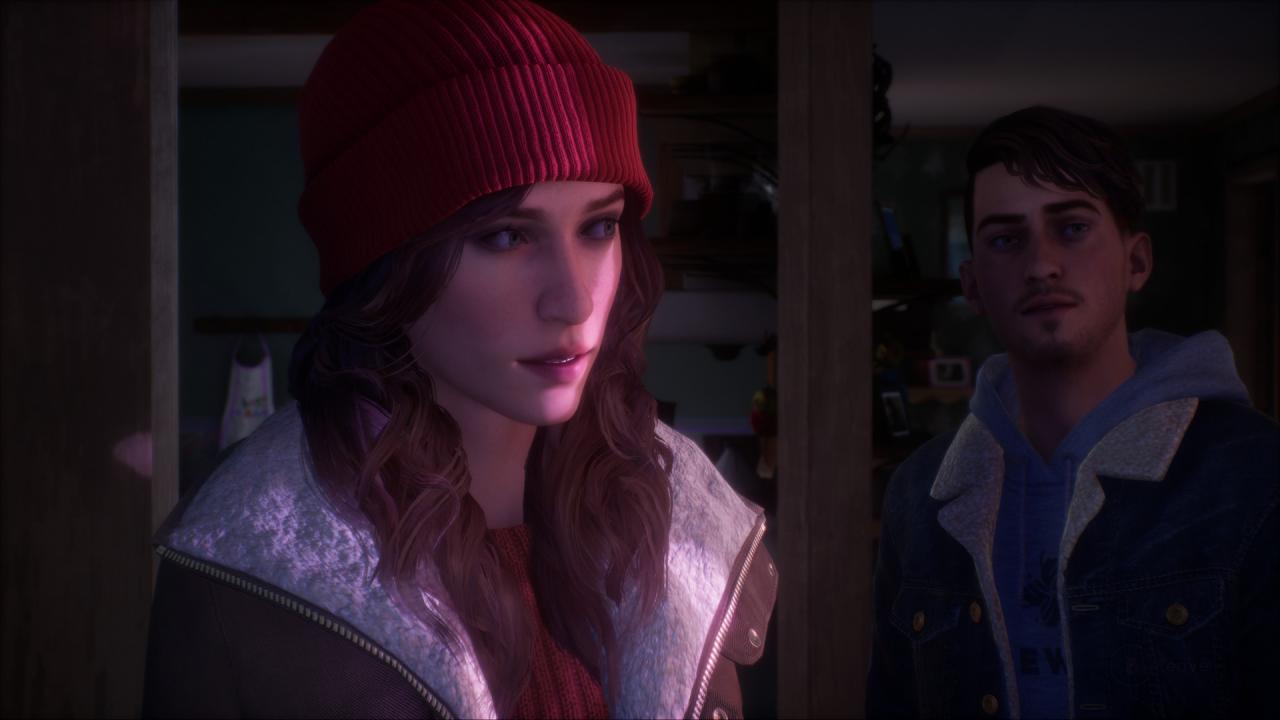
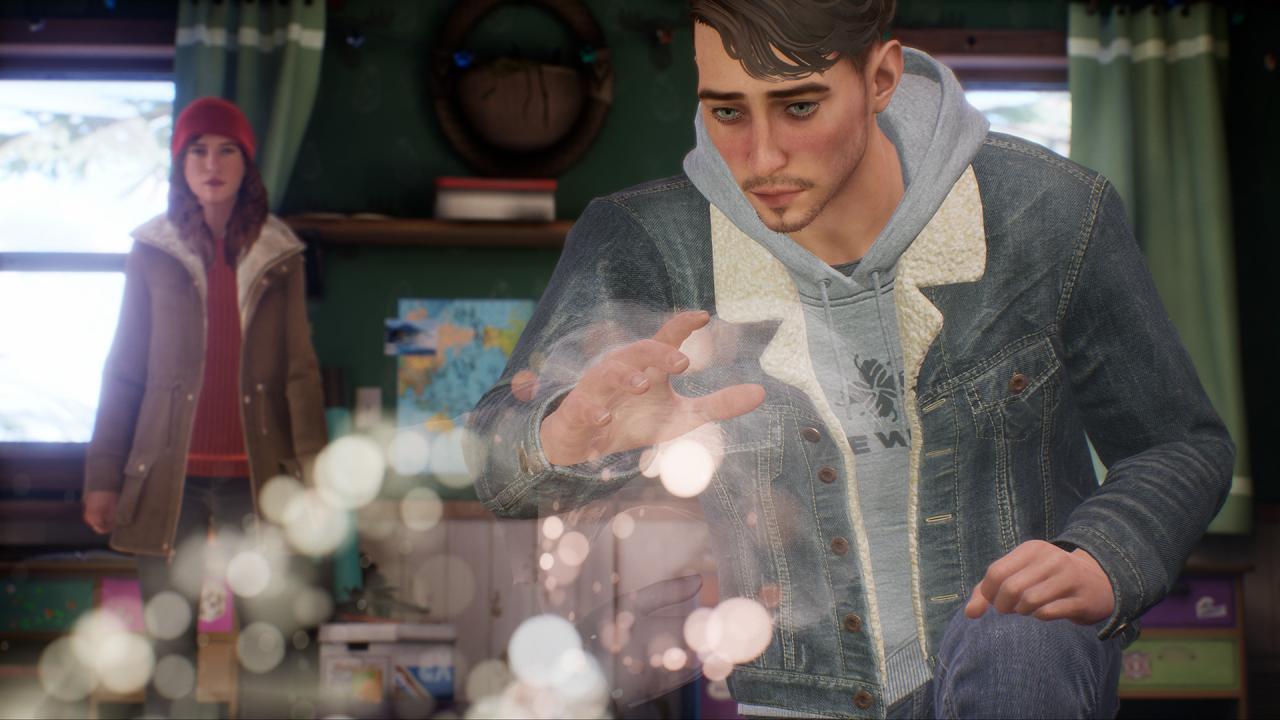
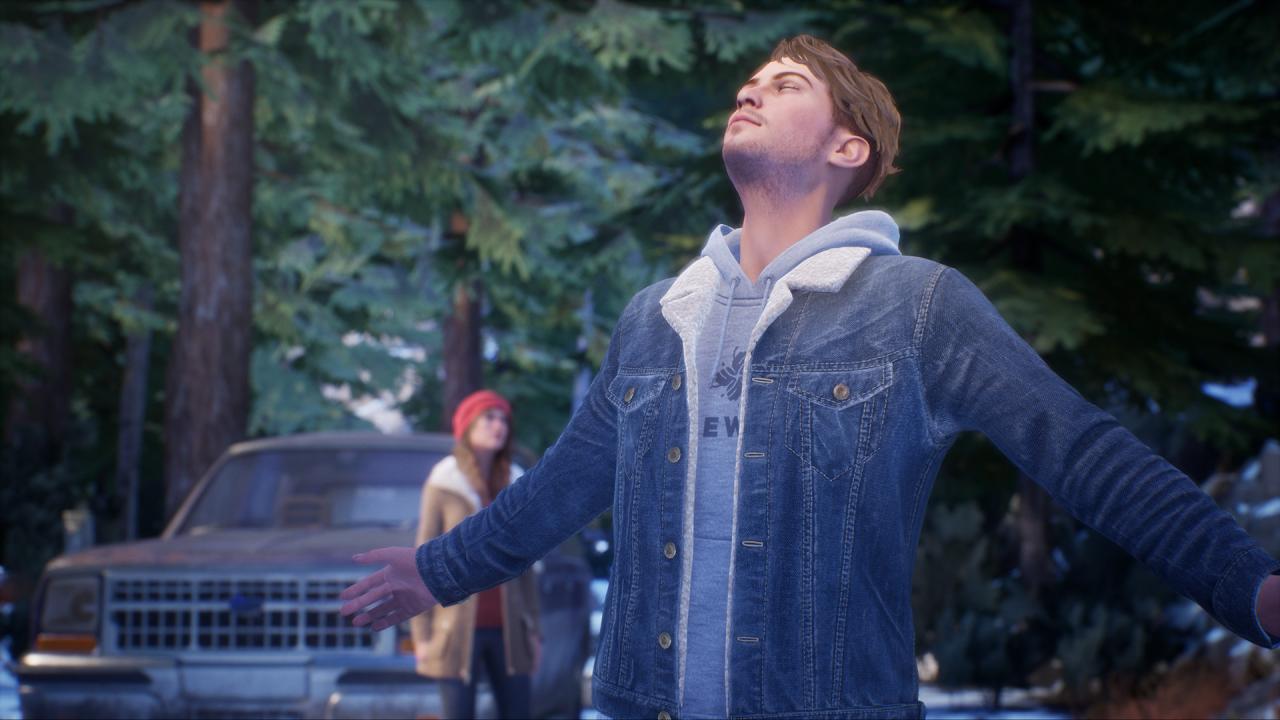
Tell Me Why is the latest narrative adventure game from DONTNOD Entertainment, the studio behind the beloved franchise, Life is Strange. In this intimate mystery, reunited twins Tyler and Alyson Ronan use their supernatural bond to unravel the memories of their loving but troubled childhood. Set in beautiful small-town Alaska, Tell Me Why features true-to-life characters, mature themes and gripping choices.As you conjure up memories of the past, your choices will affect the twins’ relationship, determine the strength of their bond, and shape the course of their lives.Tell Me Why’s first chapter releases August 27. The second chapter will be available September 3, and the final chapter will be available September 10.Revisit your past, discover the truth, and shape your future Uncover the truth – Use the twins’ supernatural bond to relive and explore their conflicting childhood memories. Shape your Story – Influence the relationship between Tyler and Alyson with choices that will determine their future. Unlock even more secrets – Match wits with puzzles that deepen the story and open a window into the twins’ fantasy world, “The Book of Goblins.” Experience true-to-life setting and characters Unique characters – Build relationships and solve mysteries through the eyes of compelling and realistic characters. Alaskan splendor – Explore locations set in beautiful, highly detailed small-town Alaska in stunning 4K and HDR. Storytelling with purpose – DONTNOD Entertainment and Xbox Game Studios conducted on-the-ground research and partnered closely with cultural, mental health and gender advocates to craft a thoughtful, true-to-life experience.