Get 10% back in Relic Coins on every order
STAR WARS Episode I: Racer cover

SteamGlobal· Key

STAR WARS Episode I: Racer

€7.41

+€0.74 cashback eligibility in Relic Coins

Check before you play

Platform
Steam
Region
Global
Product type
Key
Developer
Zen Studios
Publisher
Zen Studios
Supplier release date
1999-05-17
Genres
Action, Racing

About this product

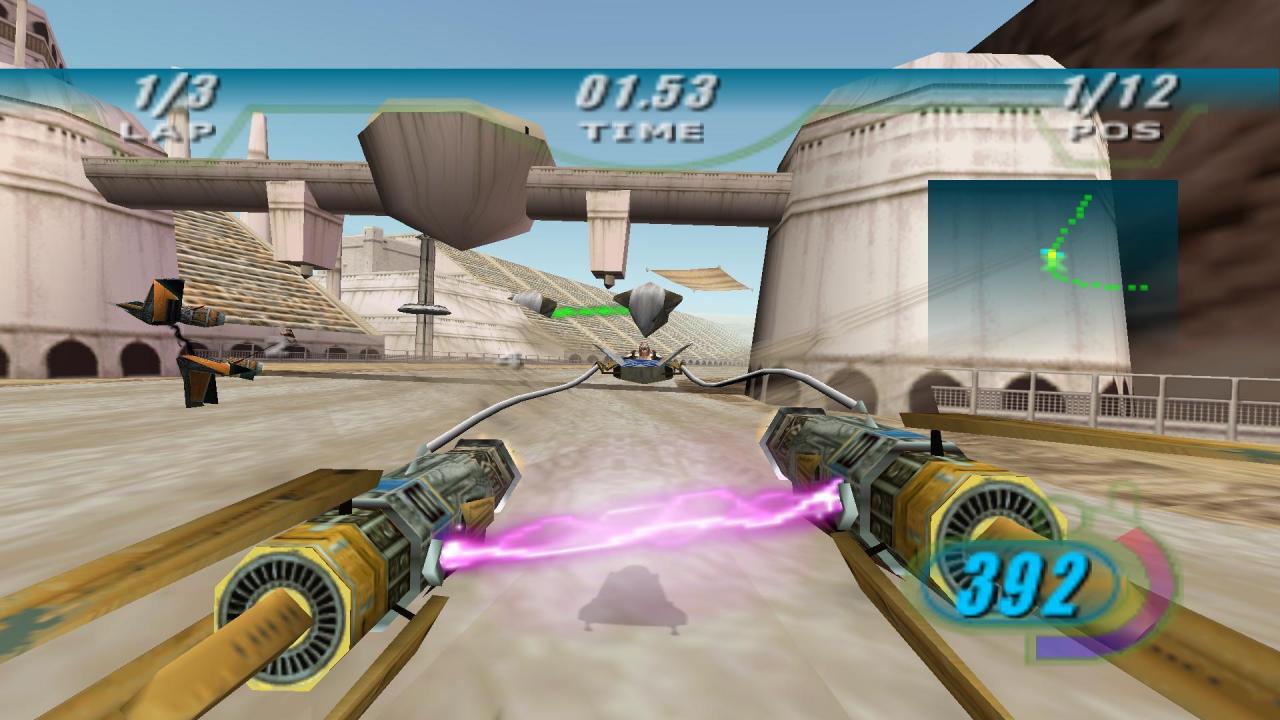
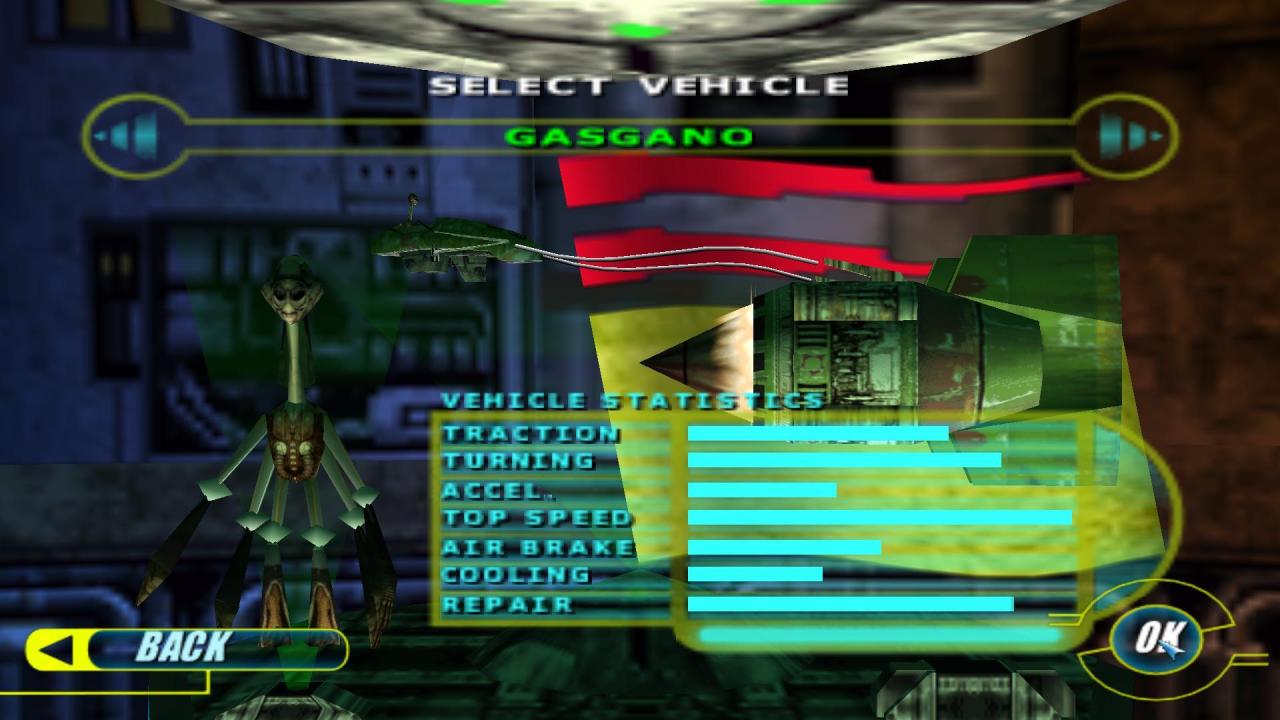
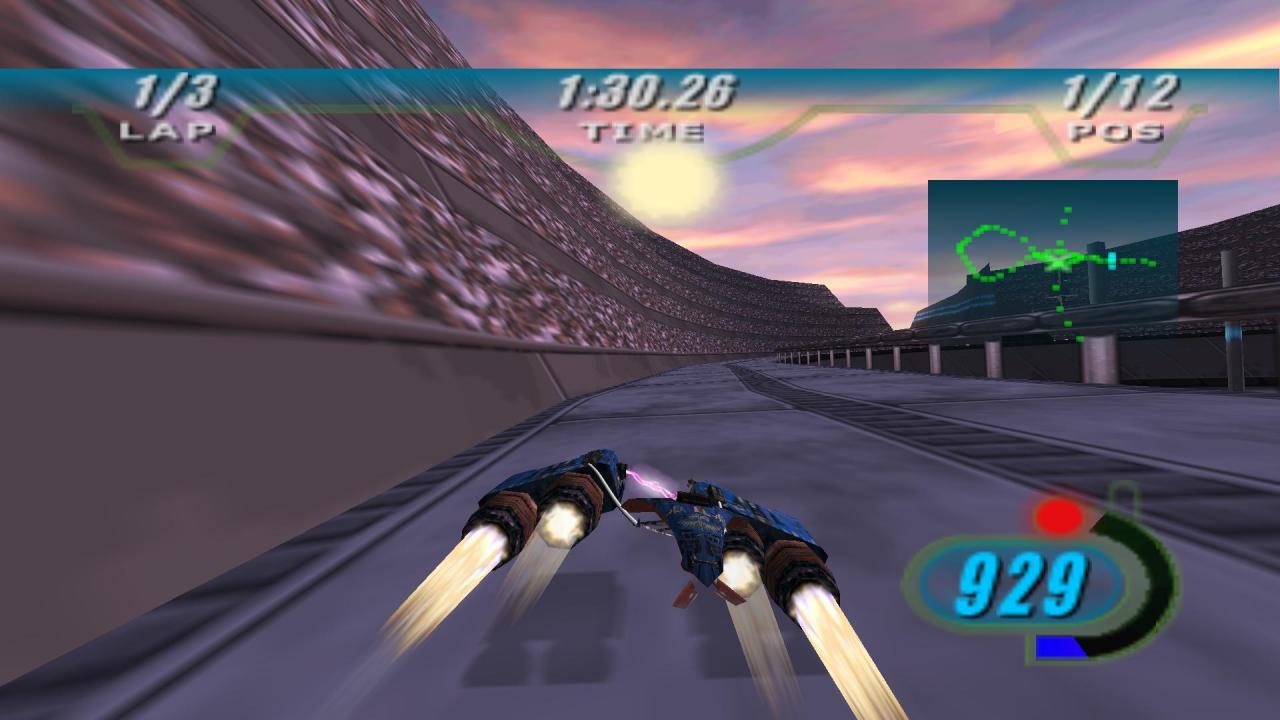
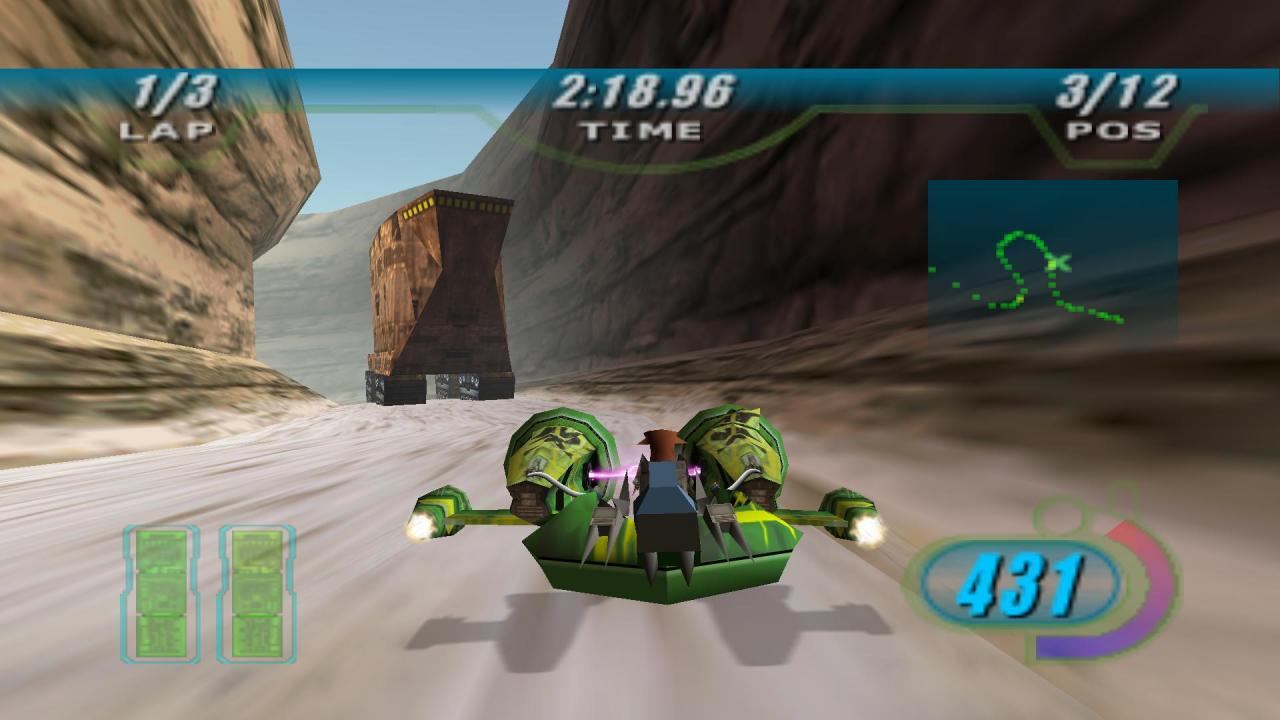
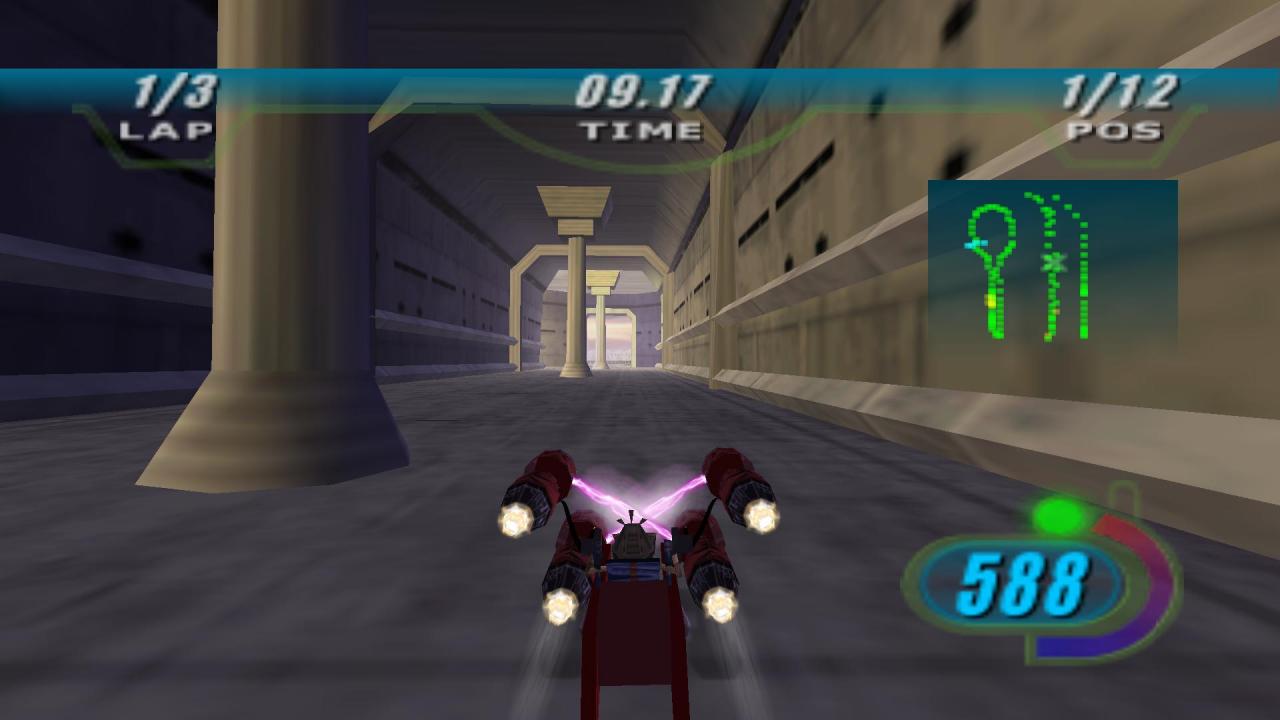
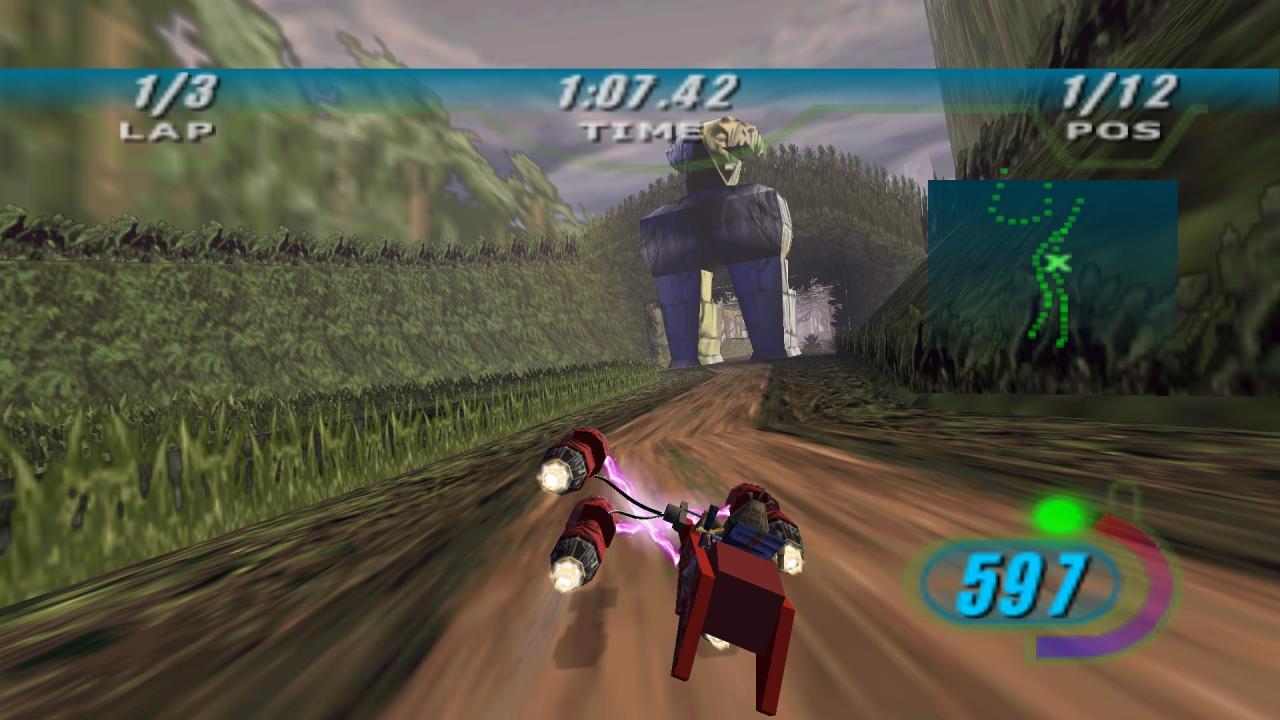
Two Engines. One Champion. No Limits. Climb on, strap in, and experience the pure adrenaline-pumping excitement of the Podracing sequence from STAR WARS™: Episode I The Phantom Menace. Take the controls as Anakin Skywalker, or any one of over 21 Podracers, and feel the full-force blast of two massive jet engines at simulated speeds of up to 600 mph. Rein in a turbine-driven chariot through 8 spectacular worlds. Negotiate through flaming methane lakes, Tusken Raider assaults, anti-gravity tunnels and much more in a pulse-pounding, do-or-die fight to the finish where anyone will do anything to cross the finish line. How far will you go? Features Relive all the thrill and excitement of the Podracer sequence from STAR WARS™: Episode I. Hang on tight - with afterburners on, Podracers max out at a simulated 600 mph! Race in furious competition against 21+ opponents. Take on over 21 tracks on 8 unique worlds! Avoid hazards such as methane lakes, meteor showers and Tusken Raiders. Spectacular 3D environments. Vehicle sound effects and epic soundtrack taken directly from Episode I.

STAR WARS Episode I: Racer screenshotSTAR WARS Episode I: Racer screenshotSTAR WARS Episode I: Racer screenshotSTAR WARS Episode I: Racer screenshotSTAR WARS Episode I: Racer screenshotSTAR WARS Episode I: Racer screenshot

How to redeem

  1. 1Check your Steam account and the listed region before purchasing.
  2. 2Find your code and supplier activation instructions in your confirmed order.
  3. 3Open the redeem-code section on Steam, enter the code and follow the platform’s prompts.

Supplier instructions

Go to: http://store.steampowered.com/ and download STEAM client Click "Install Steam" (from the upper right corner) Install and start application, login with your Account name and Password (create one if you don't have). Please follow these instructions to activate a new retail purchase on Steam: Launch Steam and log into your Steam account. Click the Games Menu. Choose Activate a Product on Steam... Follow the onscreen instructions to complete the process. After successful code verification go to the "MY GAMES" tab and start downloading.

You might also like