Get 10% back in Relic Coins on every order
Sid Meier's Civilization V - Polynesian Civilization Pack DLC cover

SteamGlobal· Gift

Sid Meier's Civilization V - Polynesian Civilization Pack DLC

€2.73

+€0.27 cashback eligibility in Relic Coins

Check before you play

Platform
Steam
Region
Global
Product type
Gift
Developer
Firaxis Games
Publisher
2K Games
Supplier release date
2011-03-03
Genres
Adventure, Strategy, Simulation, Casual

About this product

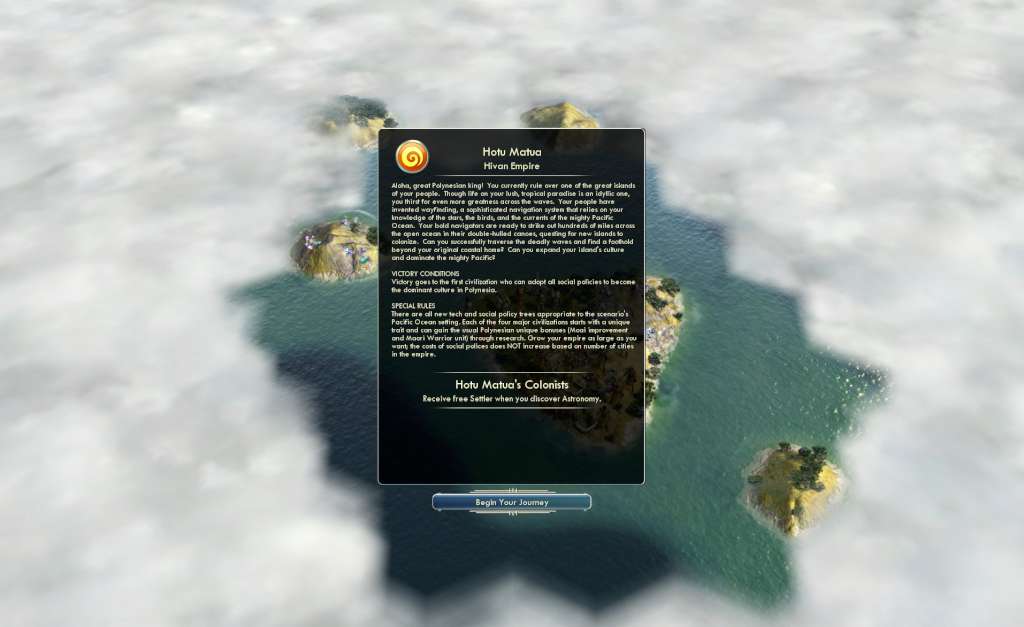
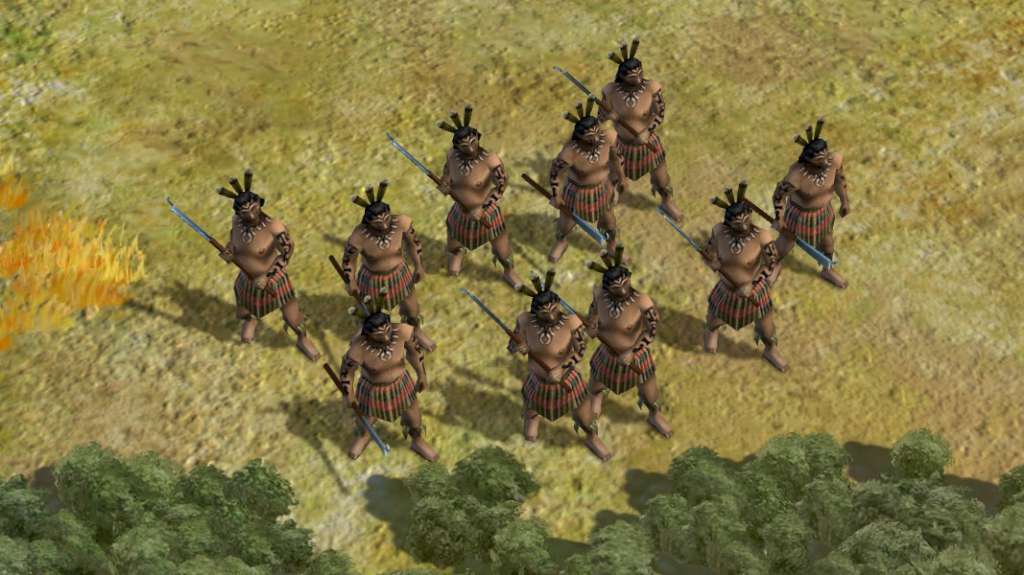
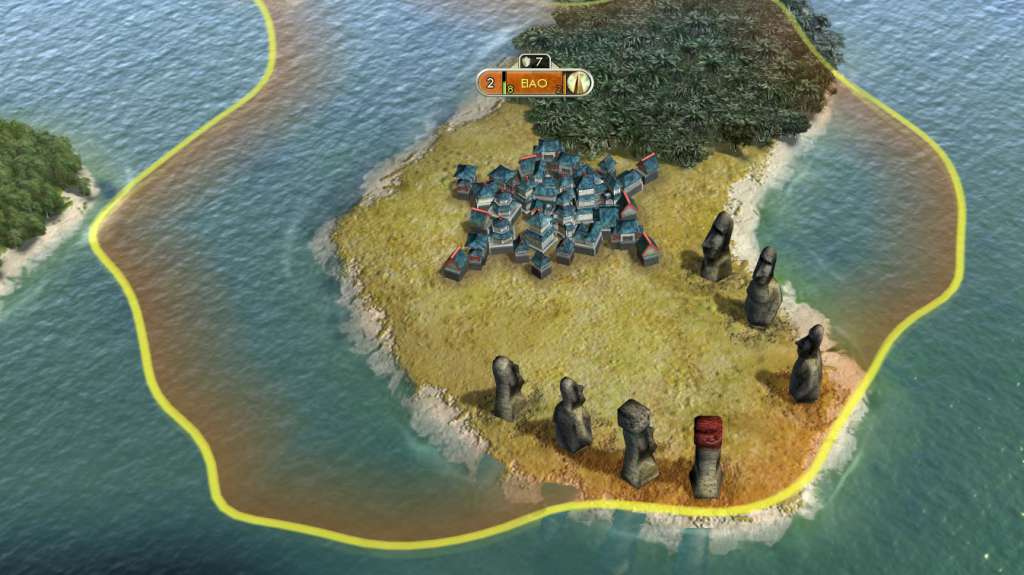
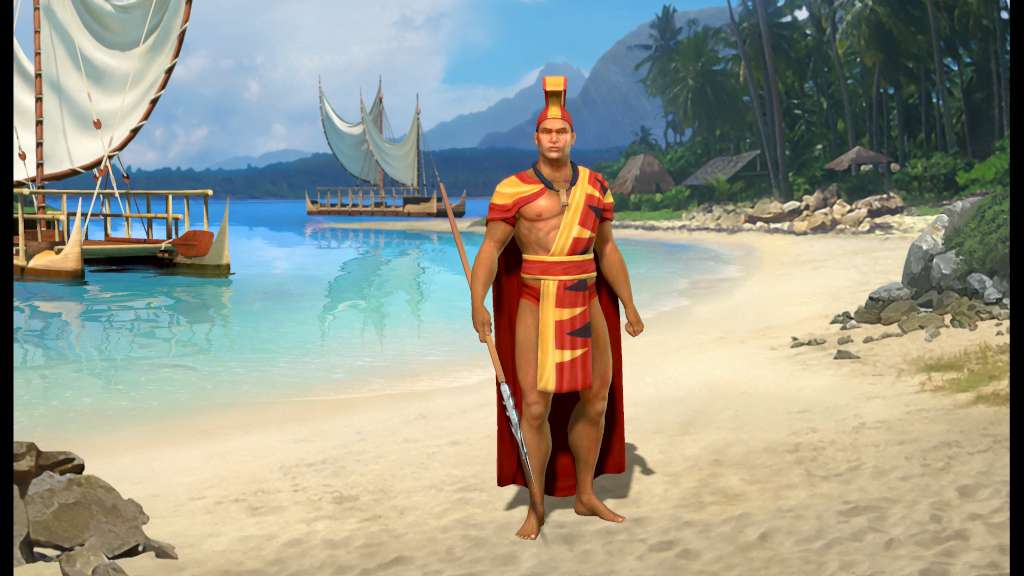
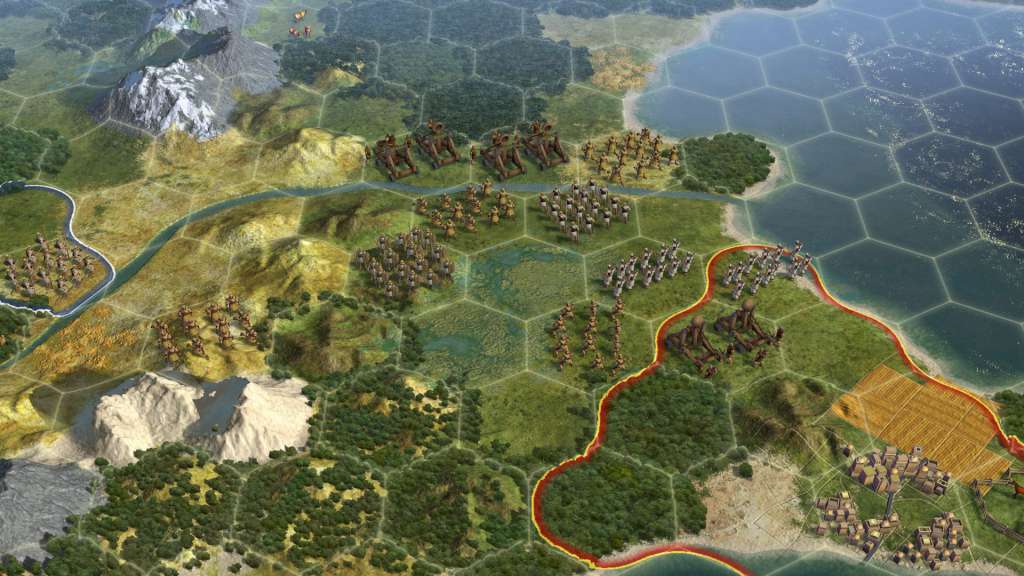
The Polynesian Scenario Pack brings you both the Polynesian Civilization and a new Scenario, Paradise Found. Rule the world as Kamehameha, unifier of Hawai'i, with your powerful navy and imposing Moai statues! Scenario Description: In Paradise Found, players take on the role of one of the four great Polynesian kingdoms as they strive to become the dominant culture in Polynesia. All-new technology and social policy trees unlock powerful advantages to players, including the fearsome Maori Warrior and the enigmatic Moai. Special changes to the game rules allow players to build expansive kingdoms quickly without impeding their cultural growth, but the seas of the Pacific are huge and land is at a premium among the atolls and islands. Take the best islands for yourself, and prove your mana as a ruler as you build Polynesia to stand the test of time! Polynesia Ruler – Kamehameha was the first ruler to unite all of the Big Islands of Hawai'i under his rule in 1791, and reformed many of the island's laws to protect its people. Because of his strong rule and wise policies, Hawai’i remained an independent kingdom long after Kamehameha’s death in 1819.

Sid Meier's Civilization V - Polynesian Civilization Pack DLC screenshotSid Meier's Civilization V - Polynesian Civilization Pack DLC screenshotSid Meier's Civilization V - Polynesian Civilization Pack DLC screenshotSid Meier's Civilization V - Polynesian Civilization Pack DLC screenshotSid Meier's Civilization V - Polynesian Civilization Pack DLC screenshotSid Meier's Civilization V - Polynesian Civilization Pack DLC screenshot

How to redeem

  1. 1Check that your Steam account can receive gifts in the listed region.
  2. 2Open the confirmed order and follow the supplier’s gift-delivery instructions.
  3. 3Accept the gift on the required platform account and add it to your library.

Supplier instructions

"Please remember that we are NOT responsible for any problems that may arise from purchasing and using Steam Gifts. You are doing it at your own risk. "Please note, that due to recent Valve Steam Gift policy update Steam Gifts for games that are covered by VAC ban program can no longer be added to Inventory. Make sure that you are logged in to the proper account before entering the link as Steam Gifts can be only added to your library or rejected. How do I use a Steam gift given to me? If you do not already have Steam, download and install Steam here. Once you have Steam installed, you will be prompted to create an account or login to an existing Steam account. If you do not have an account, please create one. You will receive an e-mail containing a link that will open Steam allowing you to redeem your gift. After clicking the link, you will receive a notification at the top right corner in the Steam client informing that you have a new gift.

You might also like