Get 10% back in Relic Coins on every order
Dungeons 3 - A Multitude of Maps DLC cover

SteamGlobal· DLC

Dungeons 3 - A Multitude of Maps DLC

€0.15

+€0.02 cashback eligibility in Relic Coins

Check before you play

Platform
Steam
Region
Global
Product type
DLC

Check the required base game and edition before purchasing this add-on.

Developer
Realmforge Studios
Publisher
Kalypso Media Digital
Supplier release date
2020-02-21
Genres
Simulation, Strategy

About this product

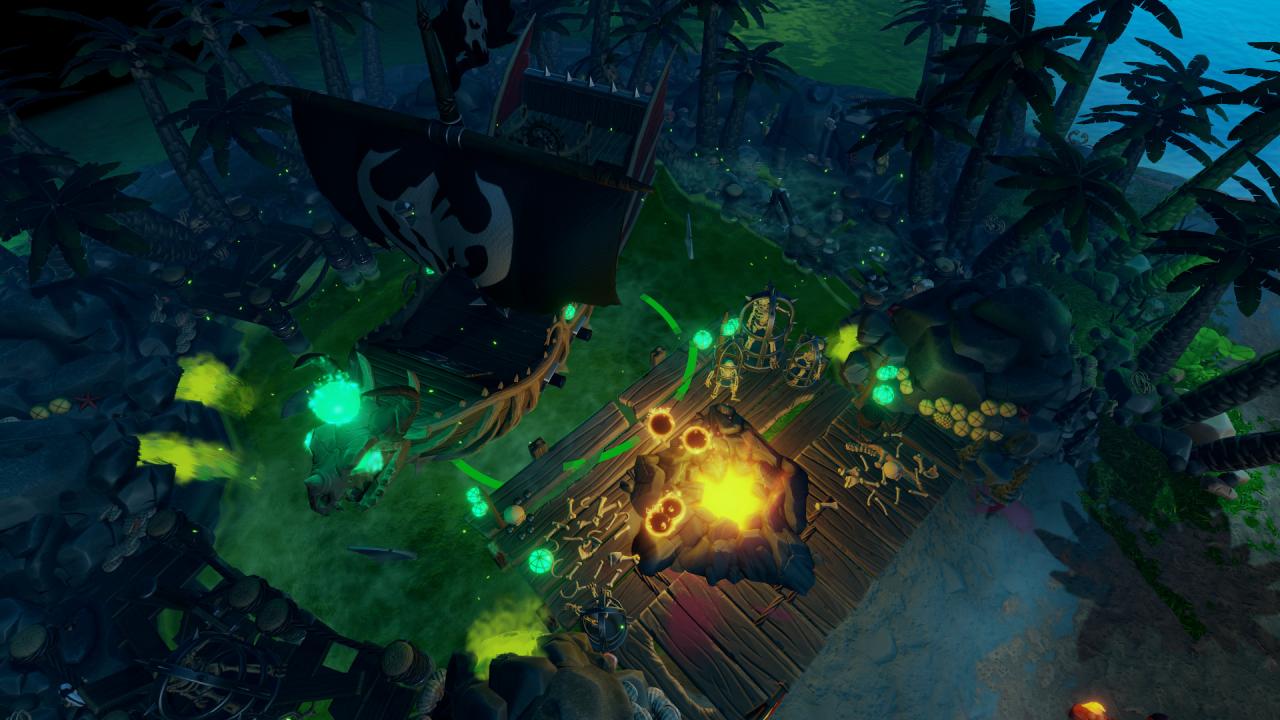
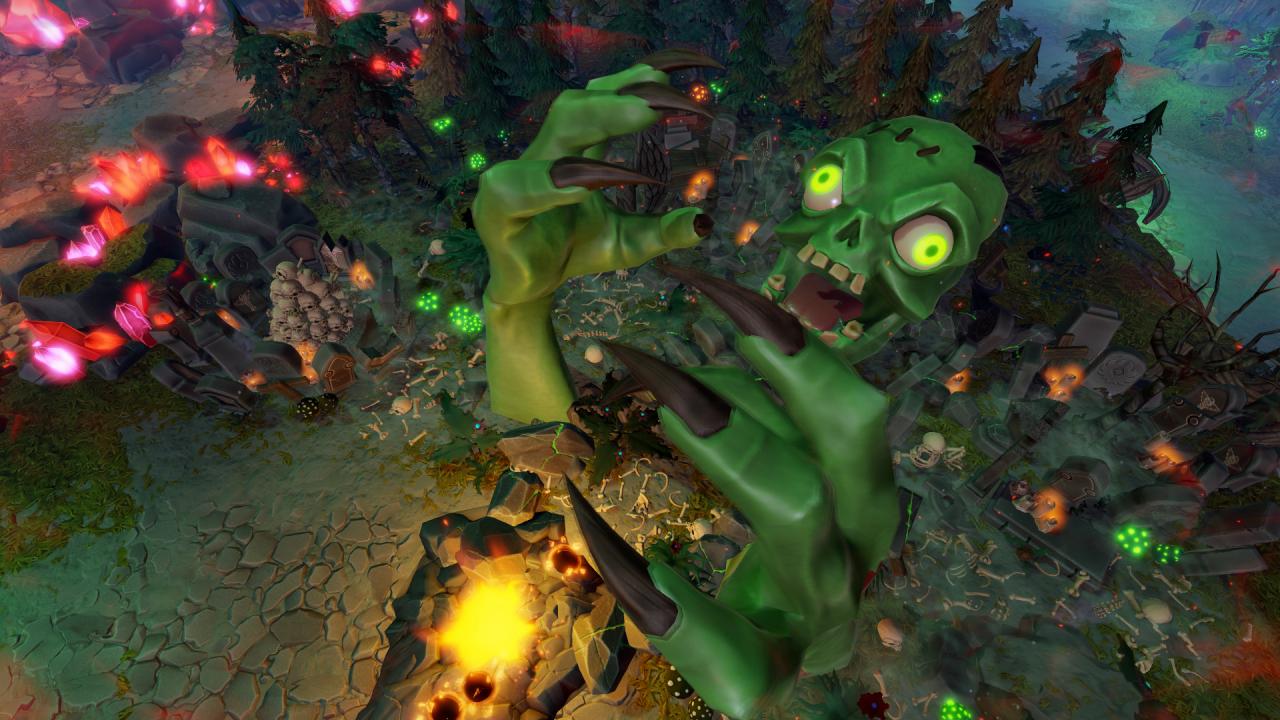
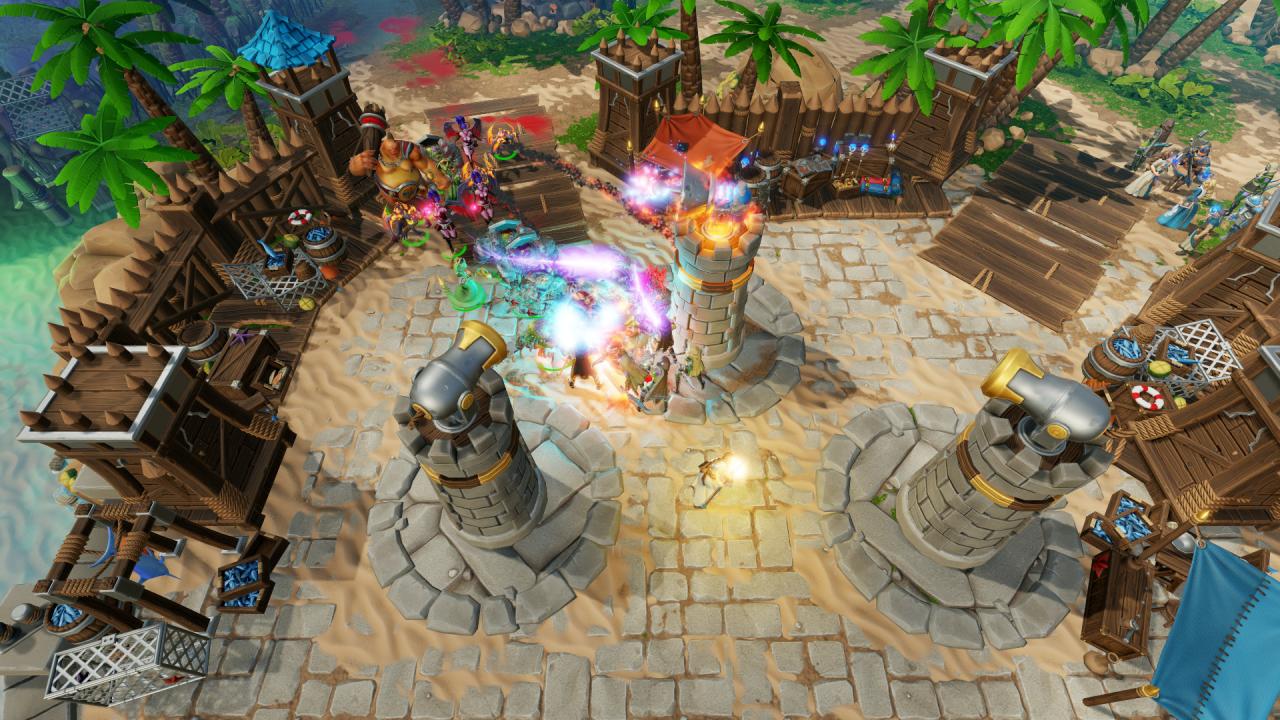
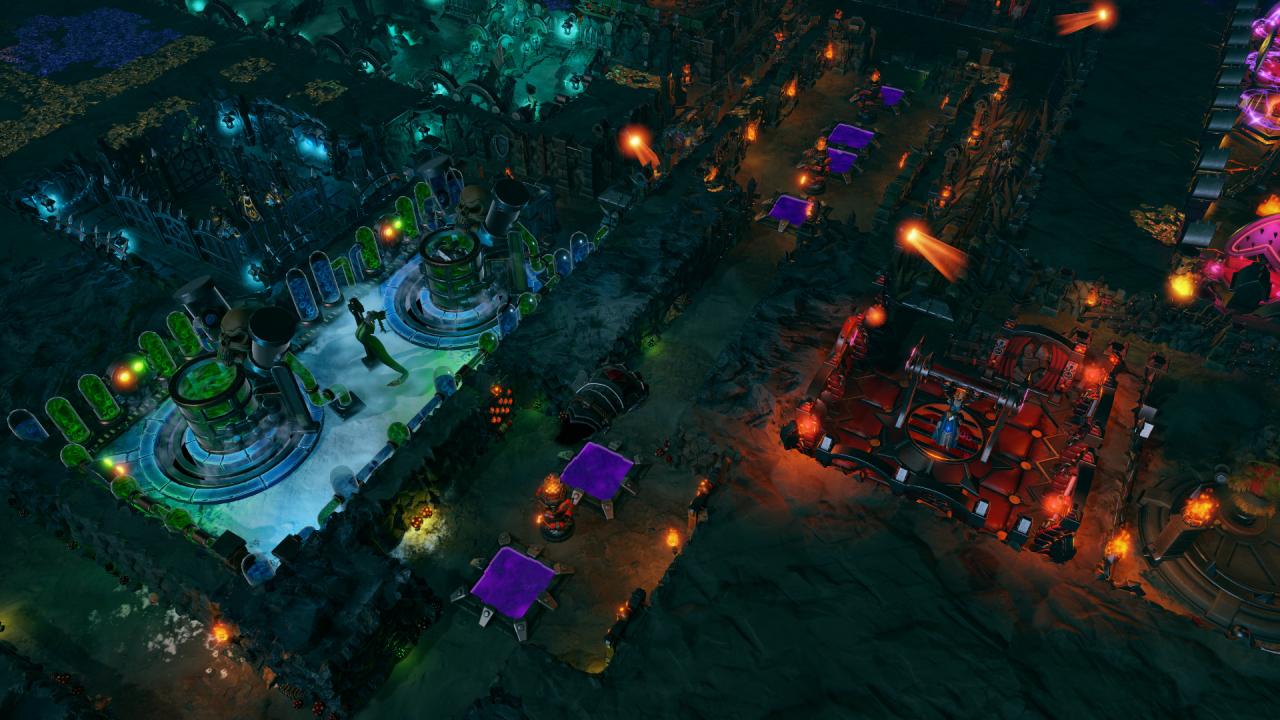
Includes: Includes three completely new Skirmish Maps with new challenges for the Sublime Evil: The Summoning Stones, Corpses for the Mortuary Mountain and Re-burying the Golem All three maps are available in single player or together with friends in co-op mode It’s time to put on the oversized boots of the Absolute Evil one last time to fight the particularly dull forces of Good on three unique skirmish maps. Show your opponents you know how to smash skulls with a warhammer and demonstrate your skills in harmonious strife to your worst friends and favourite enemies alike.In this Map Pack, you fight alongside Thalya for the Summoning Stones, offer sacrificial victims on the slopes of Mortuary Mountain and help a Grave Golem in his search for a new resting place.

Dungeons 3 - A Multitude of Maps DLC screenshotDungeons 3 - A Multitude of Maps DLC screenshotDungeons 3 - A Multitude of Maps DLC screenshotDungeons 3 - A Multitude of Maps DLC screenshot

How to redeem

  1. 1Check the required base game, platform and edition before purchasing.
  2. 2Find the code or supplier activation instructions in your confirmed order.
  3. 3Redeem on Steam using the supplied instructions, then install the add-on with the compatible base game.

Supplier instructions

Go to: http://store.steampowered.com/ and download STEAM client Click "Install Steam" (from the upper right corner) Install and start application, login with your Account name and Password (create one if you don't have). Please follow these instructions to activate a new retail purchase on Steam: Launch Steam and log into your Steam account. Click the Games Menu. Choose Activate a Product on Steam... Follow the onscreen instructions to complete the process. After successful code verification go to the "MY GAMES" tab and start downloading.

You might also like