Get 10% back in Relic Coins on every order
Swords 'n Magic and Stuff cover

SteamGlobal· Key

Swords 'n Magic and Stuff

€3.07

+€0.31 cashback eligibility in Relic Coins

Check before you play

Platform
Steam
Region
Global
Product type
Key
Developer
Kindred Games
Publisher
Kindred Games
Supplier release date
2020-09-08
Genres
Adventure, RPG, Indie, Casual

About this product

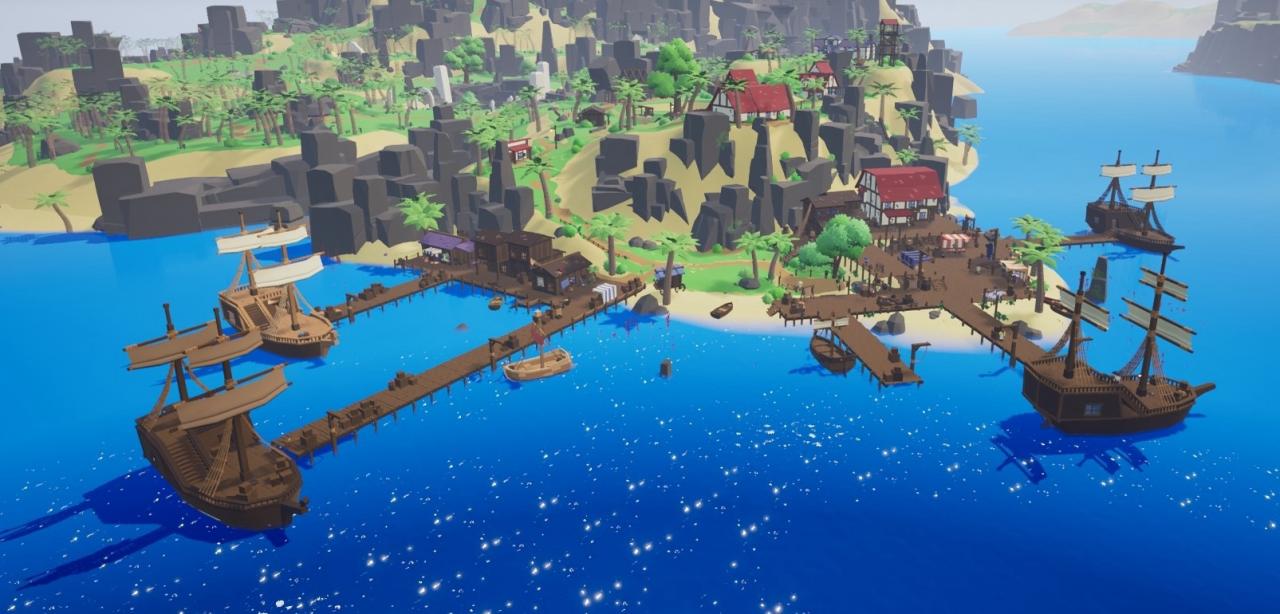
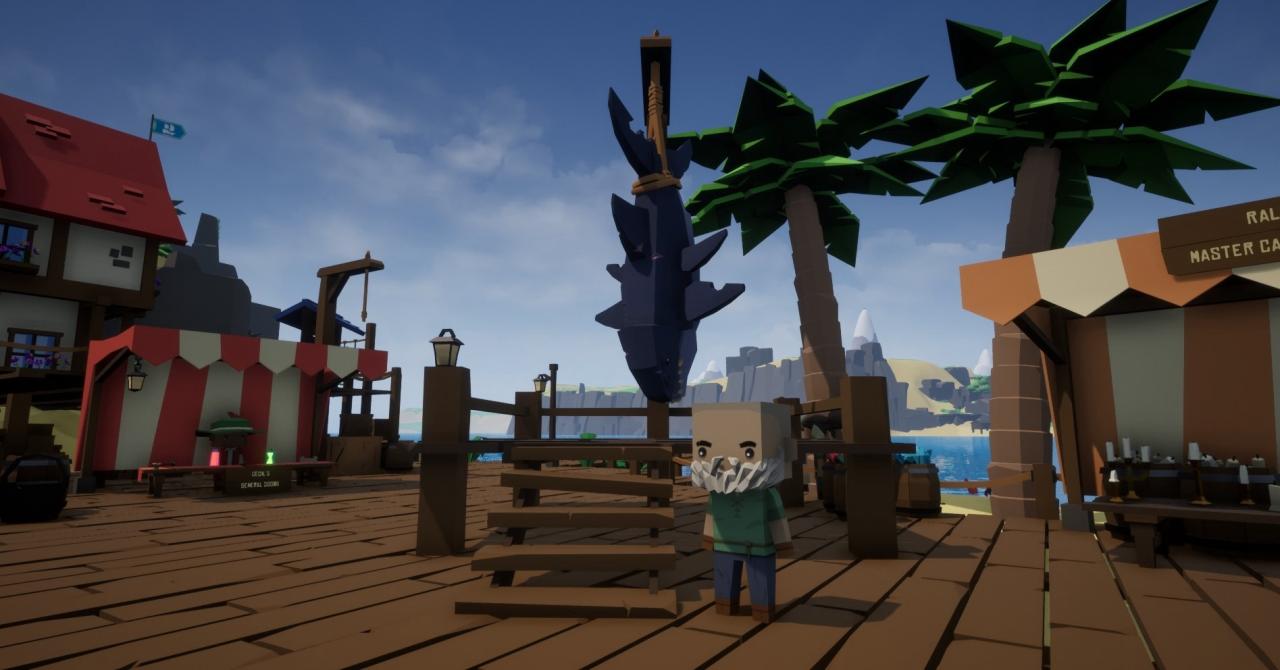
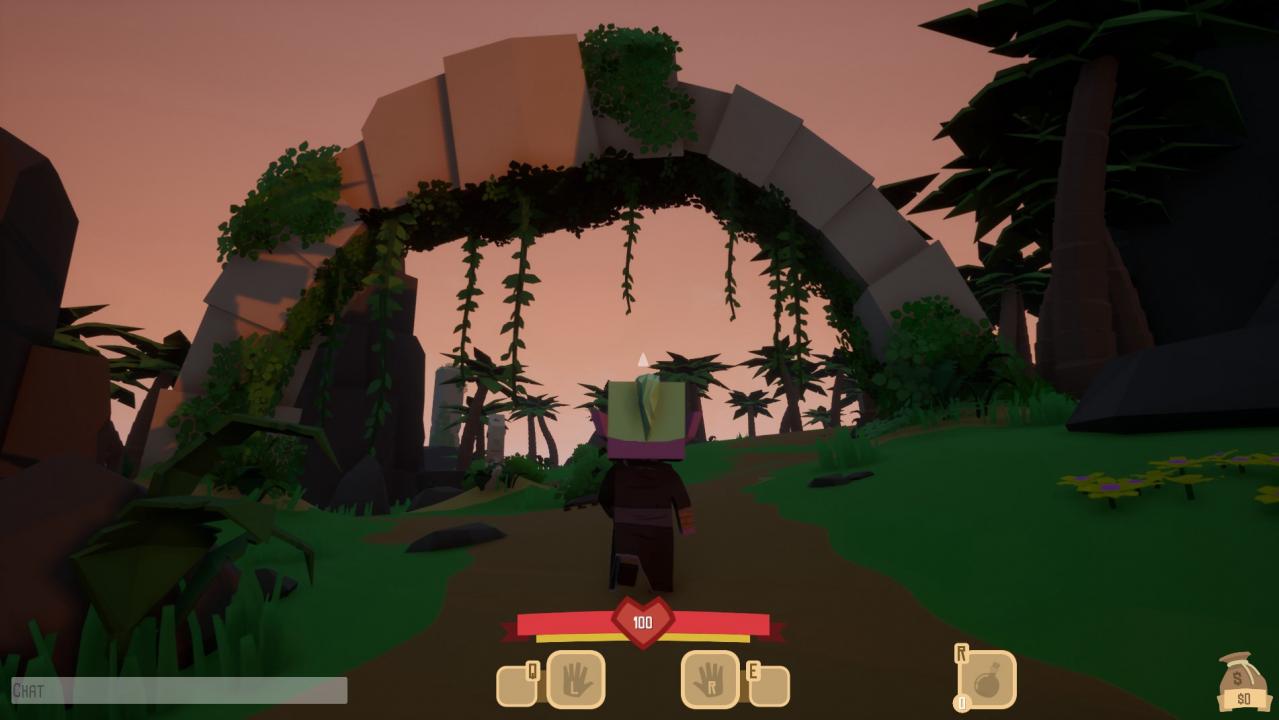
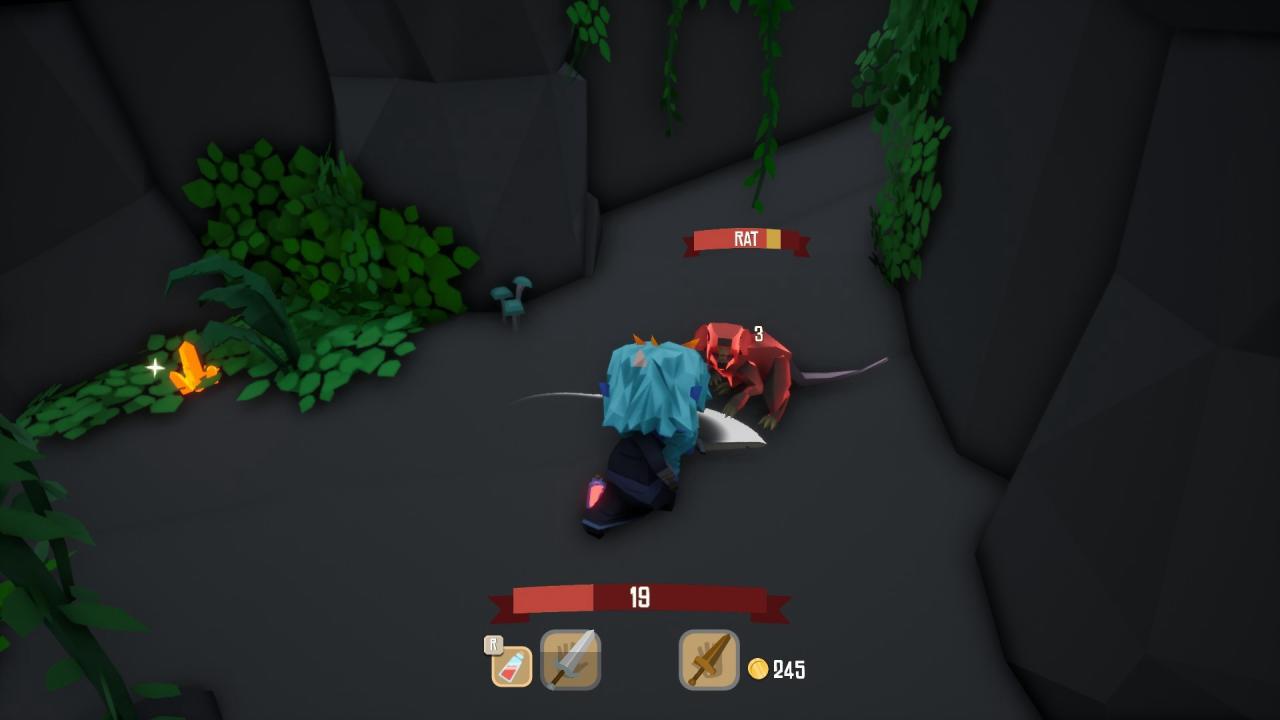
Set in a fantasy realm once ruled by the great king Owynn, you set off as a humble new adventurer looking to make a name for yourself. Since the king has fallen under a dark curse, his great Paladins have retreated from the lands where they once kept order to seek a cure. With the guardians away trouble is slowly finding its way back into the realm and you're not the only new adventurer trying to stop it.Explore a large, densely populated open world alone or with friends. Swords 'n Magic is a casual journey of discovery. You play a blank slate adventurer just waiting for you to carve out a destiny for them. With no classes, levels or restrictions, you can be whoever you want to be, use whatever weapons and items you can buy, loot or craft, and play however you wish. You can seek out epic adventures laden with legendary treasure or enjoy the simple life of owning a small farm, crafting furniture for your home or even just traveling the world as a simple merchant. In Swords 'n Magic and Stuff you play at your own pace with no hand-holding.The world of Swords 'n Magic is casual and fun. Being friendly to younger or inexperienced audiences, anyone can pick up a controller and join in on the fun no matter how long each player has been playing.

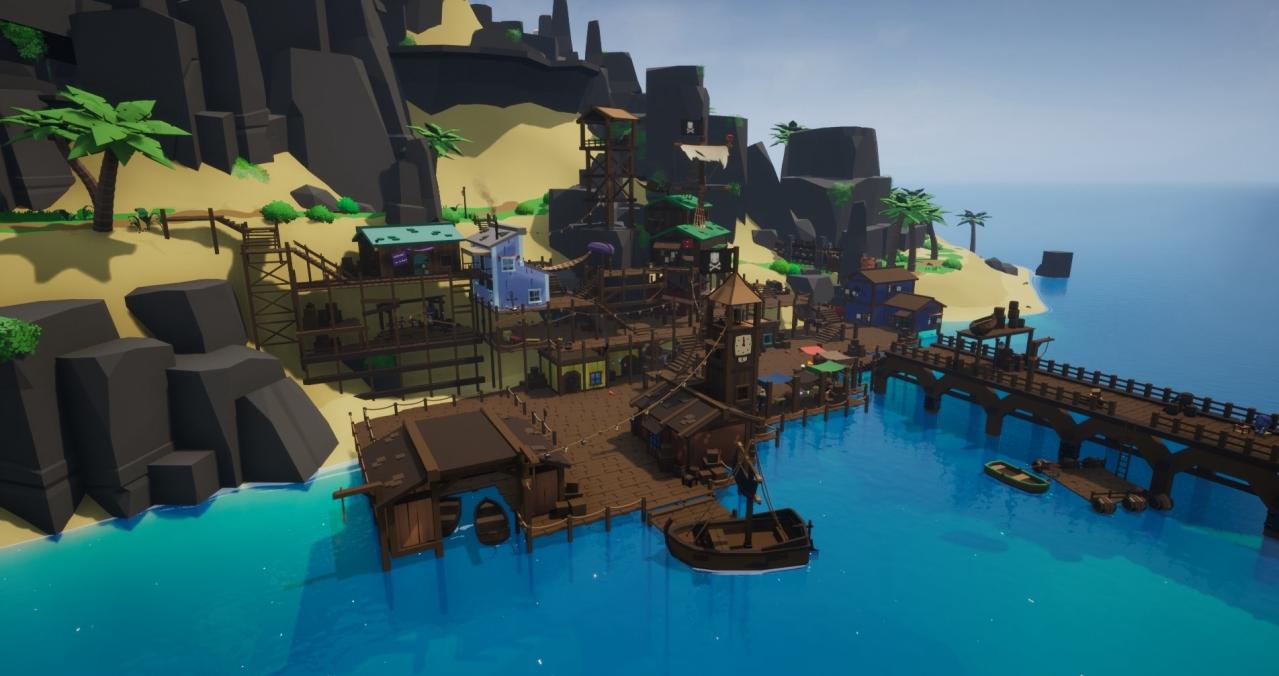
Swords 'n Magic and Stuff screenshotSwords 'n Magic and Stuff screenshotSwords 'n Magic and Stuff screenshotSwords 'n Magic and Stuff screenshotSwords 'n Magic and Stuff screenshotSwords 'n Magic and Stuff screenshot

How to redeem

  1. 1Check your Steam account and the listed region before purchasing.
  2. 2Find your code and supplier activation instructions in your confirmed order.
  3. 3Open the redeem-code section on Steam, enter the code and follow the platform’s prompts.

Supplier instructions

Go to: http://store.steampowered.com/ and download STEAM client Click "Install Steam" (from the upper right corner) Install and start application, login with your Account name and Password (create one if you don't have). Please follow these instructions to activate a new retail purchase on Steam: Launch Steam and log into your Steam account. Click the Games Menu. Choose Activate a Product on Steam... Follow the onscreen instructions to complete the process. After successful code verification go to the "MY GAMES" tab and start downloading.

You might also like