Get 10% back in Relic Coins on every order
Star Wars Jedi Knight: Jedi Academy cover

GOG.comGlobal· Key

Star Wars Jedi Knight: Jedi Academy

€6.29

+€0.63 cashback eligibility in Relic Coins

Check before you play

Platform
GOG.com
Region
Global
Product type
Key
Developer
LucasArts
Publisher
LucasArts
Supplier release date
2003-09-16
Genres
Action

About this product

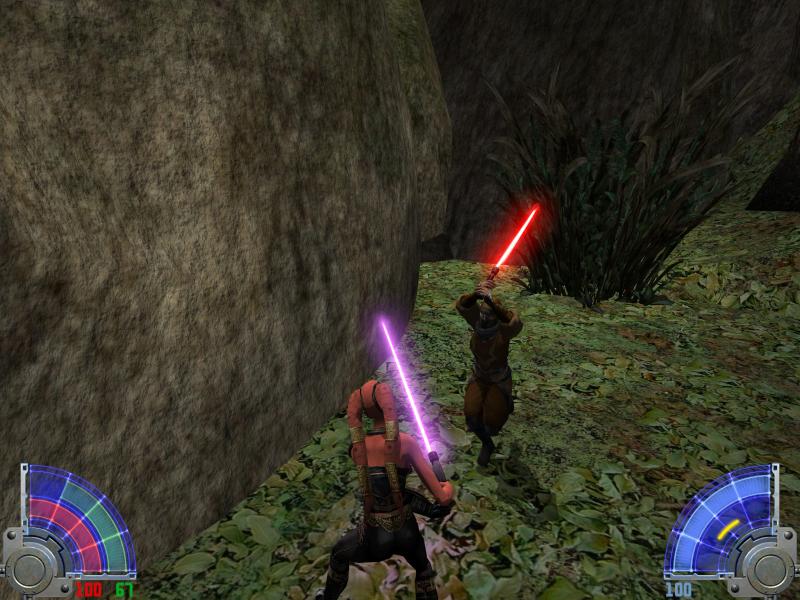
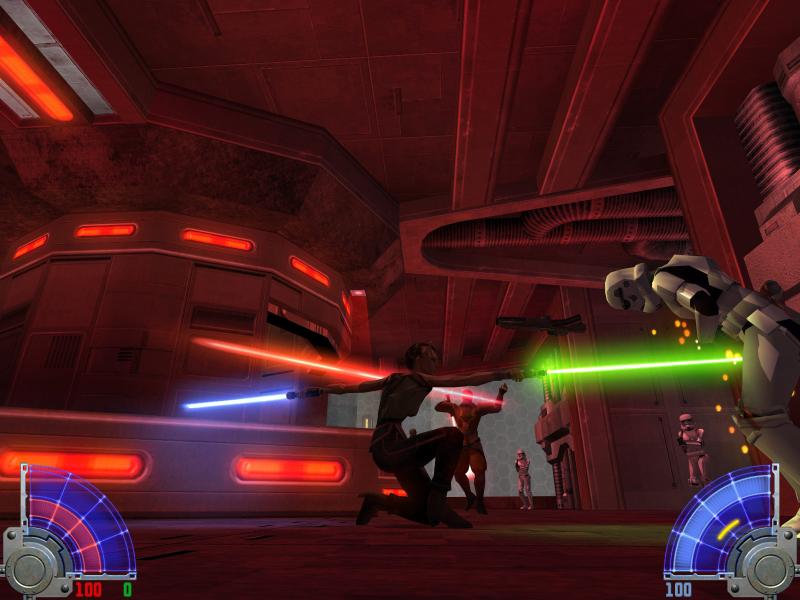
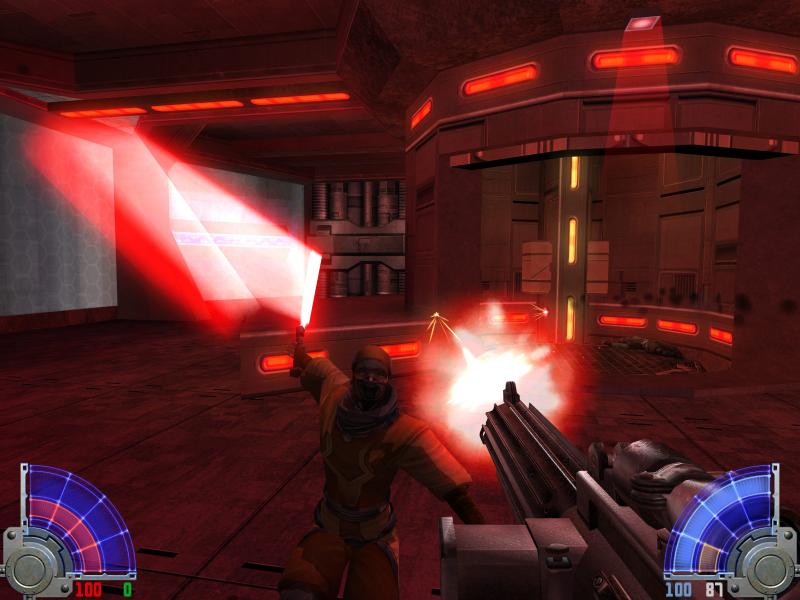
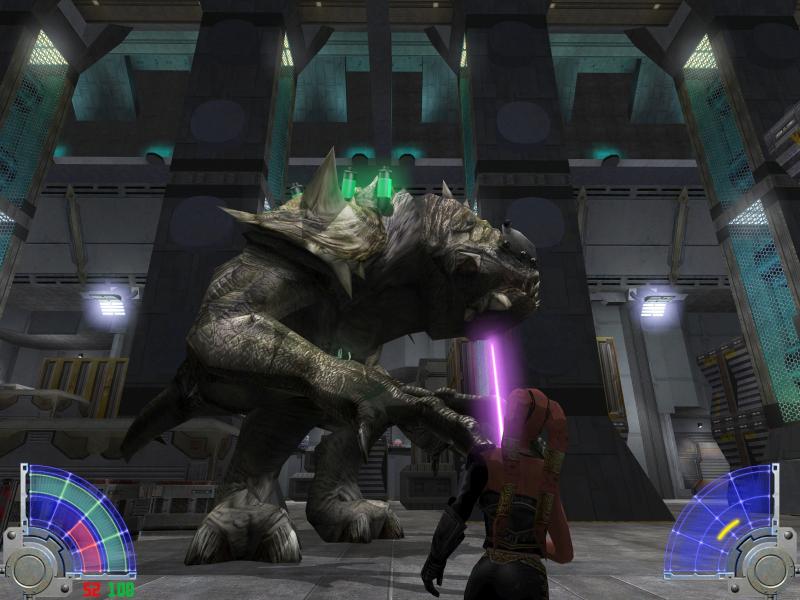
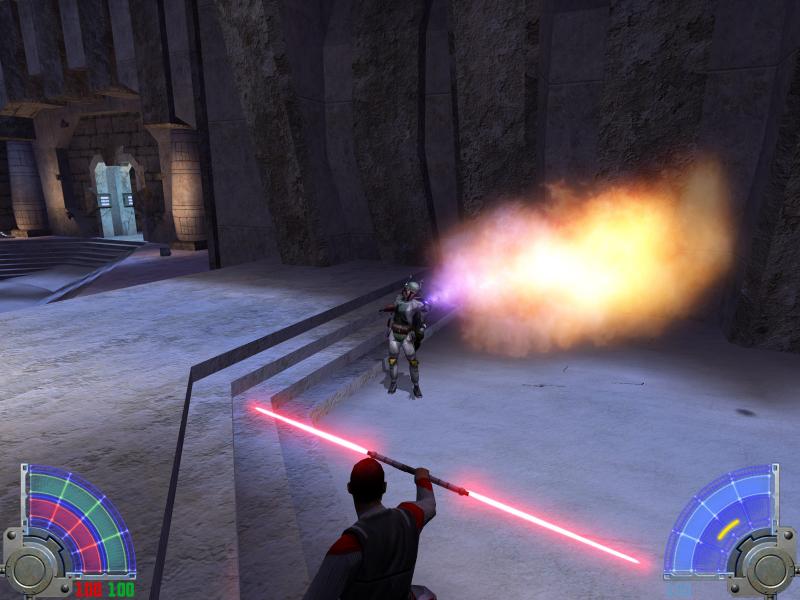
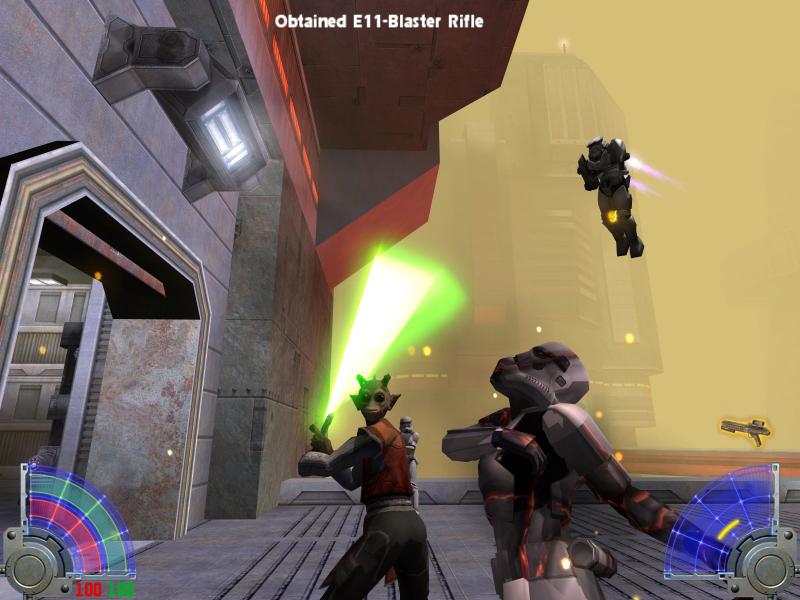
Forge your weapon and follow the path of the Jedi Jedi Knight: Jedi Academy is the latest installment of the highly acclaimed Jedi Knight series. Take on the role of a new student eager to learn the ways of the Force from Jedi Master Luke Skywalker. Interact with famous Star Wars characters in many classic Star Wars locations as you face the ultimate choice: fight for good and freedom on the light side or follow the path of power and evil to the dark side. Features Customize your character by defining both look and gender before entering the Academy to learn the power-and dangers- of the Force. Construct your own Lightsaber from handle to blade. As you progress, discover the power of wiedling two Lightsabers or the ultimate double-bladed Lightsaber made famous by Darth Maul. New vehicles, weapons, force powers and Star Wars locations. Unique level selection system allows you to choose your own missions and adventures. Six multiplayer modes including team based siege mode and two-on-one power duel. Fight in 23 multiplayer arenas!

Star Wars Jedi Knight: Jedi Academy screenshotStar Wars Jedi Knight: Jedi Academy screenshotStar Wars Jedi Knight: Jedi Academy screenshotStar Wars Jedi Knight: Jedi Academy screenshotStar Wars Jedi Knight: Jedi Academy screenshotStar Wars Jedi Knight: Jedi Academy screenshot

How to redeem

  1. 1Check your GOG.com account and the listed region before purchasing.
  2. 2Find your code and supplier activation instructions in your confirmed order.
  3. 3Open the redeem-code section on GOG.com, enter the code and follow the platform’s prompts.

Supplier instructions

Please create an account or login on https://www.gog.com Go to https://www.gog.com/redeem Enter the code and then press "CONTINUE" After a short amount of time you will see the details about the product, please press "CONTINUE" again. Download and install the GOG.com downloader Login to the software and get back to the product page Go to https://www.gog.com/account and look for the "Games" tab. Press the box of the product you want to download. Activate the GOG.com Download Mode on the right side of product menu. Choose the installation package from the list and save it with the GOG Downloader.

You might also like