Get 10% back in Relic Coins on every order
Crusader Kings III RU cover

SteamRussia· Key

Crusader Kings III RU

€12.78

+€1.28 cashback eligibility in Relic Coins

Check before you play

Platform
Steam
Region
Russia
Product type
Key
Developer
Paradox Development Studio
Publisher
Paradox Interactive
Supplier release date
2020-09-01
Genres
Strategy, RPG, Simulation

About this product

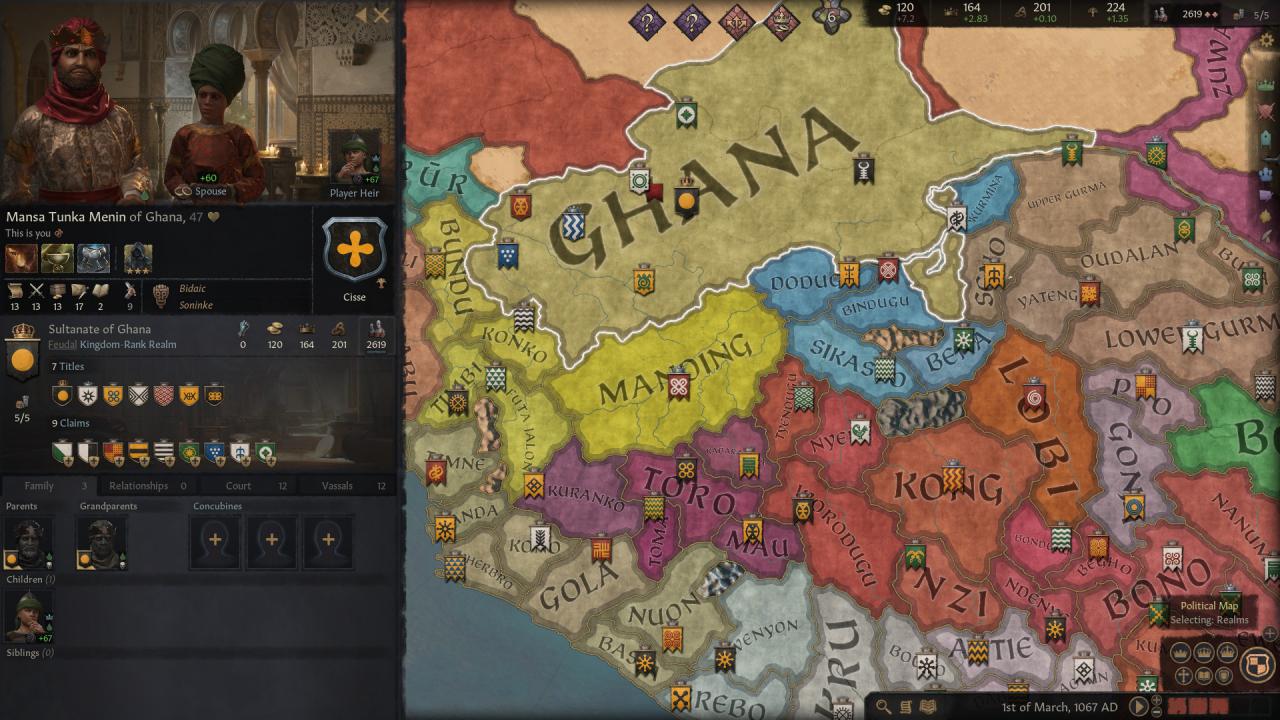
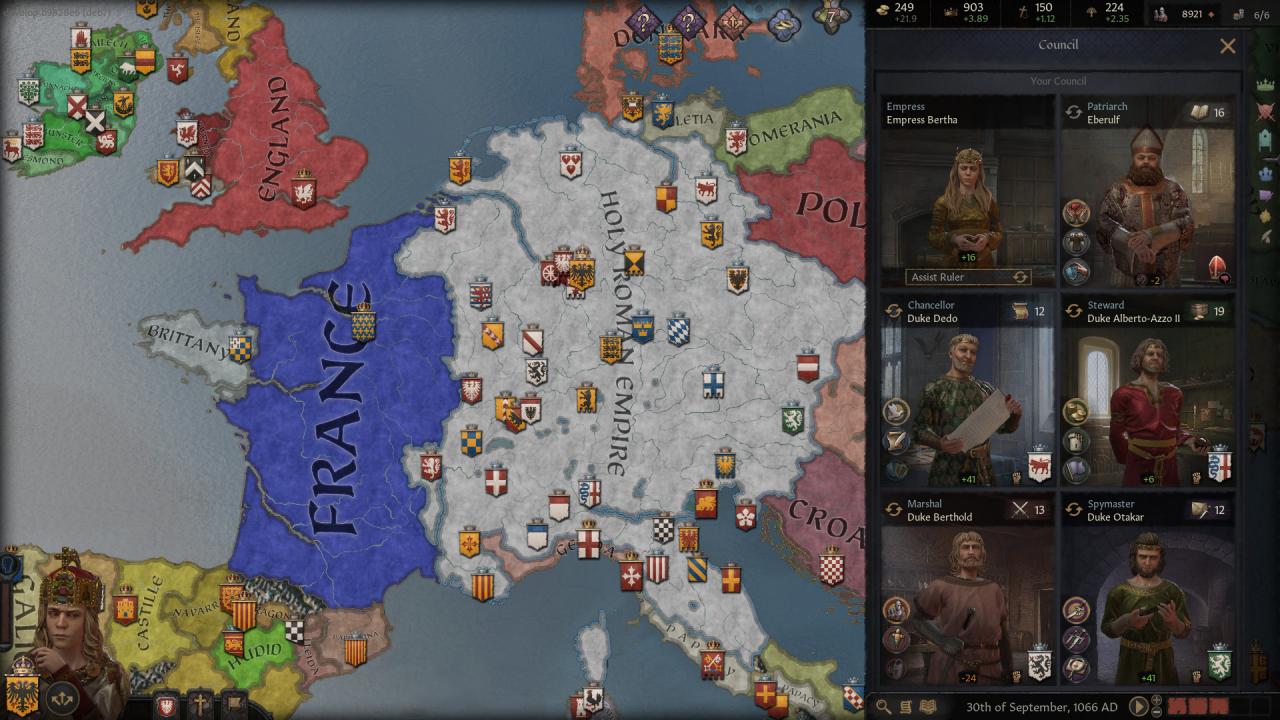
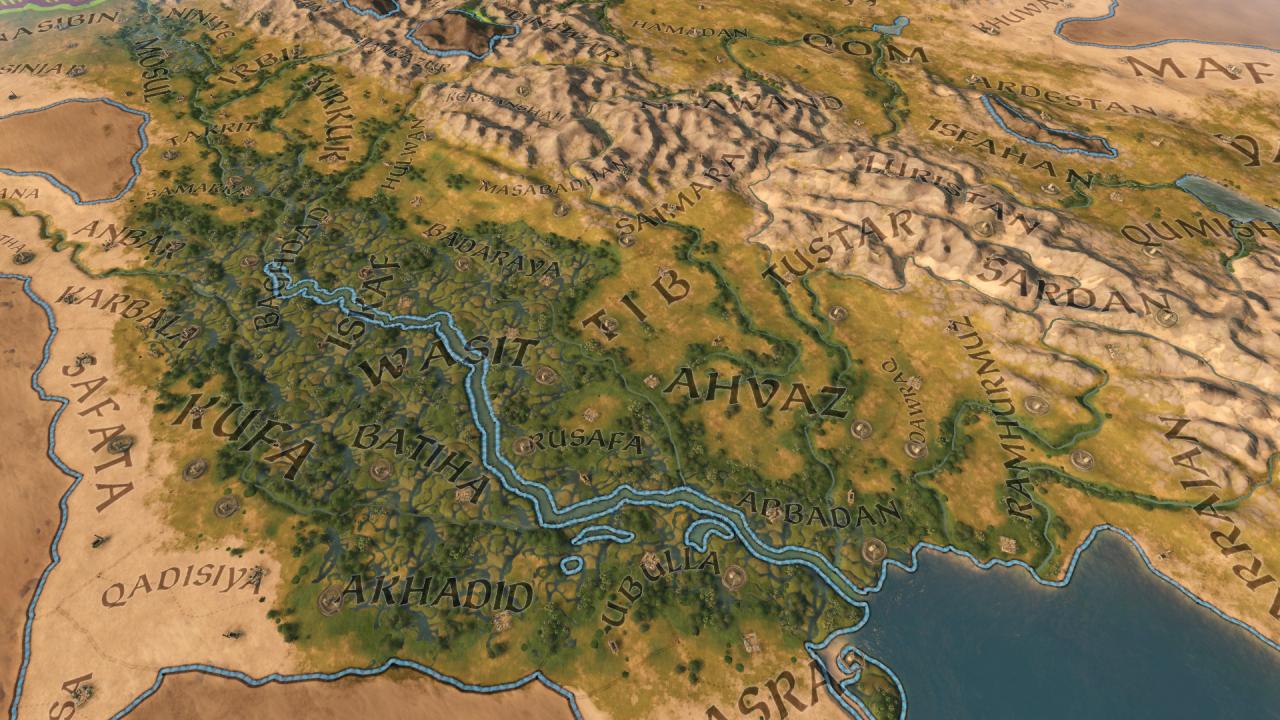
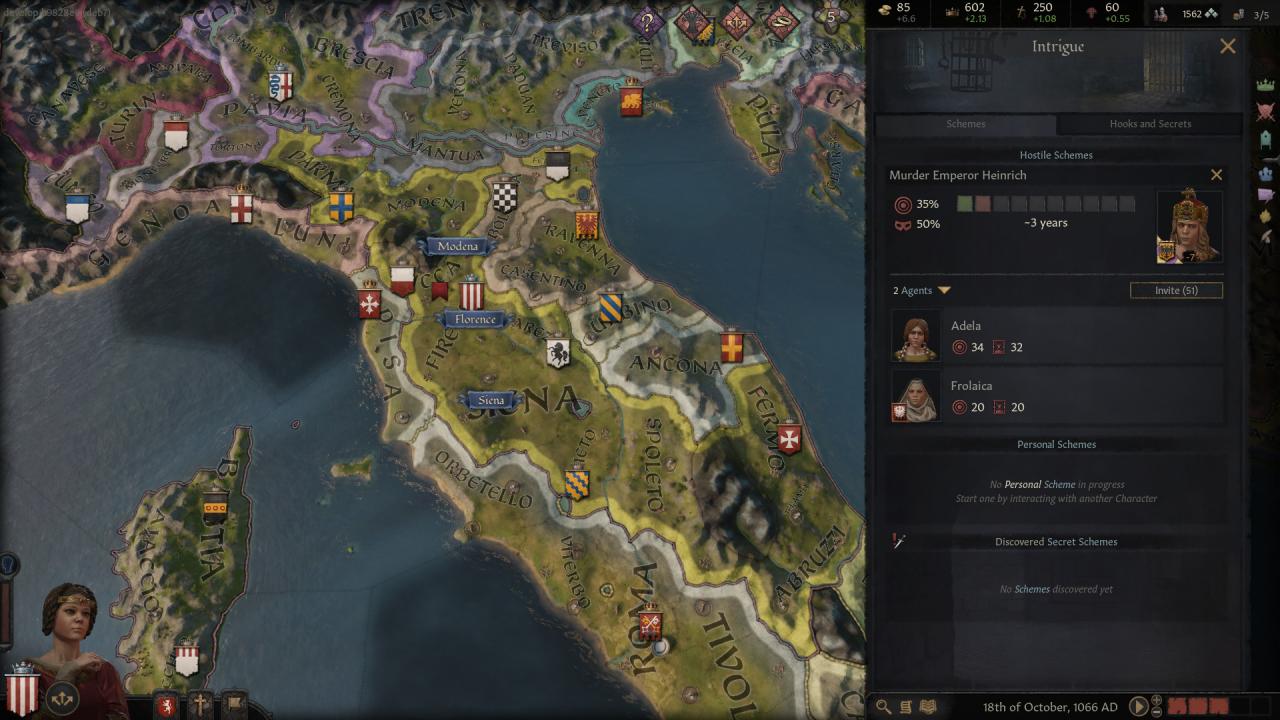
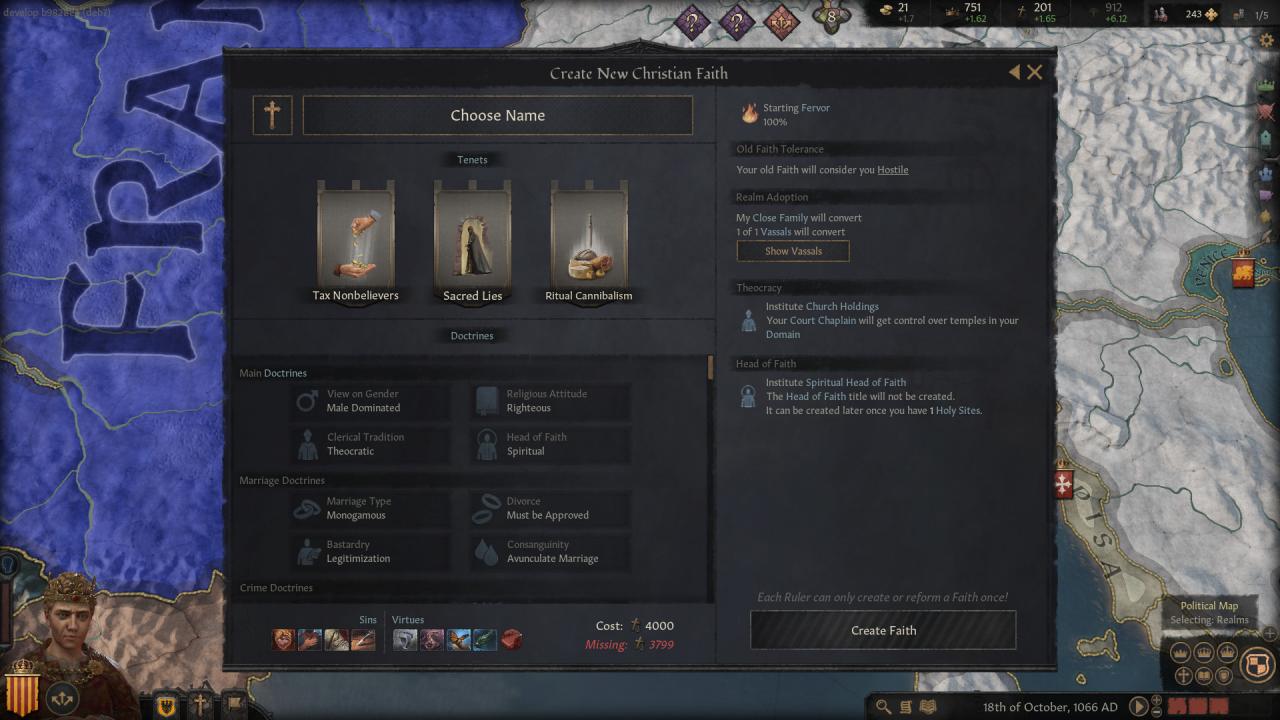
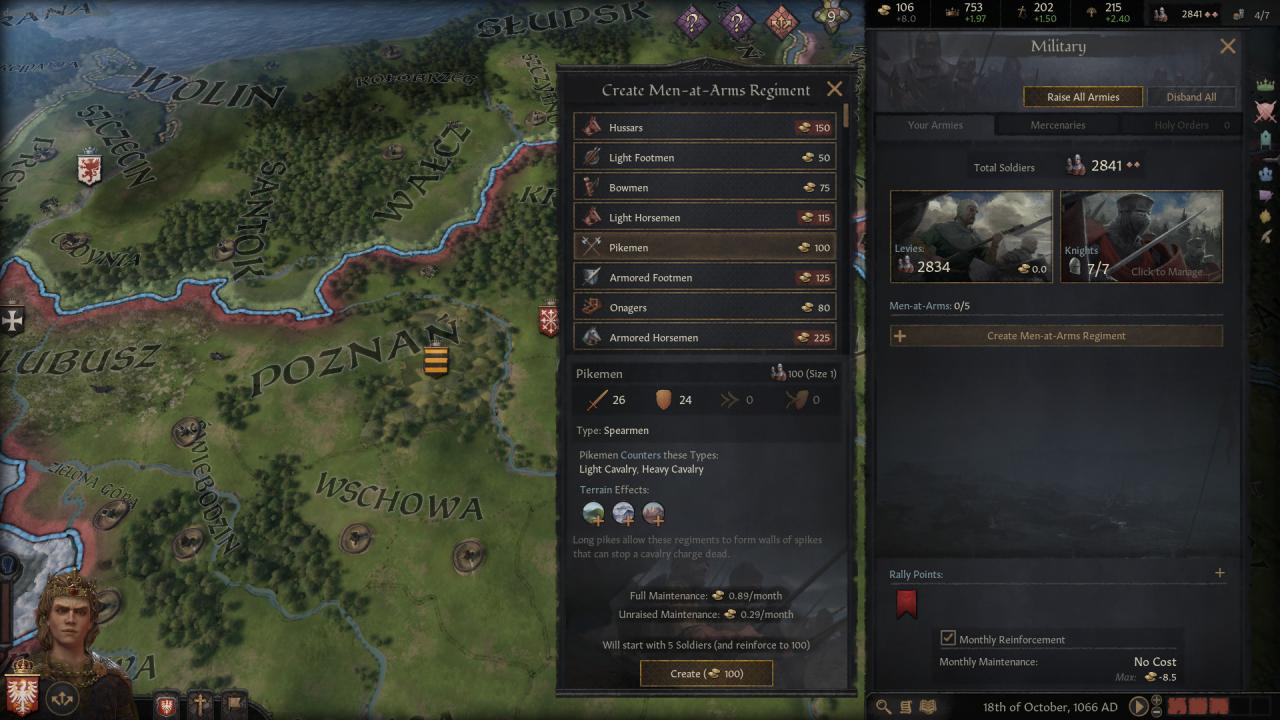
Paradox Development Studio brings you the sequel to one of the most popular strategy games ever made. Crusader Kings III is the heir to a long legacy of historical grand strategy experiences and arrives with a host of new ways to ensure the success of your royal house. Features Choose a royal or noble house from a number of realms on a map that stretches from Iceland to India, from the Arctic Circle to Central Africa. Guide a dynasty through the centuries, ensuring the security and power of each new generation. Gather new lands and titles to cement your legacy. Be a pious king to bring the religious powers to your side, or strike out on your own, designing your own splinter religion and earning everlasting fame or eternal damnation. Knights, peasant revolts, pilgrimages, Viking raiders...experience the drama and pageantry of the Middle Ages.

Crusader Kings III RU screenshotCrusader Kings III RU screenshotCrusader Kings III RU screenshotCrusader Kings III RU screenshotCrusader Kings III RU screenshotCrusader Kings III RU screenshot

How to redeem

  1. 1Check your Steam account and the listed region before purchasing.
  2. 2Find your code and supplier activation instructions in your confirmed order.
  3. 3Open the redeem-code section on Steam, enter the code and follow the platform’s prompts.

Supplier instructions

Go to: http://store.steampowered.com/ and download STEAM client Click "Install Steam" (from the upper right corner) Install and start application, login with your Account name and Password (create one if you don't have). Please follow these instructions to activate a new retail purchase on Steam: Launch Steam and log into your Steam account. Click the Games Menu. Choose Activate a Product on Steam... Follow the onscreen instructions to complete the process. After successful code verification go to the "MY GAMES" tab and start downloading.

You might also like