

SteamGlobal· Key
Timeflow - Time & Money Sim
€5.83
+€0.58 cashback eligibility in Relic Coins
Check before you play
- Platform
- Steam
- Region
- Global
- Product type
- Key
- Supplier release date
- 2019-01-01
- Genres
- Strategy, RPG, Simulation, Indie, Casual
SteamGlobal· Key
€5.83
+€0.58 cashback eligibility in Relic Coins
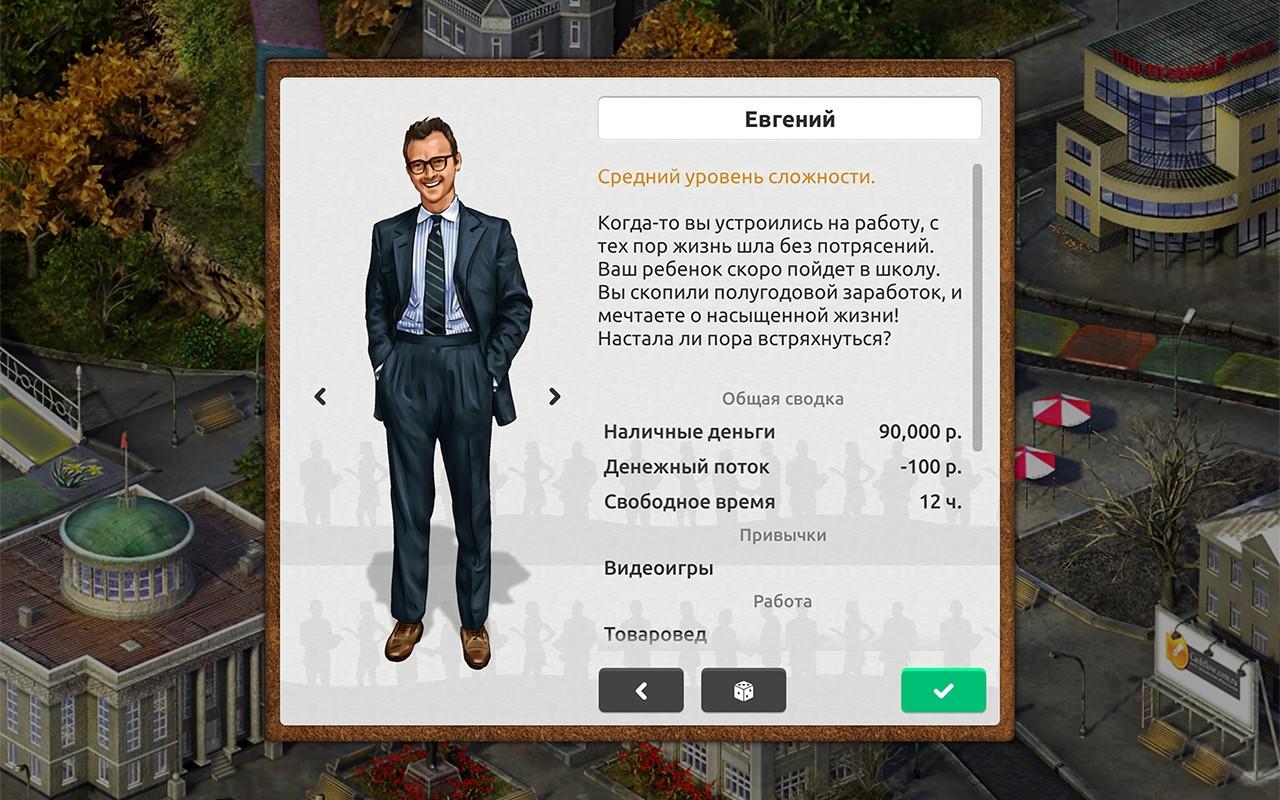
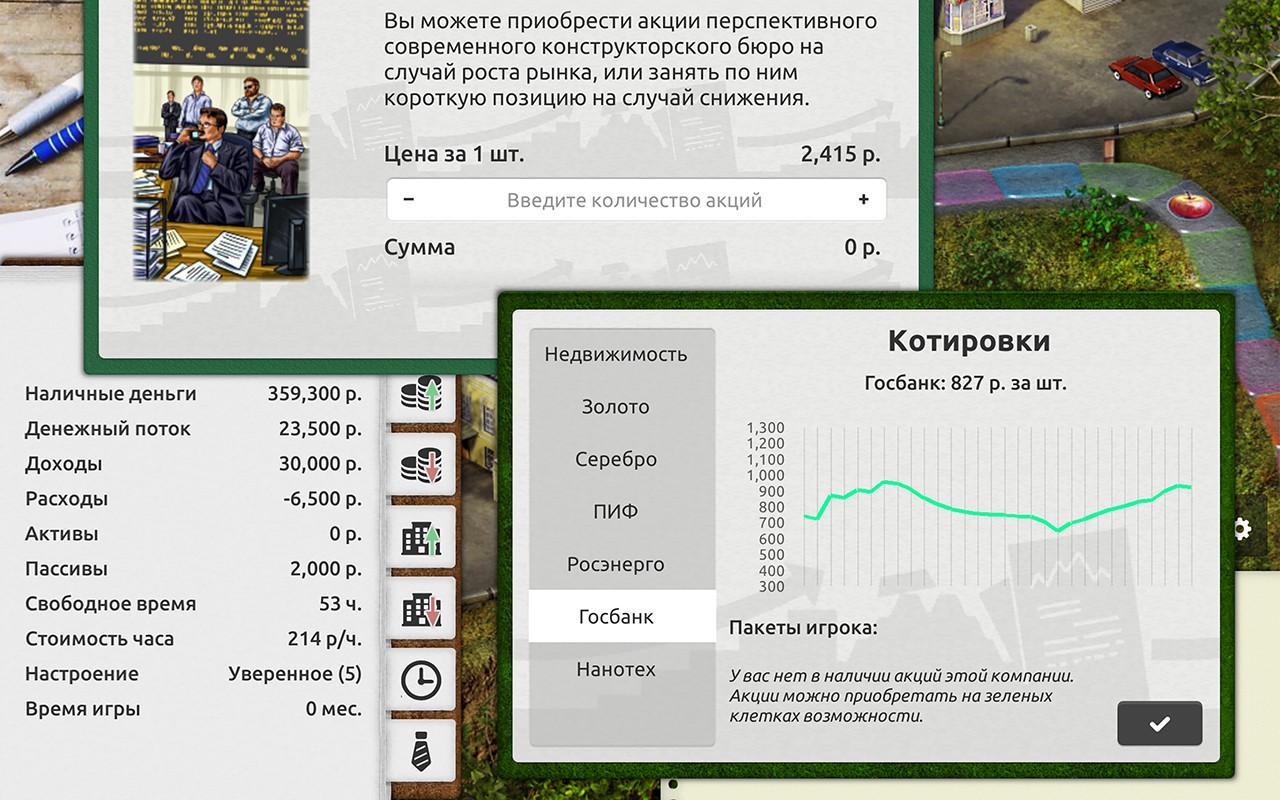
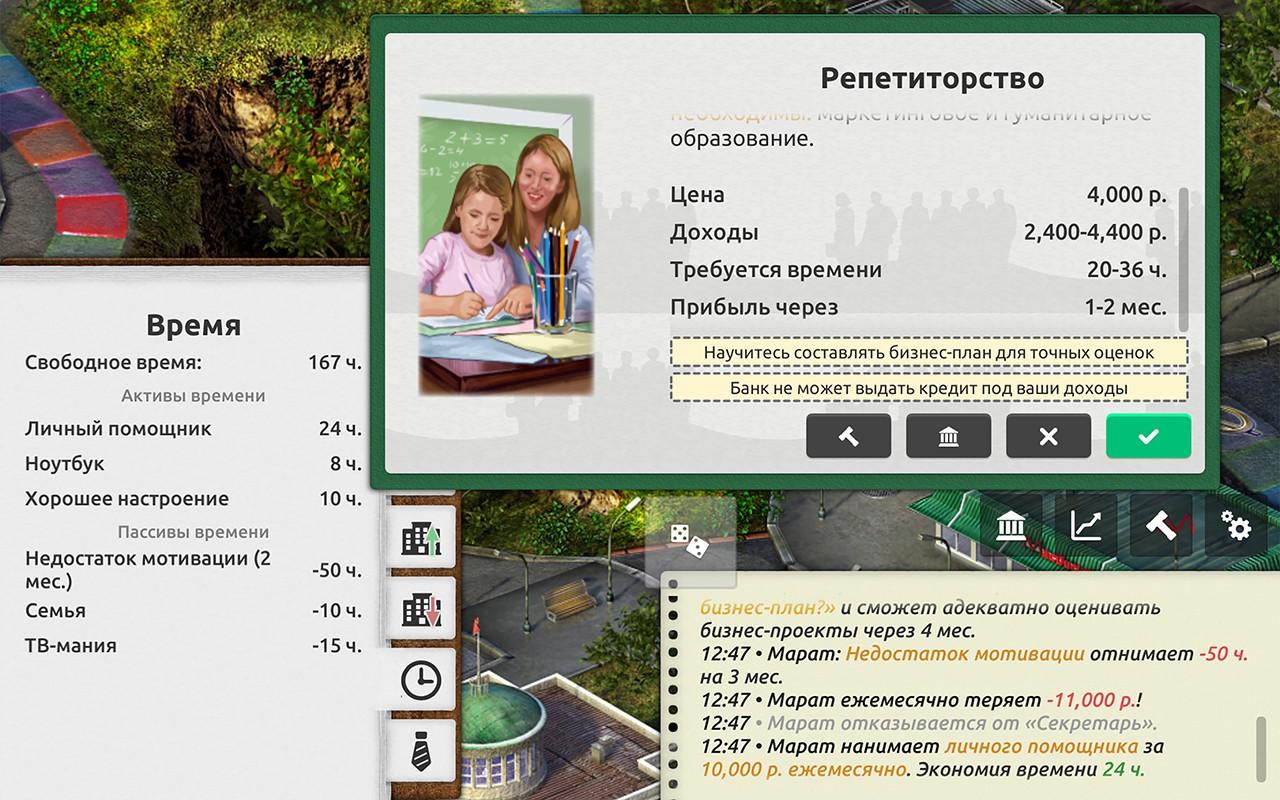
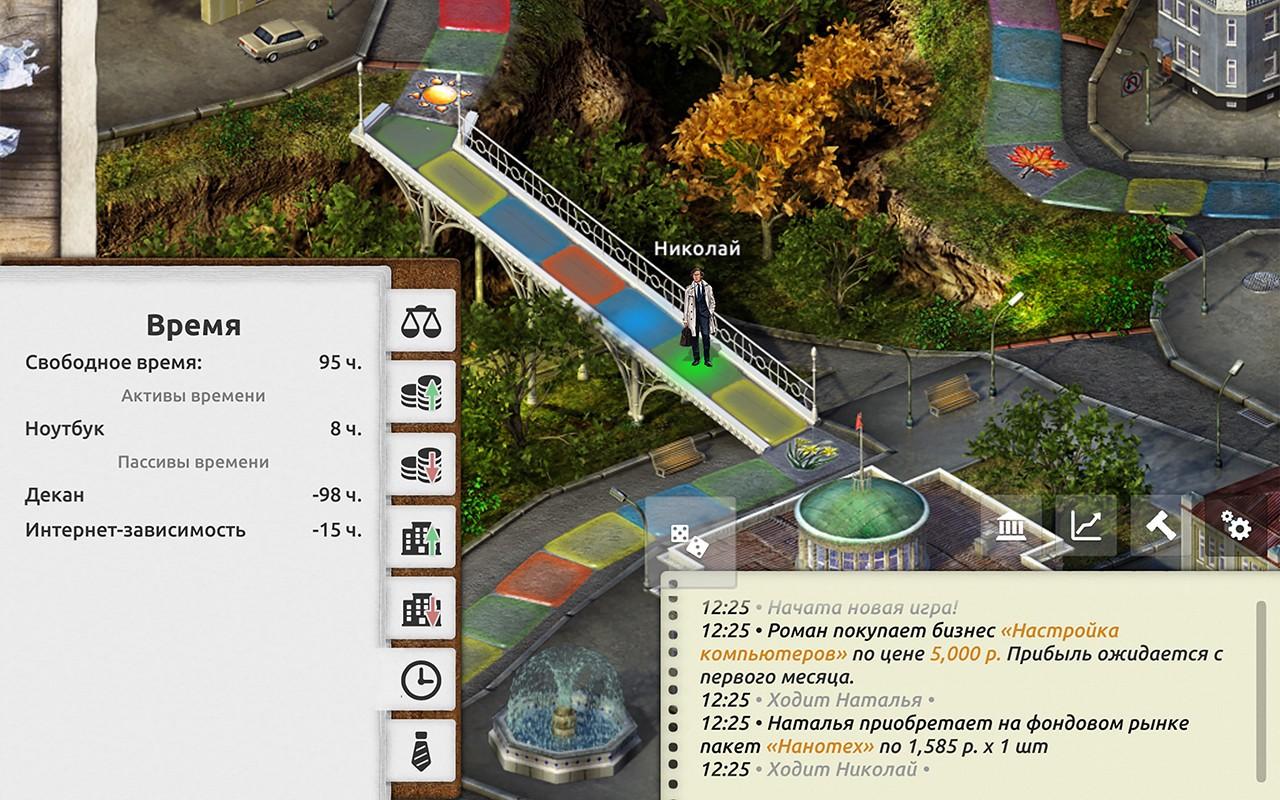
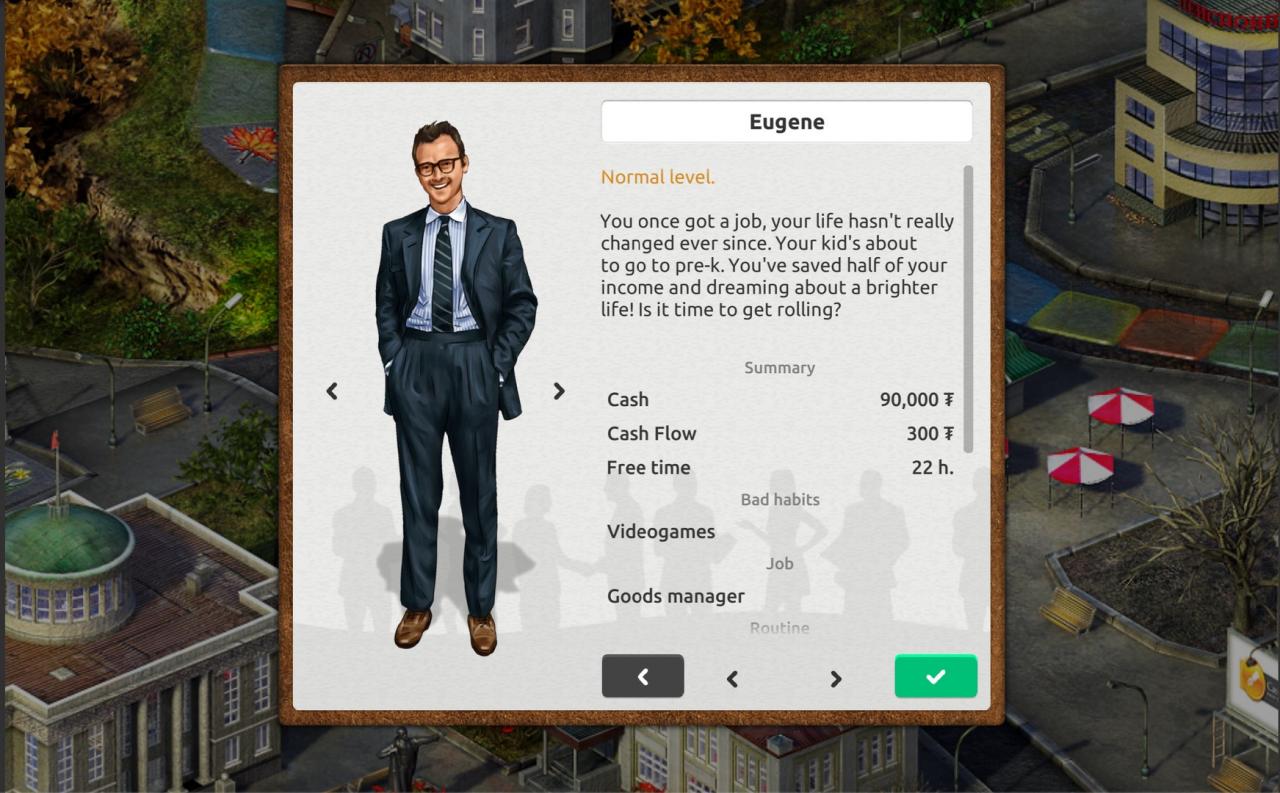
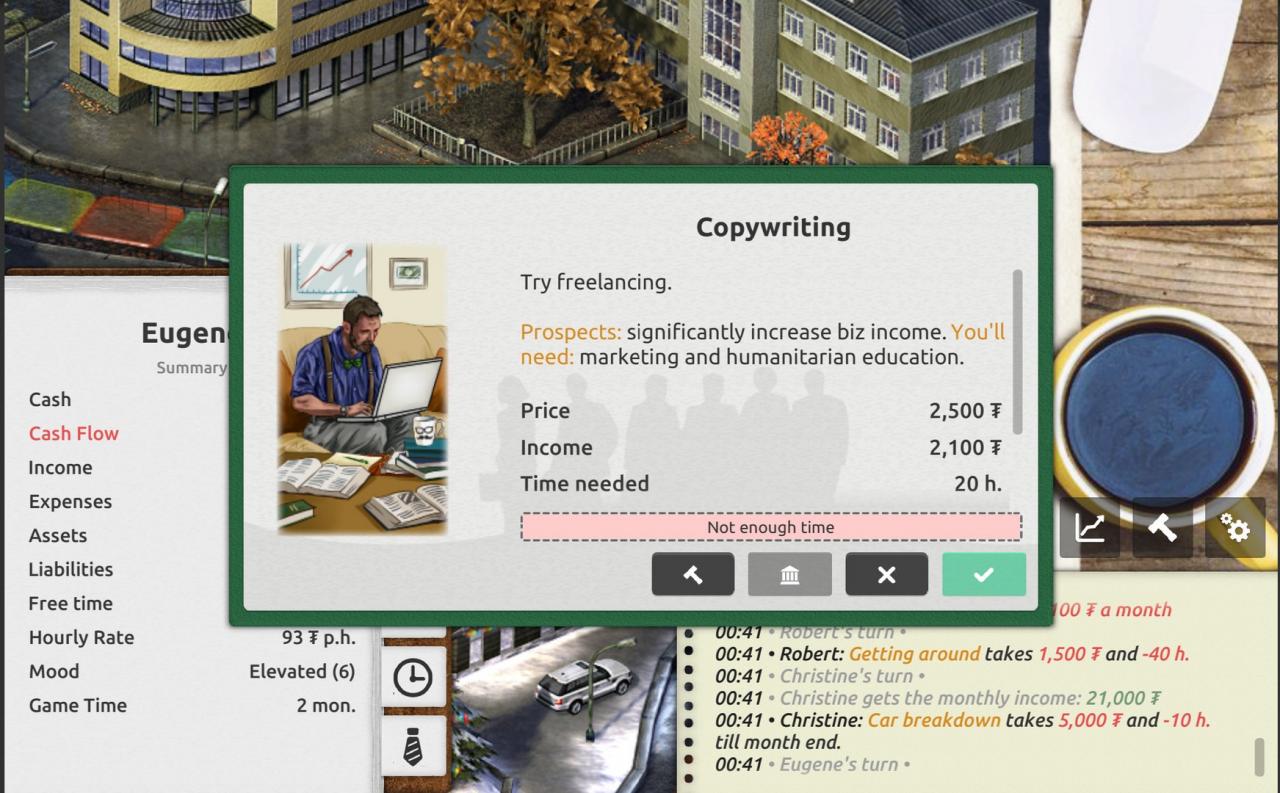
*** Over 70, 000 downloads across all platforms! +++ Free mobile version if you leave a review and send a screenshot to support@timeflow.ru Find your own best personal investing strategy! You can make a career, freelance, run business, invest in real estate, trade stocks, get additional education, network. While doing that, become a better version of yourself. Maintain the life/work balance. Grow your family. Get rid of bad habits. Avoid common financial mistakes. Overcome your unnecessary desires. Help your parents. Do sports. Donate to charity. But don't get yourself too comfortable, you have to win until you retire! Your game goal is to achieve financial freedom and make the dream of your life come true! Remember, you just can't do everything! You have to invest your time the same way you invest your money! Study time management and organize your plans accordingly, choosing what's important and what's not. Timeflow is based on the best financial education books and business simulators such as Monopoly, Cashflow 101, Payday, Tycoon, and others by such authors as Robert Kiyosaki, Steven Covey, Richard Branson, Brian Tracy. Please submit any questions to support@timeflow.ru or our forum
Go to: http://store.steampowered.com/ and download STEAM client Click "Install Steam" (from the upper right corner) Install and start application, login with your Account name and Password (create one if you don't have). Please follow these instructions to activate a new retail purchase on Steam: Launch Steam and log into your Steam account. Click the Games Menu. Choose Activate a Product on Steam... Follow the onscreen instructions to complete the process. After successful code verification go to the "MY GAMES" tab and start downloading.