

SteamGlobal· Key
Cloud Gardens
€7.10
+€0.71 cashback eligibility in Relic Coins
Check before you play
- Platform
- Steam
- Region
- Global
- Product type
- Key
- Developer
- Noio
- Publisher
- Noio
- Supplier release date
- 2020-09-09
- Genres
- Simulation, Indie, Casual
SteamGlobal· Key
€7.10
+€0.71 cashback eligibility in Relic Coins
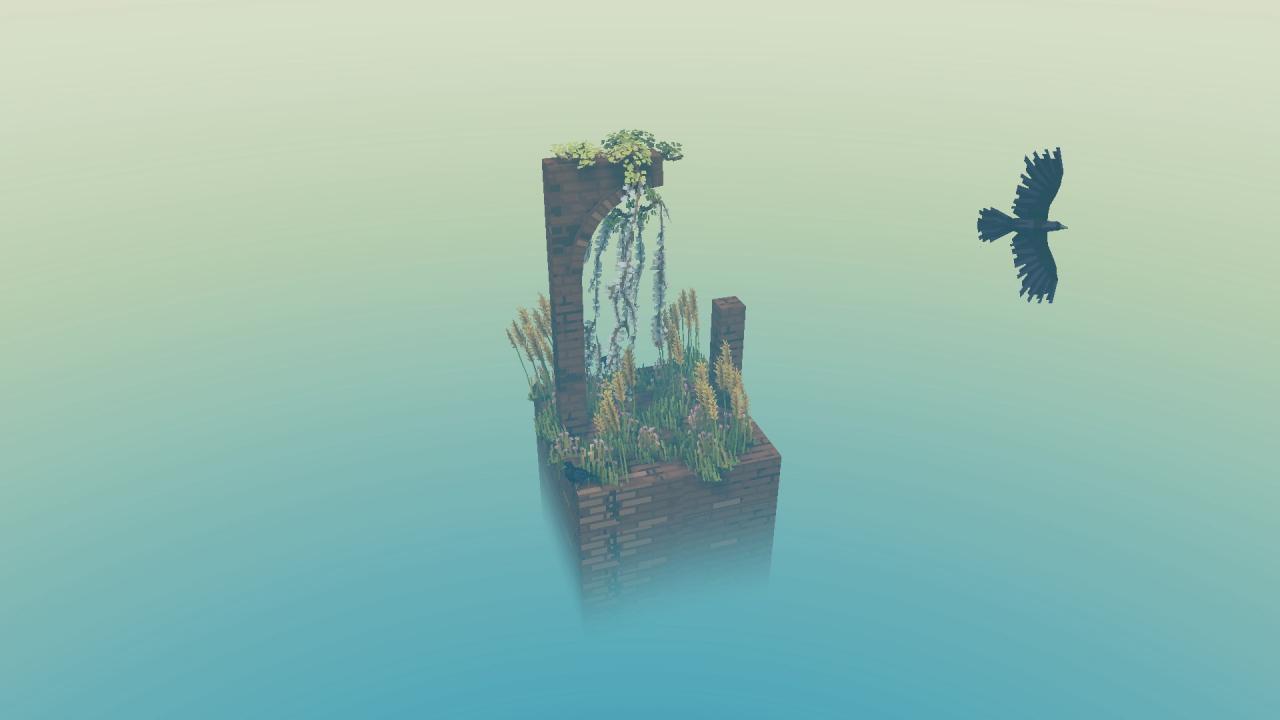
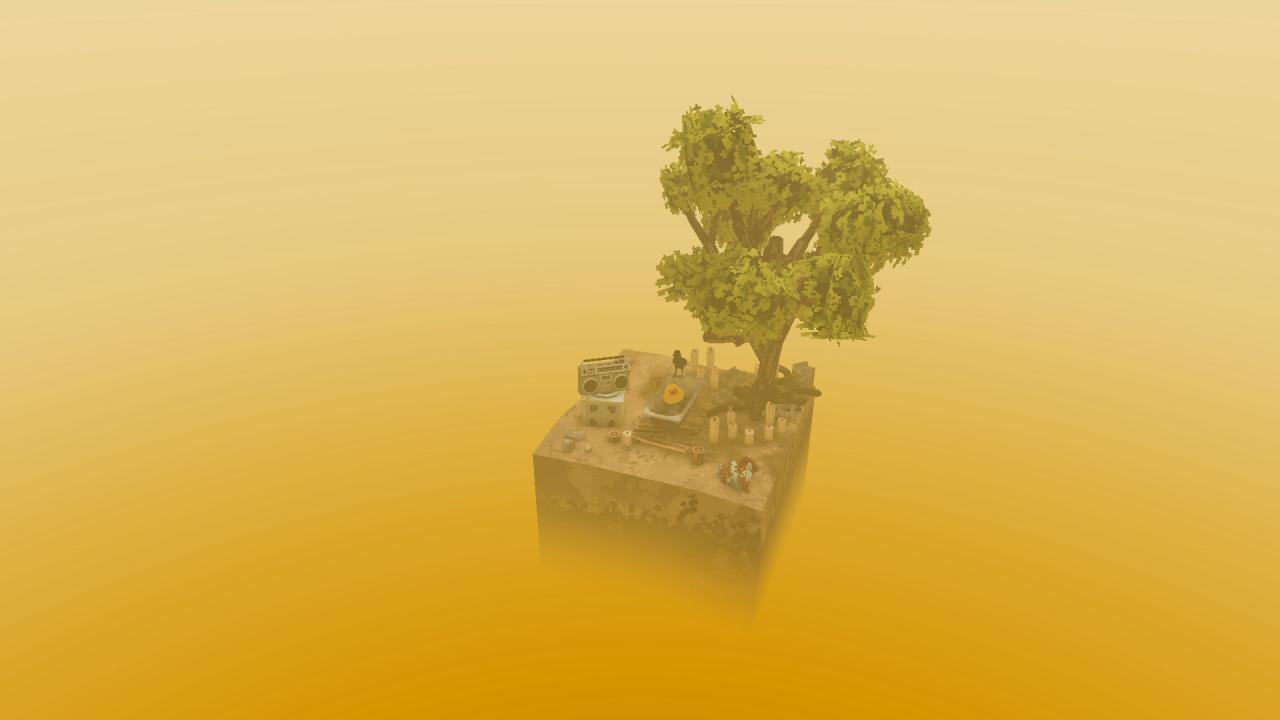
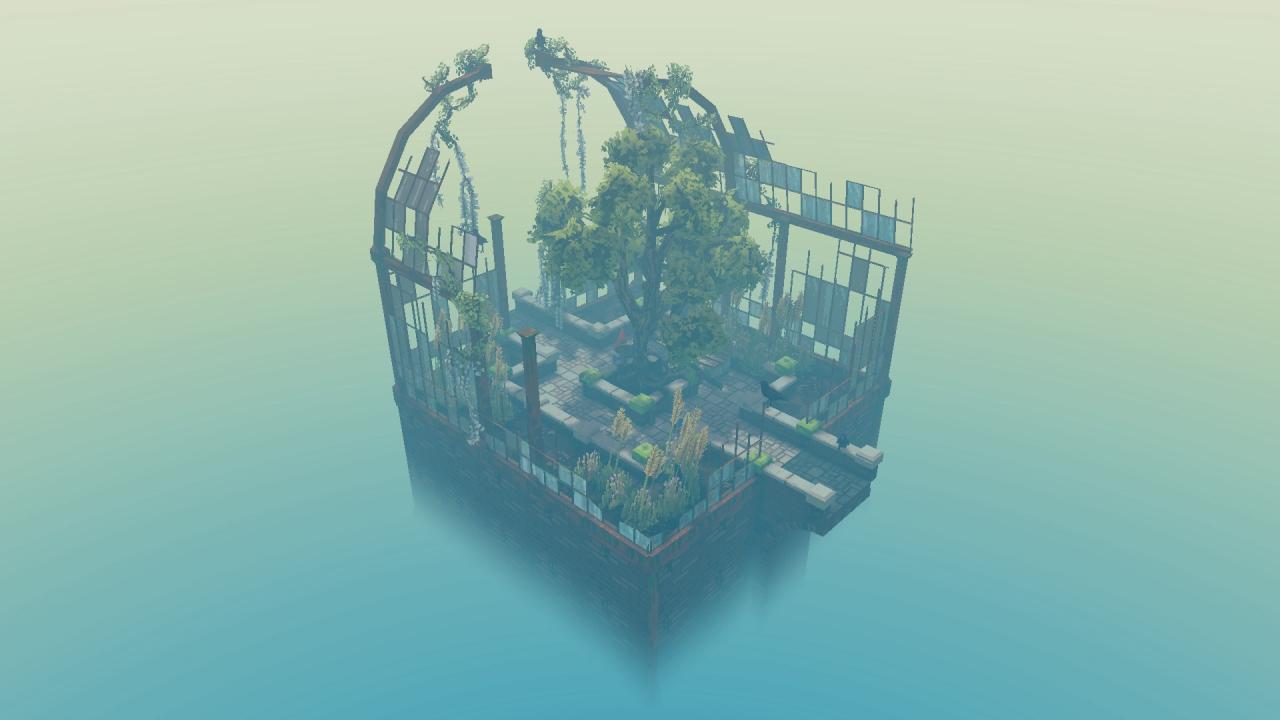
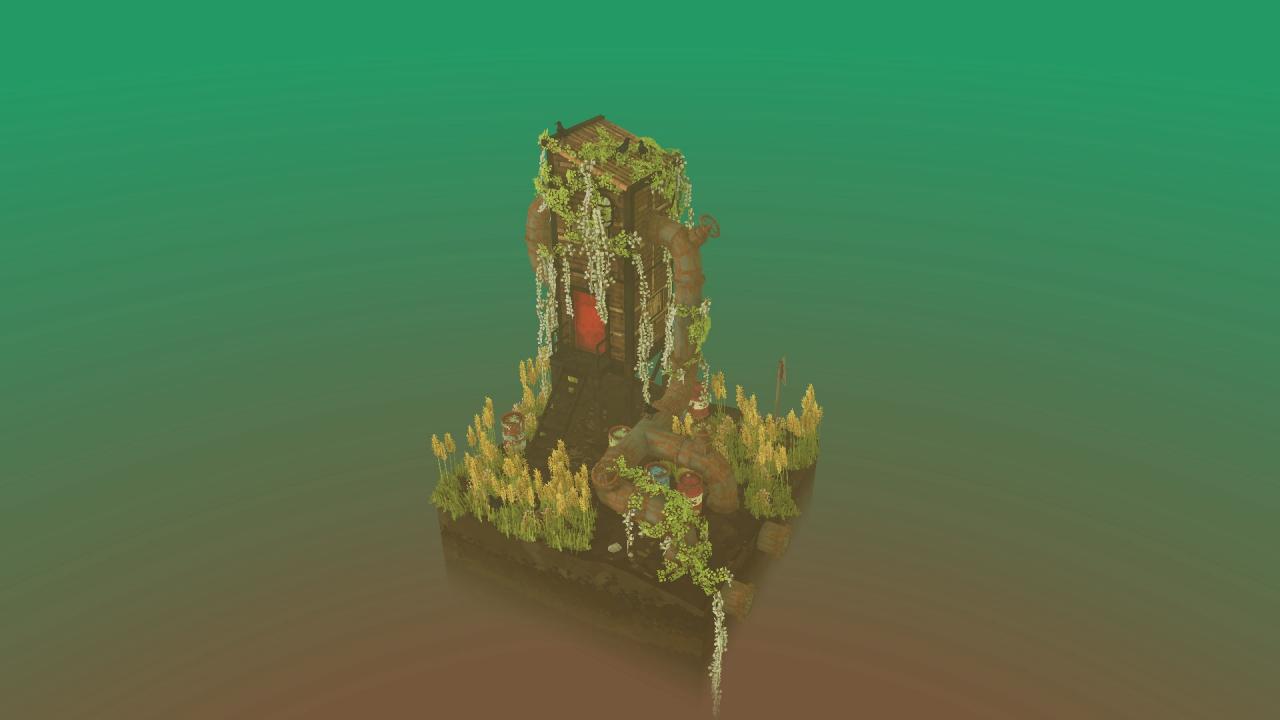
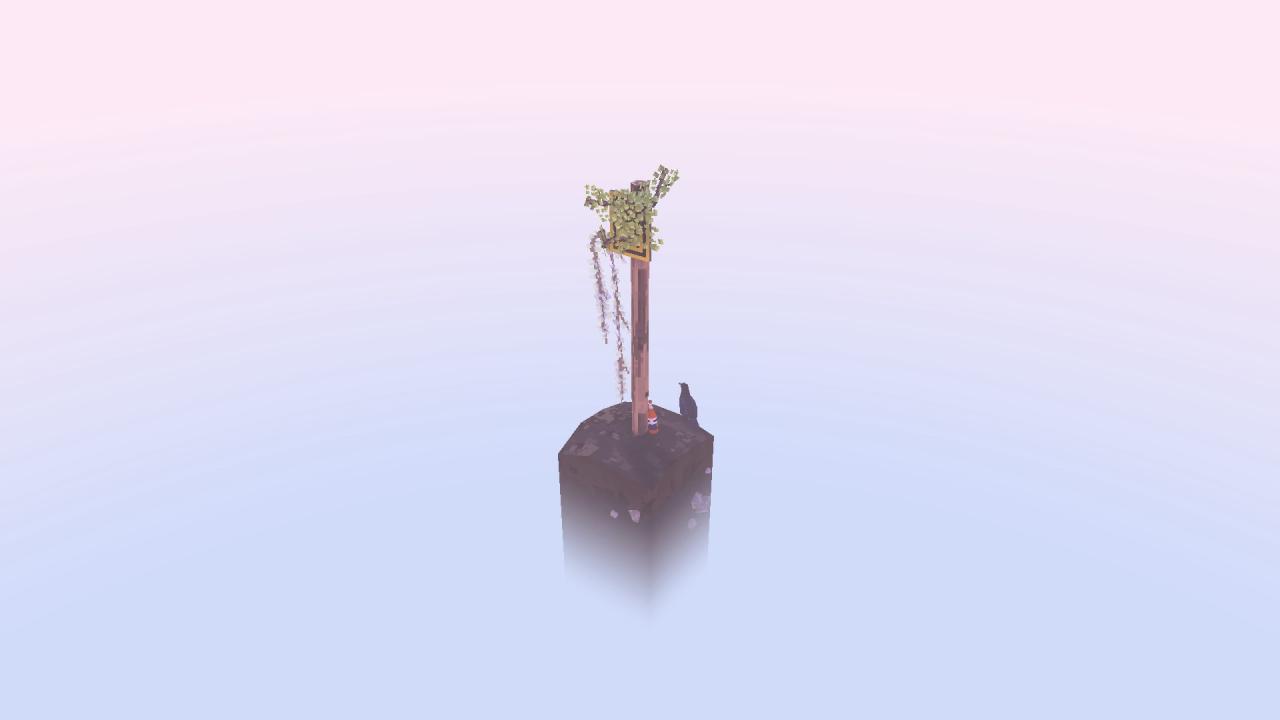
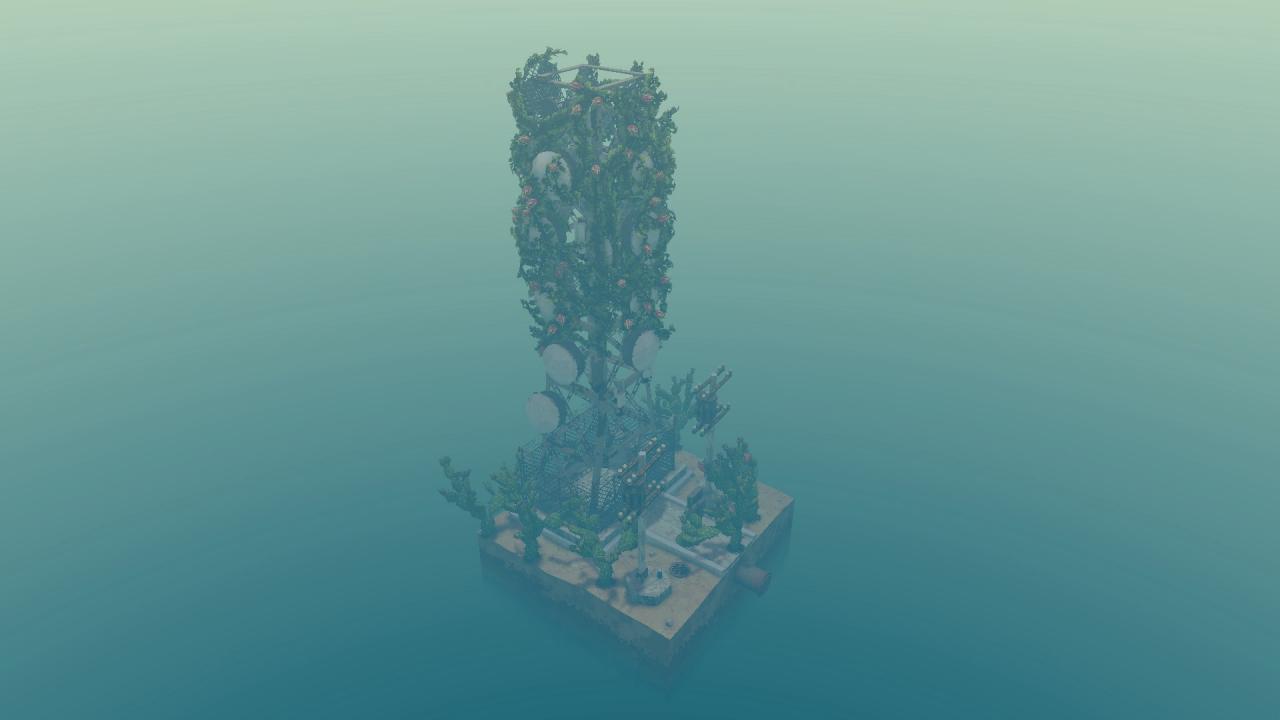
In Cloud Gardens players must harness the power of nature to overgrow lo-fi scenes of urban decay and manufactured landscapes. By planting seeds in the right places, they’re able to create small overgrown dioramas of brutalism and beauty, salvaging and repurposing hundreds of discarded objects to create unique structures for nature to reclaim.Players can dive into a relaxing sandbox mode with no goals, where they are simply left to delight in their own creativity and create beautiful scenes, or take on a “campaign” of six chapters, where the task is to strike a balance between nature and the manufactured by covering each scene with salvaged objects and lush vegetation.This is a chill game where the player is allowed to delight in their own creativity. The player's task is to completely cover the scene in plants. As you overgrow the objects, a meter fills to show your progress. You are given objects to expand the scene. These objects contribute energy to the growing of plants, but you will also have to cover them in foliage to complete the stage, striking a balance between nature and the manufactured.
Go to: http://store.steampowered.com/ and download STEAM client Click "Install Steam" (from the upper right corner) Install and start application, login with your Account name and Password (create one if you don't have). Please follow these instructions to activate a new retail purchase on Steam: Launch Steam and log into your Steam account. Click the Games Menu. Choose Activate a Product on Steam... Follow the onscreen instructions to complete the process. After successful code verification go to the "MY GAMES" tab and start downloading.